
CGI Furniture Blog
Find out how to improve a product business with 3D rendering and modeling
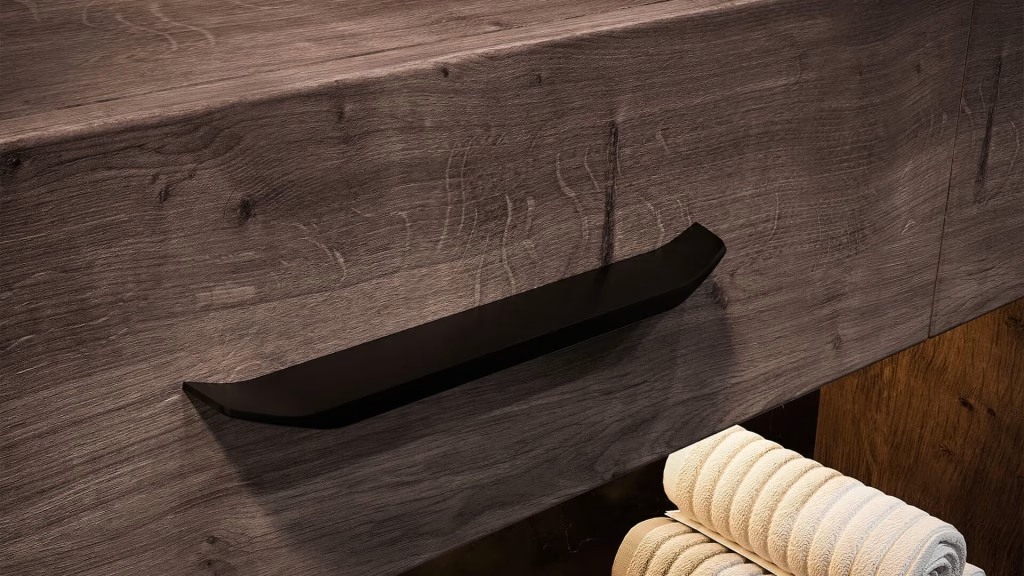 Latest article
Furniture Hardware Visualization: How to Show a Small Metal Part in Every Finish
- Product Marketing
Product Infographics for Amazon and E-Commerce: Types, Rules and Design Tips
Product infographic types that sell furniture and home goods, the Amazon and Walmart rules they must follow, and how to design them to read on a phone.
- Examples of CGI Projects
Bedroom Rendering: How One 3D Bed Becomes Ten Sales Images
Bedroom furniture is very difficult to photograph. To make a bed sellable, a whole room set has to be built around it. Having multiple sizes, 4 finishes and a storage version to create content for adds weeks of logistical planning. Bedroom rendering gives you the flexibility to present the bed in any scenario, in any…
- Product 3D Rendering
Dining Furniture Rendering: How to Sell a Table Before Anyone Sits at It
A dining range includes many combinations: tops in 3 sizes and 5 finishes, 2 or 3 bases, and chairs that are bought in sets of 6. Rather than building and shipping all possible combinations for a photo shoot, we create a 3D model for each product. Dining furniture rendering then produces the images needed for…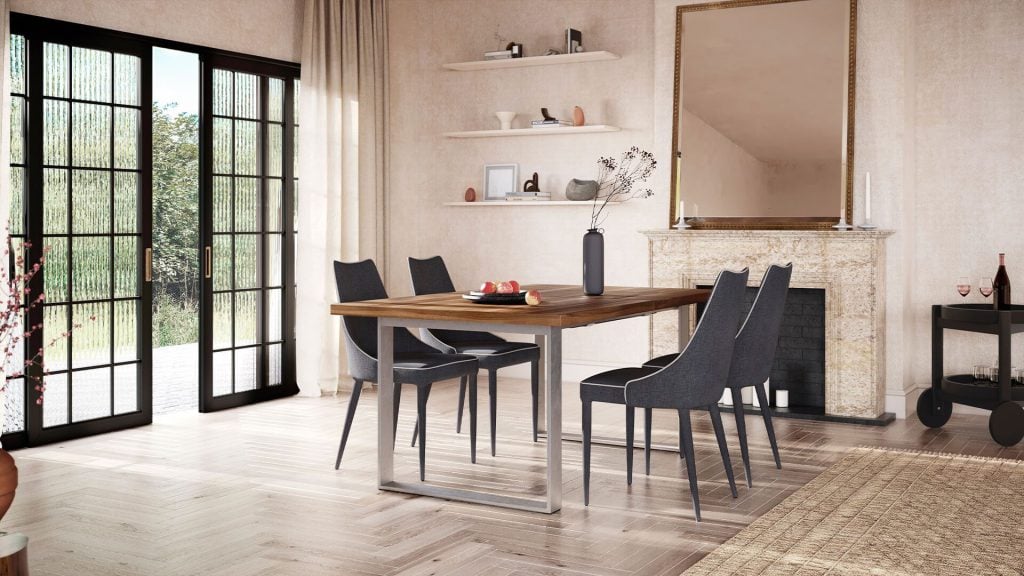
- Examples of CGI Projects
Bathroom Rendering: How to Show Chrome, Stone and Water Without a Photo Shoot
Bathroom products can be hard to photograph. Chrome may reflect too much. Stone and ceramics require careful lighting. Showing the products in use will require a plumber, as a tap needs water and a bath needs a room. However, using bathroom rendering means you can avoid these issues. Here are 10 bathroom rendering examples from…
- Product Marketing
Amazon Product Image Requirements: A Guide for Furniture and Home Brands
Amazon main image rules, size and format specs, why listings get suppressed, and how furniture brands plan an image set that passes.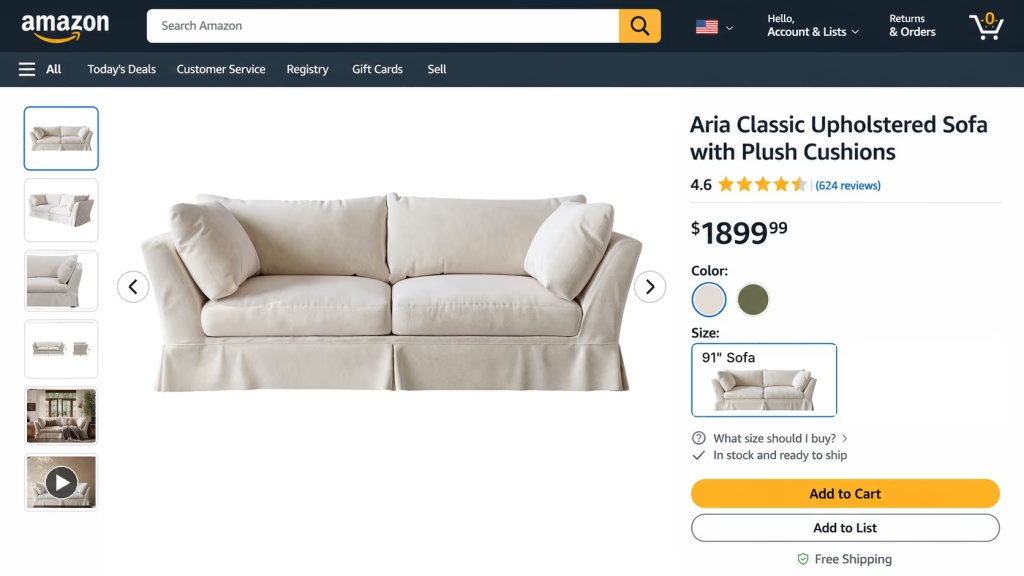
- Product 3D Animation
What Is CGI Animation? A Guide for Product Brands
What CGI animation is, how it compares to filmed video, the formats product brands use, how it's made and what it costs.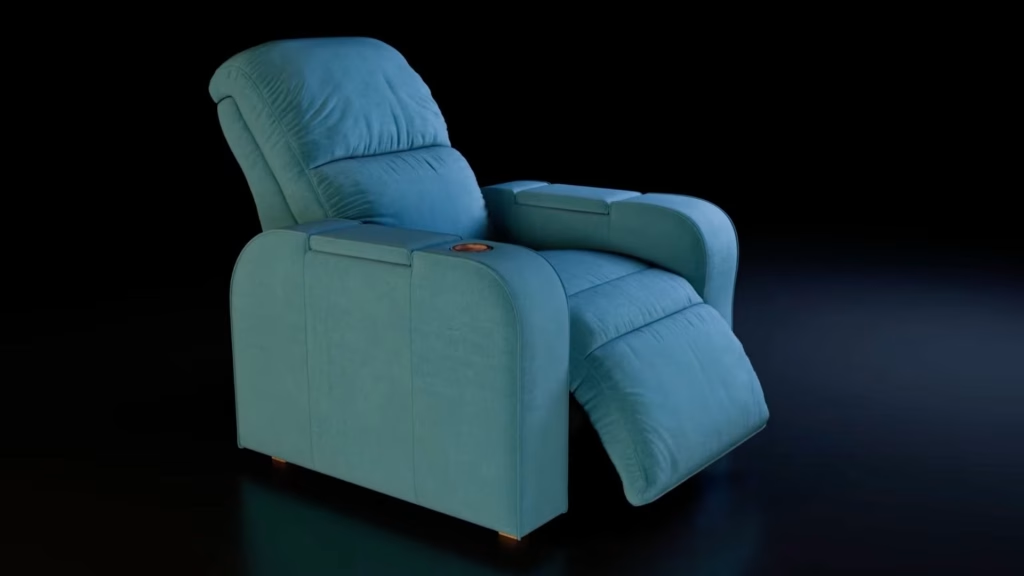
- Product 3D Animation
Assembly Instructions Video: How It Helps Customers Buy With Confidence
What an assembly instructions video should show, filmed vs 2D vs 3D, how to structure one, how long to make it and where to publish.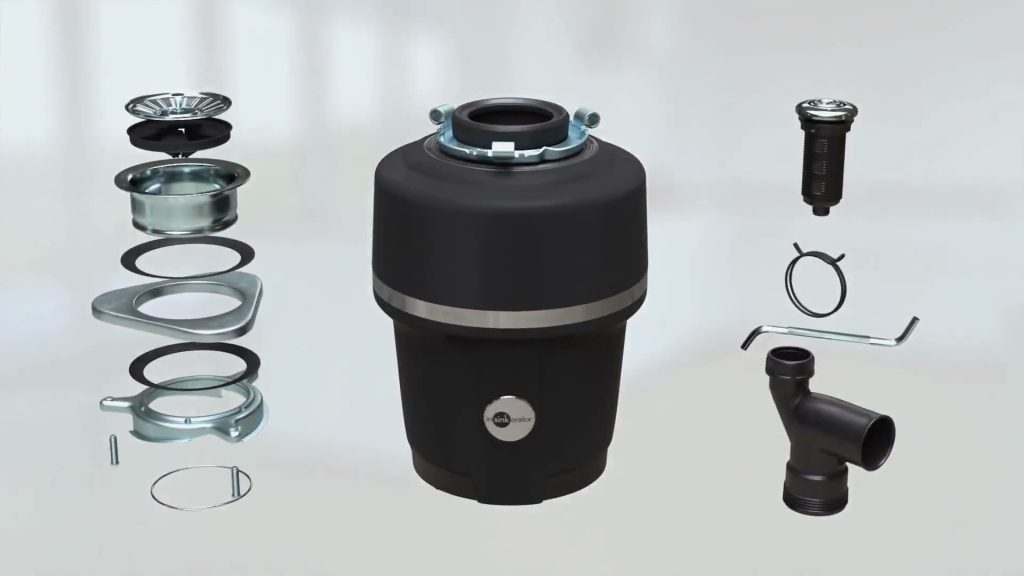
- CGI Terminology
Flat Lay Product Photography: Ideas and the CGI Way
Flat lay photography ideas for product brands, the setup basics for a shoot, and when a CGI flat lay works better than a camera.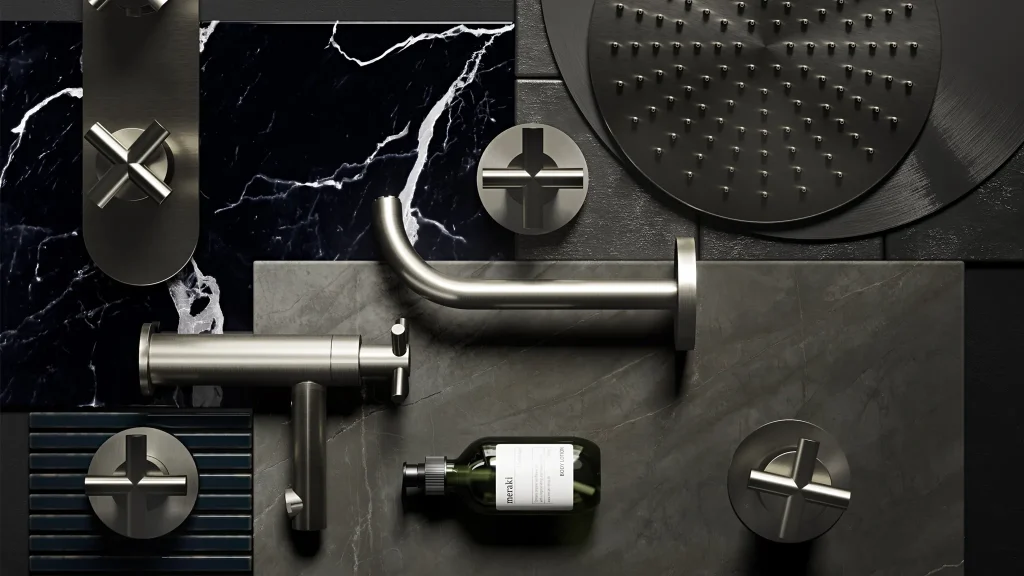
- Product 3D Rendering
Mattress Advertising Ideas That Show What Shoppers Can’t Feel
Ten mattress advertising ideas built around what online shoppers can't feel: layers, support, size and setup.
- CGI Services
Mattress Product Rendering: A Guide for Mattress Brands and Retailers
How mattress brands get product images, layer cutaways and animation from one approved 3D model.
- E-commerce Trends
Situational Marketing: Definition, Examples and a Holiday Calendar for Home Brands
What situational marketing is, with Halloween examples and a holiday calendar for home brands that plan visuals ahead.
- CGI Services
UV Mapping and Texture Mapping: A Practical Guide
What UV mapping is, how it differs from texture mapping, which PBR texture maps product renders need, and why clean UVs matter.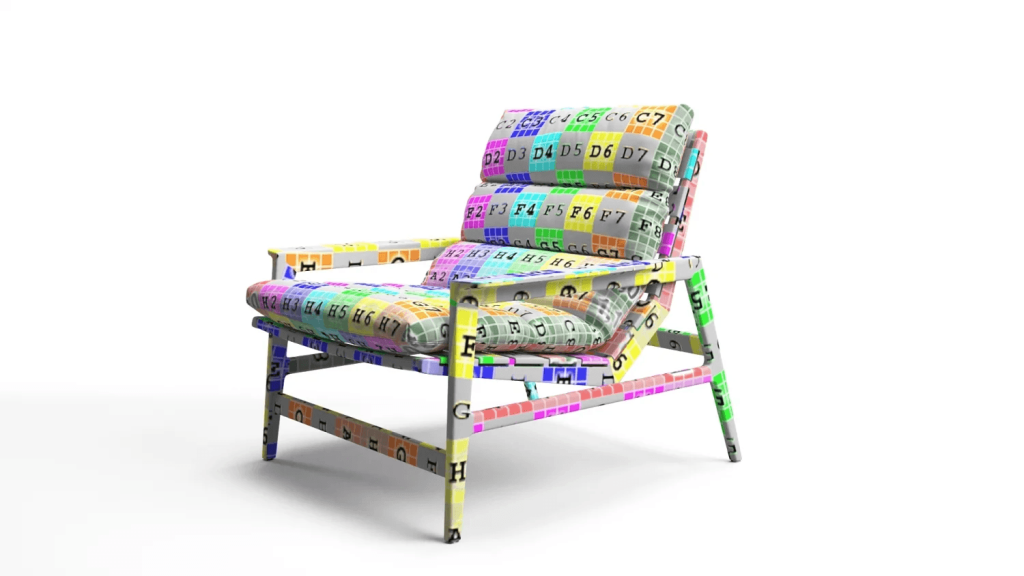
- CGI Services
Exploded View Drawing: What It Is and How to Make One
What an exploded view drawing is, the main types, where brands use exploded renders, and how to make one step by step.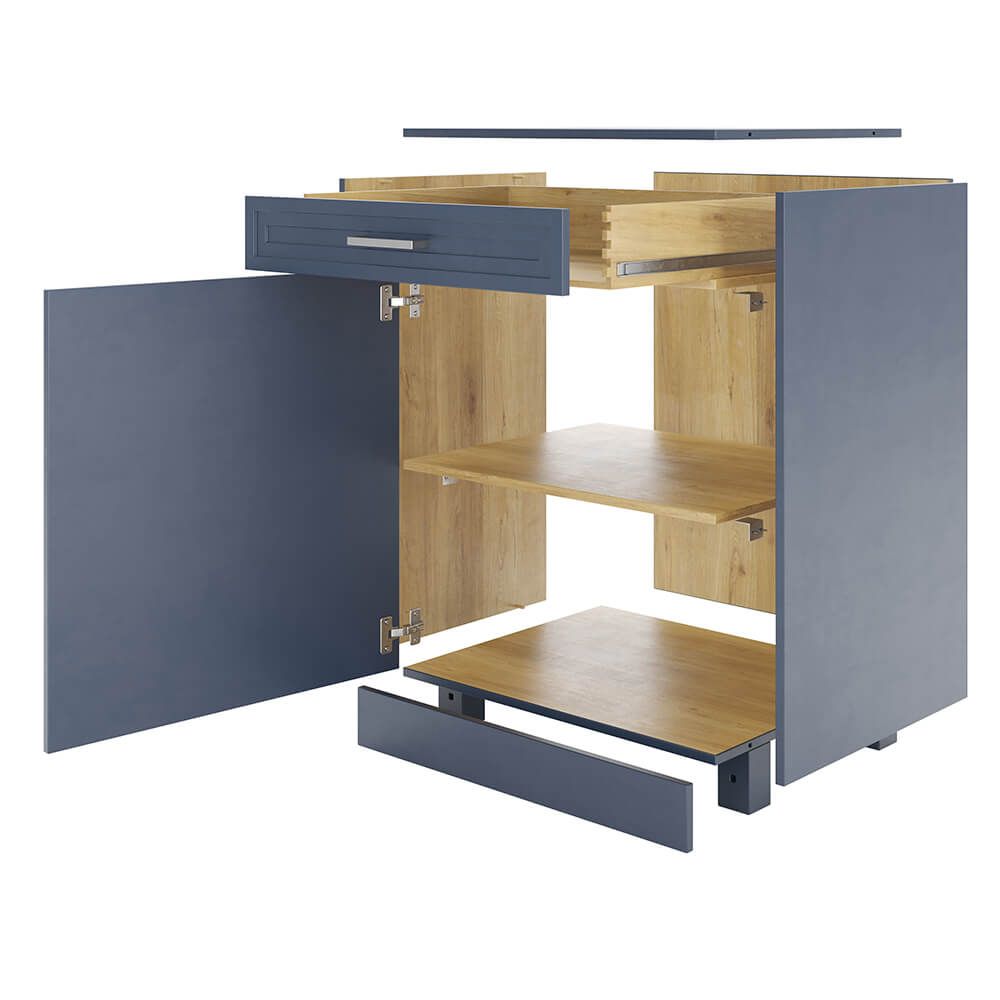
- CGI Services
What Is a USDZ File? How to Open, Convert and Use It
What a USDZ file is, how to open and convert it, GLB vs USDZ, and how to add iPhone AR to a product page.
- CGI News
What Is a GLB File? How to Open, Convert and Use It
A GLB file packs a 3D model and its textures into one file for web viewers, AR and marketplaces. Learn how to open, convert and prepare GLB files for Amazon.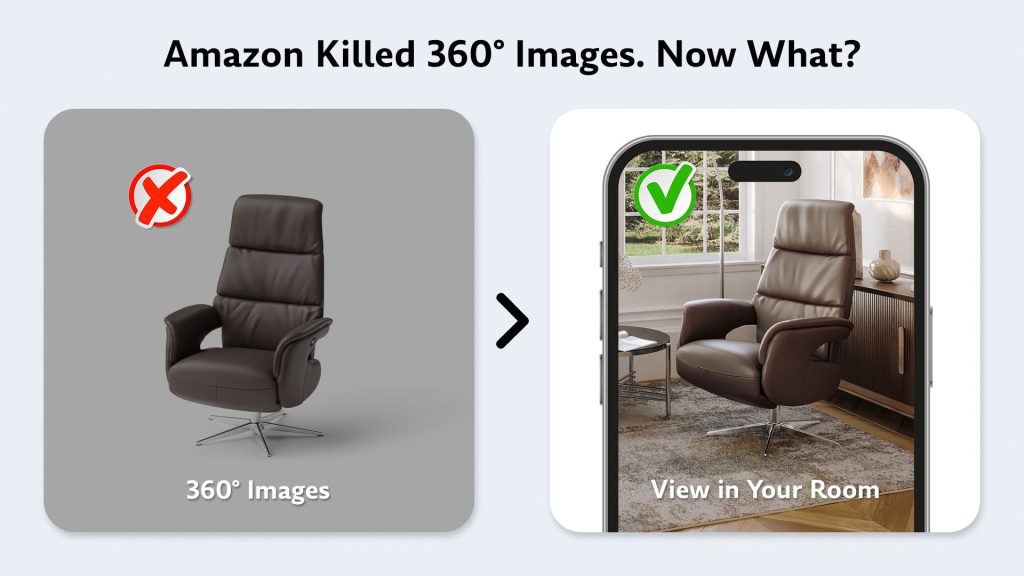
- CGI Services
How to Create a 3d Model From Photos: 5 Steps
You can create a 3D model from photos in two ways: run the pictures through an AI image-to-3D tool, or give them to a 3D artist who builds the model by hand. The first takes minutes and gives you an approximate shape. The second takes longer and gives you a model of your actual product,…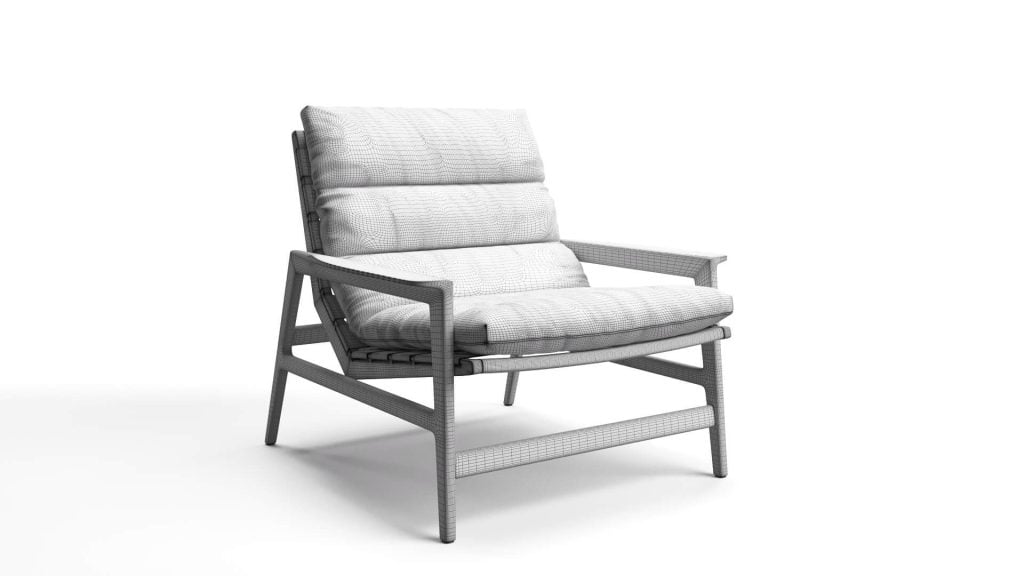
- CGI News
Can AI Generated 3D Models Replace Product Modeling? We Tested It on Real Furniture
Our mentors gave an AI modeling assistant real product briefs: a label printer, a stool, catalog hardware, chairs. Five stories where the model looked right and was not.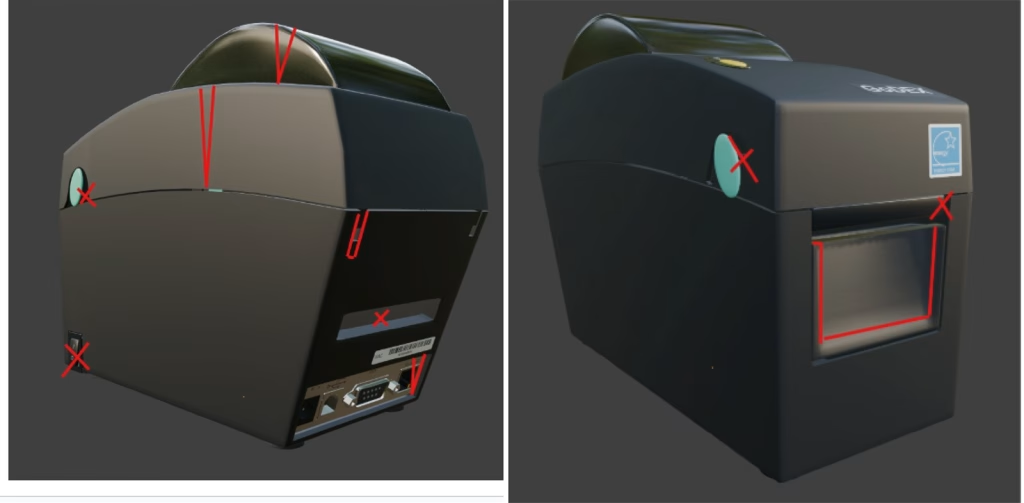
- CGI News
How 3D Content and Video Help Furniture Brands Sell on Amazon
See how 3D models, images, video and A+ Content work together on Amazon, what the data supports and how furniture brands can test the results.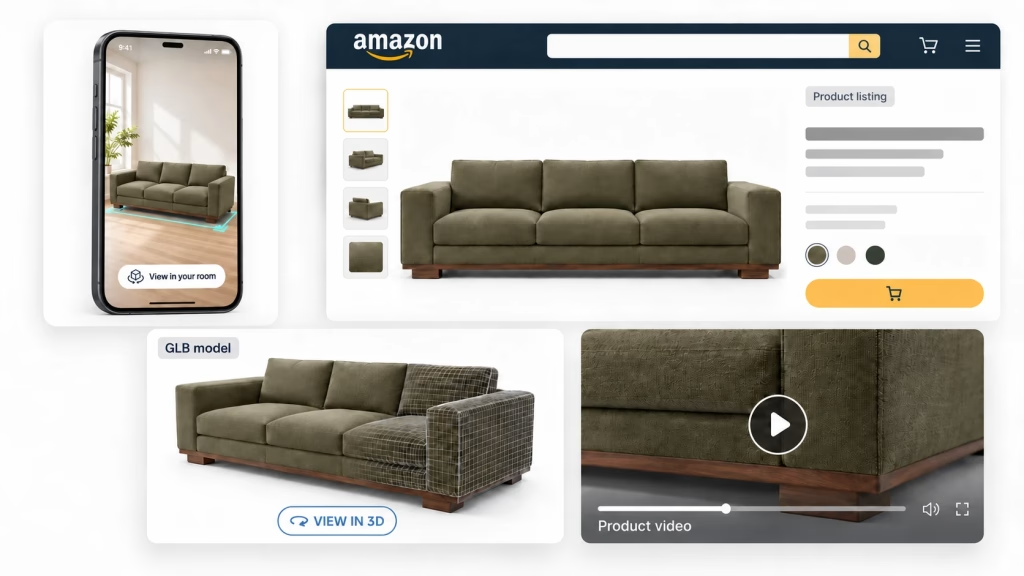
- CGI Services
What Makes Flooring Renders Look Real? Grain, Board Variation and Finish
See how grain scale, board variation, bevels and surface finish affect flooring renders, with a practical checklist for reviewing your product images.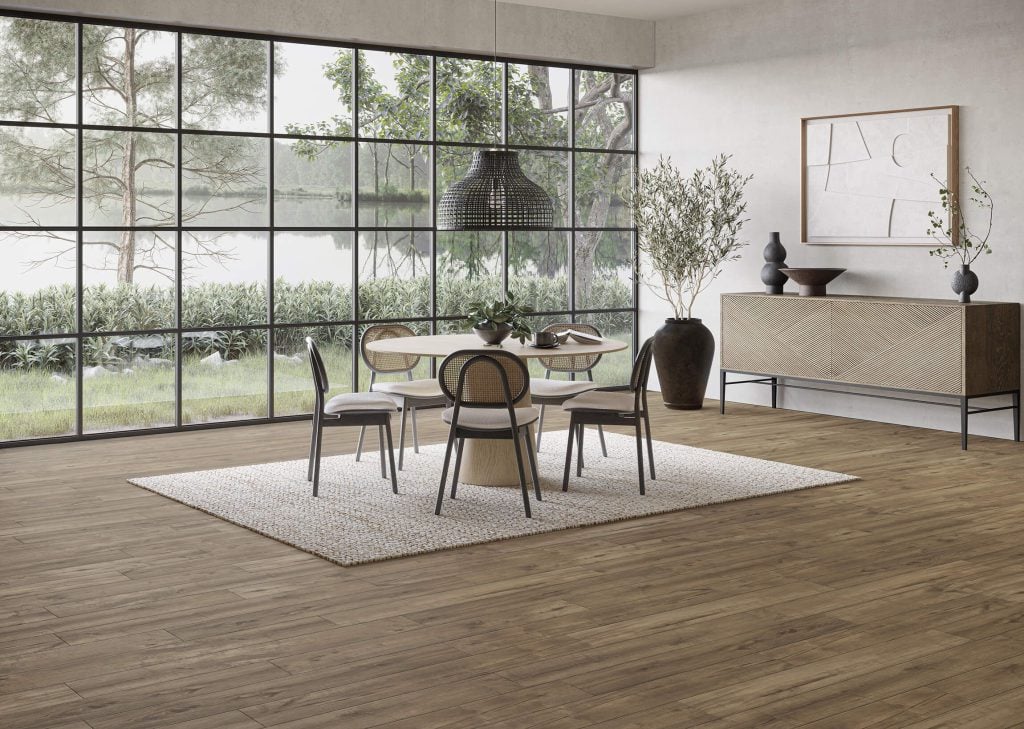
- CGI Services
How to Show an Entire Flooring Collection in the Same Room With CGI
Plan flooring collection images in one consistent room, from the SKU matrix and camera setup to decor approvals, file naming and future catalog updates.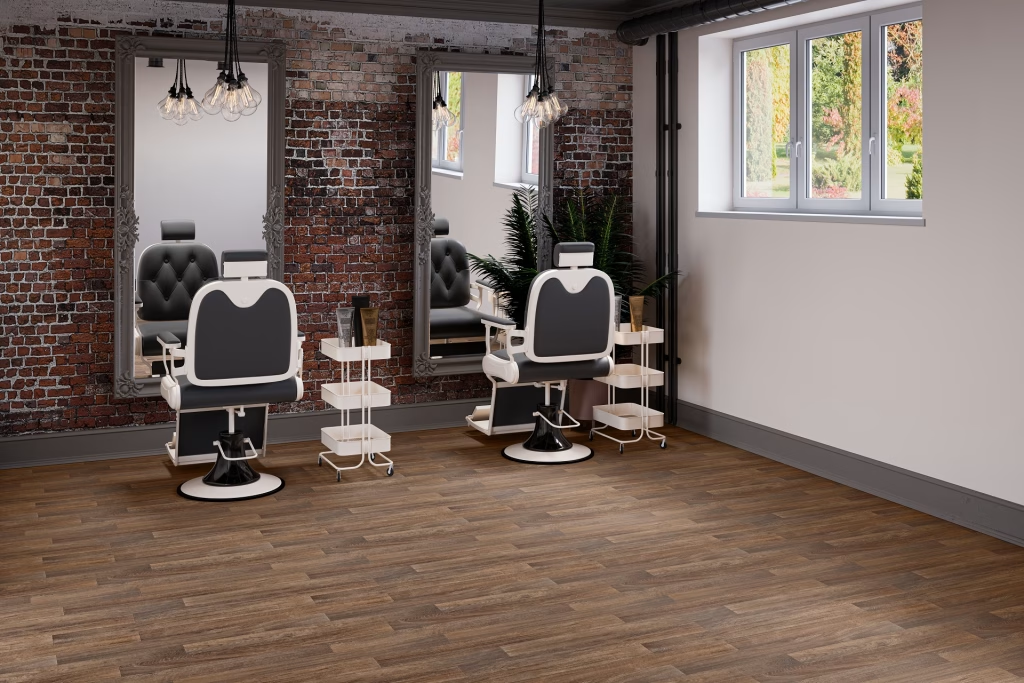
- CGI Services
Flooring Product Rendering for Manufacturers and Retailers
How flooring product rendering turns samples and scans into room scenes, close-ups and catalog images, with a practical brief and approval checklist.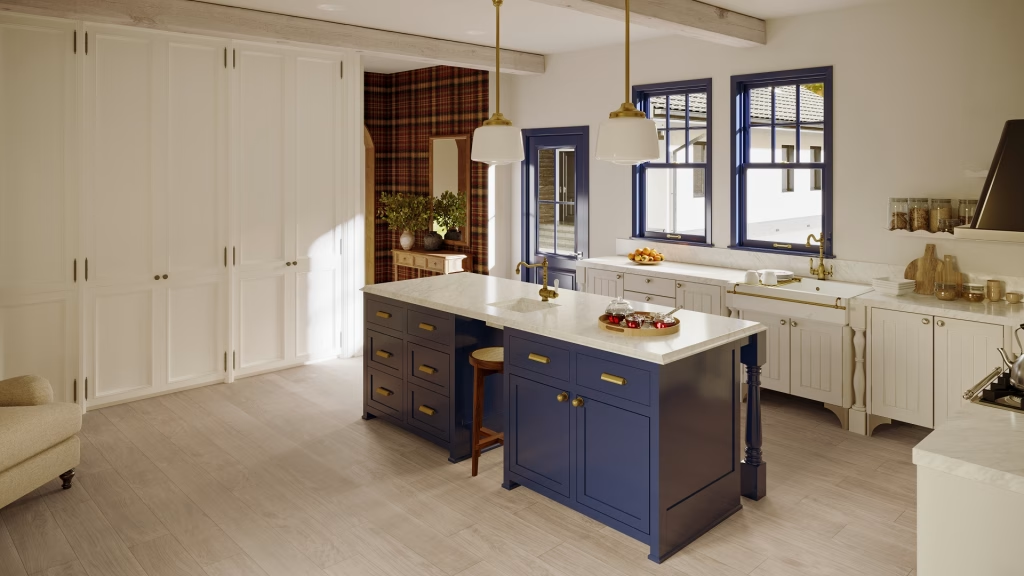
- CGI Services
How Lighting CGI Shows a Fixture Switched On: Beam Shape, CCT and Glow
Will my fixture look real when it’s switched on? That’s usually one of the first things lighting brands ask us about CGI. And it’s a fair question. With the light off, you’re showing shape and materials, which is simple enough. Turn it on and the job gets harder: the light has to look real, and…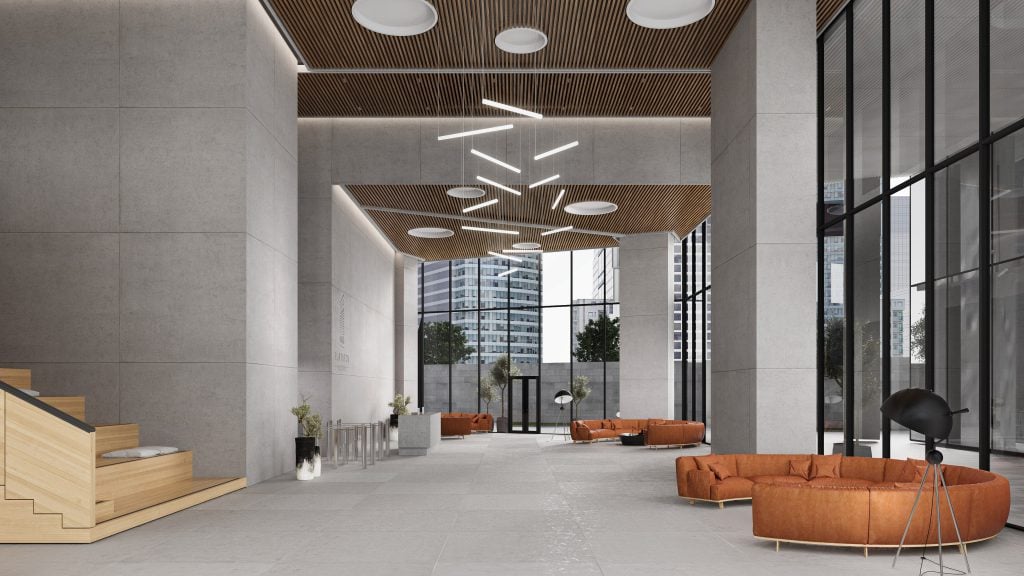
- CGI Services
Lighting Product Photography vs CGI: What Works for Catalogs and Product Pages
Lighting product photography is the studio work of shooting lamps and fixtures for catalogs, product pages, and campaigns. It’s also one of the hardest product categories you can photograph. Why? The product itself gives off light, and one exposure has to hold a glowing shade, true finish colors, and a styled scene. So should you…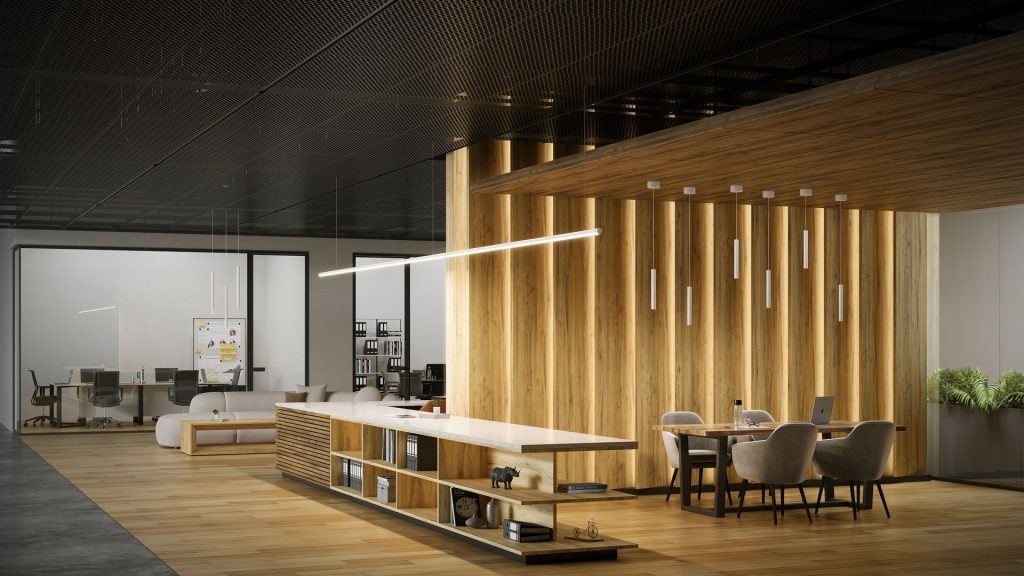
Resolving your questions before we begin
Answers to common questions
What industries do you work with?
We provide 3D visualization services across several industries. In particular, we work with product manufacturers, interior designers, e-commerce retailers, and advertising agencies.
What is product rendering, and how does it work?
Product rendering is the art of creating lifelike images of a product using 3D software instead of a camera. It gives you full control over how your product looks. A 3D artist can adjust anything from lighting and textures to background and angle. You don’t even need a physical prototype for that.
The process starts with building a 3D model. This can be based on drawings, CAD files, or photo references. After that, the model is textured to show surface details and materials. Lighting is then added to match your brand’s style or real-world conditions.
Finally, the software renders the scene. Basically, it means turning the digital setup into a high-resolution image or animation. Want to learn more? Our 3D rendering blog dives into the full workflow, with real examples and expert tips.
How do I start a 3D rendering or animation project with you?
You can book a meeting with us to discuss your project and ask any questions. To do that, contact our manager via the chat on this page or click the Schedule a Demo button.
Will I be able to preview and approve drafts before final delivery?
Yes, absolutely. Before the project begins, your CGI team’s manager will walk you through the main stages of the work. You will agree on the timeline, when you will receive drafts, and how you will share your feedback. This way, you stay involved at every step and can approve each stage before moving forward.
Can I request revisions during the project?
Yes, revisions are a standard part of our workflow. You can request changes at each stage of your 3D rendering project. If the total volume of corrections stays within 60% of the work, we include them at no extra cost. If the changes go beyond that, they are treated as a new task and charged separately.
Can you match my brand’s lighting, style, and mood in the renders?
Yes, absolutely. Our entire workflow is designed to ensure visual consistency and a fully on-brand look.
First, we will ask you to share references that reflect the style and mood you want. These, along with your project guidelines, are stored in your brand folder.
Second, you will always work with the same CGI team. They will know your preferences well, so you will not need to repeat instructions for every project. In practice, they function like your in-house team.
Third, your team will have a dedicated project manager and an art director assigned to it. They make sure each render meets your visual and technical standards.
Finally, if the project grows and requires more artists, your core team will onboard the new members. The project manager and art director will train them so that every detail follows your brand style.
Get the Commercial CGI & Product Rendering Guide for Marketing Directors
Everything you need to scale product content with CGI.
Get expert insights, real project examples, and strategies with proven ROI.
Fill out the form to receive the guide directly in your inbox.