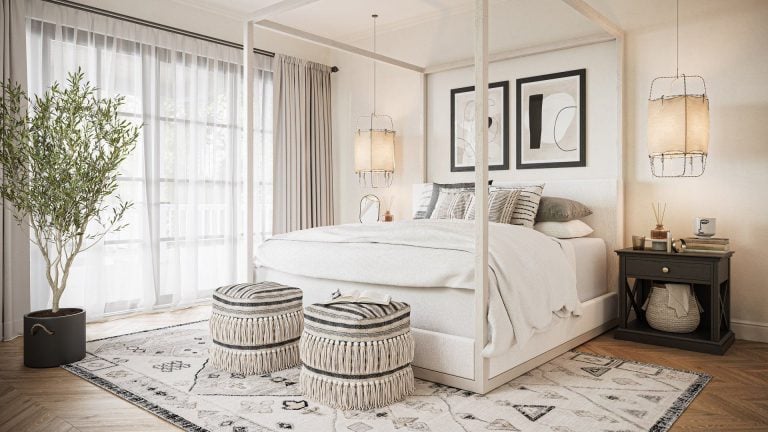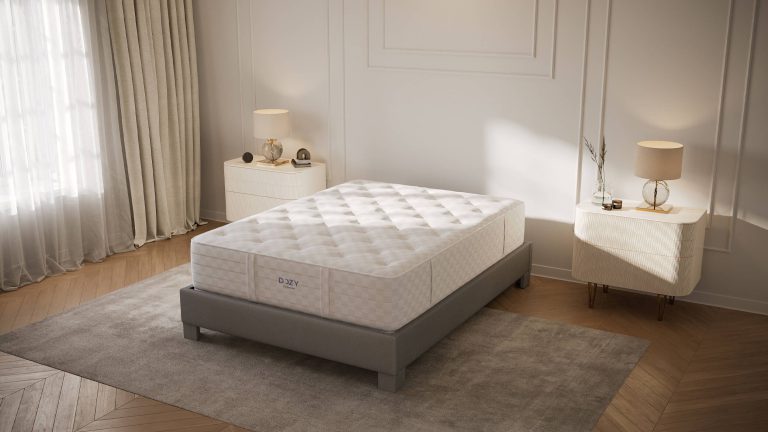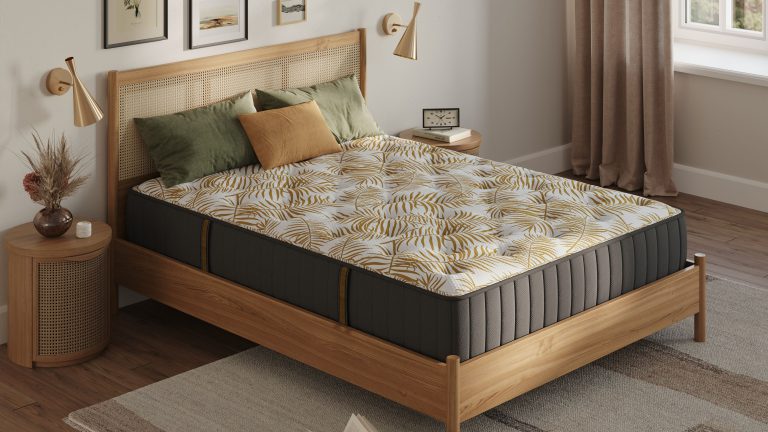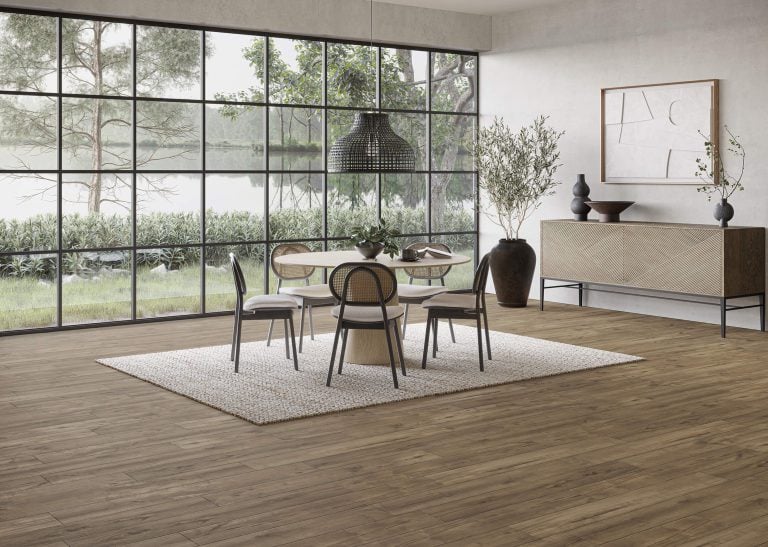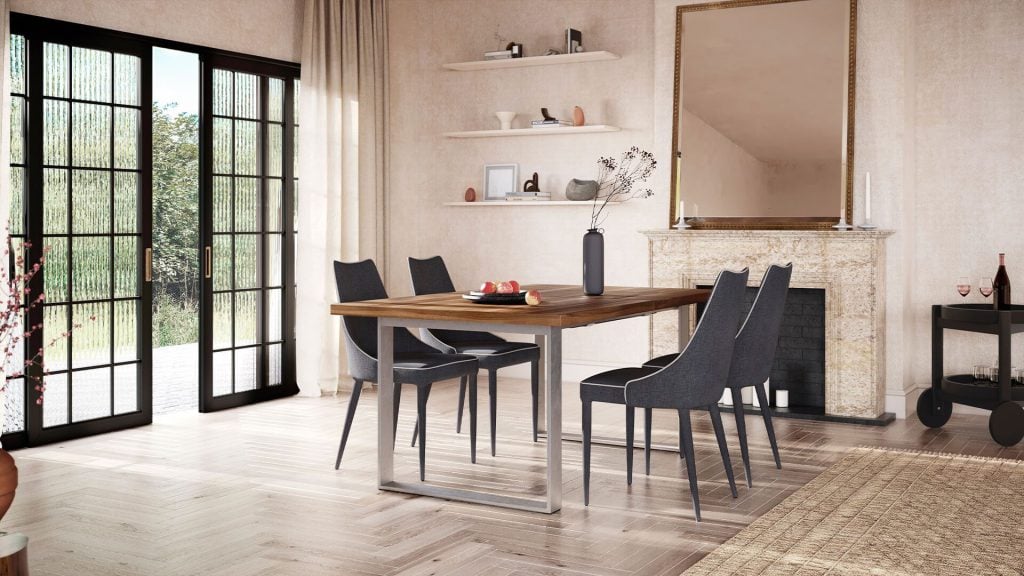
A dining range includes many combinations: tops in 3 sizes and 5 finishes, 2 or 3 bases, and chairs that are bought in sets of 6. Rather than building and shipping all possible combinations for a photo shoot, we create a 3D model for each product. Dining furniture rendering then produces the images needed for each variation of the product.
What images, models and preparation are needed for your dining furniture range? This guide answers that, with examples from our 3D rendering for dining furniture projects.
What Is Dining Furniture Rendering?
Dining furniture rendering allows you to create images of dining tables, chairs, benches and sideboards from 3D models. The model is created from drawings or CAD, textures are added to the surface to represent wood, stone, metal or upholstery, and then the 3D furniture is rendered within a clean environment or dining room. The model is created once and reused in different finishes, sizes and perspectives.
Tables: One Model, Every Top and Base

To allow comparison of different variations, ensure that the layout and perspective in each image remain consistent. Steiger Moebel, a German maker of handmade oak tables, had this requirement early in 2022. Customers can customize the shape, material and color of the tabletop and legs in their online configuration tool. We created a model of the table and rendered each variation in the same clean environment with pale walls in order to ensure there were no distractions from the product. View the full Steiger case study.
Close-Ups: Grain, Edges and Joints

In solid wood products, close-up images allow for a greater view of the grain, profile and joints of the tabletop. For this reason, Steiger wanted realistic textures of their wood table tops. Close-up images are also useful for stone and ceramic products where purchase decisions depend on vein patterns and surface.

Close-up images also highlight design elements in the base. In this example, the curved veneered panels joining onto a metal base would be unnoticeable in a full room image.
Chairs: Shown in Pairs and Groups

Chairs are rarely sold individually, and they need to be seen from the front, side and back to capture all detail. Placing 2 chairs at different angles allows for a view of the frame, seat and back of the chair in one image. Different fabrics and wood tones can be shown for each color without changing the scene. To see a chair range in lifestyle settings, view our case study for CM Cadeiras.
Complete Dining Sets

Set images allow for consideration of sizing (how many people can sit, how much space the chairs take up) and visualizing the table with a rug underneath. The table has subtle styling with either a vase or bowl so the tabletop stays visible. Depending on requirements, the table may be shown with or without styling. Unstyled images allow for easy inspection of the furniture. A styled lifestyle scene demonstrates the size and use. Most ranges will require both.
Contract and Hospitality Furniture
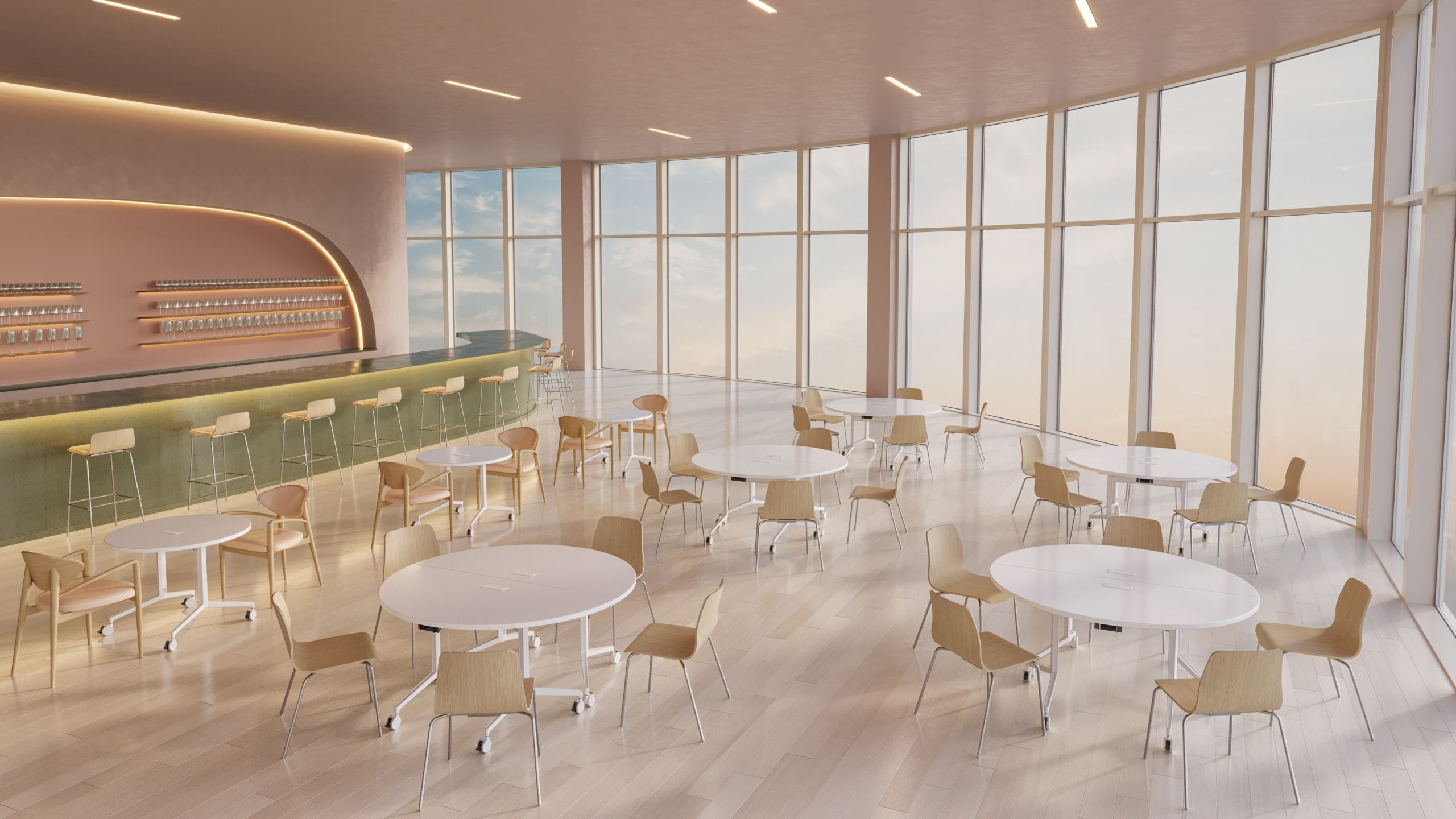
Architects and designers choose furniture for cafes, offices and hotels. It is therefore important that the furniture is viewed in appropriately sized spaces. This image was created for HBF, a furniture manufacturer based in North Carolina that has been in business since 1981. We have been working with them since September 2023. We receive samples of physical materials from HBF. Our artists scan these in order for the textures to match the real ones.

Including close-up images of the power and USB port within the table allows specifiers to answer practical questions without having to call the sales team. Find out more in the HBF case study.
Tables With Extra Functions
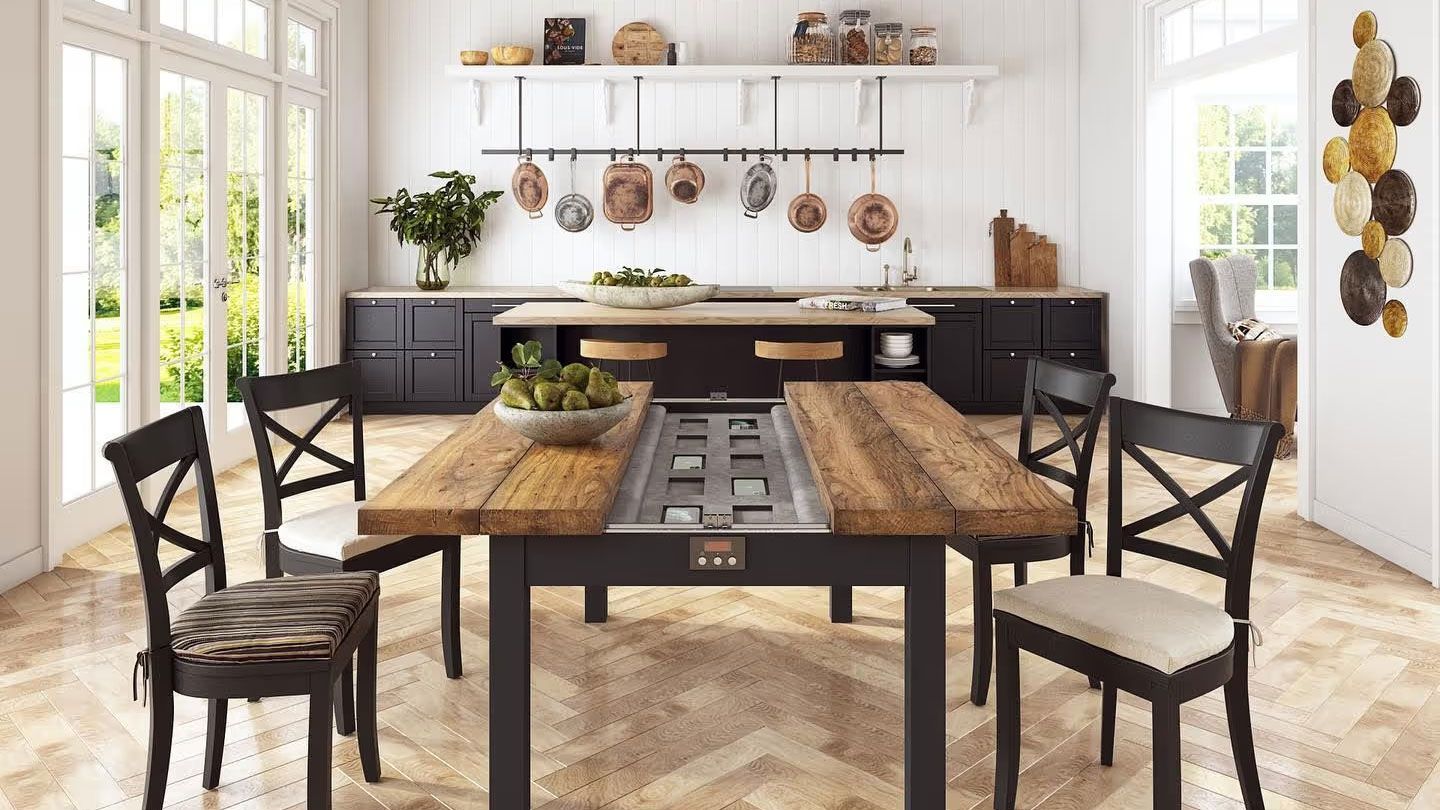
Grain and Frame designed a table with a vault built into the tabletop. Lifestyle renderings of this table were included in Facebook, Instagram and Pinterest posts. According to the case study, the product received coverage in the UK free newspaper Metro upon launch. Renderings can be created to show how a feature such as this vault opens in a real kitchen setting, even before production of the first units. Find out more in the Grain and Frame case study.
What to Send to Start
We need CAD or measured drawings, accurate dimensions, a list of finishes and configurations, and reference images. Providing samples of materials allows us to match wood, stone, metal, lacquer and upholstery accurately. If we are not provided with CAD files, we can still create the renderings using drawings, measurements and clear images.
Which Product to Render First
Start with one table in one finish. Once you have approved the model, we can create 1 plain background image and 1 dining room scene. Additional table tops and bases can then be added, reusing the model and scene.

See dining furniture rendering on your own table
Send one table or chair with its drawings and finish list. We will show how a single 3D model turns into a plain background image, a close-up and a dining room scene.
Book a DemoFAQ
Can you show every top, base and finish combination?
Yes. We will create the product model and main scene and then create the required combinations. Clearly listing the options will mean product names and files are in the correct order.
Do you render dining tables styled or bare?
Both. Unstyled images allow easy inspection of a product. Styled images give a sense of size and use. Within the brief let us know which versions you would like.
Can you animate extension and folding mechanisms?
Yes. If there are moving parts in the product, please provide drawings or a reference video. We can demonstrate extendable table leaves, foldable parts or assembly.
What file formats do we receive?
Stills can be in TIFF, PNG, JPEG or WebP. Animation is usually in MP4. 3D models ready for web and AR can be created in GLB, USDZ, FBX and OBJ if required as part of the project.