CGI animation is video made entirely on a computer. Artists build a 3D model of the product, place it in a virtual scene, set the lights and camera, and render the result frame by frame. Nothing is filmed. A sofa can unfold into a bed, a faucet can show its cartridge from the inside, and a garden set can sit on a cliff above the sea without anyone booking a location.
That is why CGI animation has moved from film studios to product pages, Amazon listings and Reels. It shows what a photo can’t: how a product moves, how its parts fit together and in what order it goes up. It also works before the first unit leaves the factory, because all it needs is CAD files or drawings.
This guide covers what CGI animation is, how it differs from CG animation and filmed video, which types product brands use, how it’s made and what it costs. The examples come from projects our 3D product animation services team made for furniture, plumbing and building-product brands.
What Is CGI Animation?
CGI stands for computer-generated imagery and CG for computer graphics, so you will also see CGI animation called CG animation. In animation, CGI means any moving image created in software rather than captured with a camera. In practice, the term almost always refers to 3D animation: the object exists as a digital model with real geometry, materials and textures, and the software calculates how light falls on it in every frame.
That last part is what separates it from a slideshow of renders. A CGI animated video is a sequence of rendered frames, usually 25 to 30 per second, so the camera can orbit, push in or fly through a scene while the product moves inside it.
From Feature Films to Product Pages
Computer animation reached cinema decades ago. Pixar’s Toy Story (1995) was the first entirely computer-animated feature-length film, and today film studios and product studios work with the same kinds of 3D tools, such as Maya, Houdini, 3ds Max and Blender.
The goal is different, though. A film character only has to look believable. A product in a CGI animation has to match the real item, down to the stitching, the wood grain and the way a hinge travels. That is why product animation starts with an accurate 3D model built from CAD files, drawings or photos of the product.
CGI Animation vs Filmed Product Video
CGI animation wins whenever the product is hard to film, not built yet, or needs to look identical across a whole collection. A camera wins when the video is about real people: a founder on screen, a customer testimonial, hands unboxing a parcel.
| Filmed product video | CGI animation | |
|---|---|---|
| Physical product | Needed on set, in every color you want to show | Not needed: a 3D model is built from CAD files, drawings or photos |
| Location and crew | Studio or location, crew, props, weather | A virtual scene, built and changed in software |
| Camera moves | Limited by space, rigs and budget | Any path: through walls, inside a mechanism, from 1 mm away |
| Inner parts | Need a cut sample or a separate shoot | Parts can turn transparent, slide apart or slice open |
| Variants | A reshoot or color grading for each finish | New materials on the same model and scene |
| Changes later | A new shoot if the product changes | Edit the model and re-render the affected shots |
| Real people | The natural choice | Possible, but costly to make convincing |
Many brands combine the two: filmed footage for the human story, CGI animation for the product itself.
Types of CGI Animation for Product Brands
Product brands don’t order “an animation”. They order a specific job: launch a collection, explain a mechanism, cut support calls. Each job has its own format.
Promo Video and Flythrough
A cinematic piece for launches, ads and the top of a product page. The camera glides through a scene and the product is the hero of every shot. For Artelia, a Berlin-based furniture company, we built a fictional cliff-edge villa with a pool, pines and the sea for an outdoor furniture launch. The 40-second promo includes simulated waves and pool water, and it was made without a single photoshoot.
Feature and Functional Animation
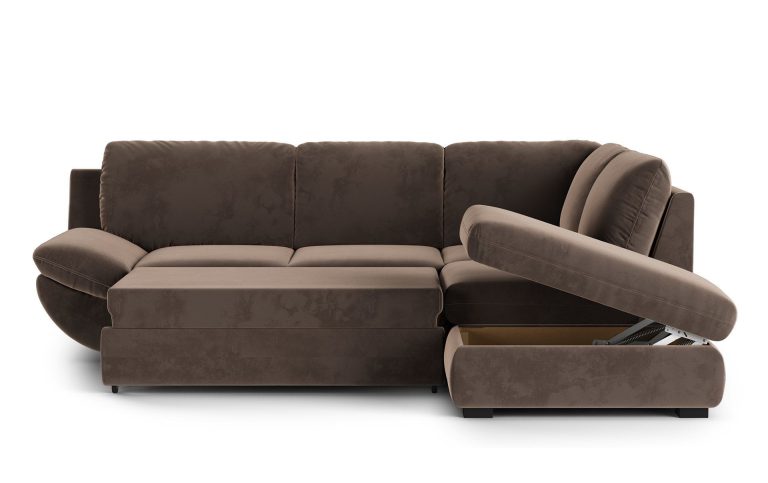
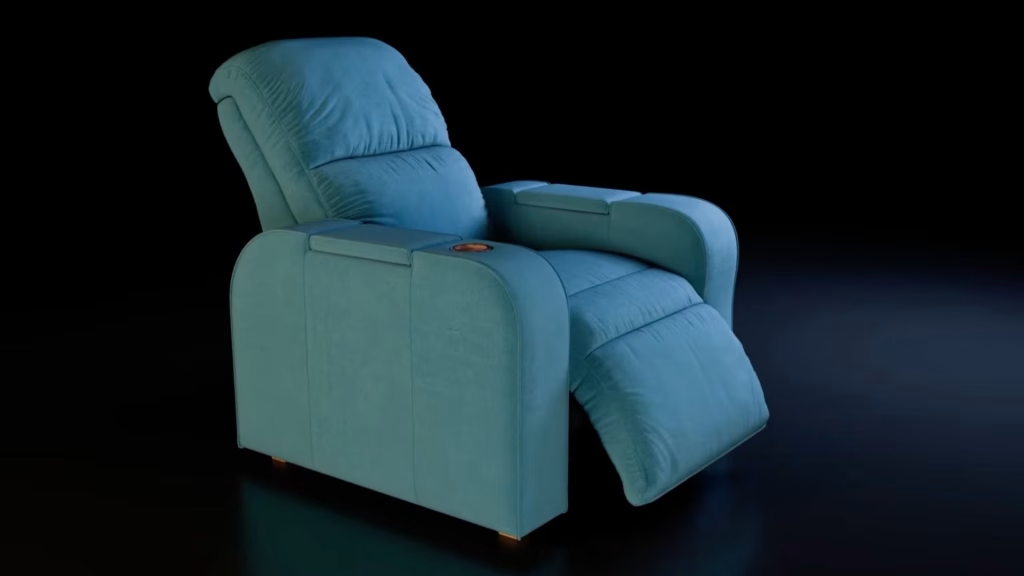
This format shows what the product does: drawers that close softly, a recliner that tilts, a mechanism that lifts. Novare makes wall cabinets that lower up to 3 feet to bring their contents within reach. The product hadn’t been manufactured yet, so we animated its motion from CAD files. The videos explained the technology on Novare’s homepage, and its engineers used them on the way to the first physical prototype.
Assembly and Installation Animation
A step-by-step guide that replaces or backs up the paper manual. We made one for Actiforce to show how a height-adjustable desk is built, and three installation videos for Chicago Faucets. We cover this format in detail in our guide to the assembly instructions video, and we make it as a separate 3D installation animation service.
Exploded View and Cutaway
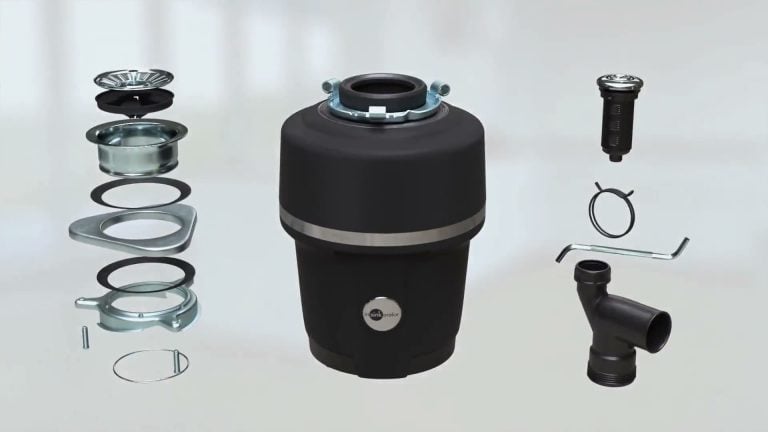
The parts of the product pull apart in the air, then come back together. Shoppers see what is inside a mattress, a faucet or an office chair without anyone cutting a sample in half. Read more about the format in our article on exploded view drawings.
Design Variations
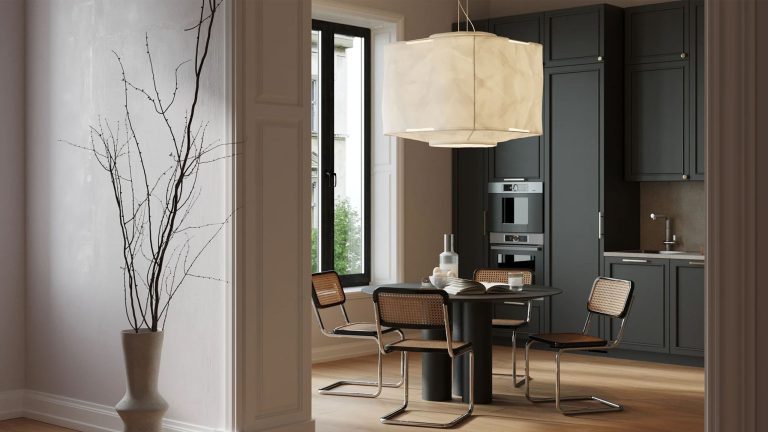
One model, one scene, every finish. The camera holds still while the fabric, wood or metal changes, so buyers compare colorways under the same light. This is where CGI animation saves the most compared with filming, because each new finish costs a material swap and a re-render.
Social Media Cuts
Short vertical loops for Reels, TikTok and Stories, often cut from a longer promo. The Tile Shop uses tile scenes like these on TikTok and Instagram. See our 3D animation for social media for the formats we deliver.
Cinemagraphs and 360 Spins

These sit between a still image and a video. A 3D cinemagraph keeps the scene frozen while one detail moves, such as curtains in the wind or steam over a cup. A 360 product spin lets the shopper turn the product with a swipe.
For ten more examples by product type, see our selection of ecommerce product videos.
How CGI Animation Is Made
Every CGI animated product video goes through the same six stages. Each one ends with a review, so mistakes get caught while they are still cheap to fix.
- Brief. What the video should show, where it will run, how long it is and what it should make the viewer do. Our guide to the 3D animation brief lists what to include.
- Storyboard. A shot-by-shot plan: what is on screen, where the camera stands, what moves and for how long.
- Product and scene. Artists build the 3D model, apply textures and materials, and set up the environment and lighting. You approve still frames before anything moves.
- Camera path. A rough preview of the camera moves and timing, so the pacing is fixed before the heavy rendering starts.
- Animation. The product moves, the camera follows, and the frames are rendered at full quality. Motion graphics, music and voiceover come in here if the video needs them.
- Final cut. Effects, color correction and edits after your review.
The 7 steps to create 3D animation walk through the same pipeline from the artist's side, and our overview of product animation software compares the tools.
Where Product Brands Use CGI Animated Videos
Video pushes people toward a purchase. In Wyzowl's State of Video Marketing 2026, 85% of people said a video had convinced them to buy a product or service. 63% said a short video is how they would most like to learn about one.
One CGI animation, cut into several lengths and aspect ratios, covers most of the places where that happens:
- Product pages. A feature or variation clip next to the gallery answers questions before they reach support.
- Marketplaces. Amazon accepts video and 3D content on listings. See how this works in our guide to 3D content and video on Amazon.
- Social media and ads. Short vertical cuts for Reels, TikTok and Stories.
- Launches and trade shows. A promo on the booth screen before the samples arrive.
- Sales and B2B. Dealers, architects and buyers see the mechanism in a deck or an email instead of on a site visit.
- After the sale. Assembly and installation videos in the box via a QR code, on the support page and on YouTube.
The 3D model built for the video stays useful after it, too. The same file can produce lifestyle renders, white background images and a GLB model for AR.
How Much Does CGI Animation Cost?
CGI animation is priced per second of finished video, with the 3D model billed separately. Our current starting rates, which apply to larger volumes:
| Item | Starting price |
|---|---|
| Promo video or flythrough | from $30 per second |
| Installation or assembly animation | from $15 per second |
| 3D model of the product | from $60 per model ($130 for a one-off order) |
| VFX, music, voiceover | quoted separately |
The final price and timeline depend on the video's length, the number of products and the effects, and a manager confirms both before work starts. If you already have a 3D model of the product, it cuts both the timeline and the price. For a full breakdown of what drives the budget, see our article on explainer video cost.
How We Make CGI Animation for Product Brands
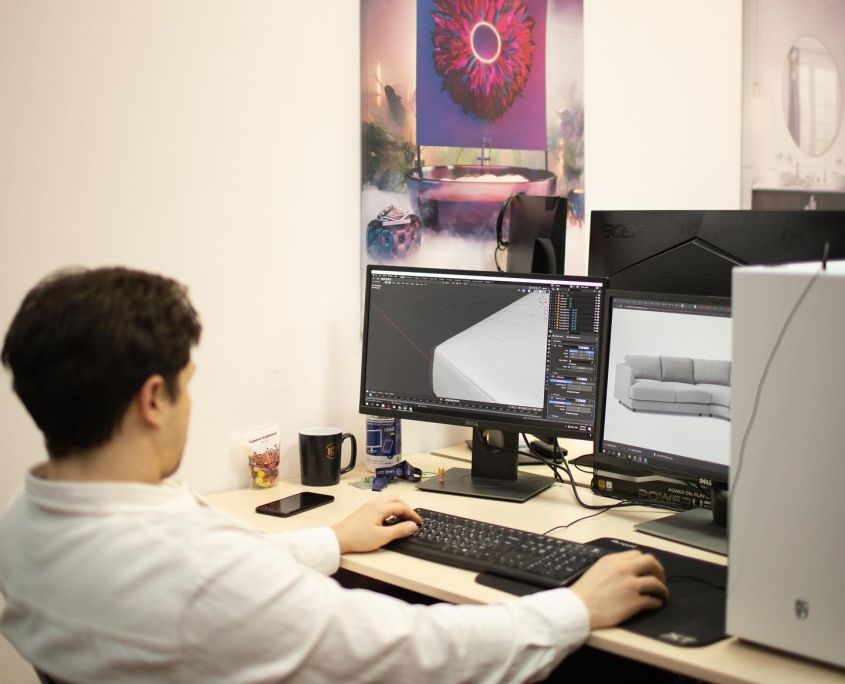
We have made CGI for furniture and product brands since 2011, with 64 3D animators in a team of more than 600 in-house artists. Brands such as Hilti, Actiforce, Chicago Faucets and Broan-NuTone have worked with us on product animation, and we are an Amazon Certified 3D Content Provider.
You approve every stage, from the storyboard to the final cut. A manager replies within one business day and confirms the price and timeline before work starts.
What to Send Us
- Product files. CAD files, drawings or photos, plus a note on how the product moves or goes together.
- Story and length. What the video should show, where it will run and roughly how long it should be.
- Brand assets. Logos, fonts, music preferences and any reference videos you like.
The manager will share a brief template to fill in. See the formats and examples on our 3D product animation services page.
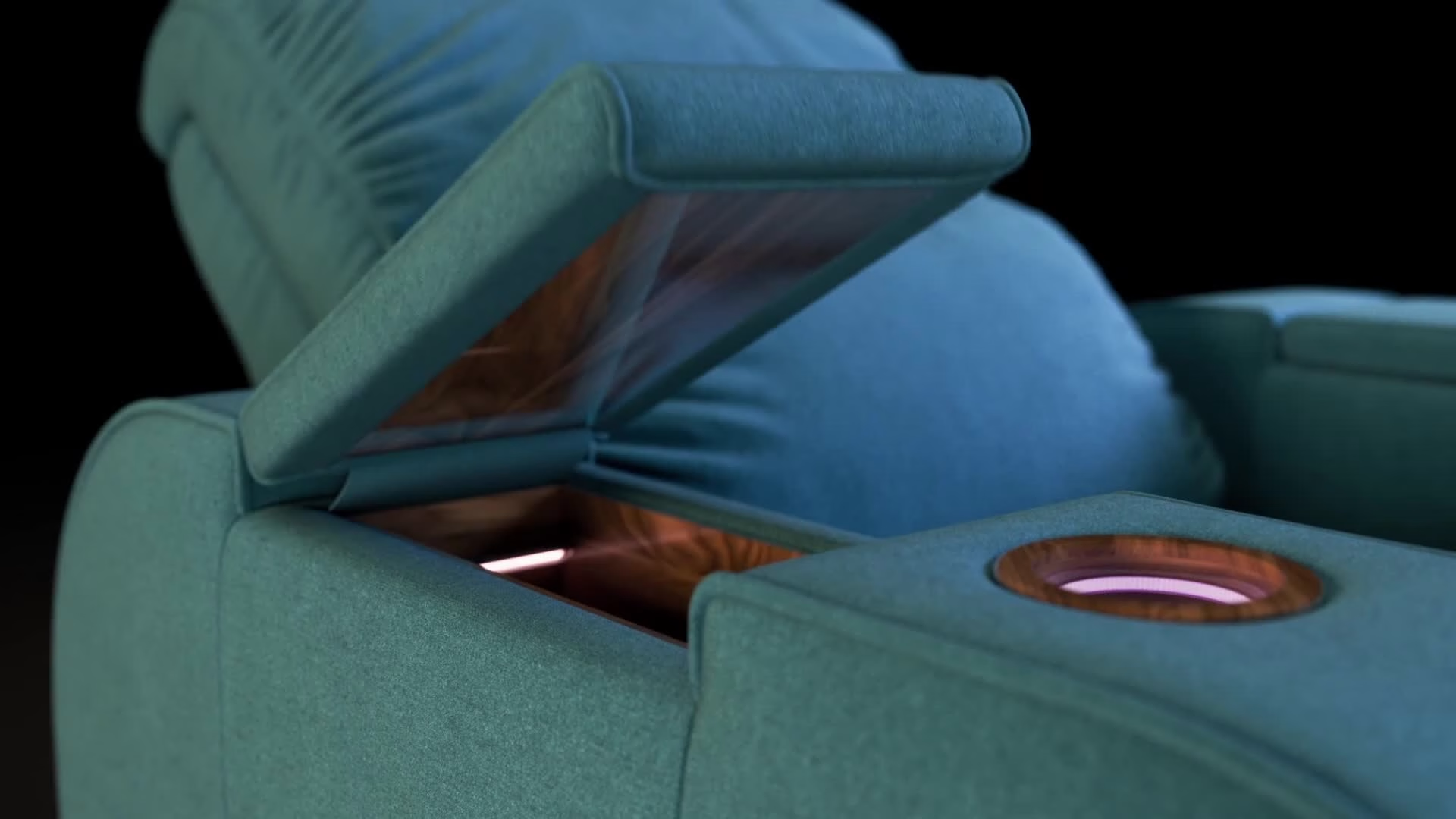
Put your product in motion
Send us CAD files or photos, and we'll turn them into a CGI animation for your product page, launch or social feed.
See product animationFAQ
What is CGI animation?
CGI animation is video created in software from 3D models instead of being filmed with a camera. Artists model the product, light it in a virtual scene, animate the camera and the product, and render each frame.
Is CGI animation the same as 3D animation?
Almost always. Strictly speaking, CGI covers any computer-made imagery, but when people say CGI animation, they mean 3D: a model with volume, materials and light, seen from a moving camera.
Can you make a CGI animation without the physical product?
Yes. CAD files or technical drawings are enough to build an accurate 3D model, and photos from several angles work for simpler products. Novare's cabinet animations were made before the product was manufactured.
What can a CGI animated video show that a filmed one can't?
The inside of a product, parts separating in an exploded view, impossible camera moves, and every color or finish under identical lighting. It can also show products that don't exist yet.
How much does CGI animation cost?
At our studio, promo animation starts at $30 per second and installation animation at $15 per second, with 3D models from $60 each. VFX, music and voiceover are quoted separately.