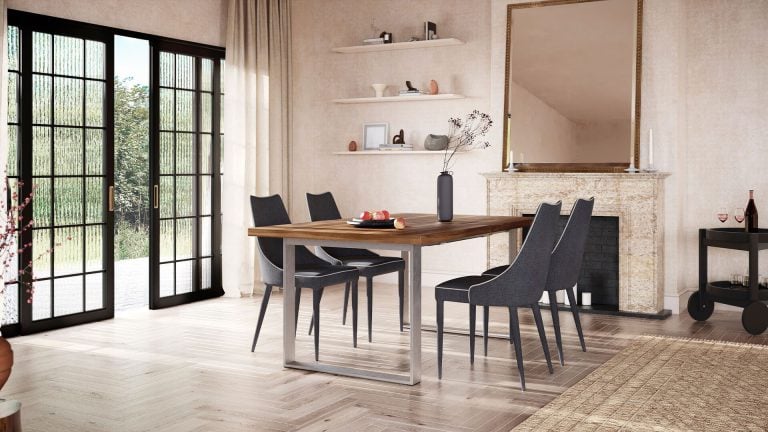
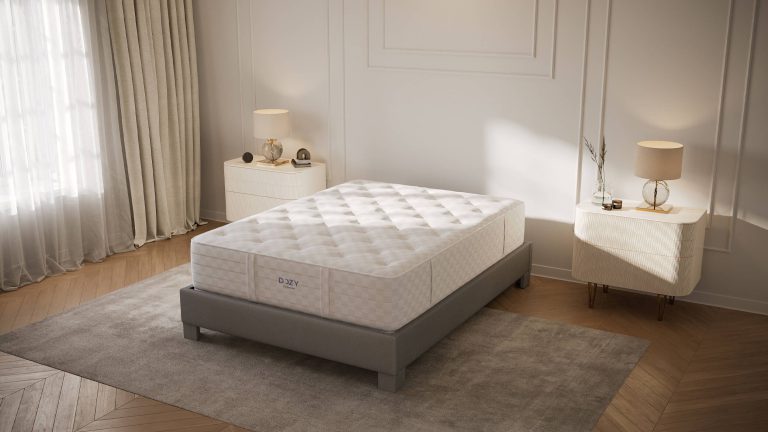
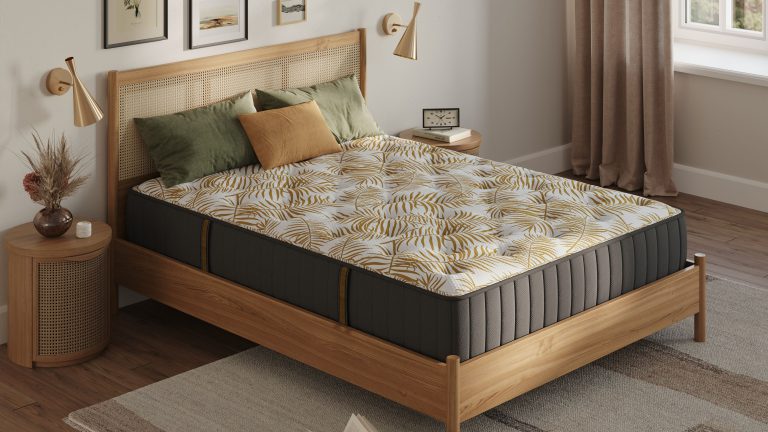
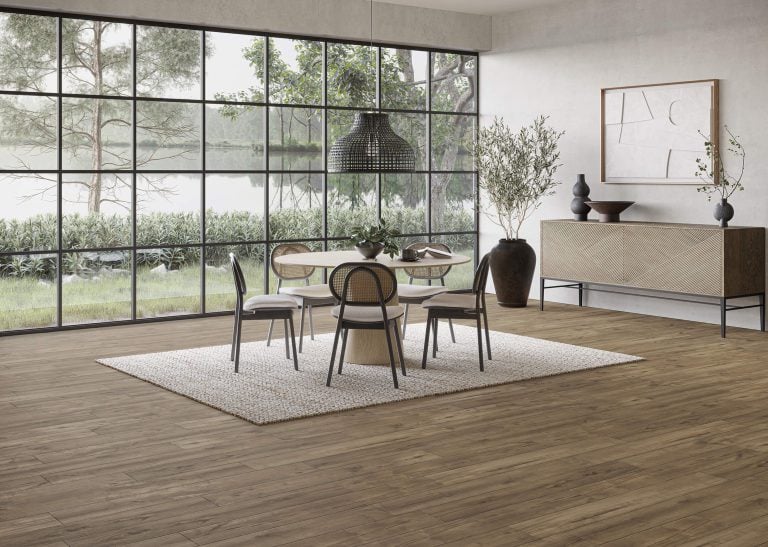
Bedroom furniture is very difficult to photograph. To make a bed sellable, a whole room set has to be built around it. Having multiple sizes, 4 finishes and a storage version to create content for adds weeks of logistical planning. Bedroom rendering gives you the flexibility to present the bed in any scenario, in any finish and from any angle quickly, using just 1 version of the model.
Below are 10 bedroom rendering examples. Different examples can be used on product pages, in catalogs or in advertisements. If you sell beds, wardrobes or whole bedrooms, you can use this as a checklist for your next product launch. These examples have been created on our 3D rendering for bedroom furniture projects.
What Is Bedroom Rendering?
Bedroom rendering allows product images to be created from 3D models. This means that a 3D artist can create your bed or wardrobe design from your drawings, apply finishes to wood, fabric and metals, place it within a scene and apply lighting to produce realistic imagery. As this is a 3D model, no physical items need to be manufactured, transported or constructed.
One model can be used to make all of these renders. Most of these 10 examples can be made from 1 model of 1 bed.
10 Bedroom Rendering Examples
1. Bed on a White Background
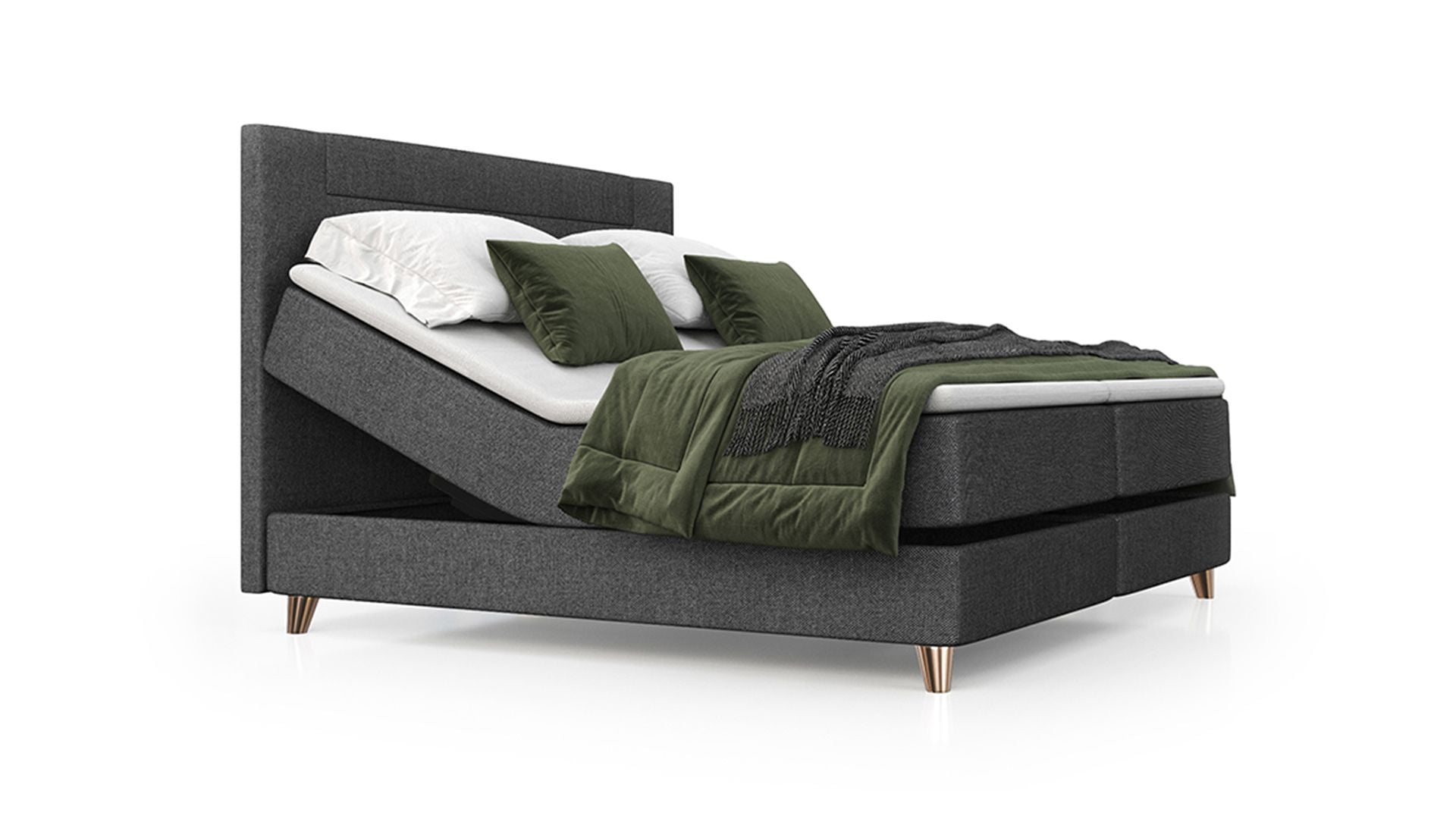
This render is requested early on by marketplaces. The white background allows the design of the bed to be clearly seen, including legs, height of headboard and fabric. Adding bedding in allows the viewer to understand that it is a bed. This image will be used in listings, comparison tables and printed catalogs.
2. Clay Model Before Materials
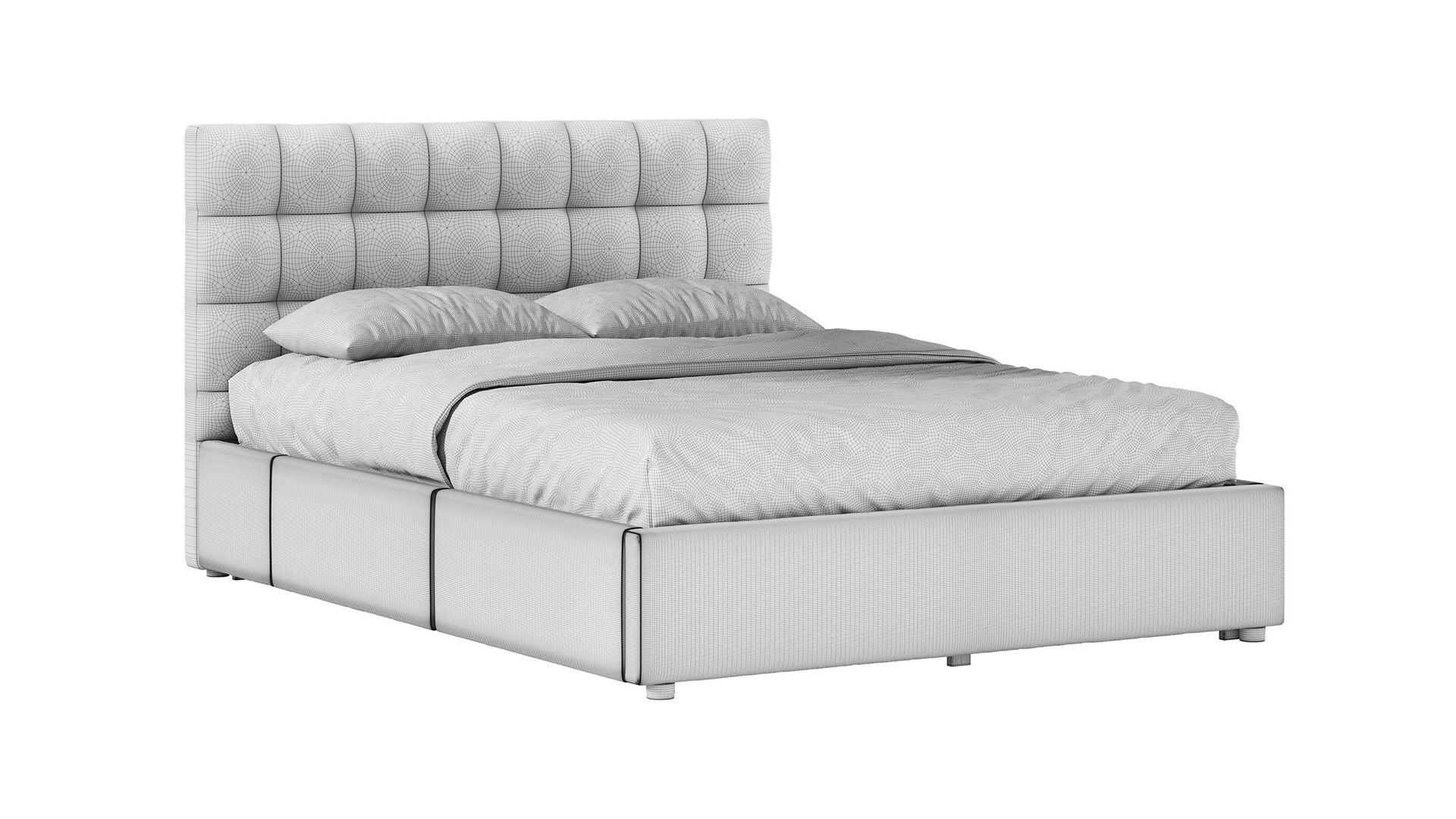
This grey 3D model allows you to check the geometry. Is there sufficient depth to the headboard tufts? Are the drawer fronts proportioned correctly? Any changes required here will take little time, however making changes once final renders are in place will mean re-doing the renders.
3. Headboard Close-Up

These images allow customers to get a detailed view of the product, as they cannot touch it. By focusing on the headboard, the stitching, edging and texture of materials (leather or fabric) can be seen. The quilting in the mattress can also be viewed. Close-up images should be included alongside the main image for any upholstered items or wooden beds with joinery or carving which may affect pricing.
4. Three Finishes in One Frame

In this example, the bed with a cane headboard has been presented in 2 wood finishes and 1 black finish. This would require 3 samples and setups in photography. However, in 3D, it is simply 1 model with 3 different materials. Groupings like this can be great in category banners or as the first image in your product collection. You can also produce single versions of each finish for use in a product option selector.
5. Lifestyle Scene Built Around the Bed
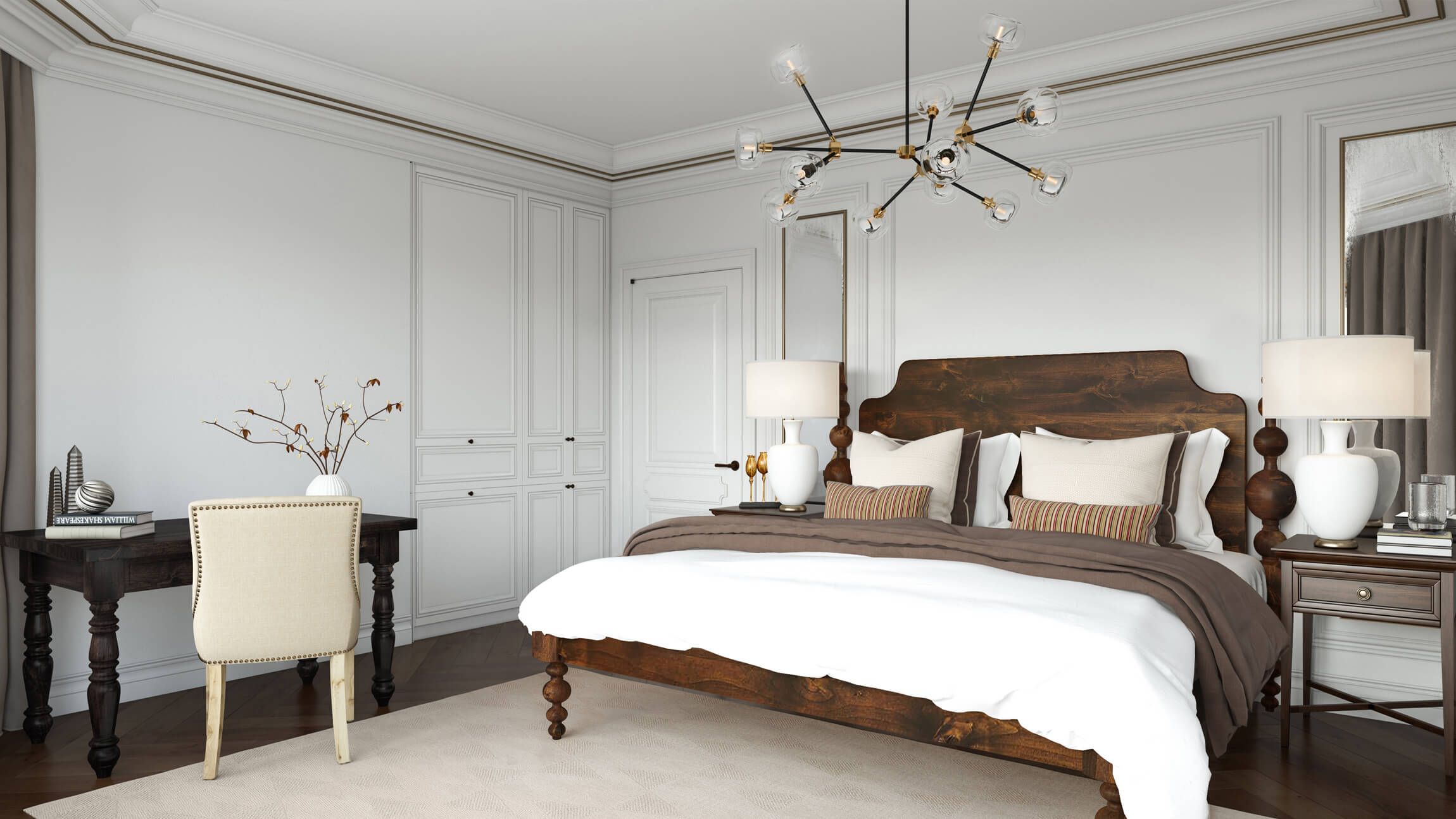
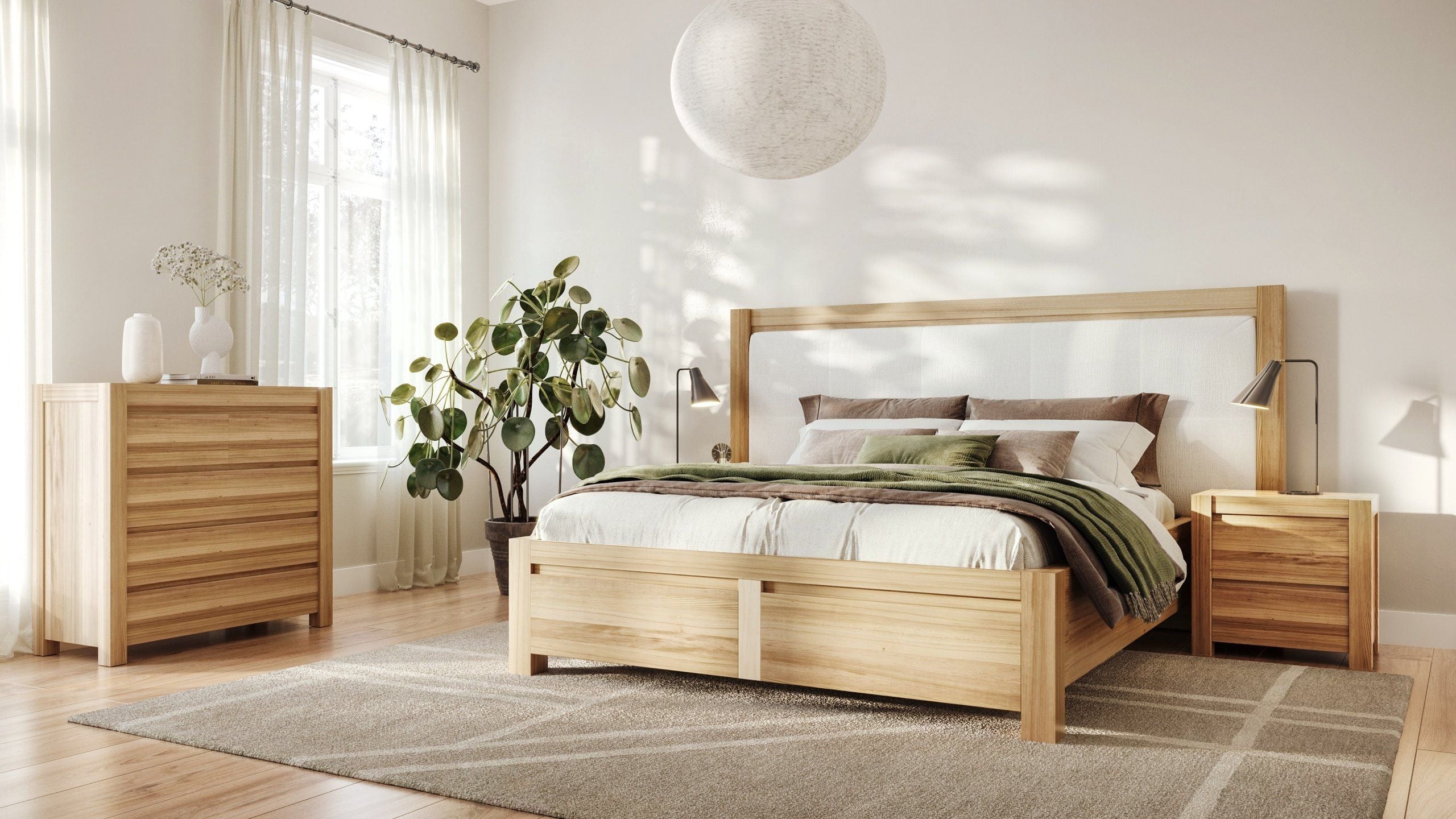
Placing the bed into a complete room in a lifestyle render allows you to tailor the scene for your target customer. Here, panelling, a classic desk and warm lighting have been added to complement the dark wooden frame. The bedding, rug and lighting have been selected to help the product stand out. As the room has been created, other beds from the same collection can be added easily.
6. A Matching Set: Revival Beds
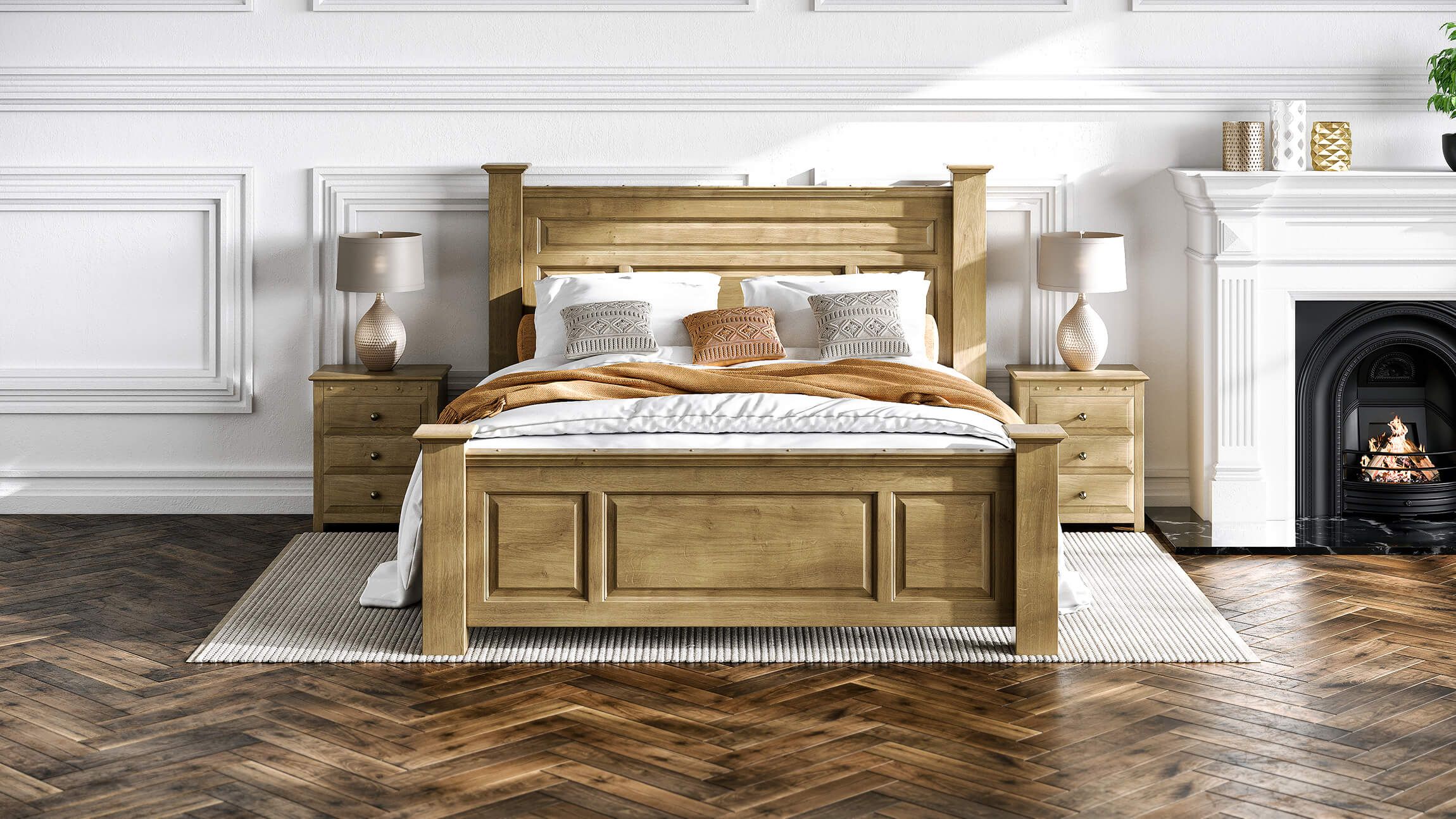
Revival Beds makes handcrafted wooden beds using traditional joinery methods. They requested 3D models and lifestyle renders to display how the products look together within one style. In this scene, 2 nightstands from the same range have been displayed with the bed to give a complete bedroom look. This increases the likelihood that customers will purchase multiple matching items. The images are now used on product pages and across social media. View the Revival Beds case study to see the full project.
7. Storage Bed Shown Open: Comfy Sleeps Home
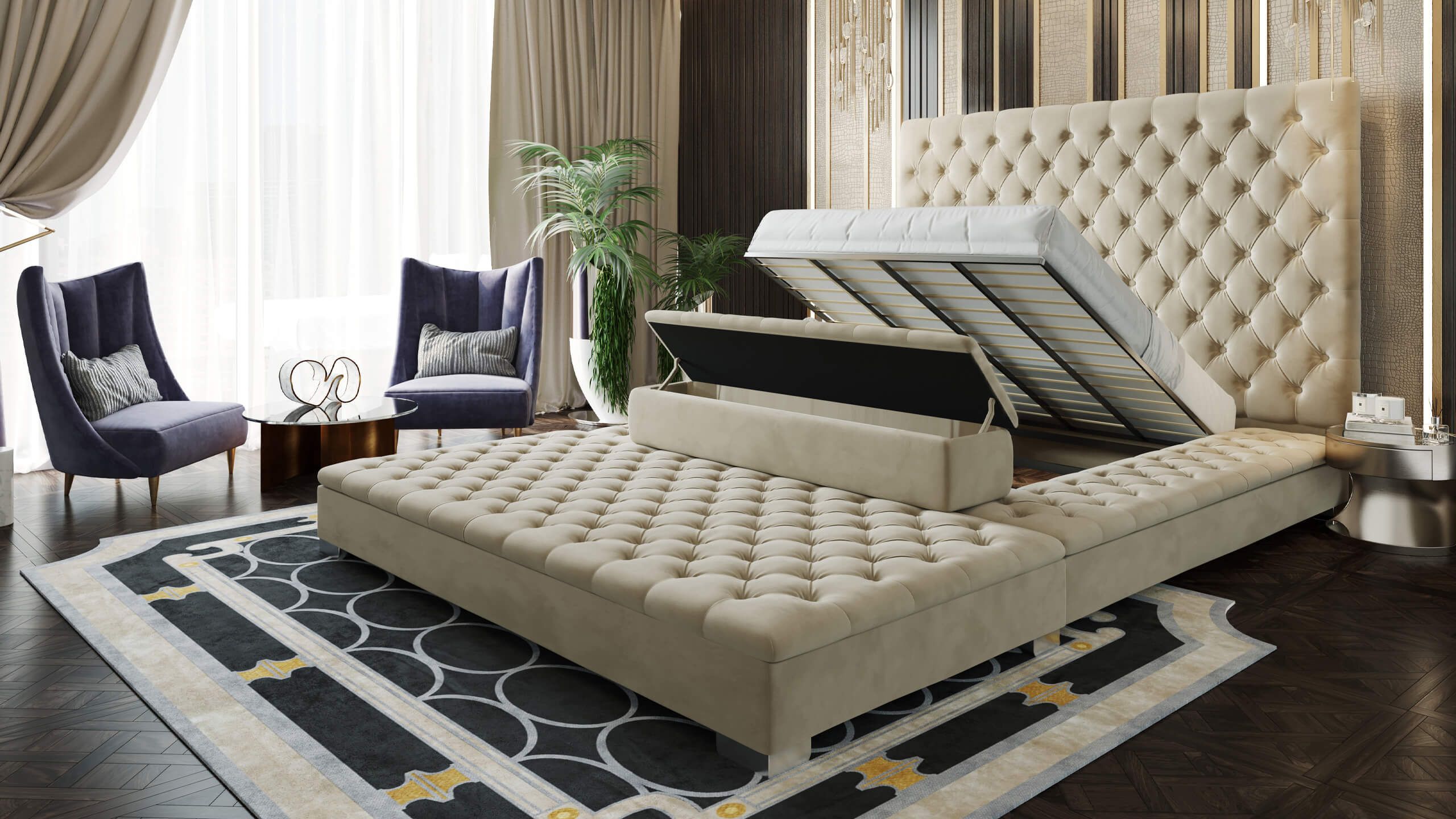
This render shows how the bed opens up to reveal storage, which is hard to describe in a caption. Comfy Sleeps Home makes handcrafted luxury beds in the UK. Since 2021, we have created 3D models, lifestyle renders and animations for them. One project was a 7 second video showing a TV rising from the footboard of a bed. The vertical version reached over 20 million views on the brand’s TikTok page, according to the Comfy Sleeps Home case study.
8. Wardrobe and Bed in One Room
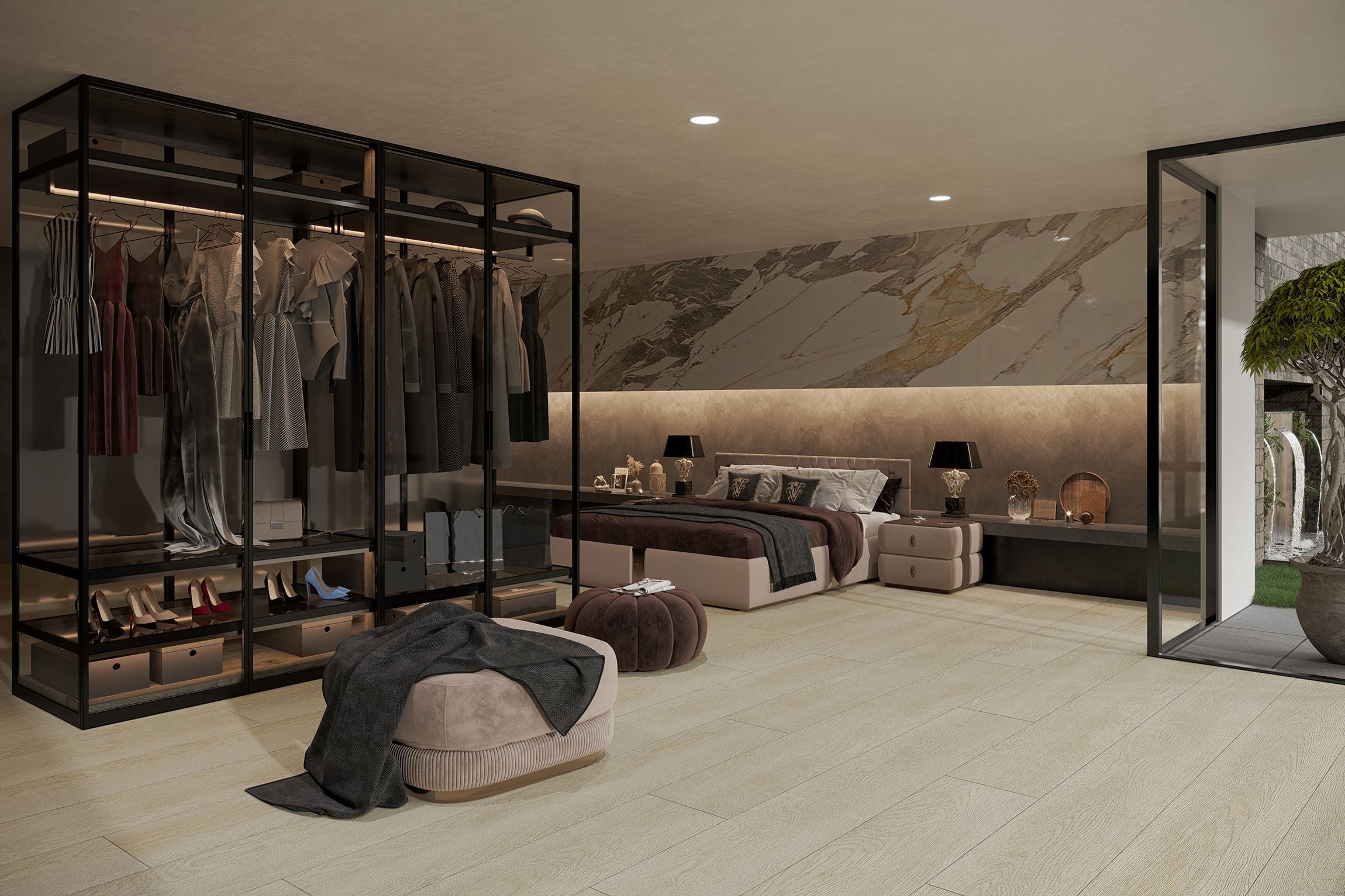
By displaying the wardrobe open, with items on rails and shelves, you can demonstrate how much storage it has. The bed in the background gives context to the scale. All of the moving parts of the furniture (doors, drawers, rails) have been modeled, so closed, partially opened and fully open versions of this wardrobe can be created without building anything.
9. Kids Room With a Bunk Bed
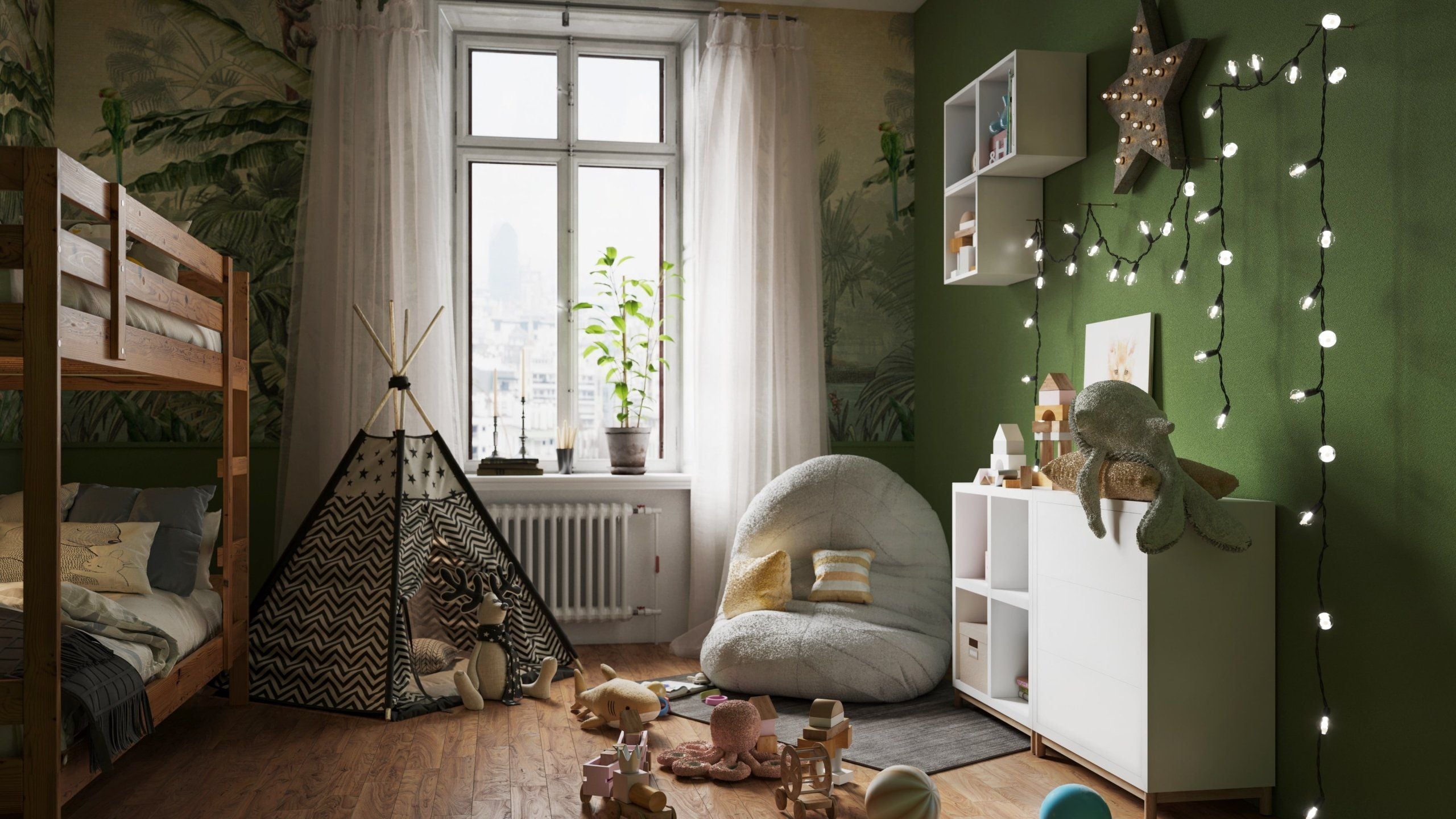
A bunk bed placed in a blank white room doesn’t provide much information to parents. However, adding in a play tent, beanbag, toys and string lights indicates that this room is for children. All of these props can be found in 3D libraries, meaning none need to be purchased, styled or stored.
10. Renders on a Live Product Page: Reinforced Beds

Reinforced Beds is a family run online store based in the UK. In September 2020, they approached us as their product catalog was growing every year and taking photos for all variations and colors was becoming very time consuming and costly. We have provided white background images, different wall images for color variations, bedroom scenes and over 10 3D models, meaning customers can rotate items on the website. View the Reinforced Beds case study for more information.
What to Send to Start
No physical product is needed. We just need CAD or manufacturing drawings for each bed you want to create. For each size we need exact measurements. We also need a list of finishes and fabrics you offer, ideally with samples or scans. Providing reference images for hardware will also help. If you only have sketches, we can still create models. The closer your files match production data, the fewer rounds of corrections we will need.
Which Product to Render First
Start by creating 1 version of 1 bed in 1 finish. We can create a model, a white background image and 1 lifestyle image to give you an idea of the process and quality compared to your current images. From this point, additional finishes, sizes or angles can all be created using the same model and scene.
See bedroom rendering on your own bed
Send one bed with its drawings and finish list. We will show how a single 3D model turns into a white background image, a close-up and a room scene.
Book a DemoFAQ
Can you render a bed that has not been manufactured yet?
Yes. Once the geometry of the item has been approved from drawings, beds or entire sets can be added to your catalog ahead of shipping the first units. Many bedroom brands use this process to allow pre-orders and seasonal releases.
Can one room show several finishes?
Yes. Once the room has been created, changing the wood finish or headboard fabric will provide the customer with 2 versions of the same bedroom in different finishes, for example oak and painted white.
How do you make bedding look natural?
Duvets, sheets and pillows are modeled as fabric to give realistic folds and settling. Styling is agreed with you during the clay stage based on your references.
Is bedroom rendering only for beds?
No. Wardrobes, dressers, nightstands, headboards, children’s furniture and mattresses can all be created in the same way. Storage items can be displayed in an open position.