A USDZ file is a 3D model in the format Apple uses for augmented reality. One .usdz file packs the geometry, materials and textures of an object, and any iPhone or iPad can open it straight in AR, with no app to install. That makes USDZ the file behind every “View in AR” button that iPhone shoppers tap on a product page.
This guide covers what is inside a USDZ, how to open and convert one, how it compares with GLB, and how to add USDZ AR to your product pages. The nightstand below is a live model: on an iPhone or iPad, tap the AR button to place it in your room.
What Is a USDZ File?
USDZ stands for Universal Scene Description, zipped. USD is an open scene format created by Pixar, and Apple worked with Pixar to introduce USDZ in 2018 as the AR format for its devices. Technically, a USDZ is an uncompressed zip archive that holds a USD scene file plus the texture images it needs, so it works as a single file.
A USDZ for a product typically contains the 3D mesh, physically based materials (color, roughness, metalness, normal maps), the textures, real-world scale, and optionally simple animation.
What USDZ Is Used For
- AR Quick Look on iPhone and iPad. Tap a USDZ in Safari, Messages, Mail or the Files app and it opens in 3D, with a switch to place it in the room.
- Product pages. Furniture, decor and lighting brands use USDZ so iPhone shoppers can check size and style at home before buying.
- Apple Vision Pro. visionOS uses USD and USDZ for 3D content.
- Previews on Mac. Quick Look in Finder shows a USDZ in 3D without any extra software.
Try USDZ AR on Your Phone
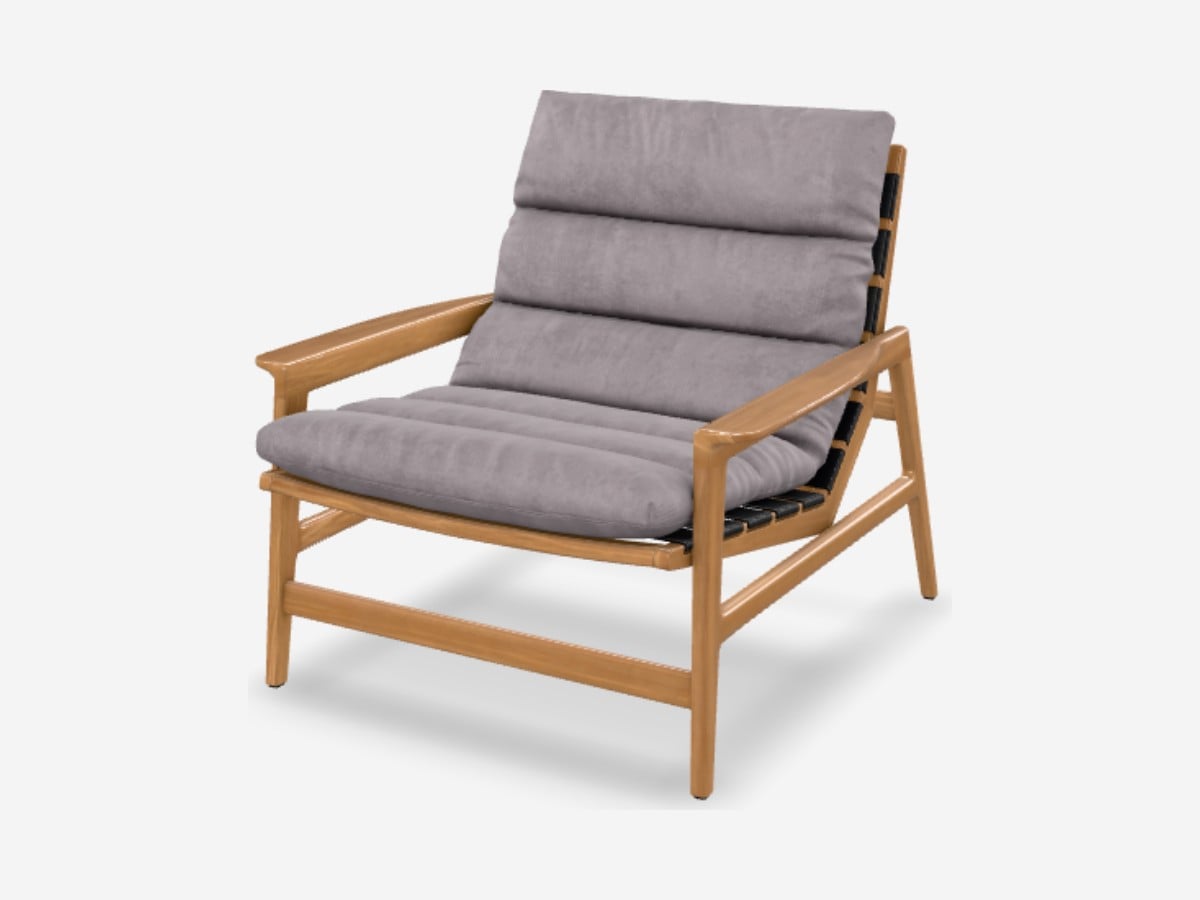
Each model below exists as a GLB and a USDZ. On an iPhone or iPad, tap View in AR and the USDZ opens in AR Quick Look; on Android the same button loads the GLB. On a computer, scan the QR code with your phone camera.
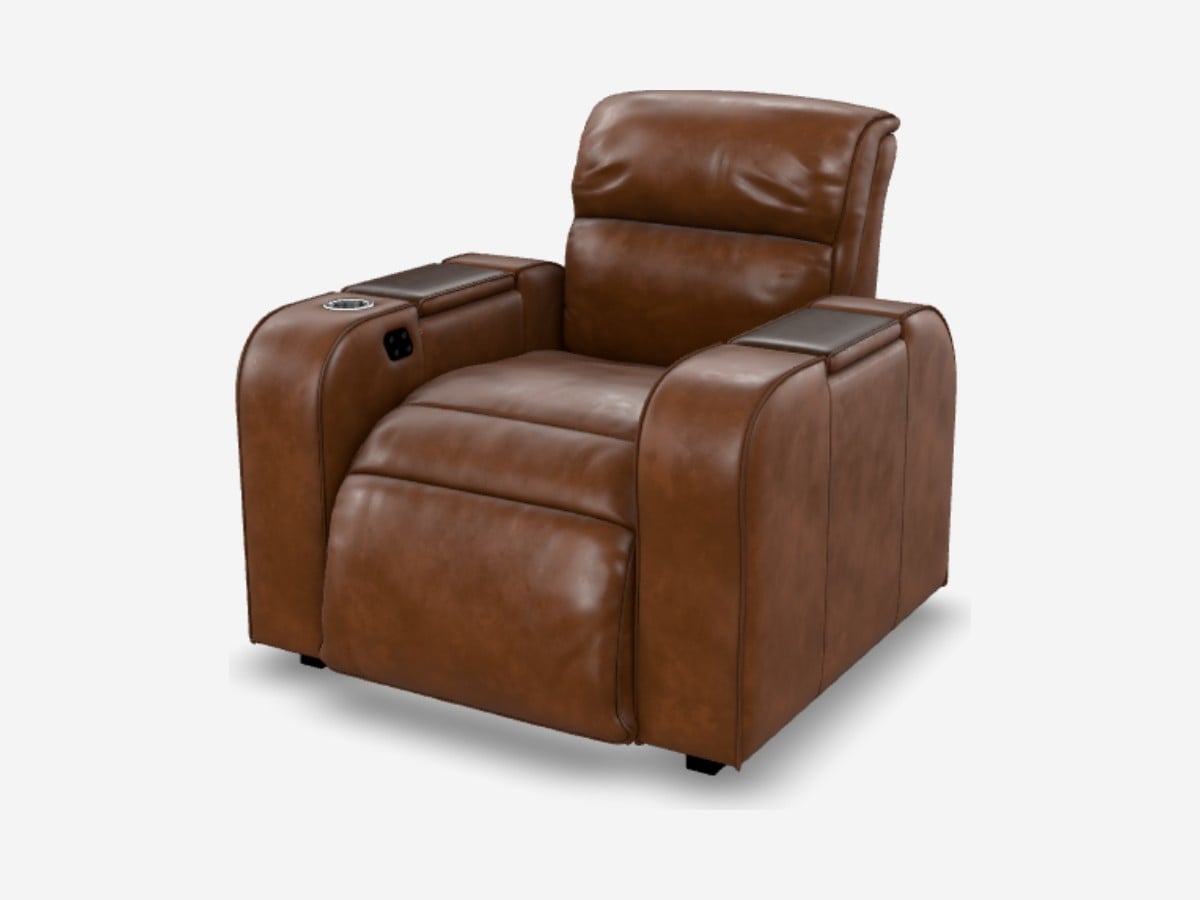
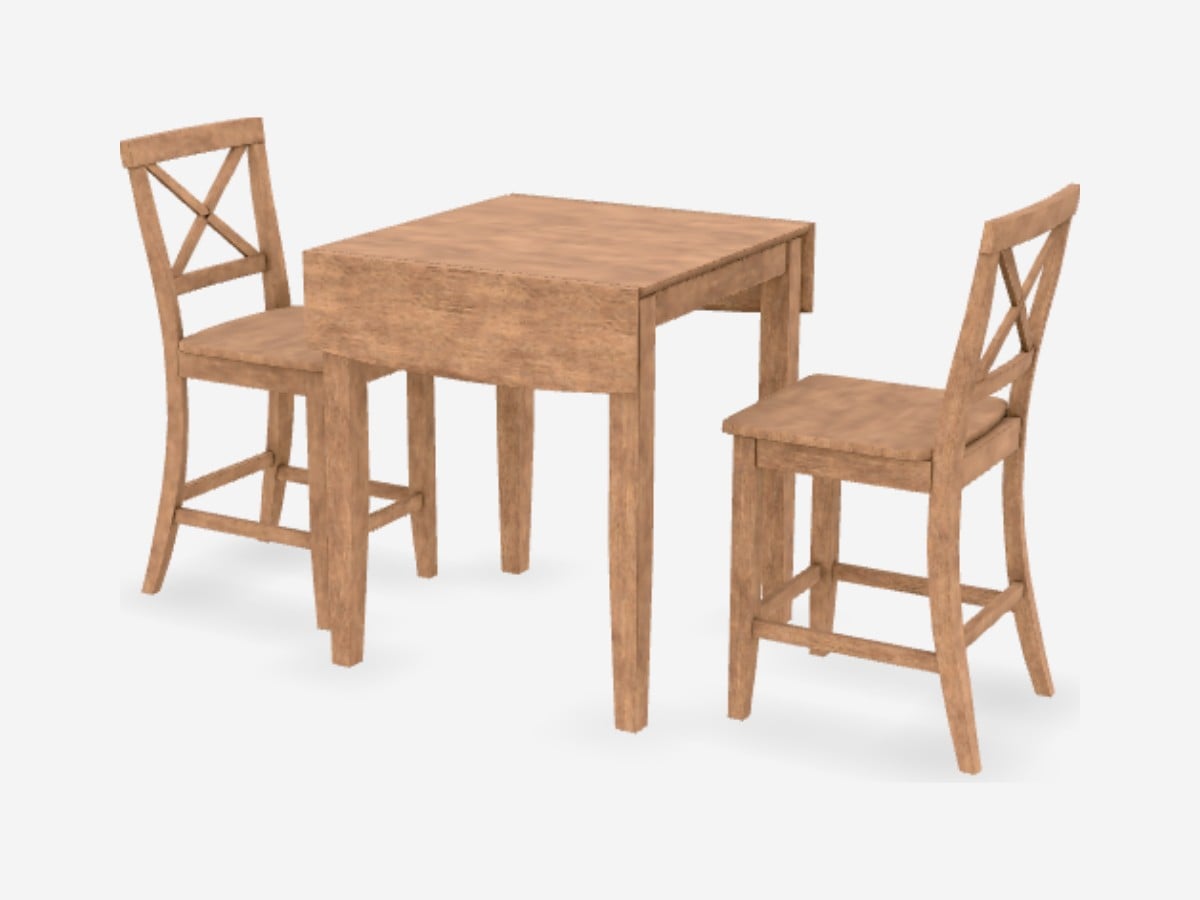
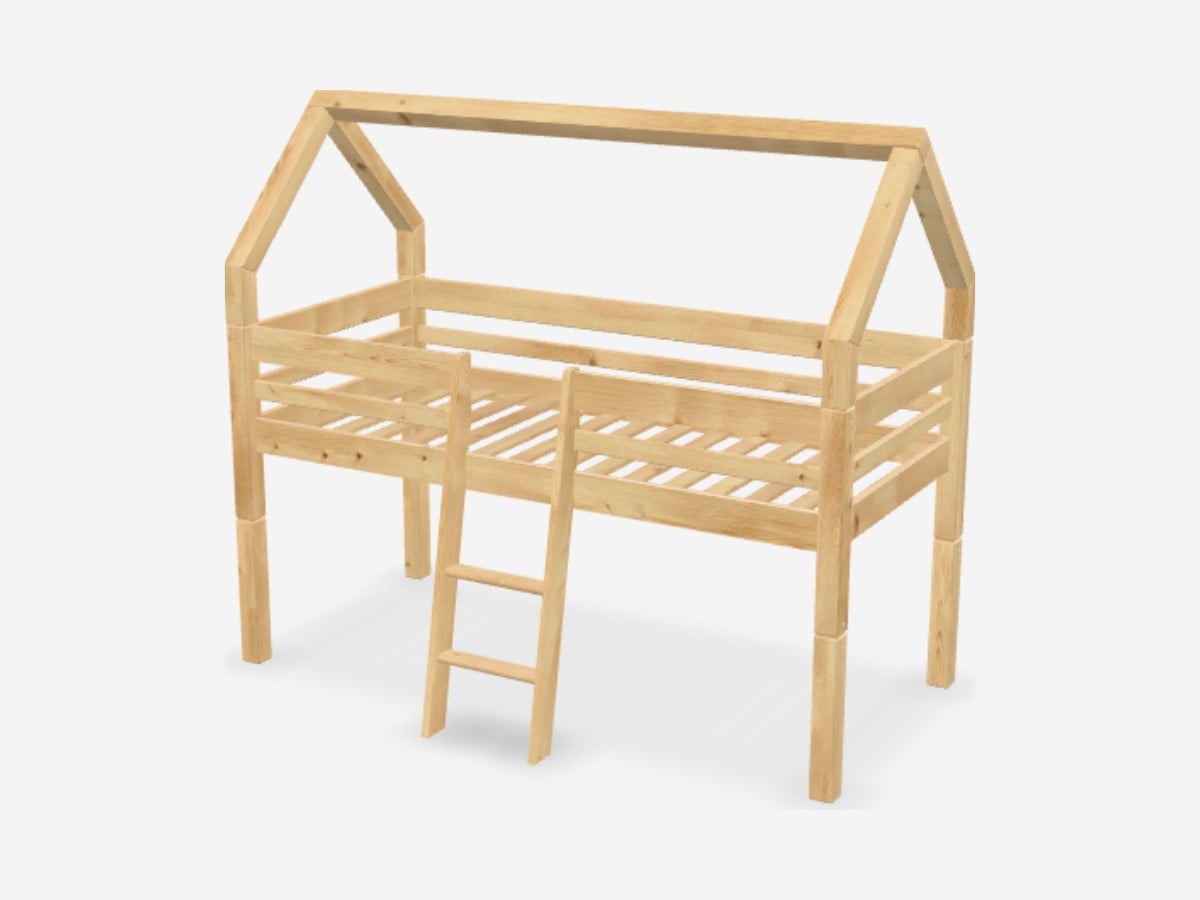
How to Open a USDZ File
- iPhone and iPad: tap the file in Files, Safari, Mail or Messages. It opens in AR Quick Look.
- Mac: select the file in Finder and press the space bar for Quick Look, or open it in Reality Composer for editing.
- Windows: there is no built-in viewer. Use an online USDZ viewer, or import the file into Blender, which reads USD files.
- Android: USDZ is not supported. Android AR uses GLB files through Google Scene Viewer, so the same product needs a GLB version. Our article on GLB models for ecommerce looks at what the data shows about their effect on sales.
How to Convert to and from USDZ
- GLB, OBJ or FBX to USDZ: Apple Reality Converter, a free Mac app, imports common 3D formats and exports USDZ. Recent versions of Blender can also export USDZ through the USD exporter.
- USDZ to OBJ, FBX or STL: import the USDZ into Blender and export the format you need. STL keeps only the shape, so materials are lost.
- After any conversion: open the result in AR Quick Look and check materials, scale and where the model sits on the floor. Materials are the part most likely to change between formats.
A USDZ cannot be made from photos or a 360° spin by conversion. The product has to be modeled in 3D first; our guide on creating a 3D model from photos explains what that takes.
GLB vs USDZ: Which Do You Need?
| GLB | USDZ | |
|---|---|---|
| Made by | Khronos Group (glTF) | Pixar and Apple (USD) |
| AR on iPhone and iPad | No | Yes, AR Quick Look |
| AR on Android | Yes, Scene Viewer | No |
| Web 3D viewers | Yes | Limited |
| Amazon | Required format | Not used |
| Structure | One binary file | One zip archive of USD and textures |
For a product page that works for every shopper, you need both: GLB for the 3D viewer and Android, USDZ for iPhone AR. Some platforms, including Shopify, create the USDZ version from your GLB automatically, but it is worth checking the result on an iPhone. Read more in our guide to what a GLB file is.
How to Add USDZ AR to a Product Page
The simplest way is a link that iOS recognizes as AR. Wrap a product image in a link to the USDZ with rel=”ar”, and Safari shows an AR badge on the image:
<a rel="ar" href="/models/chair.usdz">
  <img src="/images/chair.jpg" alt="Lounge chair">
</a>
If you also show an interactive 3D viewer, Google’s open-source model-viewer component takes both files, so each device gets the one it supports:
<model-viewer src="/models/chair.glb" ios-src="/models/chair.usdz" ar camera-controls></model-viewer>To see how brands pair USDZ with GLB on real product pages, read our guide to GLB models for ecommerce.
What Makes a Good USDZ for Products
- true real-world scale, so the AR model matches the real product in the room;
- the model sitting exactly on the floor, or on the wall for wall-mounted items;
- materials that match the real finish under daylight, not only in the studio;
- a file small enough to open quickly on a phone connection;
- clean geometry with no hidden or floating parts.
Our AR 3D modeling services deliver matched GLB and USDZ files for every product, tested on iPhone and Android, and our GLB 3D model services cover web and marketplace versions.
FAQ
What does USDZ stand for?
Universal Scene Description, zipped. It is a zip archive of a USD scene and its textures, introduced by Apple and Pixar in 2018 for AR on Apple devices.
What opens USDZ files?
iPhone and iPad open them natively in AR Quick Look. On a Mac, Quick Look and Reality Composer open them. On Windows, use an online USDZ viewer or Blender.
Can I open a USDZ file in Blender?
Yes. Blender imports USD files, including USDZ, and recent versions can export USDZ as well.
How do I convert a USDZ file to STL?
Import the USDZ into Blender and export it as STL. STL stores only the geometry, so colors and materials are dropped.
Does Android support USDZ?
No. Android AR uses GLB files through Google Scene Viewer. That is why product pages usually offer both GLB and USDZ.