Lighting product photography is the studio work of shooting lamps and fixtures for catalogs, product pages and campaigns. It is also one of the hardest product categories to photograph: the product itself emits light, and the camera has to hold a glowing shade, true finish colors and a styled scene in one exposure.
This article compares a classic photo shoot with CGI for lighting brands, honestly. Both have jobs they win. The goal is to help you decide which tool fits which task, and where a hybrid of the two saves the most budget. If you want the full picture of the CGI side first, start with our lighting rendering guide.
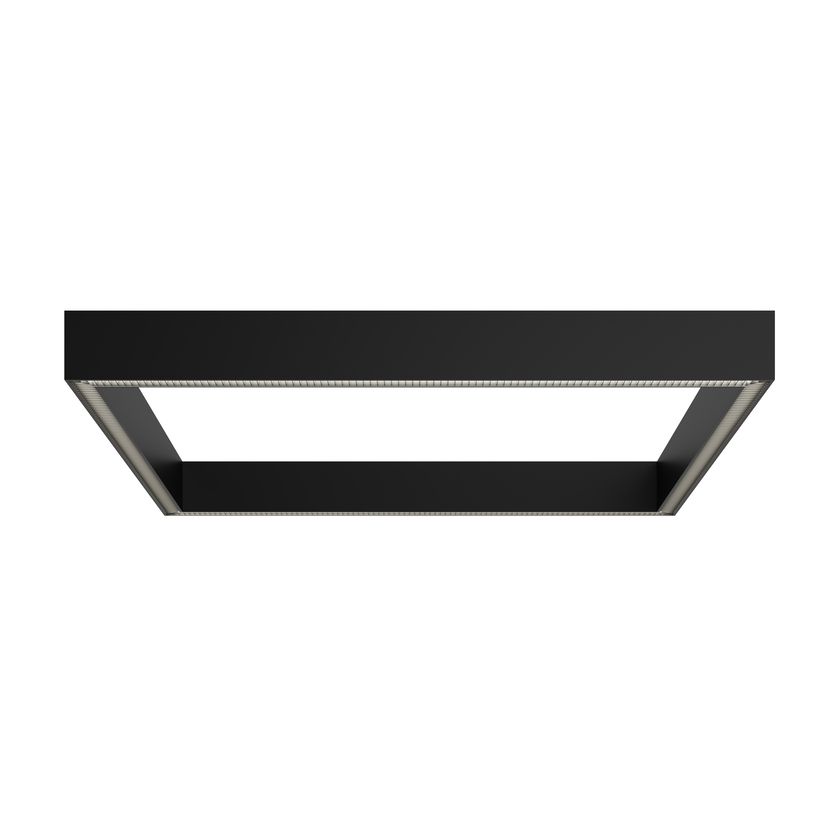
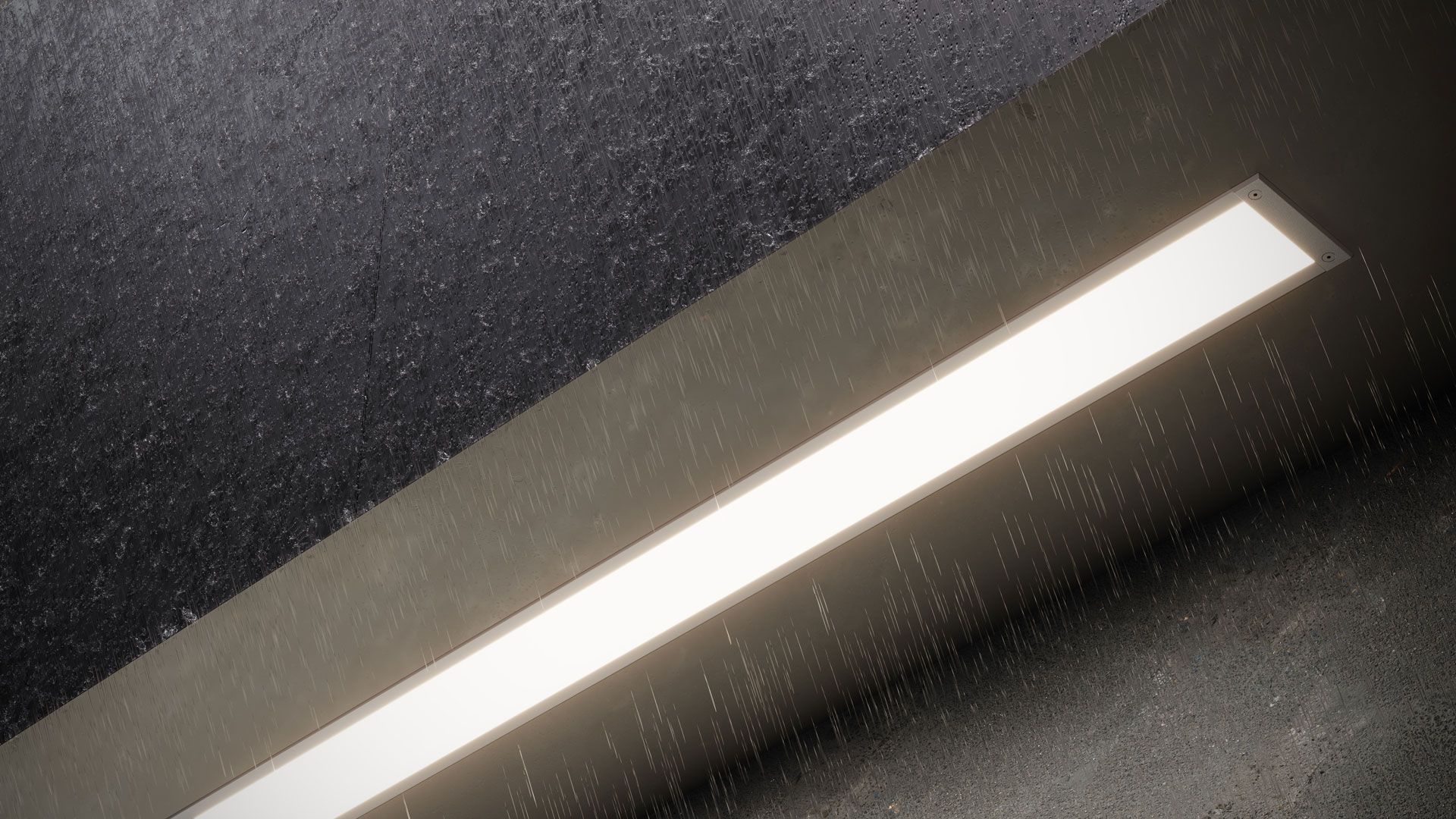
When photography wins, and when CGI does
The split below is a starting point, not a rule. The right call depends on what already exists, how many images you need, and how often the range changes:
| Task | Often the better fit | Why |
|---|---|---|
| PR shots with real people and places | Photography | Authenticity is the point |
| One hero product that already exists | Photography | A single shoot is often faster than modeling, when samples are ready |
| A fixture switched on, consistent across a catalog | CGI | Exposure and glow are simulated, not fought |
| Every finish and lamping option of one family | CGI | Variants come from one model, not reshoots |
| A collection that has not been produced yet | CGI | Renders come from drawings |
| Dusk terraces and night facades | CGI | The golden minute is rendered, not chased |
What Makes Lighting Products Difficult to Photograph
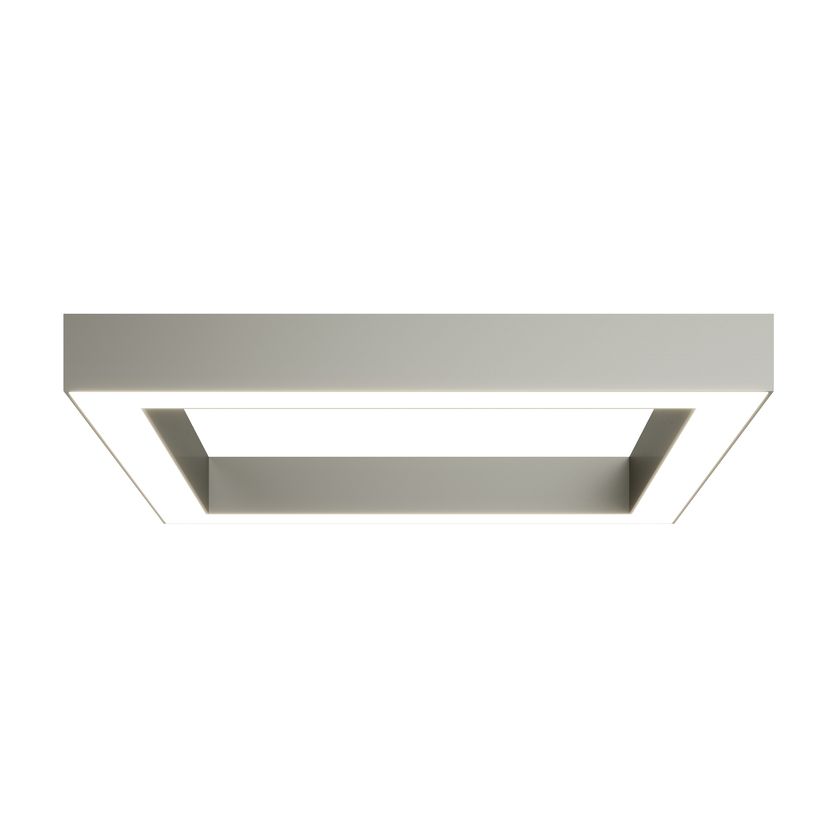
A switched-on fixture is a light source inside the frame. The photographer balances the glow of the shade against the ambient light of the set, keeps the filament or LED from blowing out, and still has to show the finish honestly. Add dusk exteriors that depend on weather, and a finish range that multiplies every setup, and the shoot bill grows with each variant.
Capitol Lighting: photos as the input, CGI as the catalog
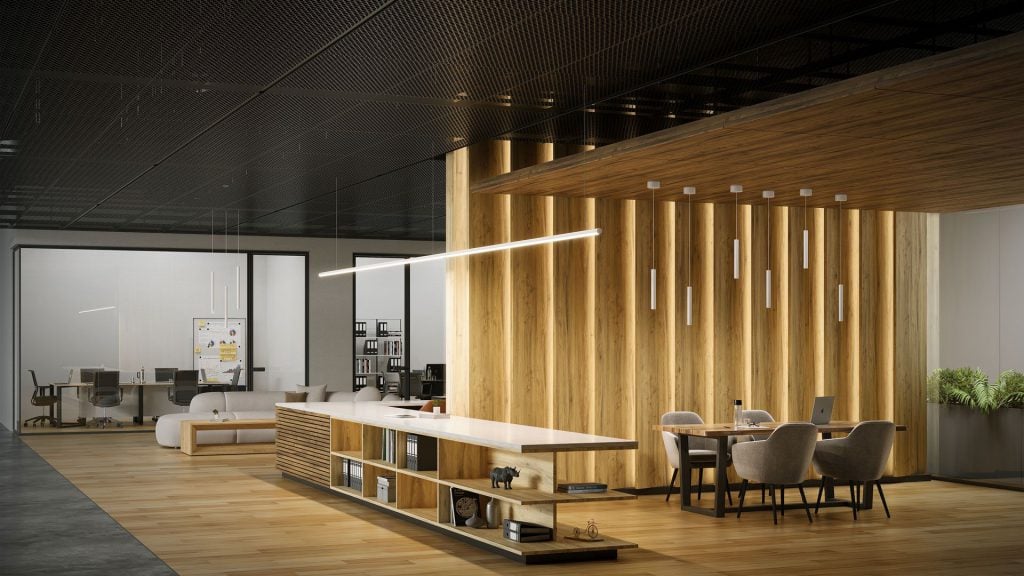
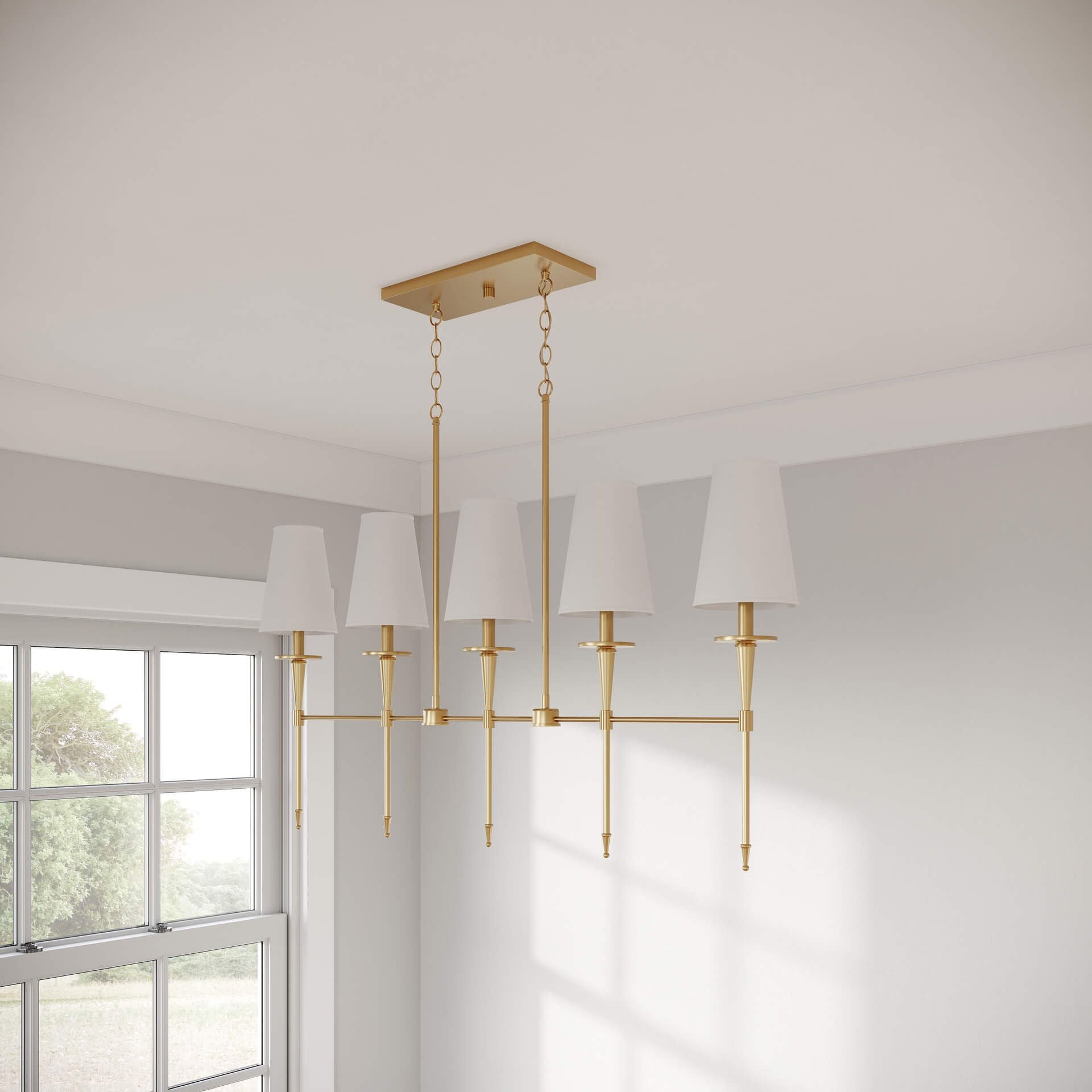
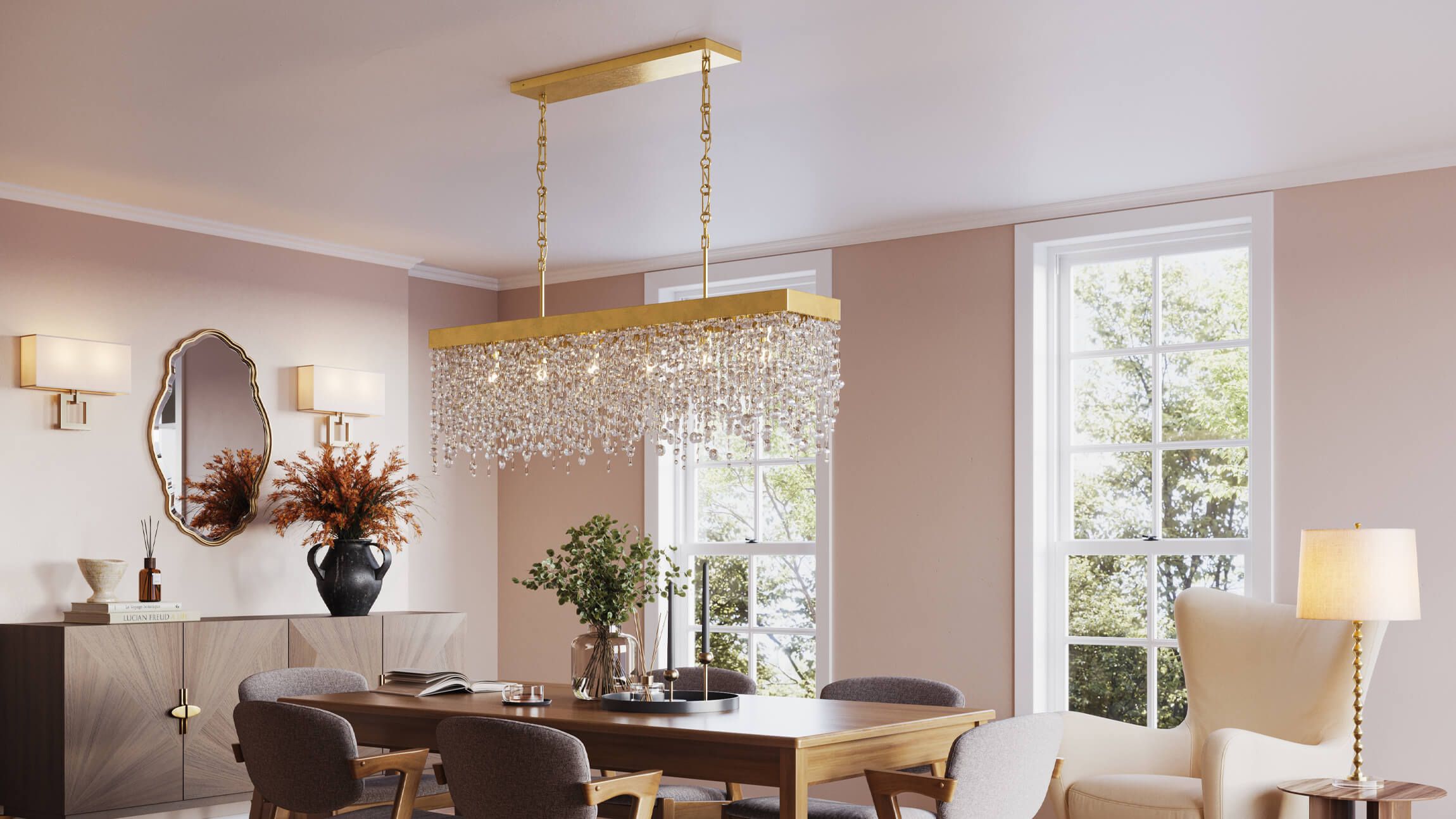
The two tools also work as one pipeline. Capitol Lighting supplied product photos of Allure Design Haus fixtures as references, and CGIFURNITURE built 3D models from them, then rendered product details and lifestyle scenes for the online catalog. The photography did the documenting, the CGI did the scaling. The project is in the Capitol Lighting case study.
The economics, without the sales math
A photo shoot buys you finished frames. A 3D model buys you an asset: the first render carries the modeling work, and every next view, finish or scene reuses it. That is why the comparison flips with scale. For one existing product photographed once, the shoot is often the cheaper call. For a family that ships in six finishes and needs silo, lifestyle and a dusk scene for each, the reuse economics usually favor CGI. The exact break-even depends on the project, so the practical step is to compare quotes on the same image list.
There is a second, quieter saving: rerenders. When a catalog updates next season, the scene and the model are already on the shelf, and nothing is rebuilt or reshot from zero.
What to Include When Comparing Quotes
Photo and CGI quotes list different line items, so compare them by what the money actually buys:
| For photography | For CGI |
|---|---|
| Sample preparation and delivery | Source data preparation and modeling |
| Studio, sets and shooting crew | Materials, scenes and setup |
| Shooting variants and retouching | Creating variants and rendering |
| A reshoot after product changes | Updating the model or the scene |
One condition makes the comparison fair: both quotes must cover the same list of final images and the same quality requirements. Twelve photographed frames against forty rendered images is not a comparison. Align the set first, then compare totals.
How Photography and CGI Can Work Together
- Photograph what exists and what needs authenticity: people, factory, press
- Model the catalog: every SKU becomes a digital twin, built from CAD or from your photos
- Render the volume: silo shots, switched-on views, finishes and dusk scenes from the models
- Keep both feeds: photography for PR and social proof, CGI for PDPs, catalogs and spec sheets
If the CGI half looks worth testing, the order starts like any rendering project: with an image list and a quote. The scope, formats and pricing are described on the 3D rendering for lighting products page.
Compare It on Your Own Product
Send one fixture you have already photographed. We will render it from your references, and you can put the two images side by side before deciding anything bigger.
Send One FixtureFAQ
Is CGI cheaper than a photo shoot?
Not always. For a single existing product, one shoot can cost less than modeling. CGI wins on volume: once a fixture is modeled, every additional finish, angle and scene reuses the same asset instead of paying for a new setup.
Can you work from our existing product photos?
Yes. Clear photos from several angles are a normal starting point for modeling, exactly how the Capitol Lighting catalog was built. Exact dimensions are still required so proportions stay true.
Can renders match the style of our photography?
Yes. We match camera angles, light mood and styling to your existing brand imagery, so CGI frames sit next to photographs without a visible seam.
Do we still need photography at all?
For most brands, yes. People, factory stories and press coverage stay photographic. Catalogs, product pages, finish variants and spec imagery are where CGI usually takes over.