Toy advertising promotes a toy to both children and parents. Not only does the product need to appeal to children but parents also require information about the contents, size and age suitability. Usually, a toy ad is either highly visual, but low on information, or is high in information, but not very playful.
Alongside the development of the product itself, product, display and exhibition graphics are often designed and produced several months in advance. There is often little or no physical product to shoot. Nowadays many toy brands use 3D computer aided design (CAD) or sculpt files to develop advertising. Below are some toy advertising ideas and we highlight areas where CGI can particularly aid the process.
What Makes a Good Toy Ad
Can you see the toy being played with? Can you easily ascertain value for money? Is it easily recognizable as a thumbnail on a mobile? If so, then the advertising can be used for Amazon, social media and in-store.
9 Toy Advertising Ideas
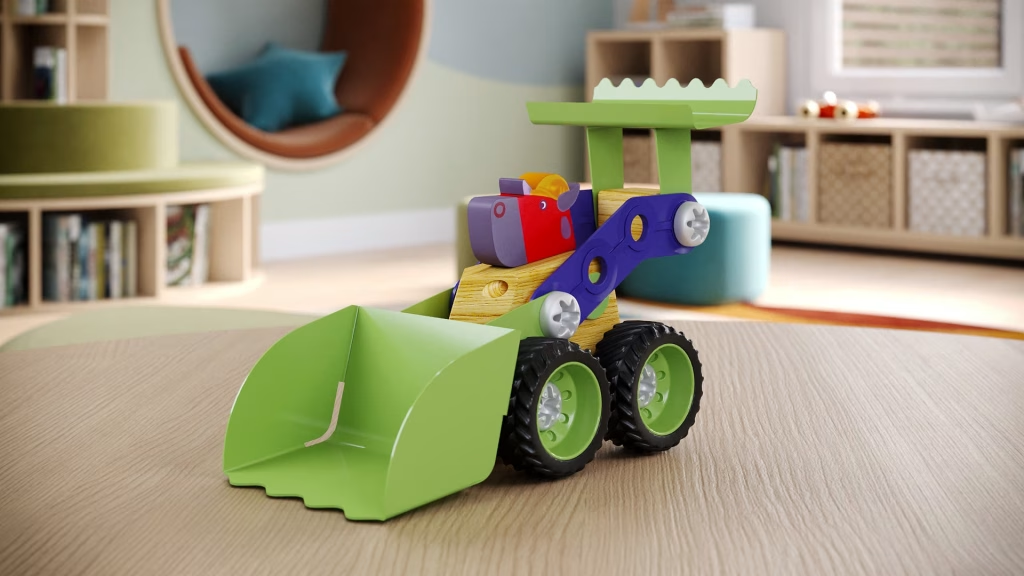
1. Show the Toy in the Middle of Play
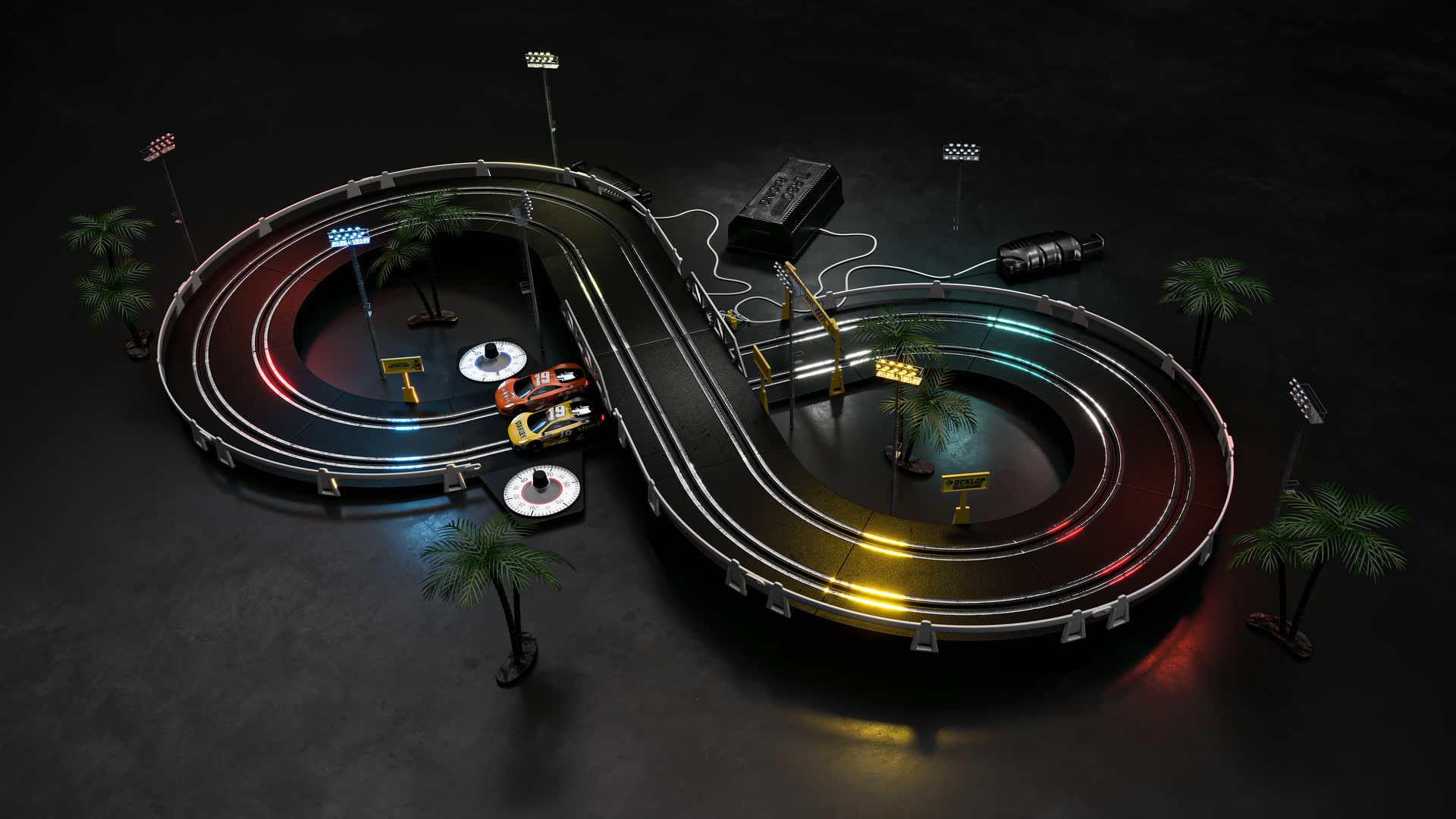
While a white background enables clear product display, a play rug with a partial racing track demonstrates how children may play. Display the toy within an area where play has already occurred for example with blocks, a play kitchen or a ride-on car outside a garden door. Role play is often a strong driver for purchase; ensure that the lighting is warm and that the room is relatable for a child.
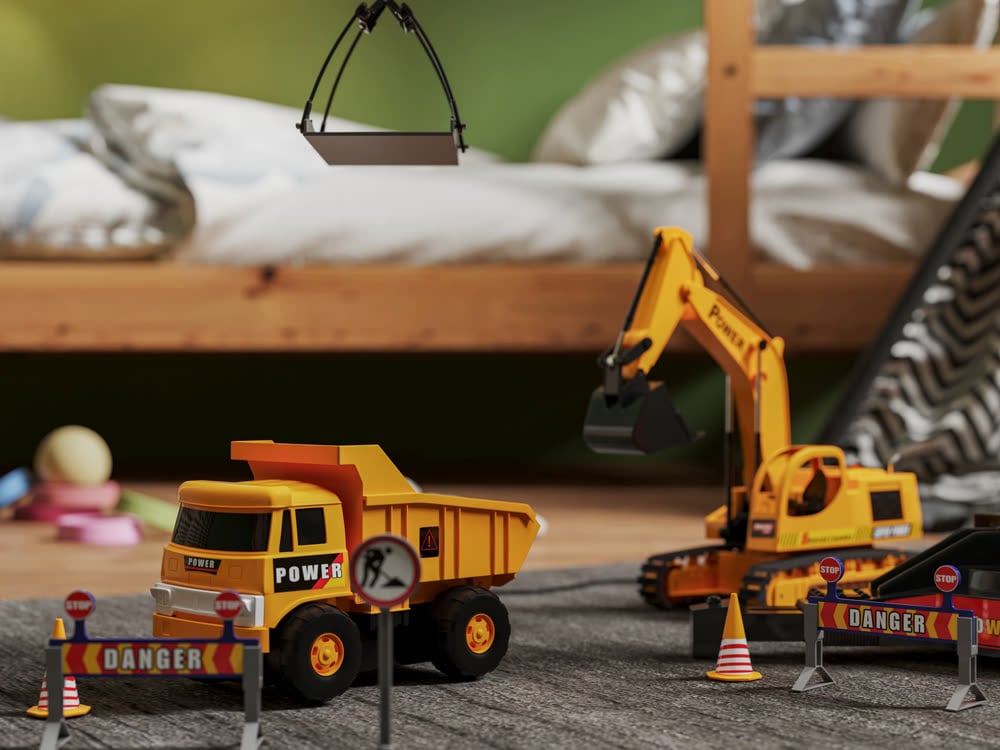
2. Open the Box in the Ad
Parents wish to know what is in the toy box. Display all components including characters, additional accessories and track, plus indicate if batteries are included. Usually, this can be achieved more efficiently through flat lays and/or exploded views rather than text. It also helps to cut down on “I thought it came with” complaints. Furthermore, 3D enables you to view a product’s retail packaging and display the box and product together.
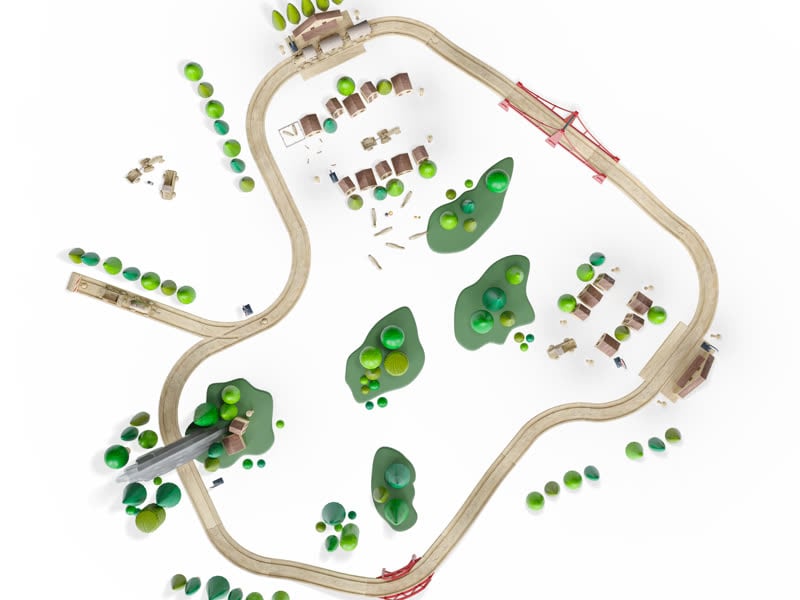
3. Make One Ad for Every Colorway and Character
Providing advertising for each colorway or character is essential where there are 6 or more. Children generally do not click on ads for other colors or characters than their preferred one. Although different photographic shoots are required for each colorway or character, within 3D you can alter just the color, material or character in the scene file and re-render. Therefore, all colorways and characters can be shot from identical angles and under identical lighting.
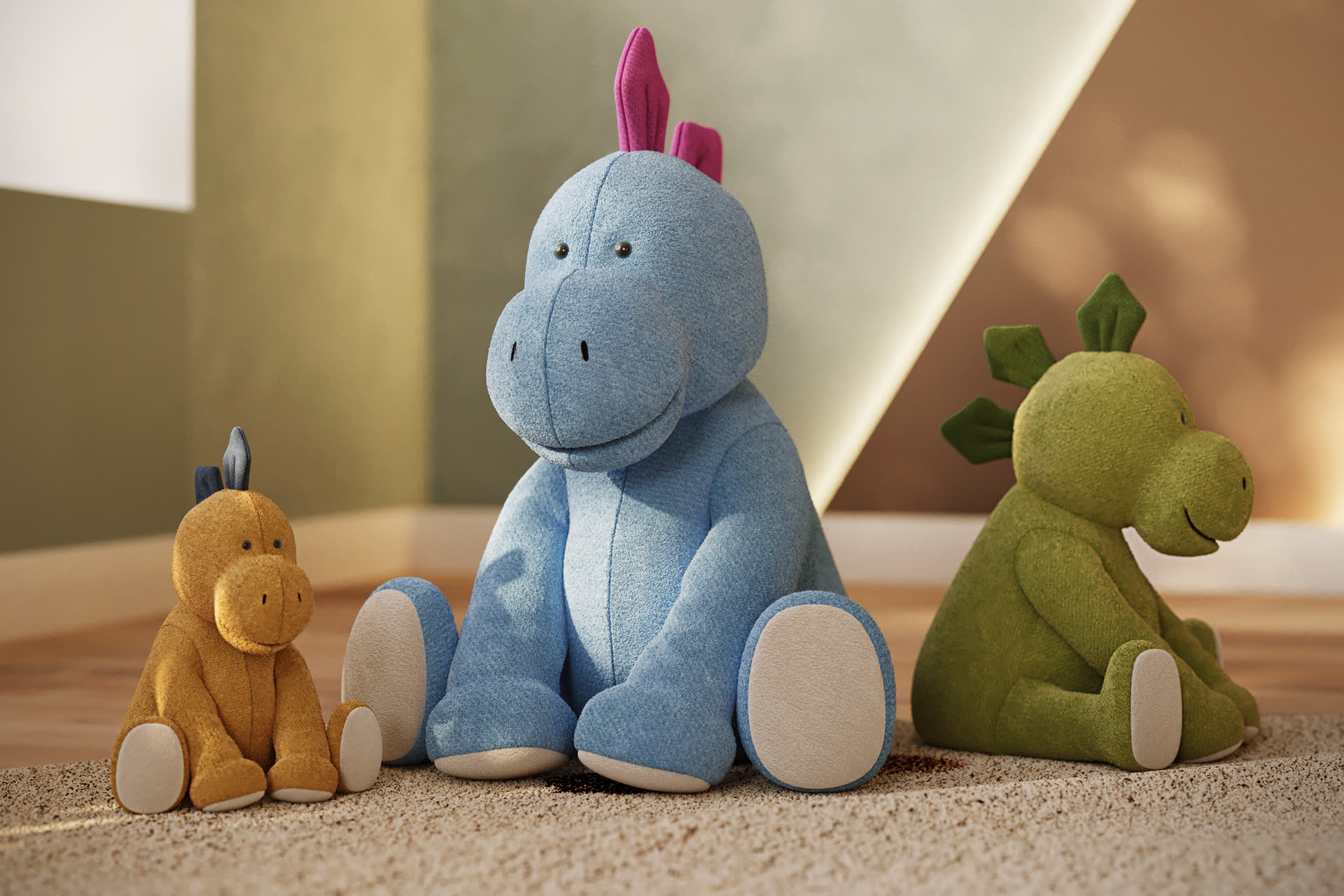
4. Put the Size Next to Something Familiar
Often buyers are most surprised by the size of a product. Display a cuddly toy on a child’s bed, building products on a desk and a ride-on car next to a front door. Having one clear visual which illustrates a product’s size can help to prevent numerous bad reviews.
5. Film the Build
Building and construction toys and tools such as cranes are frequently enjoyable to construct. A brief animation can graphically illustrate step-by-step construction of a product and conclude with the completed model. Sections of this can then be used within a box assembly instruction manual.
6. Cut a Short Toy Commercial for Every Platform
Whereas previously a toy commercial would have required a television budget, nowadays a 45-90 second demonstration video can be produced in both portrait and square formats for Amazon, Instagram, TikTok and YouTube. As with other advertising, start with a play scenario, followed by a display of the box contents and finishing with the box. If you are unfamiliar with this process, refer to our CGI animation for brands article to discover how it is produced.
7. Fill Every Slot of the Amazon Listing
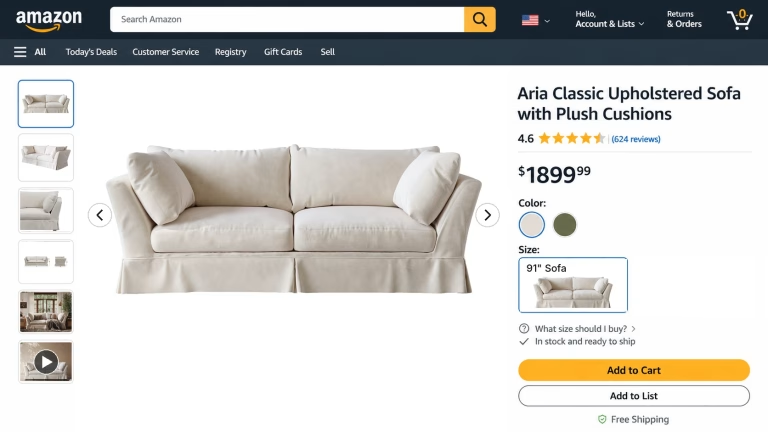
As the Amazon listing functions as advertising, fill every section. This comprises a primary white background image, gallery images, play situation, size and box contents pictures and video. Additional A+ Content can be used to continue the brand narrative and to insert a comparative table for the product range. Ensure that you are aware of current guidelines. Our Amazon product image guidelines article provides further information.
8. Let Parents Place the Toy in the Room
An AR model allows parents to assess if large toys such as play kitchens, ride-ons and doll houses will fit within their home before they buy. Parents simply aim their phones at their flooring to view the toy to scale. The AR file derives from the identical 3D model as that used for graphic production.
9. Advertise Before the Toy Exists
While events such as New York Toy Fair, Spielwarenmesse (Nuremberg) and Q4 retail period do not await manufacture, exhibitions, sales decks for shops (for example Walmart and Target) and crowdfunding sites including Kickstarter all require high quality graphics to be produced in advance. CAD, sculpt and/or concept files allow a marketing campaign to commence during the sample stage.
Photo Shoot or CGI for Toy Ads?
If a product is already available, the range is limited and only a small number of images are required then photography can work well. However, difficulties can occur if there are multiple variations of a product, if it has not yet been manufactured or if child models are required. Casting, contracts and available hours can all add complexity to working with child models.
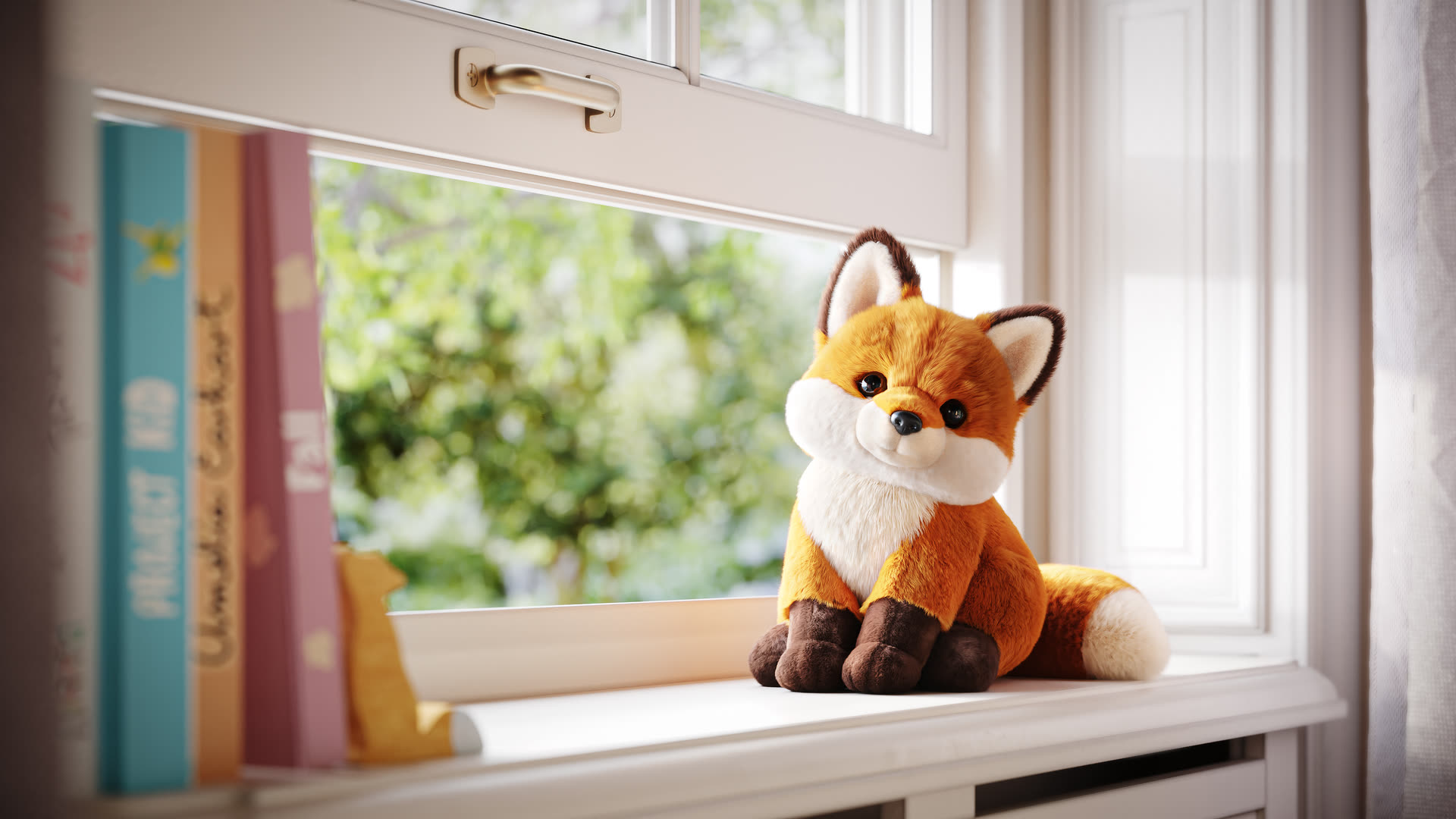
CGI is the solution for such scenarios. One scene file can be used for all product variations. Graphics can be produced prior to initial manufacture. Additionally, play scenarios can be generated without the requirement for photography. Although it can be difficult to digitally represent soft toys (owing to the nature of the materials, fabrics and fur), plush is often one of the most commonly requested items for us to produce in 3D. Threads and embroidery are all constructed to be robust and to print well at both thumbnail and trade show sizes.
What to Send a 3D Studio
For rigid products such as cars and building sets, CAD files (STEP or IGES) should be given. For dolls, cuddly toys and characters, sculpt files (STL, OBJ and/or ZBrush) are required. Together with packaging graphics and brand colors, also state the recommended age for the product. Even if you only possess sample photographs and measurements, a 3D model can still be produced.
At CGIFurniture, one 3D model is used for studio images, play scenarios, 360-degree viewing, animation, AR and packaging. Further information regarding relevant file types can be found on our toys 3D rendering page.
See these toy advertising ideas on your own product
Send a CAD file, a sculpt or a photo of a sample, and we render one frame from it before the call.
Explore Toy RenderingFAQ
Can toy advertising be made before the toy is manufactured?
Yes. Through CAD, sculpt and/or in-depth concept drawings, graphics and video can be developed ahead of tooling and sampling. Toy brands use these for Amazon listings, trade shows, sales presentations to retailers and for crowdfunding.
How is a toy ad different from a toy commercial?
All paid graphics including listing images, banners and social media posts amount to toy advertising. A toy commercial is a video ad, typically under 90 seconds, which displays a toy in play.
Are there special rules for toy advertising?
Yes. As advertising is targeted at children, it is regulated. Moreover, differing rules apply according to the platform and country for matters of labeling, age suitability and product depiction. Always check these prior to beginning a marketing campaign.