In this regard, resolution is the degree of detail of the final image or video created. In general terms, resolution is measured in pixel numbers and it is normally represented as width by height (for example, 1920×1080 pixels is the standard Full HD resolution). The resolution is a crucial aspect regarding the overall quality of the 3D rendering since it has a direct influence on the sharpness and clarity of the final picture or video.
The analysis of different types of resolutions used in 3D renders can help brand owners and marketers understand how the resolution influences the result. This will help them choose properly when ordering CGI services.
In this article by our CGI company , we will explore the types of image resolution in 3D rendering and how they affect the result of your marketing efforts. Prepare to be enlightened and keep reading!
Understanding Image Resolution in 3D Rendering: Definition, Benefits & New Opportunities
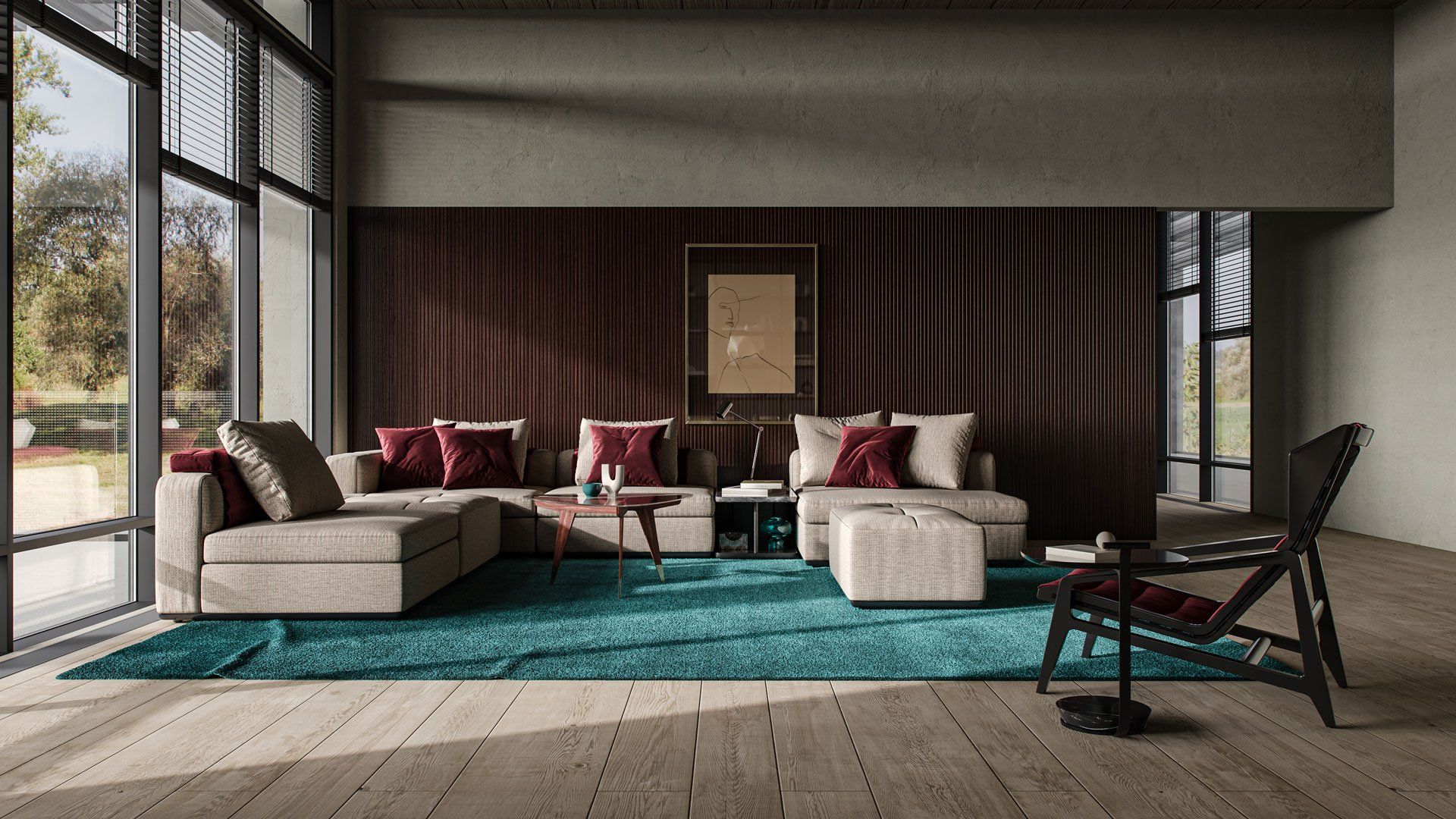
In the mesmerizing sphere of 3D rendering, mastering the different types of image resolution is an indispensable skill for achieving breathtaking visual fidelity. Read our 3D rendering guide if you are a business visionary looking to innovate, a deep-rooted understanding of types of image resolution not only enhances your creative prowess but also adds a competitive edge to your business and sales metrics.
1. The Various Types of Image Resolution in 3D Rendering
As a CGI and 3D product animation video connoisseur or a business visionary seeking to captivate audiences with immersive virtual experiences, understanding image resolution in the context of 3D rendering is crucial for achieving high-quality, visually appealing results. This is a review of each end of every types of image resolution in 3D rendering:
1.1. Render Resolution

Render resolution, in simple terms, determines the clarity and level of detail in the final pixel dimensions of a rendered image. It serves as the foundation upon which the visual masterpiece is constructed, guiding the number of pixels that will ultimately make up the final image. As the cornerstone of 3D rendering, render resolution plays a crucial role in the overall quality and impact of the visual experience. It is one of the first settings defined in any 3D product rendering project.
The Connection Between Render Resolution and Final Pixel Dimensions
The concept of render resolution is capable of determining the pixel dimensions of the rendered image. By modifying the settings for the render resolution, the artist can be able to define the number of pixels to form the rendered image. High render resolution leads to high pixel dimensions and ensures maximum clarity and details. On the other hand, low render resolution leads to small pixel dimensions and, hence, loss of detail and clarity.
Making Compromises: High Render Resolution vs. Low Render Resolution
Deciding whether to go for high or low render resolution means evaluating the pros and cons of each one. High render resolution renders images with maximum clarity and detail, thus achieving visual perfection. Nevertheless, there are some disadvantages of going for high resolution.
At the same time, lower render resolutions are easier to make and require fewer hardware resources than high resolution images, but they may lack the necessary accuracy and quality that high render resolutions provide. It is very important to find a balance between the necessary visual effect and reality, when discussing the difference between high and low render resolutions.
Nurturing the Perfect Balance
In the course of researching the notions related to the notion of render resolution in 3D rendering, it is extremely important to understand the notion itself and the way it affects the final size of the pixels of the image that has been rendered. At the same time, choosing between high and low render resolutions is a very subtle balance.
1.2. Texture Resolution

Though texture resolution concentrates solely on texture detailing in 3D, it is extremely important to understand that texture resolution is only a part of an extensive range called types of image resolution. Texture resolution means the amount of detail, sharpness, and clarity of textures created in 3D environment. This type of resolution defines the amount of pixels used for depicting surface features like color, roughness, and pattern in a digital world. Texture resolution acts as a key ingredient in bringing people into life-like and visually appealing representations.
Textures: The Key to Visual Quality
Textures significantly improve the quality of 3D models and scenes. Thanks to the detailed work with textures, artists bring life to the virtual objects and environment, turning smooth surfaces into textured pieces of art. Whether it is patterns on the fabric or roughness of a rocky ground, textures provide extra depth, realism, and visual appeal to the 3D representation.
The Importance of High-Resolution Textures in Detail Rendering
High-resolution textures are essential in detail rendering. With higher resolutions, artists are able to achieve a greater level of detail and intricacy, thus raising the bar of realism for their artwork. The minute nuances in high-resolution textures make it possible to raise the quality of the visuals and provide the viewer with an experience of immersion into the digital world.
Lifelike Realism: The Mystery of High-Resolution Textures
Through high-resolution textures, artists have the opportunity to bring about lifelike realism into their artistry. In everything from fine skin details to flaws in a worn-out surface, high-resolution textures make it possible to replicate the real-world counterparts with incredible detail.
1.3. Depth Resolution
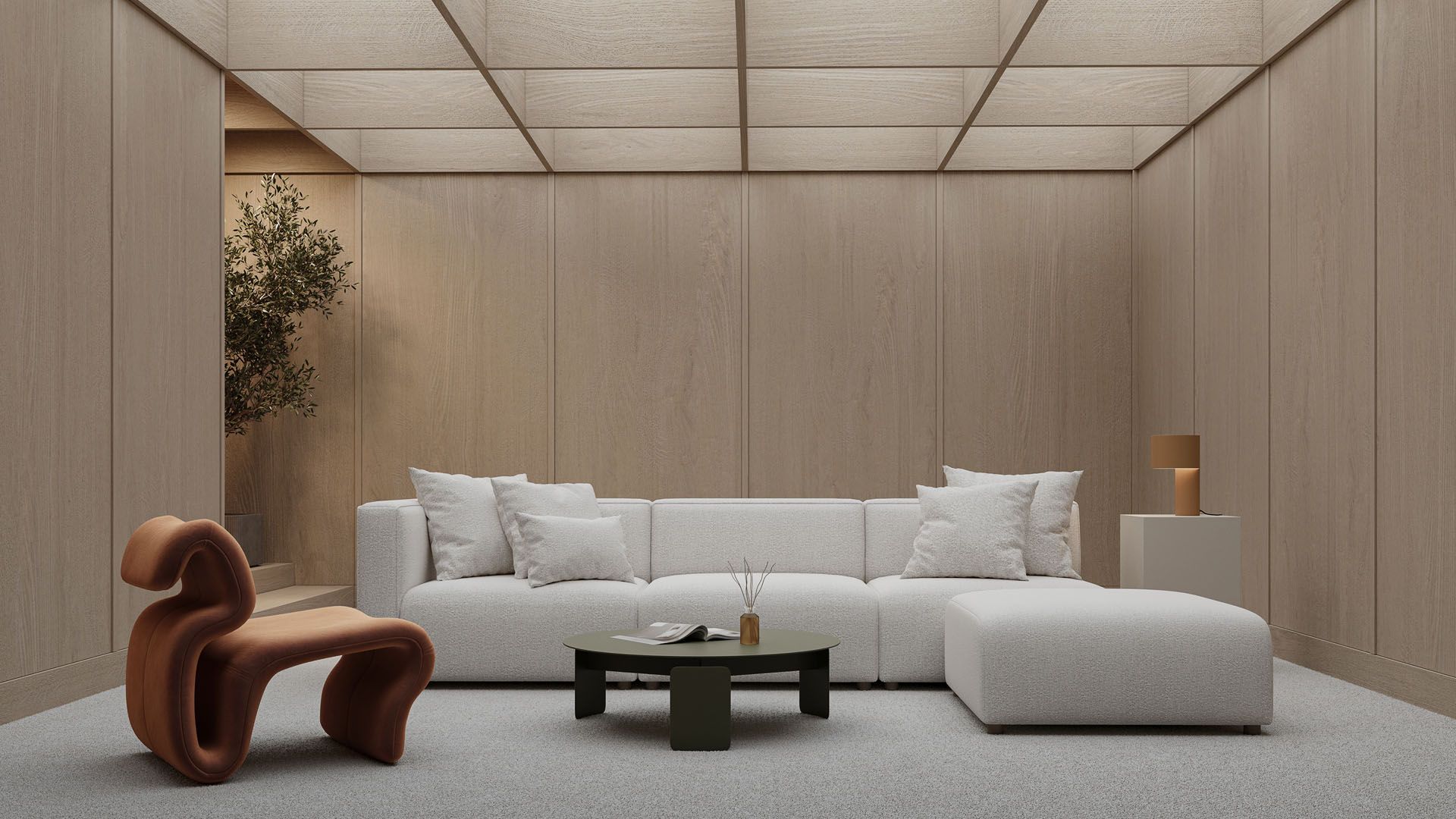
In the complex world of 3D rendering, types of image resolution come in various forms, each contributing uniquely to the final visual experience. Texture resolution deals with the quality of surface details, while depth resolution plays its own critical role, specifically in creating depth-of-field effects . It determines the accuracy in representing the distance between objects and the viewer in the rendered image. Depth resolution acts as the key ingredient in achieving a convincing sense of depth, enabling the creation of visually stunning and engaging compositions.
Importance of Depth Resolution on Effects of Depth-of-Field
Depth resolution greatly influences the creation of depth-of-field effects in 3D rendering. Depth-of-field effects are created to simulate the way human eyes focus on an object to make the image realistic and visually appealing. Depth resolution will affect the degree of details and coherence in the transition from sharply focused objects in the foreground to blurry background or vice versa. With a high degree of depth resolution, it becomes easier to create realistic depth-of-field effects.
When Is Depth Resolution Important
The influence of depth resolution on the realism of the rendered image cannot be overlooked. The high-degree depth resolution makes it possible for there to be more accurate representation of spatial relationships among objects in the image. The accuracy of placing objects on the depth axis with this precision enables viewers to judge the distances between objects in a realistic manner.
Harnessing the Power of Dimensional Realism
It is through the aspect of depth resolution in 3D rendering that the significance of the same in producing depth of field effects and realism can be easily realized. Depth resolution allows artists to create a visually captivating experience in which depth perception resembles that of the real world by allowing spatial relations and depth of field effects to be created.
1.4. Shadow Resolution
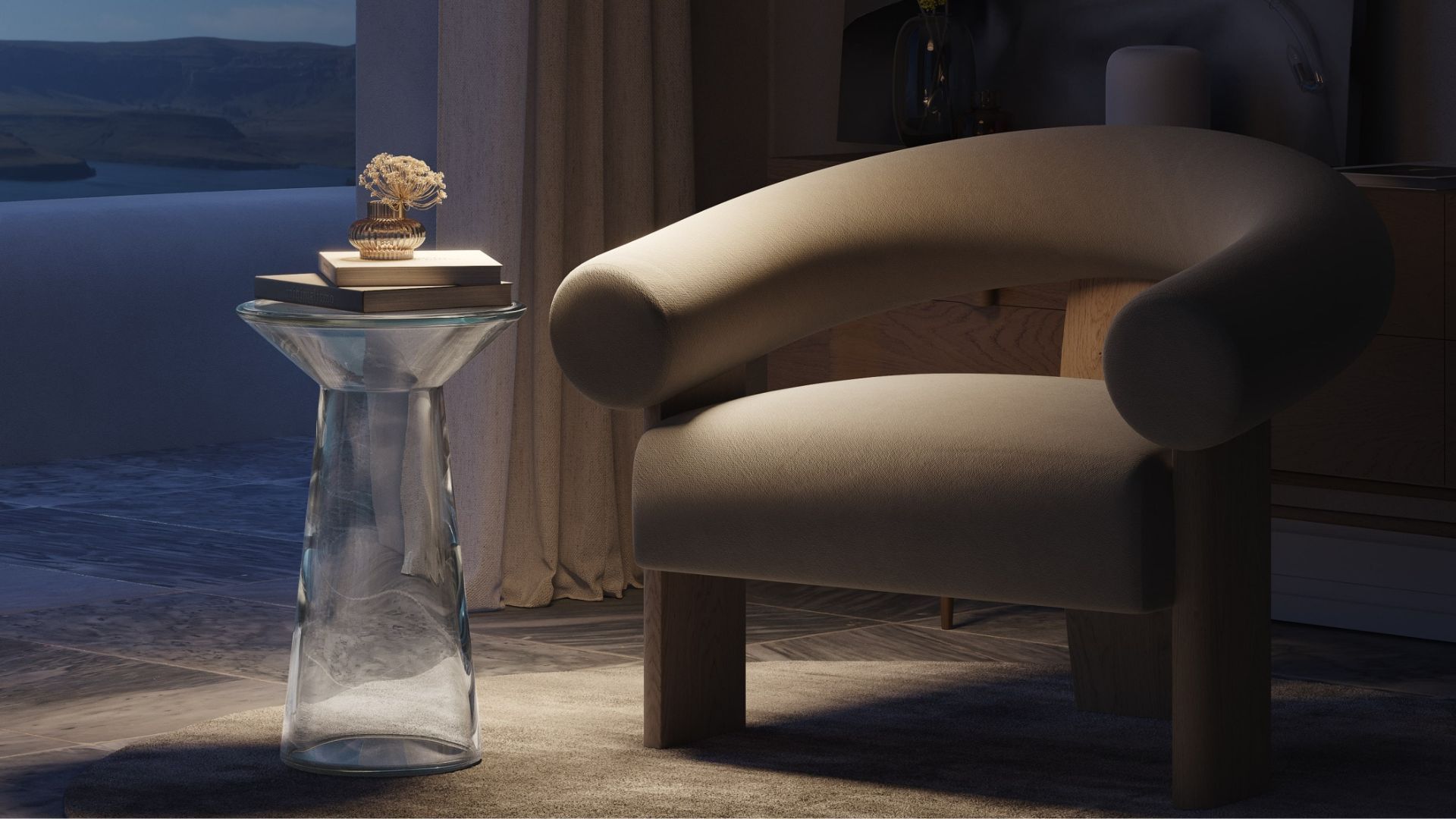
The shadow resolution is described as the ability to render high-quality and clear shadows in a three-dimensional environment. This aspect plays a crucial role in the rendering of shadows since it ensures that the shadow is represented correctly in terms of its shape, depth, and strength. Shadow resolution is the key component that will ensure realistic lighting and shadows in the rendered image.
Delivering Realistic Shadows and Lighting Effects
The shadow resolution is important in providing realistic shadows and lighting effects. A high shadow resolution helps in the accurate depiction of the shadow. This ensures that the shadows depicted are consistent with the positions, size, and shapes of the objects casting them. High shadow resolution produces smooth shadow edges and thus provides shadows that have no jagged edges. The accurate depiction of shadows ensures that the lighting and shading effect produced are realistic.
Finding Balance Between Shadow Resolution and Rendering Speed
While increased shadow resolution increases the quality of rendering, it also affects the rendering speed, as it consumes more computing resources. Therefore, it becomes important to find the right balance between shadow resolution and rendering speed in 3D rendering. Correct shadow resolution settings guarantee both the desired quality and reasonable performance.
Creating Shadow Effects Gracefully
The understanding of shadow resolution in 3D rendering allows not only seeing the importance of shadow resolution for getting realistic lighting and shadow effects but also dealing with the issue of the balance between visual quality and rendering speed. Correct shadow resolution settings help artists create shadow effects gracefully, achieving the highest level of realism with acceptable performance. As an essential part of rendering shadows, shadow resolution plays the central role in creating interesting compositions.
2. An Impact of CG Image Resolution on the Final Result
In the world of 3D rendering, image resolution plays a crucial role in enhancing the overall quality and realism of the final result. By understanding the types of image resolution, we can unlock the full potential of visual fidelity and create captivating renderings.
2.1. Image Clarity and Detail

An important benefit of increased resolutions is being able to get much more sharp and detailed images. Similar to looking at the scenery from close range, high resolutions help us observe small details, textures, and even nuances which we might fail to notice with low resolutions. This kind of attention to details helps create a much clearer and impressive image in its entirety. There are several practical ways to get high-resolution pictures from CGI rendering.
For example, in an image with low resolution, we might not be able to see details such as the objects in the background and even the details of people’s faces. However, with high types of image resolution, we can see each leaf on a tree and the facial expressions in great detail.
2.2. Texture Detail
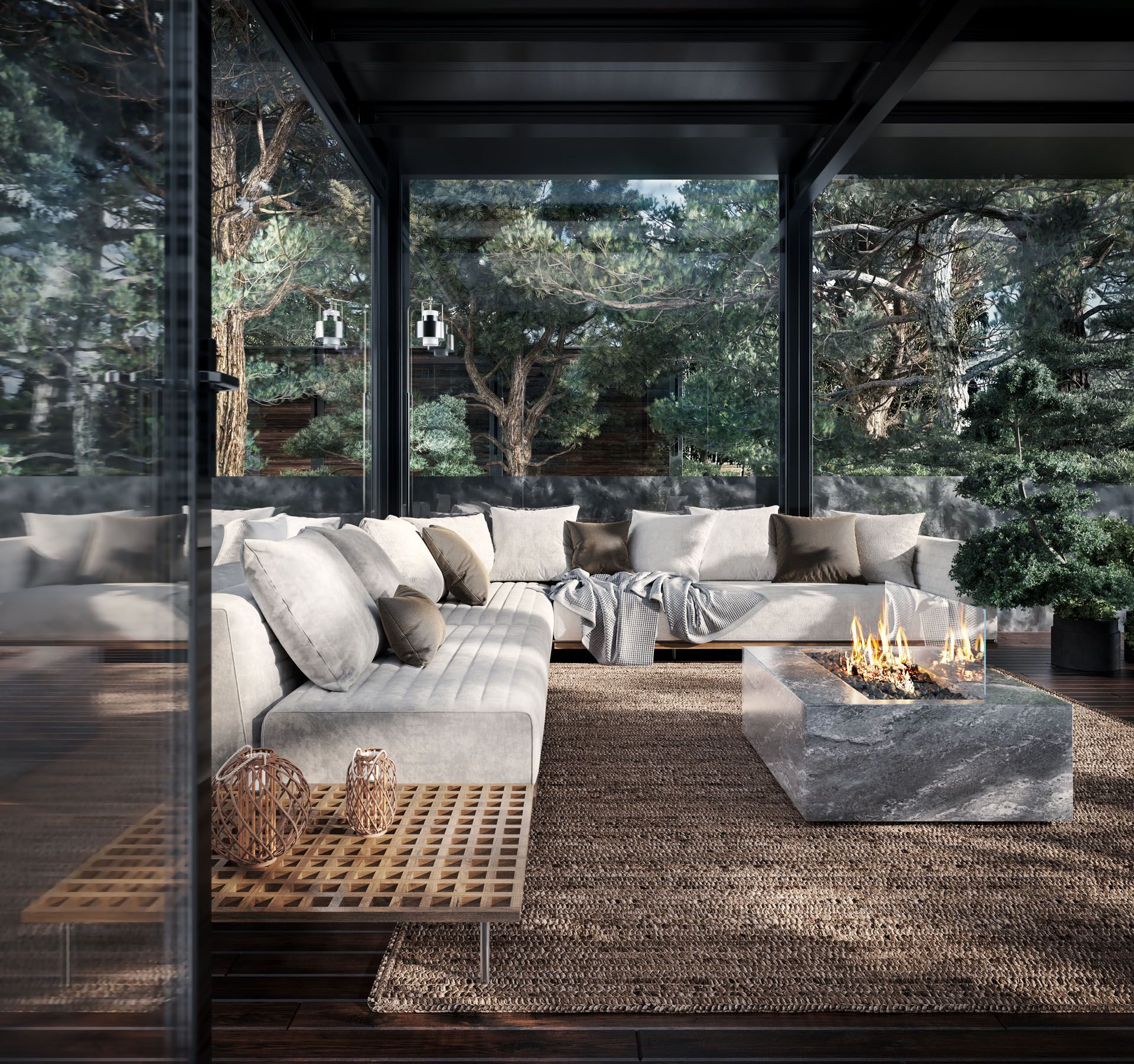
The importance of textures cannot be overstated in the creation of realistic surfaces and materials within 3D rendering. The use of high-resolution textures makes it possible to include details that can be very tiny, like the veiny pattern on a marble floor. Textures make 3D renderings come alive.
It is crucial to take into account both the scale and resolution of textures within the scene. The wrong scaling can ruin the illusion created by the textures, making them look out of place. As an illustration, a low-resolution texture of a brick wall can be seen as a checkerboard.
2.3. Depth-of-Field and Bokeh Effects

Depth of field and bokeh are other areas affected by the resolution of a 3D render. The depth resolution affects whether the scene will appear deep or shallow. It plays an important role in establishing the spatial and emotional aspect of the rendering. In addition, using depth of field effect can create emphasis on a particular object.
In scenes that lack depth of field resolution, the depth of field effect is artificial and lacks depth. However, when the depth resolution is high, the scenes will display soft blur effect in the background making the object in front prominent.
2.4. Realism in Lighting and Shadowing

The creation of lights and shadows effects is important for creating the right mood and the realistic depiction of a scene. The resolution of shadows is important for creating realistic and effective shadows that make an impact on the entire rendering. Low shadow resolution leads to pixelated and unrealistic effects which may destroy the illusion of believability.
On the other hand, high shadow resolution makes it possible to make sure that shadows and lighting conditions are accurately represented. In the process, we have realistic shadow casting and filtering of light effects.
Image resolution is an essential element of 3D rendering which has a huge impact on the entire process. With higher image resolution, it is possible to make sure that there are detailed depictions, enhanced textures, proper representation of depth, and effective lighting and shadow effects. Being able to play with image resolution, we will be able to transform renderings into something more than visual depictions.
3. The Significance of Image Resolution in Different Industries
Resolution types are one of the major factors that have great importance in different industries. It is not just related to the visuals but plays an important role in accomplishing the desired results in specific industries. Let us look at some practical examples where the use of image resolution is vital.
3.1. Architectural Visualization: Building Hyper-Realistic Worlds

Architectural visualization goes beyond creating digital replicas of buildings; it aims to convey the essence of a space. High-resolution renders enable architects and designers to showcase textured and nuanced representations of their creations.
- Skyscraper Detailing : By leveraging high resolutions, architects can showcase individual offices within a skyscraper, complete with furniture and occupants. This level of detail enhances the sense of scale and realism.
- Heritage Structures : High resolution allows for the exquisite display of artwork, mosaics, and frescoes. Viewers can almost feel the textures, immersing themselves in the rich heritage of the structure.
Whether it’s capturing the reflections on glass skyscrapers or emphasizing intricate carvings in historical renovations, image resolution elevates designs from drafts to masterpieces.
3.2. Character Design and Animation: Bringing Pixels to Life

Character design and animation rely heavily on image resolution to bring fictional entities to life. It serves as the DNA that defines facial expressions, movements, and the very fabric of clothing.
- Facial Features : In emotive scenes, the subtle movements of an eye or the curvature of a lip can speak volumes. High-resolution textures allow animators to convey this level of expressive detail, enhancing the believability and impact of characters.
- Clothing and Accessories : High-resolution textures enable the visual representation of fabric weaves, scuff marks on armor, or intricate designs on accessories. This level of detail contributes to both realism and storytelling, enriching the viewer’s experience.
High-resolution textures and renders are essential not only for delivering visually pleasing results but also for conveying personality and emotion.
3.3. Product Visualization: Every Pixel Counts

In an era dominated by online shopping, product visualization is crucial for customer engagement. High-resolution renders enable consumers to closely examine products, mimicking the physical experience of touching and feeling them. From highlighting the material’s characteristics to emphasizing design intricacies, image resolution plays a vital role in influencing purchasing decisions. Brands ordering CGI product rendering services should agree on the output resolution before production starts.
- Low Resolution : Products appear flat, lacking detail, and making it difficult to discern the materials used. For example, a silk dress may look indistinguishable from one made of polyester.
- High Resolution : High-resolution renders allow for the portrayal of minute details that enhance the user experience. For instance, a luxury car’s metallic finish appears almost touchable, and garments display individual threads, while complex machinery showcases fine lines and precision.
Types of image resolution serve as a secret language across multiple industries, turning visual storytelling into a mesmerizing experience that captures the viewer’s attention. These various types of resolutions amplify the quality of designs, elevating them from mere visual elements to unforgettable, lifelike experiences. They breathe life into pixels and add depth to digital displays, making each scene or object feel incredibly real.
4. Techniques and Tools for Managing Image Resolution in 3D Rendering
Mastering the concept of image resolution in 3D rendering involves more than just understanding it intellectually; it requires practical application using the right techniques and tools. This section will explore the commonly used software, and the process of setting optimal render and texture resolutions, as well as offer tips for tailoring these settings to different output formats and platforms.
4.1. Commonly Used Rendering Software

To effectively manage image resolution in 3D rendering, it’s essential to utilize the right software tools that offer advanced features and advantages. The following software options are widely used in the industry:
- 3ds Max : Popular among architects and visualization experts, 3ds Max provides a range of resolution management features that can be fine-tuned to project requirements.
- Blender : A versatile and free open-source software tool that provides robust control over render settings, including resolution adjustment.
- Autodesk Maya : Widely used in the film and animation industry, Maya offers comprehensive resolution settings for intricate character and scene rendering.
- Cinema 4D : Known for its user-friendly interface, Cinema 4D offers intuitive settings for adjusting image and texture resolutions.
- Unity and Unreal Engine : These game engines provide real-time rendering capabilities and allow for deep customization of texture and image resolution settings.
4.2. Setting Render and Texture Resolutions

Different software tools may have varying procedures for setting render and texture resolutions. However, these options are typically found in the “Render Settings” panel of the program. Here are some examples:
- 3ds Max : Within the “Render Setup” dialog box, under the “Common” tab, find the “Output Size” settings for resolution adjustment.
- Blender : Access the “Output Properties” tab, where you can set the dimensions (X and Y-axis) and the percentage scale of the final render.
- Maya : In the “Render Settings” menu, locate the “Image Size” options, where you can define both custom and preset resolutions.
- Cinema 4D : In the “Render Settings” panel, open the “Output” dropdown, which contains options for width, height, and resolution (measured in DPI).
Adjusting texture resolutions is usually done within the software’s material editor or the properties panel of the texture. Specialized tools like Substance Painter offer extensive resolution options dedicated solely to texturing.
4.3. Optimizing Rendering Settings

Tailoring rendering settings to specific output mediums ensures optimal results. Consider the following optimization tips:
- For Digital Displays : Common resolutions like 1920×1080 (Full HD) or 3840×2160 (4K) typically work well. However, take into account the performance capabilities of the intended display medium.
- For Print : DPI (dots per inch) is crucial for print quality. Generally, a standard of 300 DPI is recommended.
- For Web : Consider rendering at a high resolution and then compressing the image, or use responsive image techniques to serve different resolutions based on the user’s device.
- For Real-time Applications : Striking a balance between visual fidelity and performance is vital for games or interactive VR experiences. The goal is to maintain a high frame rate without compromising too much on visual quality.
- Optimized Formats : Use JPEG or PNG for digital displays and TIFF for print to retain image quality. Some formats, such as WebP, are specifically optimized for web use.
Controlling image resolution while performing 3D rendering is an art. Being mindful of this process and customizing the settings according to the medium of output helps you make the best use of the particular kind of image resolution, thus using the full power of it for creating unique visual stories. Once you have got the right tools, know-how, and technique, you can use image resolutions as your secret weapon for creating perfect visuals.

Learn more about CGI services for E-commerce and take your online business to the next level.
See moreImagine transforming your innovative ideas into stunning visual masterpieces – hyper-realistic, immersive, and so visually compelling they take your audience’s breath away. Our world-class product product modeling services are a game-changer for your business, project, or brand. Contact us now or book a free demo consultation!