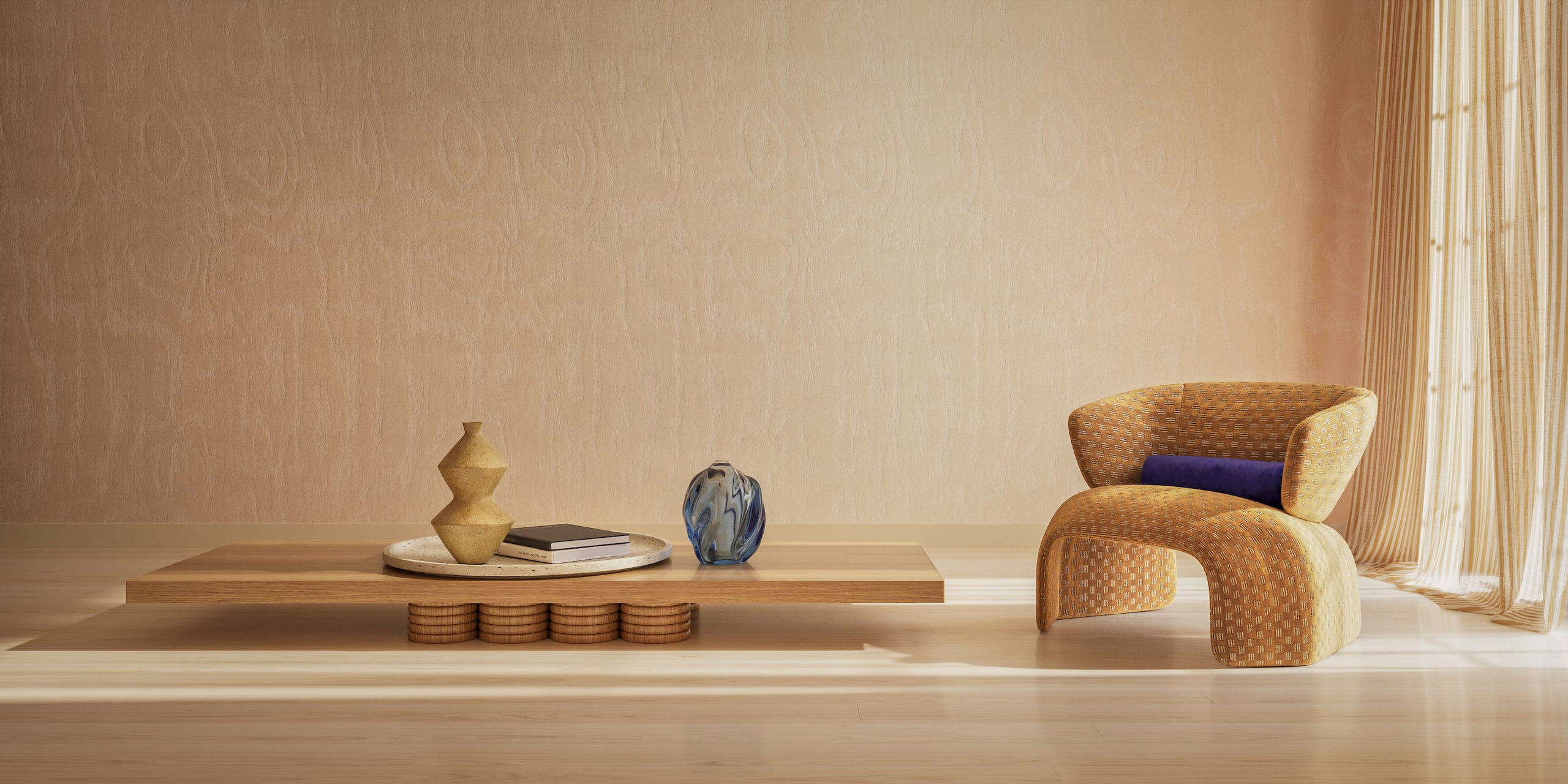
3D product visualization presents products through still images, animation and interactive experiences. Each format answers a different question: what a product looks like, how it works or how it fits into a space. This chapter compares the main formats, explains where each is useful and shows how 3D models and materials support them.
Static Product Images
Still images are the most common format of product visualization: photorealistic pictures created entirely in 3D. Brands use them for product pages, catalogs, ads, retail listings, and packaging. For a full explanation of the process, see what 3D product rendering is.
1. Silo 3D Visualization

Silo graphics depict a product against a clean, plain background, usually white or transparent. They use optimum lighting and eliminate distractions to accentuate shape, proportions, colors, and materials. They are the core image set of an ecommerce product detail page.
Ideal for:
- e-commerce listings
- marketplaces like Amazon
- catalogs and product sheets
- technical validation
Choose silo renders when a buyer needs to judge the product itself. They say little about scale or use, so they usually sit next to lifestyle images. Consistency at that scale also means avoiding the common mistakes in rendering 3D objects.
Example: the Al Huzaifa case study shows silo renders across a luxury furniture range.
2. Lifestyle 3D Rendering

Lifestyle renders place a product inside a fully designed 3D environment that reflects the target audience’s style and taste. They help customers imagine how a product fits into their lives and create emotionally engaging visuals. Ideal for:
- website hero images
- ads and social content
- lookbooks
- brand storytelling
Choose a lifestyle scene when scale, mood or use matters more than technical detail. A busy room can distract from the product, so the style direction matters. For quick scene variations, some brands use an AI background generator around an exact 3D model. That direction is usually set in the brief for a 3D project.
Example: lifestyle scenes for the HOMEGA case study.
3. Flat Lay 3D Rendering
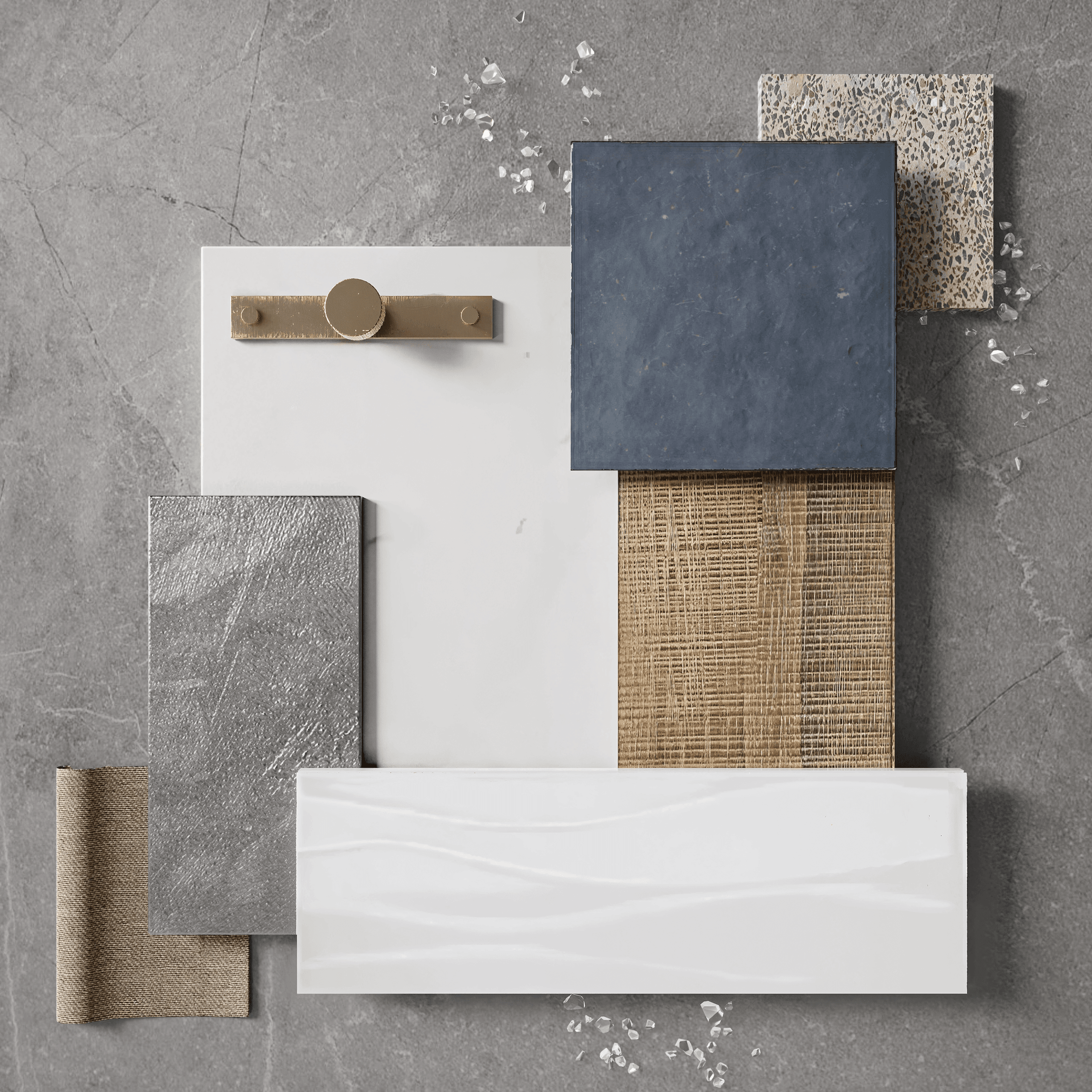
Flat lays display products in a top-down arrangement that is clean and beautiful, making them perfect for grouped compositions or collections. Such layouts are easier to adjust in 3D than on a photo set, as our 3D rendering vs photography comparison explains.
Great for:
- bundle presentations
- catalog highlights
- landing pages
- social media content
Flat lays suit items that read well from above, such as textiles, tableware and small goods, and are less useful for tall or bulky products. Each set is lit and styled by a 3D rendering artist who keeps the collection consistent.
4. Product Feature Rendering
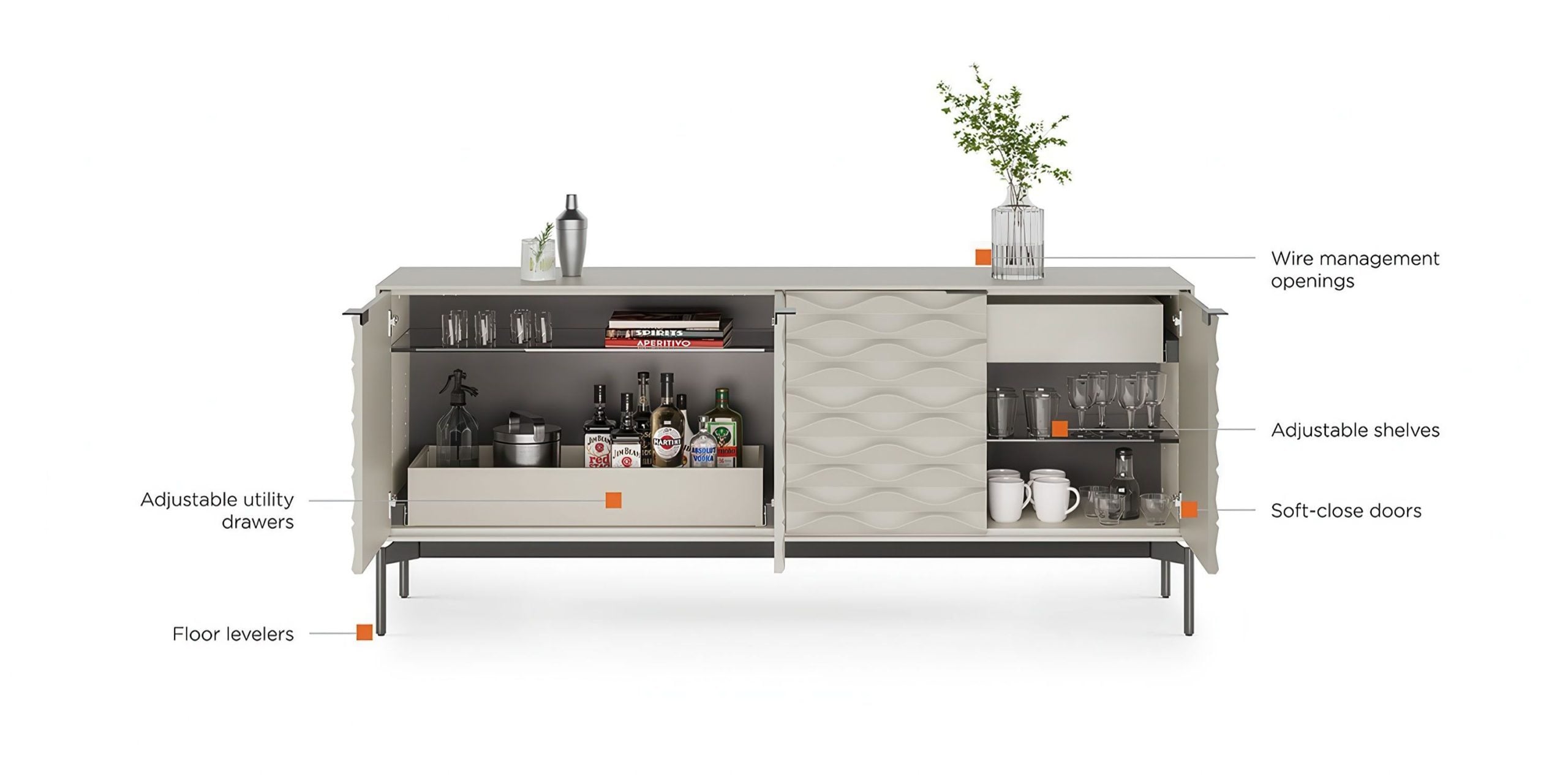
Feature renders focus on details, materials, textures, systems, or innovations that define the object. These close-up photos convey quality and craftsmanship significantly more effectively than text alone. Fine details such as fur or ready-made materials often rely on 3ds Max plugins.
Used for:
- feature callouts
- zoom-ins on product pages
- comparison sections
- marketing visuals that highlight value
Use a feature render when a detail has to carry the message: stitching, grain, reflections or edge finishes. It does not show the whole product, so it sits alongside silo images. This level of detail is one of the things that set the best 3D rendering companies apart.
Feature renders can also be cutaways. A cutaway shows the inner construction of a piece, such as the frame, filling, or drawer mechanism, without cutting a real sample in half and writing it off. Examples of feature callouts are in the Dozy Sleep case study.
3D Models and Materials: The Foundation
3D modeling is the creation of a digital replica of a product. It’s the backbone of all CGI: once a 3D model exists, it can be used for renders, animations, AR/VR, configurators, and more. That single model is the product digital twin – see how one 3D model powers both a configurator and your content from the same source. The work is done in specialized tools; see our pick of the best furniture design software.
A model is not a finished image: it holds the geometry and materials, and every render, animation or AR view is produced from it. The process is covered step by step in the product 3D modeling chapter.
1. Product 3D Modeling
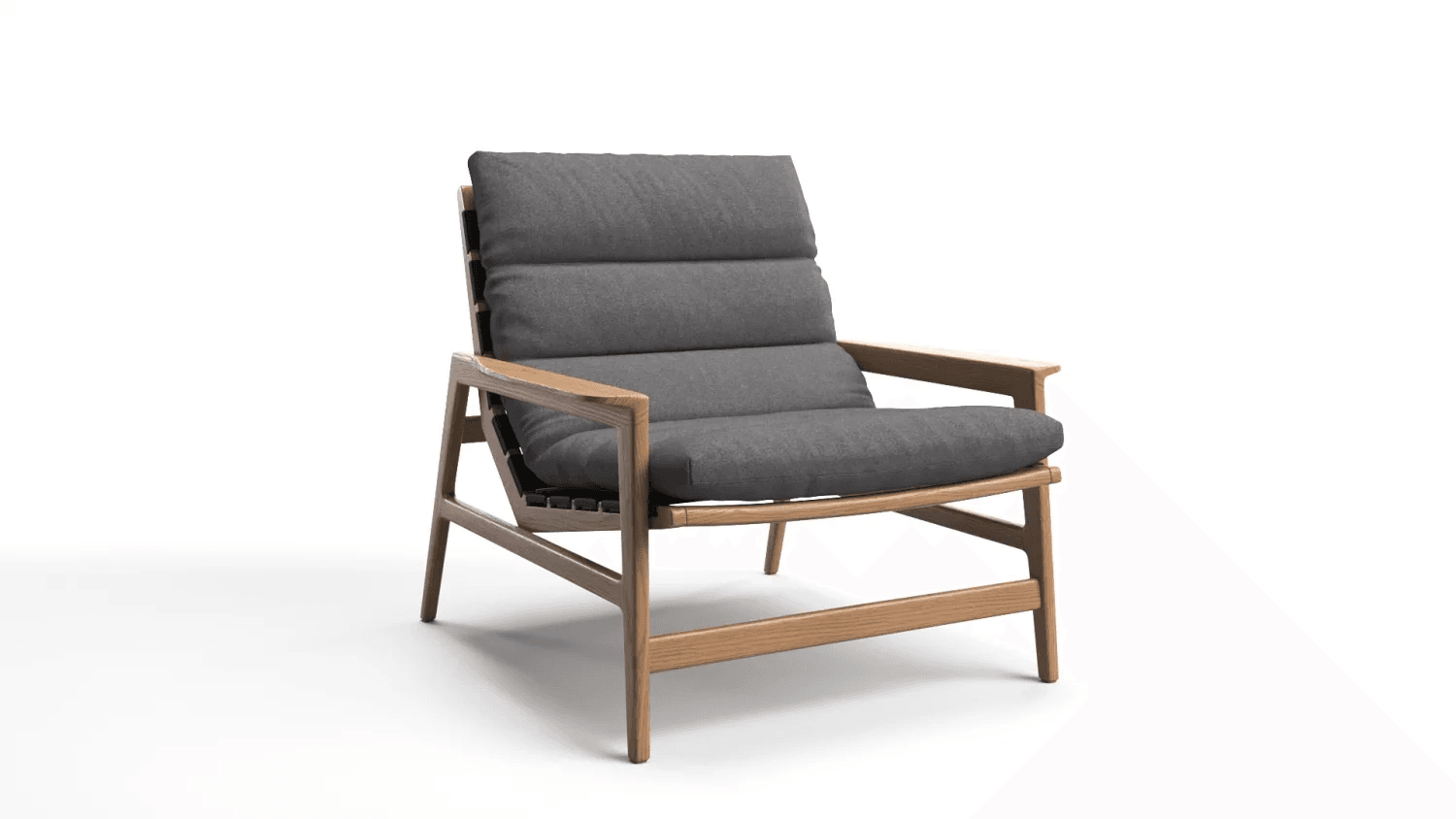
This includes creating accurate, high-detail 3D models from CAD files, sketches, dimensions, or photos. Models can be realistic (for rendering), low-poly (for WebXR), or optimized for animation. Realistic models are then rendered in engines like the ones in our V-Ray vs Corona comparison for 3ds Max.
Essential for:
- catalogs and marketing visuals
- prototypes
- mass production previews
- brand asset libraries
A model library pays off when a catalog is large or updated often, since one model serves many outputs. Catalog size and model complexity are among the main factors behind 3D product rendering cost.
Models are built for many product categories: furniture, decor, bathroom fixtures, rugs, and tiles.
2. 3D Texturing & Materials

This is where surfaces come to life. Texturing defines how materials look and react to light – wood, metal, fabric, plastic, glass, stone, and more. PBR (physically based rendering) materials ensure realism across platforms. Artists build these materials in dedicated 3D texturing software.
Used for:
- hyper-realistic renderings
- material libraries
- AR models
- animations
A reusable material library keeps finishes consistent when new products are added. Keeping such libraries consistent across projects depends on a clear CGI project workflow.
Product Animation
Animation helps brands show not just what a product is, but how it works. Motion makes mechanisms, assembly and complex designs easier to understand. The 3D product animation overview covers these formats in more depth.
1. Product Animation (Standard Videos)
Full-length product videos that showcase features, assembly, mechanisms, or lifestyle usage. These often include camera motions, exploded views, close-ups, and storytelling sequences. Studios build them in dedicated product animation software.
Perfect for:
- product pages
- YouTube ads
- presentations
- crowdfunding campaigns
Choose a full video when the product needs explaining. It takes longer to produce and review than a still image. Drafts and feedback for such videos can be handled in a 3D project management platform.
Installation videos are a related format. They walk the buyer through a setup step by step and keep working after the sale, in product training and customer support. An example of a promo CG video is in the Ezenzial Living case study.
2. Social Media 3D Animations
Short, eye-catching motion clips tailored for platforms like Instagram, TikTok, Facebook, and Pinterest. These focus on bold visuals, quick pacing, and engaging moments. Our guide to the purpose of rendering in marketing shows where each format fits.
Best for:
- social campaigns
- paid ads
- stories and reels
- brand awareness
Short clips need their own crop and pacing for each channel, so plan the formats before production starts.
Interactive Product Visualization
Interactive formats let users control the view, change materials, explore features, or customize the product. They need a viewer or tool on the website, so they take more setup than a still image. For furniture brands specifically, see why 3D visualization is important in the furniture industry.
1. 360° Interactive Product Viewer
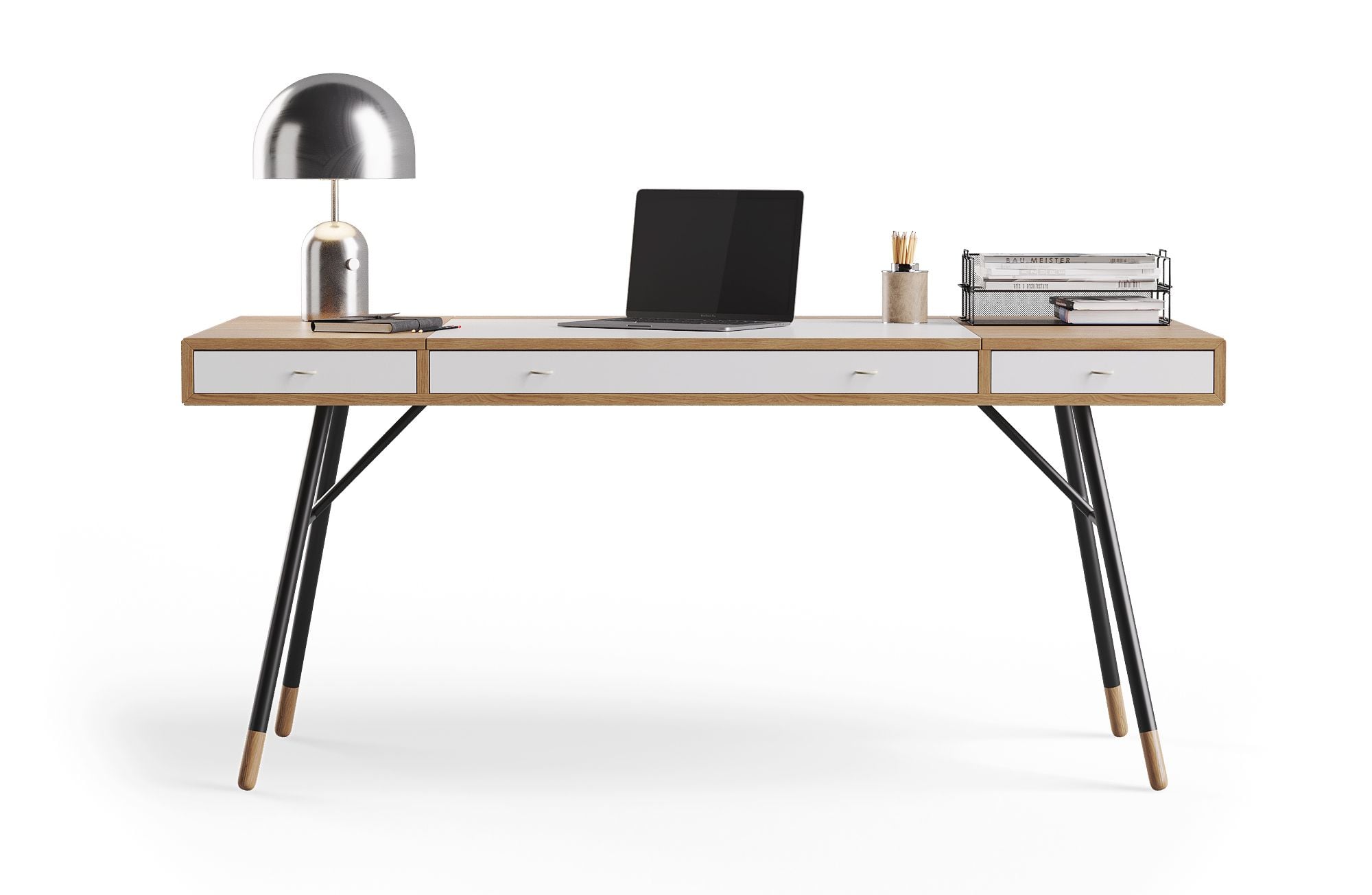 ↔ drag to rotate
A 360-viewer allows customers to rotate a product in all directions. It offers a hands-on experience similar to inspecting a physical item.
Ideal for:
- e-commerce product pages
- B2B catalogs
- tech and furniture products
- interactive presentations
A 360 view can be an image sequence or an interactive model. Both are produced in professional CGI render software.
A 360 spin is not limited to the website. A QR code in a printed catalog or on a trade show stand can open the same viewer on a phone.
2. Web Configurators

Configurators let users change colors, materials, modules, or components in real time.
Great for:
- customizable furniture
- modular products
- D2C brands offer personalization
A configurator runs on a development platform and needs 3D assets to match: models, materials and variants. The same assets can also feed 3D visual merchandising software used to plan store displays.
3. AR Models
AR models are lightweight, optimized assets designed specifically for mobile augmented reality – like iOS Quick Look or WebAR tools.
Use cases:
- immersive product previews
- mobile-driven retail
- try-before-purchase experiences
AR models trade some visual detail for speed, so they are better for checking size and placement than for close inspection. For how retailers put these models to work, read about augmented reality in the furniture industry.
Catalog and Print Imagery
The same renders that serve product pages can fill digital and printed catalogs, provided they are rendered at print resolution. Catalog work is usually a mix of silo renders, wall lifestyle images, and full interior scenes, kept consistent across the whole range. Brands producing this volume often weigh a 3D outsourcing studio against an in-house team.
- Sklum, a Spain-based online furniture and decor brand, sent only product photos. 3D artists recreated each piece from them and placed the range in interior and exterior scenes for its catalogs.
- BDI used lifestyle renders in diverse interiors for its furniture catalog.
- Kramer Design got lifestyle renders of office chairs from multiple angles for a print catalog.
Benchmark the 3D Rendering Market
Compare typical rates, project timelines, and deliverables and see where your current vendor stands.
Download Product Rendering ResearchWhich Visualization Format Fits Which Task?
| Task | Suitable format | What the buyer sees |
|---|---|---|
| Show the product clearly on a listing | Silo render | The product alone on a plain background |
| Show scale, mood or use | Lifestyle render | The product in a styled room |
| Explain a detail or feature | Feature render | A close-up or callout of the part that matters |
| Show how a product works or assembles | Product animation | The product moving, opening or being put together |
| Let buyers inspect every side | 360 view | A rotation they control |
| Let buyers choose options | Configurator | Colors, materials or modules changing live |
| Check size and fit at home | AR model | The product at full scale in their room |
Need visuals for your products?
Explore our 3D product rendering services for image options, pricing and the production process. For furniture collections, see our 3D furniture rendering services.
See 3D product rendering services