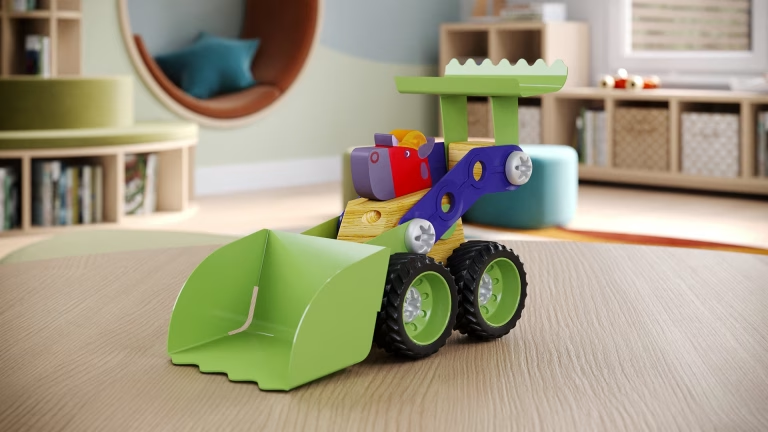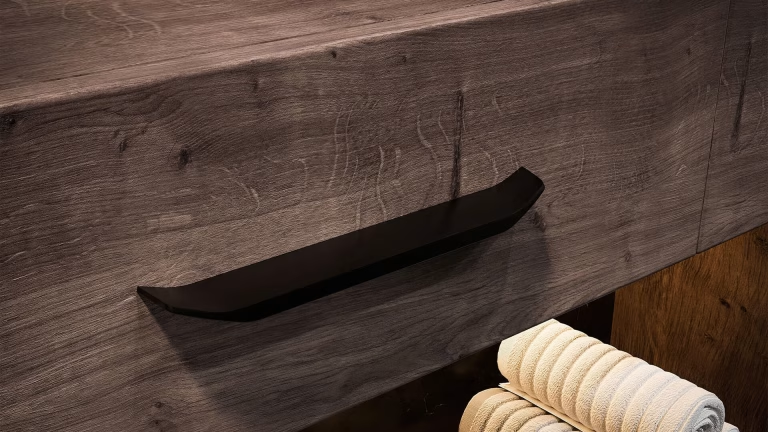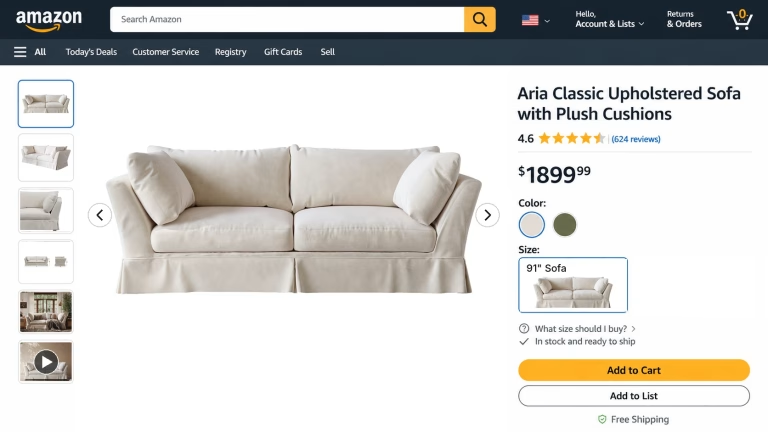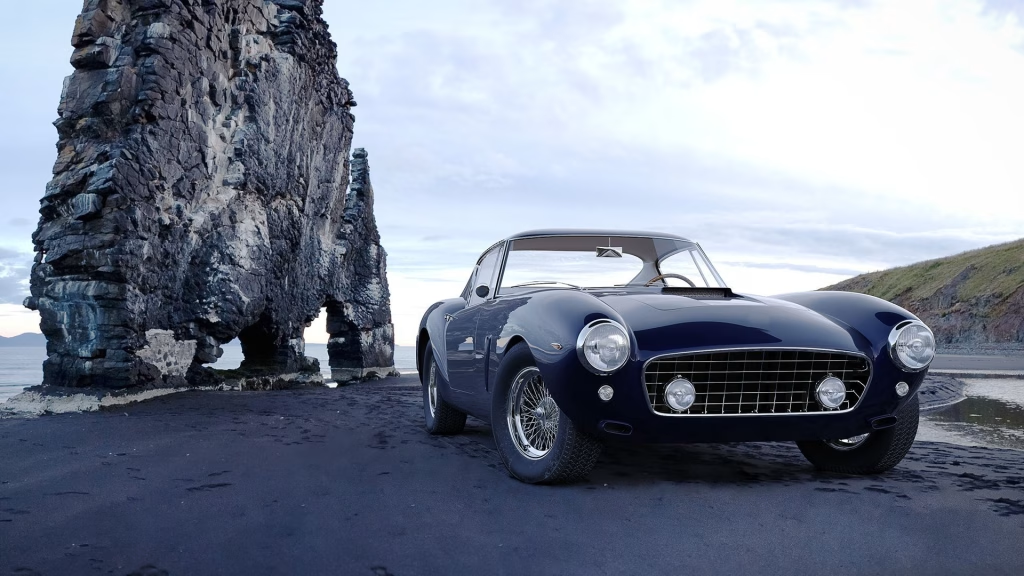
3D car rendering produces high quality computer-generated images of vehicles, wheels and accessories. Unlike photographs, no cameras are used. Vehicle manufacturers use car renders to display vehicles which are not yet produced. Brands who provide wheels and accessories also use car renders as they have numerous options of color and application and so are unable to take photos of all options for all cars.
This information is aimed at marketers within vehicle, wheel and accessory brands. It includes details of the various car render styles, how to make realistic car renders and what a studio will need from you.
What Is 3D Car Rendering?
An artist produces or fine-tunes a 3D product model (usually using CAD produced by the brand) and then applies materials such as paint, chrome, rubber, glass and leather. Lighting and a camera are then introduced. Software then calculates the final image. Still images, 360 degree rotations and even single animation frames can all be car renders.
Once an initial model has been produced, further car renders can quickly be generated from the same model in differing orientations, colors and backgrounds.
Where Car Renders Are Used
- Products need to be displayed on a website and in listings in a uniform orientation and lighting so that comparisons can accurately be made.
- Configurators allow people to select a color, wheel and trim and then immediately view their selection. Both menu options and 3D models can be used in configurators.
- Dealer portals and catalogs supply both printed and online images of all models and accessories for dealers.
- As with product pages, the same backgrounds, vehicles and tires are used in online ads, social media and video.
- Products can be displayed in sales documentation and on website listings on the day of their launch. This is because car renders are produced from CAD information prior to the first product unit being manufactured.
Types of Car Renders
Studio Renders
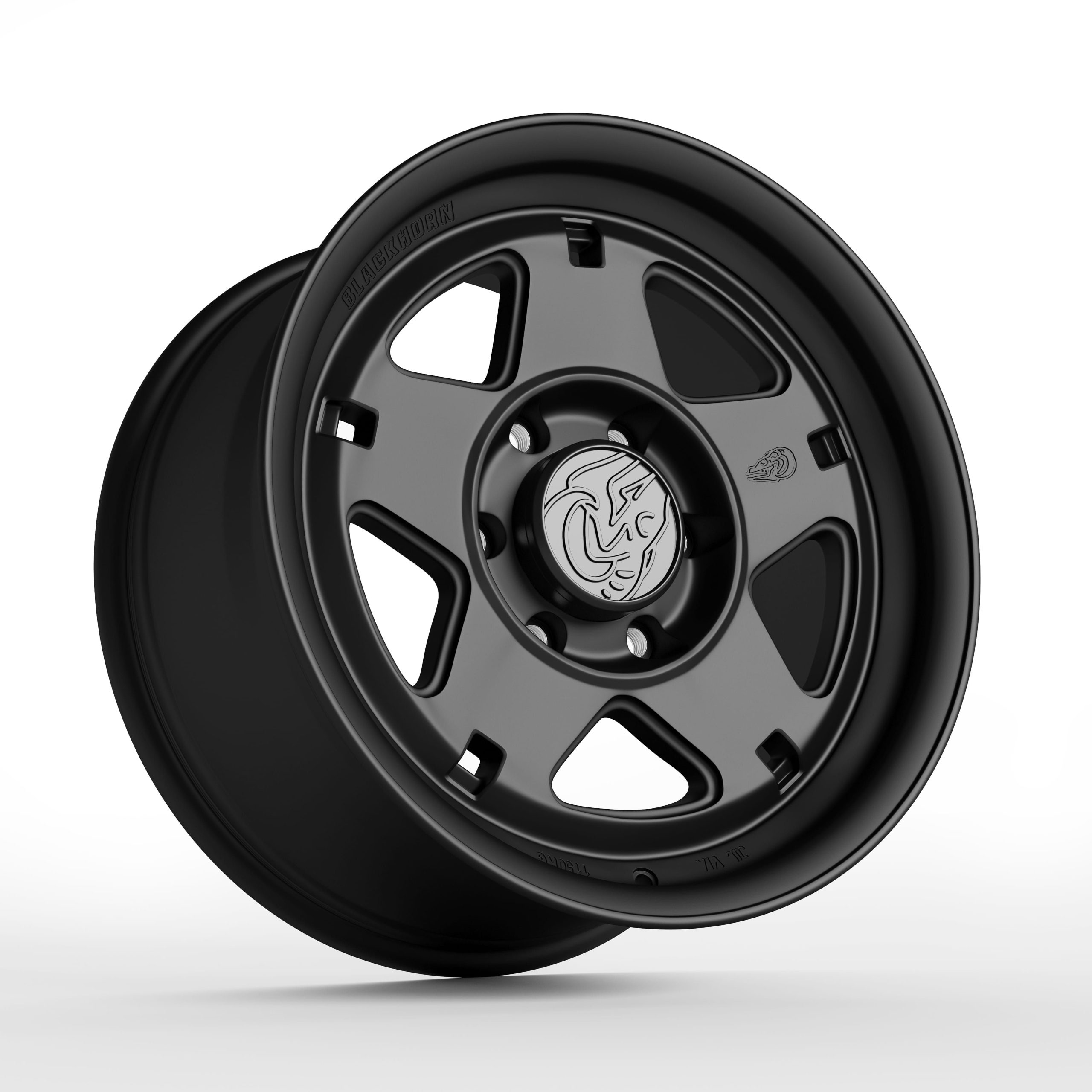
This style uses a white or neutral background and has clear reflective properties. Studio renders are used for web and print listings and catalogs.
On-Vehicle and Lifestyle Renders
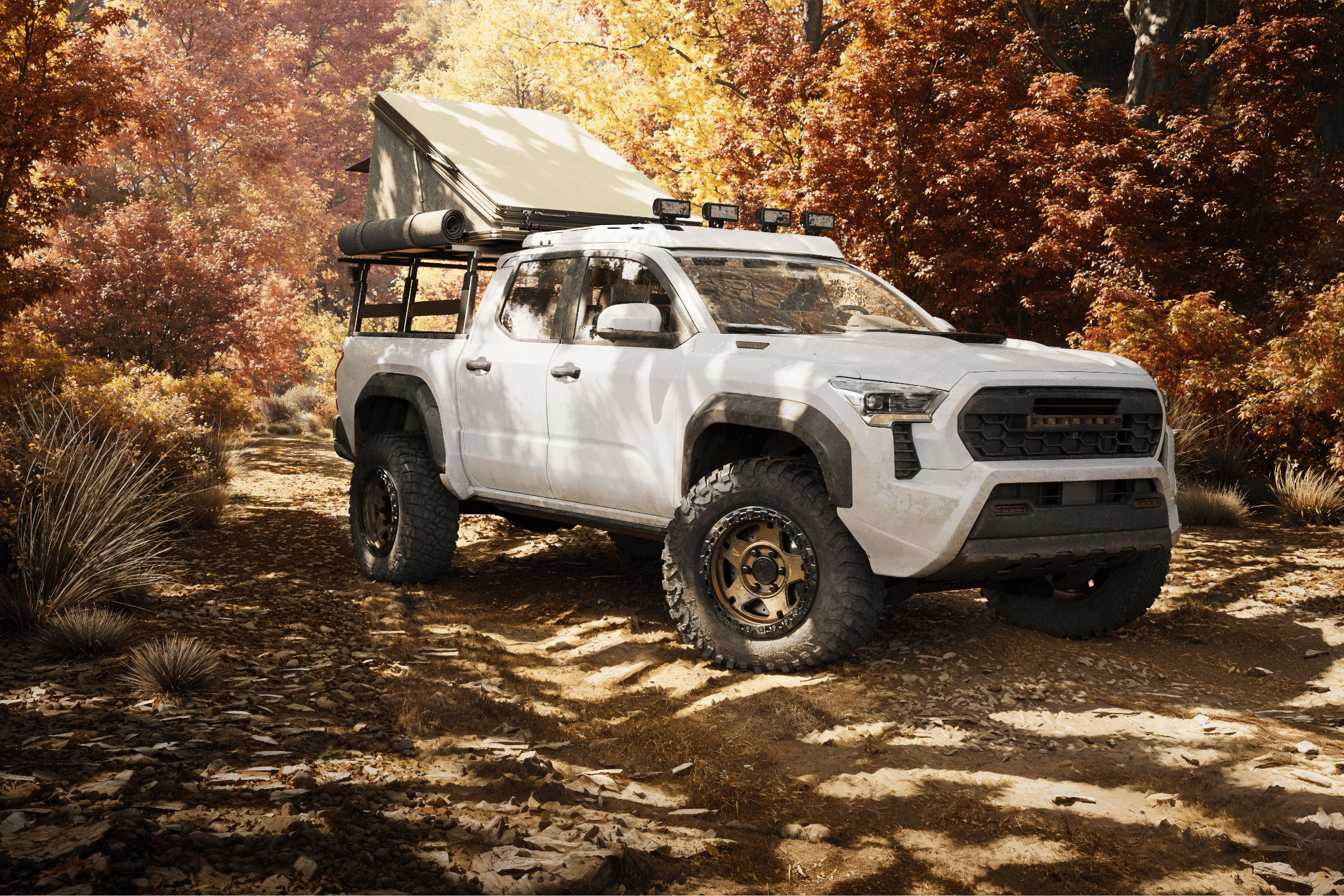
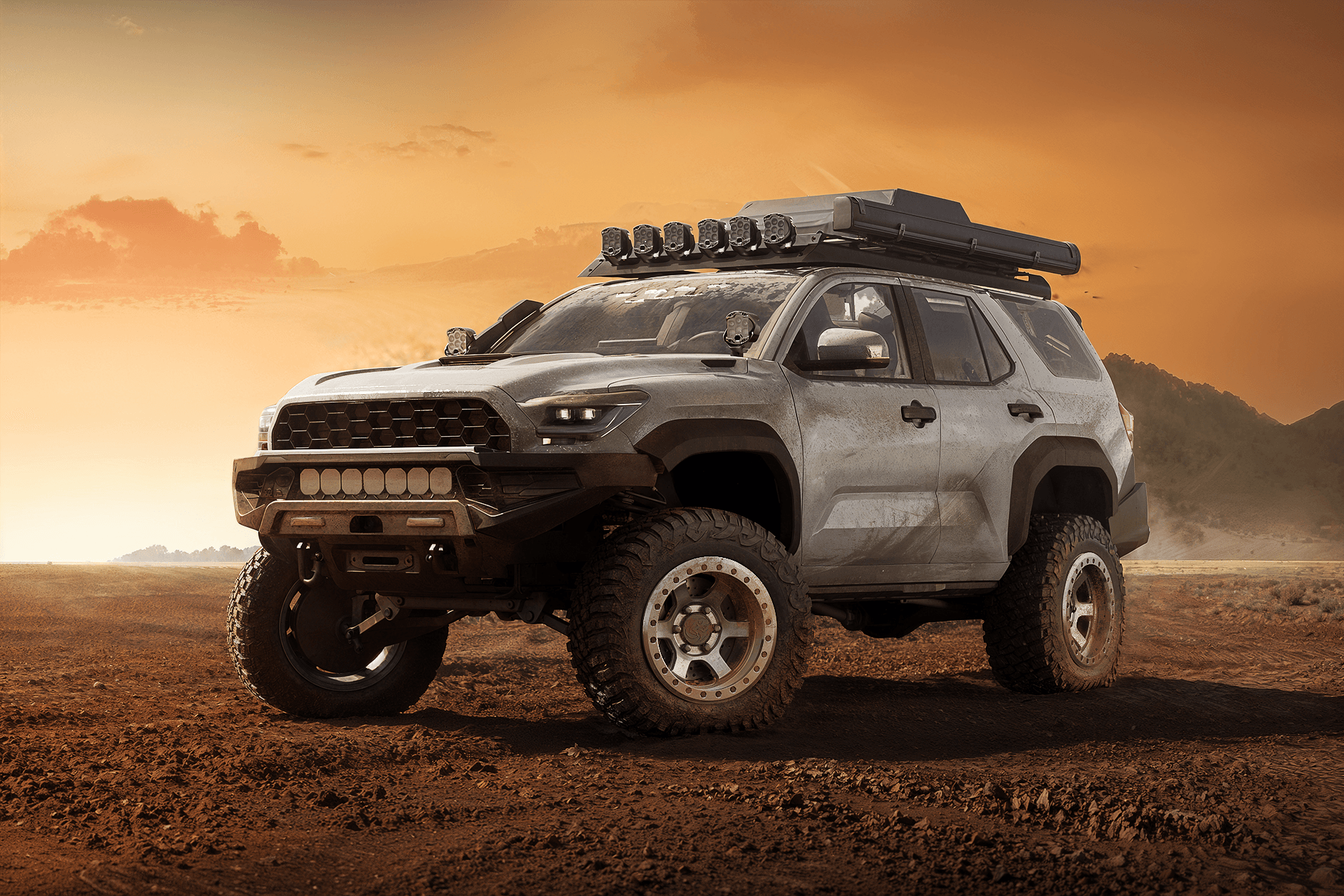
This displays wheels on, or racks on top of, vehicles or even vehicles on, for example, a mountain road. Car renders of this style are especially suitable for aftermarket products as consumers wish to see how an item would look on a vehicle comparable to their own. Moreover, within the same production batch, a single accessory can be shown on a selection of host vehicles.
360 Turntables
This is a 360 video or stills which can then be viewed interactively. Customers can investigate areas such as the reverse of a wheel’s spoke and the dish depth.
Cutaways and Exploded Views
Although cameras are unable to view the internal components of, for example, a brake caliper or hub, an exploded or cutaway view can be used to demonstrate how such items are constructed.
Models for AR and 3D Viewers
Models can be adapted into either a GLB or USDZ file and then viewed on a smartphone, both on a website and in a driveway.
Why Paint, Chrome and Rubber Are Hard to Render
Cars are constructed from some of the most challenging materials to render. Vehicle paint comprises metallic flecks and is covered in a clear coat. Highly reflective polished metals reflect all surrounding objects. Brushed metals have directional light highlights. Furthermore, tires are nearly black and in addition to this, tire treads and sidewall text must be visible.
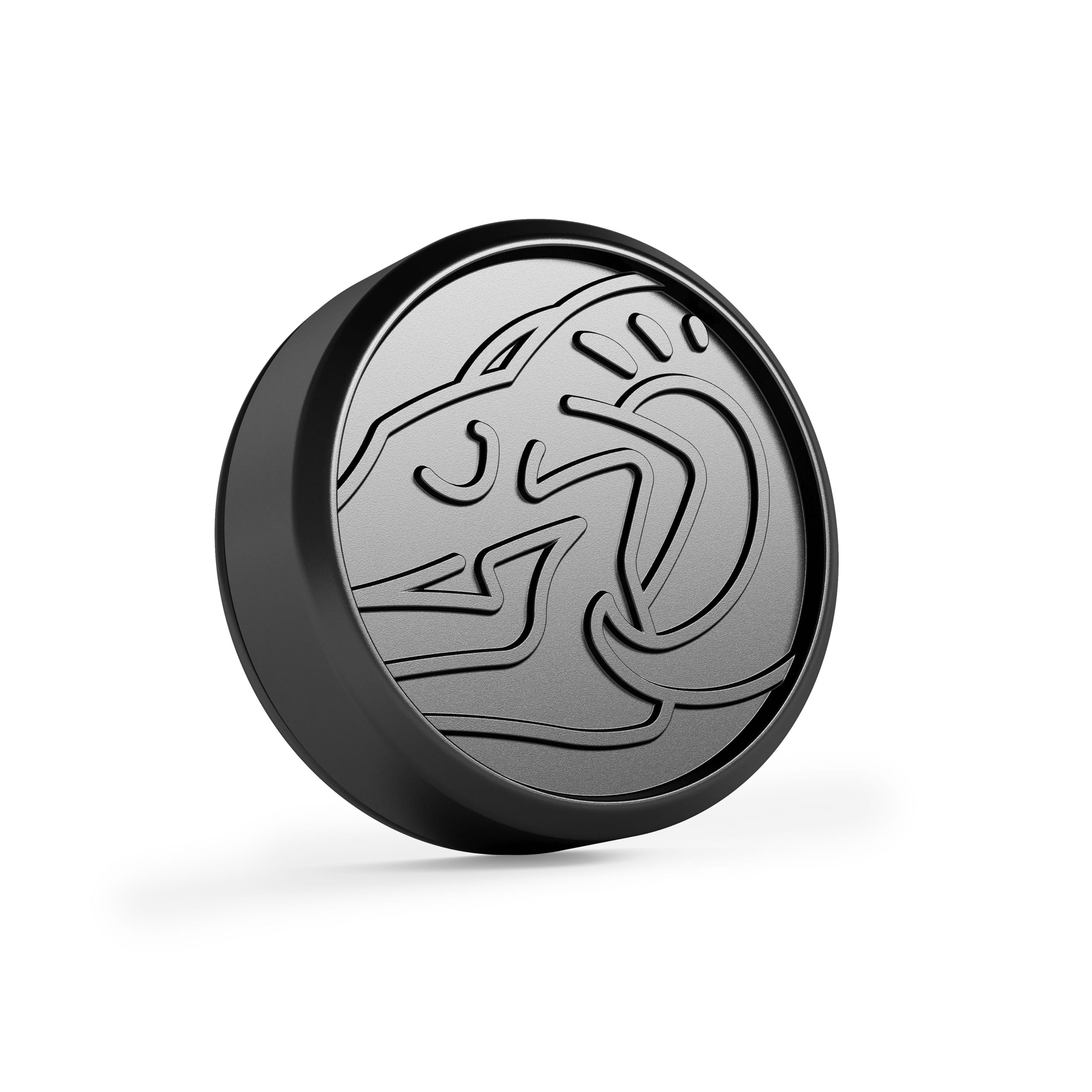
So, to assess the quality of a studio’s car renders, look closely at the paint reflection, spoke and tire tread. Generally, if these aspects are done well, then so too are other elements of the 3D car rendering.
Case: 15 Wheel Models for WheelTech GP
Performance wheel brand WheelTech GP, based in Ontario, Canada, needed still, 360 and on-vehicle car renders for fifteen wheel models in a number of finishes.
Our team reviewed the client’s CAD information and remodeled models where necessary to enhance detail. Firstly, all finishes were approved on a common three quarter view. Still car renders were then produced using one lighting scheme. These were generated at 4000 x 4000 pixels and with and without shadow effects. Square Full HD video and stills were provided for the 360 car renders. For lifestyle car renders, the client chose the background images and the vehicle and tire models. Wheels were then applied to these.
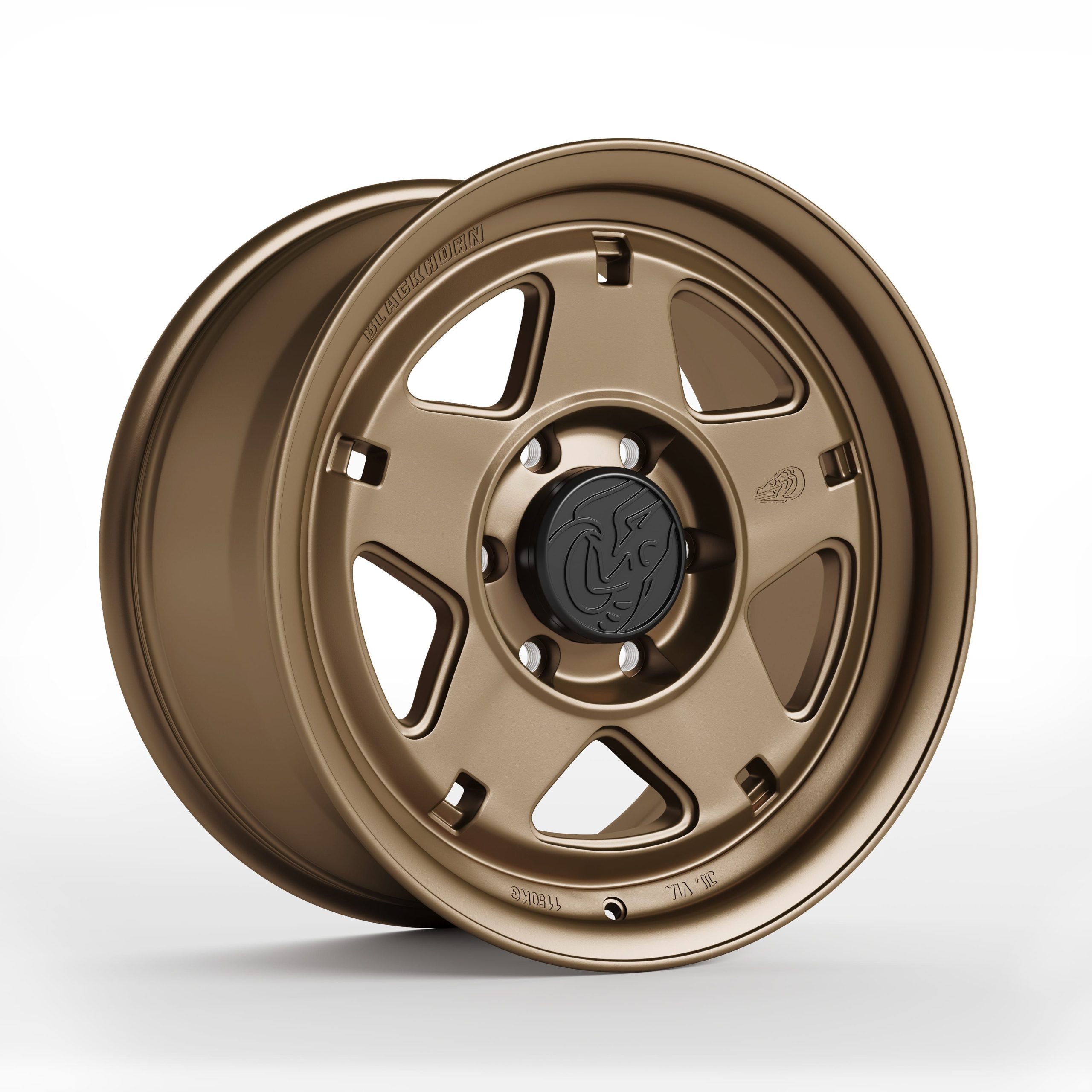
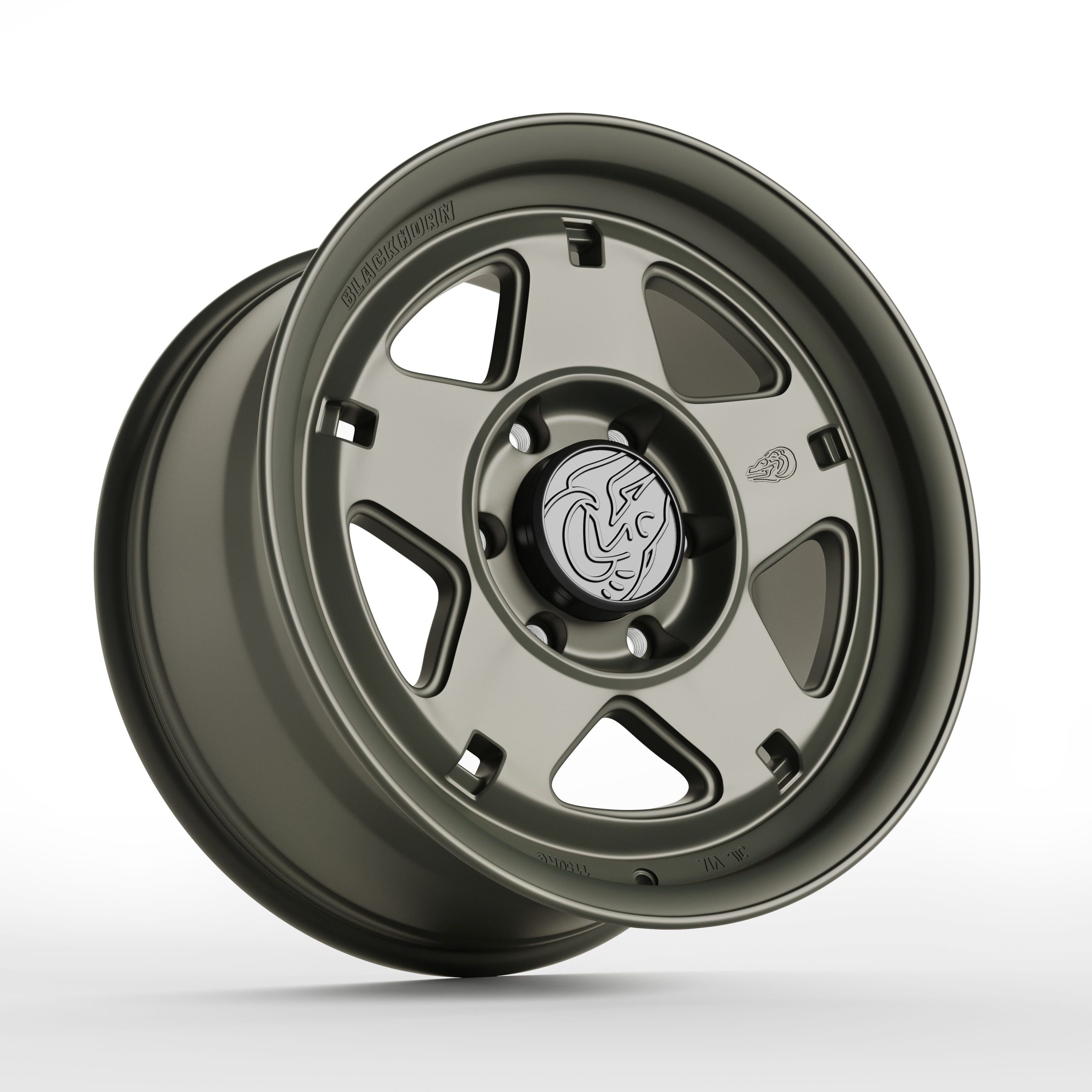
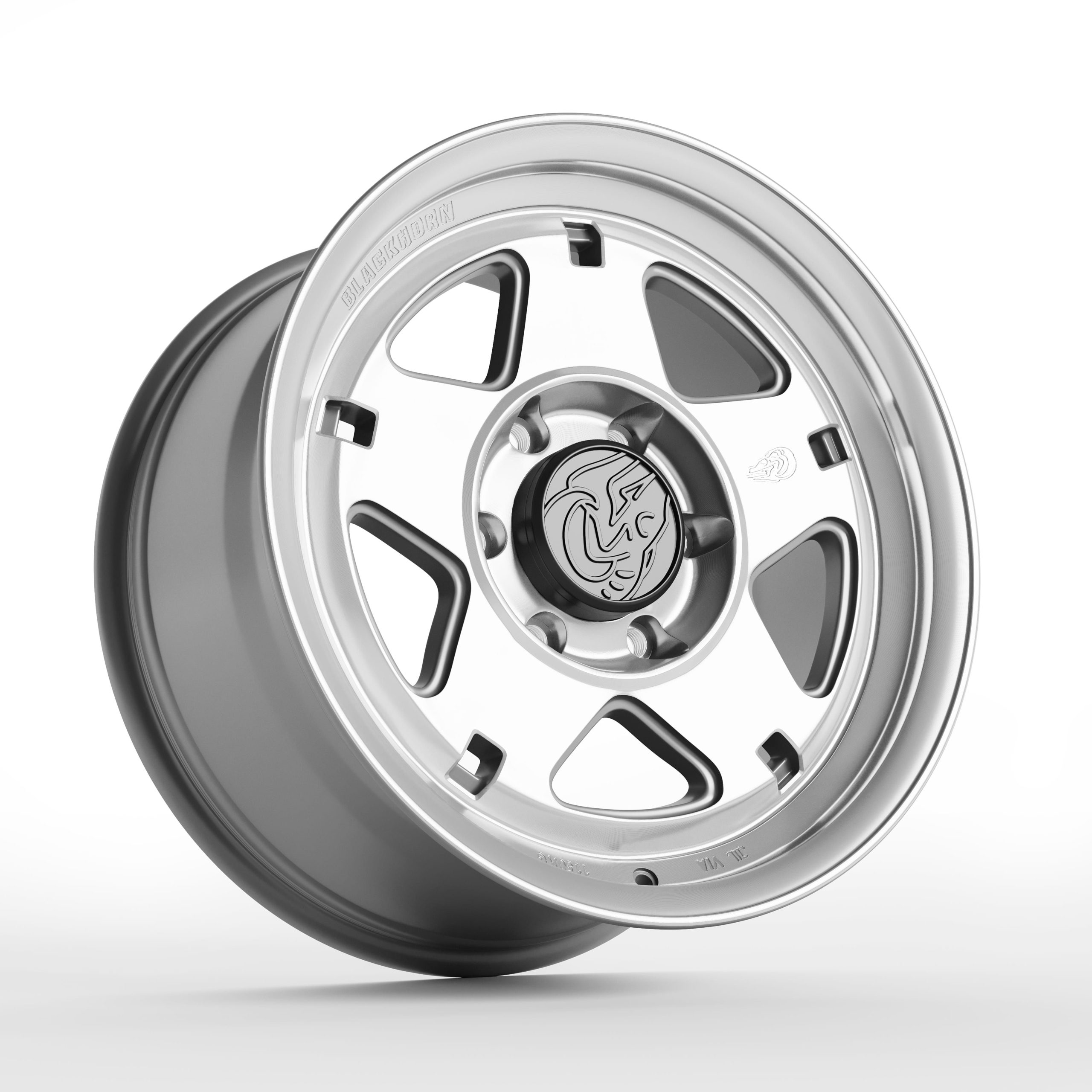
One validated model was used to generate the four required output types. Around two weeks was spent on each project. Refer to our WheelTech GP case study for further information.
Car Rendering or a Photo Shoot?
A photo shoot needs the actual product and a studio or a location, and separate arrangements have to be made for each color option. Although it is still relevant for showcasing a completed car and for advertising with people in it, car rendering is preferable where:
- the product has not yet been produced
- there are numerous color and trim options
- the product needs to be shown on multiple host vehicles
- 360 degree car renders, exploded/cutaway car renders and AR are required.
Finally, if design alterations are made during a project, only relevant frames need re-rendering. No additional photo shoot arrangement is then necessary.
What a Studio Needs From You
Please supply CAD models in STEP, IGES, JT, Alias, or native SolidWorks, Rhino and Blender. OBJ, FBX and GLB are also acceptable. Further information regarding colors, variations and usage is useful. Should you only have photographic and engineering information available, then a model can be newly created.
At CGIFurniture we follow a four stage process when working on a project. This comprises modeling and surfacing; validation of one sample frame; full rendering; and post production and delivery. Please see our automotive 3D rendering page for further information about file types and the different vehicle types we can work with.
See 3D car rendering on your own product
Send your CAD or product references and get a sample frame with a 30-minute walkthrough.
Explore Automotive RenderingFAQ
How does a car render differ from a car photo?
While a car photograph is of a genuine vehicle, car renders are computer-generated and so can be produced even before a car is manufactured. They can then be altered in both color and background.
Can a wheel or accessory be rendered on different cars?
Yes. After a model has been created it can be positioned on as many host vehicles as is necessary for a campaign.
Can the same model be used for a configurator and AR?
Yes. A rendering model can be exported into GLB, GLTF or USDZ files to enable it to be viewed via web 3D viewers, and for AR and configurator applications.