Global ecommerce sales are forecast to grow from $6.42 trillion in 2025 to $7.89 trillion by 2028, with China, the United States, and Western Europe remaining the largest contributors, accounting for over $5.17 trillion in 2025, according to Shopify.
Despite the growth, challenges like consumer trust and product returns persist. Static product images don’t offer the same examination experience as physical stores. Even 360-degree views are limited to basic rotation and zoom functions. To bridge this gap, leading brands use 3D furniture configurators –a cutting-edge tool that allows shoppers to customize products in real time by adjusting colors, textures, and details before purchasing.
Beyond enhancing customer experience, 3D configurators help retailers shorten sales cycles, understand their audience, and reduce stock costs. As a studio specializing in 3D modeling for AR and ecommerce, we’ve seen businesses thrive using this technology. Here are five ways our clients have leveraged 3D furniture visualization–read on!
1. Provide Convenient Customization
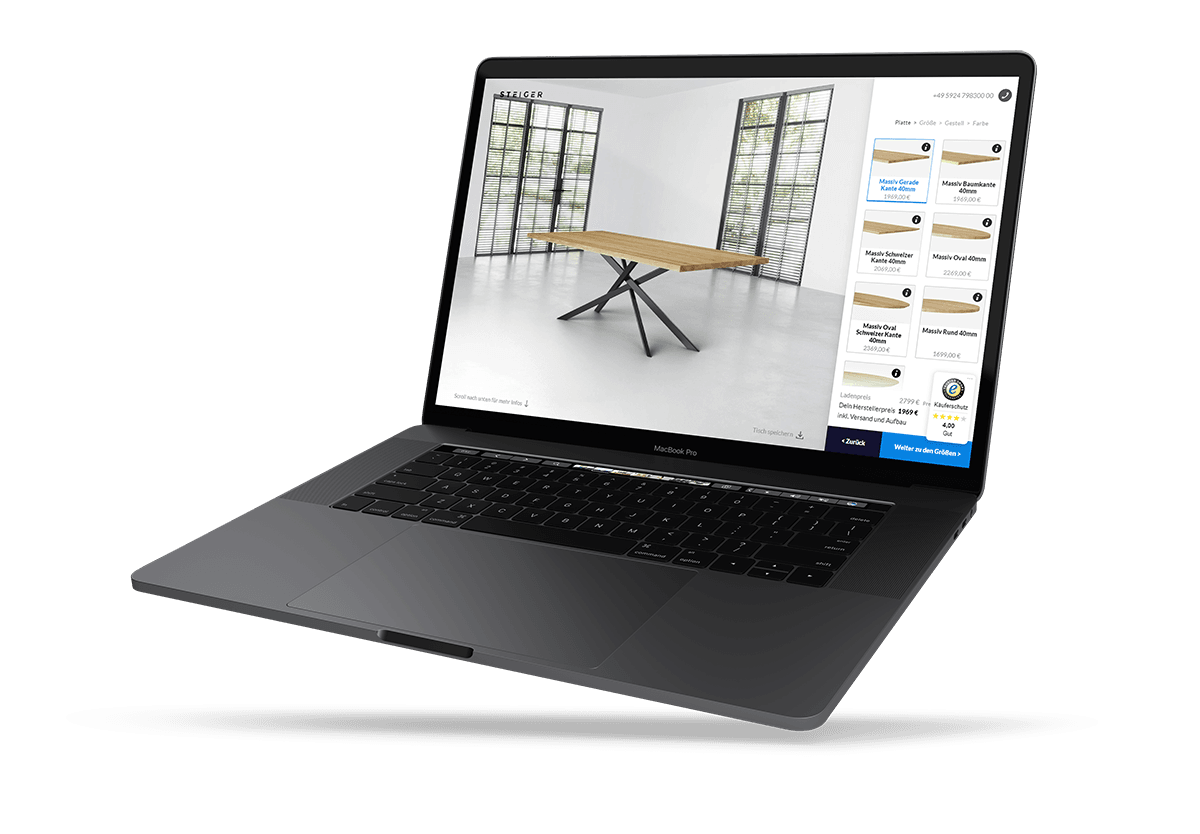
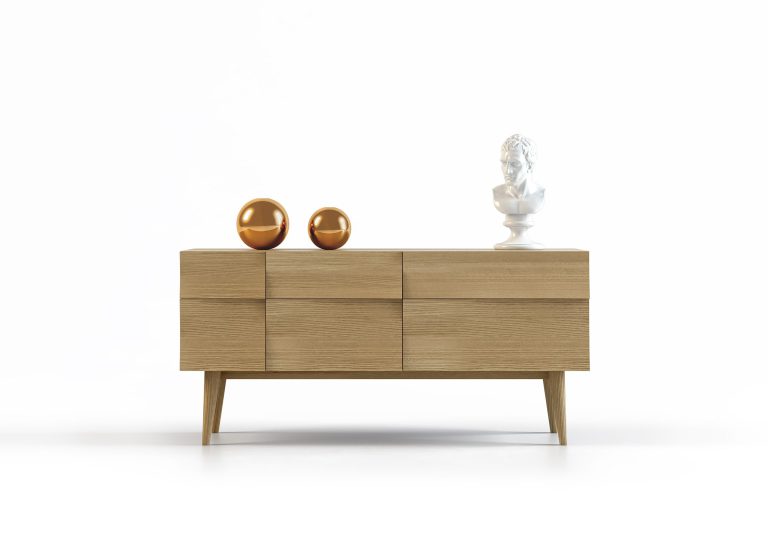
The most important advantage of a product configurator for furniture is that it allows consumers to completely customize the piece as they want. Using a 3D visualizer, buyers can assemble a furniture piece that will ideally match their interior in both aesthetic aspects and proportions. For instance, with the help of a 3D table configurator, they can personalize an item starting from the color of the legs and finishing with selecting a glass or wooden tabletop.
After a buyer has created the desired design, they can share a link with the result and send it to a manufacturer. The latter, in turn, will provide an accurate invoice and assemble the model in the exact configuration.
Order Configurators and Inspiration Configurators
Configurators do two different jobs. Some are built for ordering: the shopper sets every option, and the result goes to the manufacturer as a specification. Others are for exploring the range, where visitors browse combinations without giving a direct instruction for production. Decide which one you need before the build, because it defines how detailed the options must be.
An order configurator also cuts the number of consultations about available options. On an upholstered sofa, a shopper can pick the fabric and the leg material, then add a chaise, bolster pillows or a matching ottoman in the same flow.
When Only One Option Changes
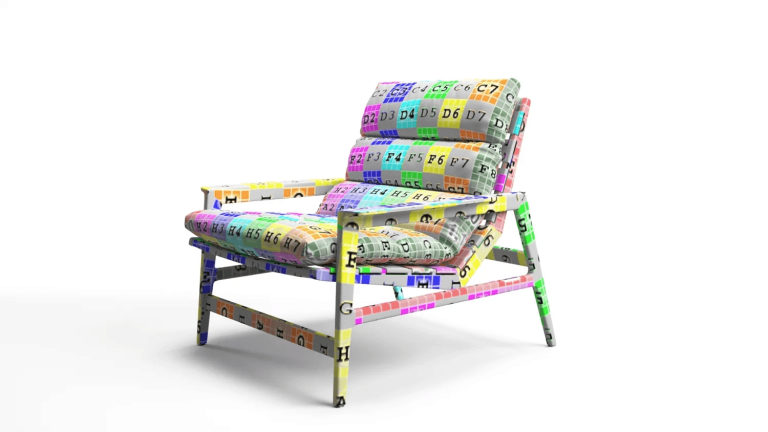
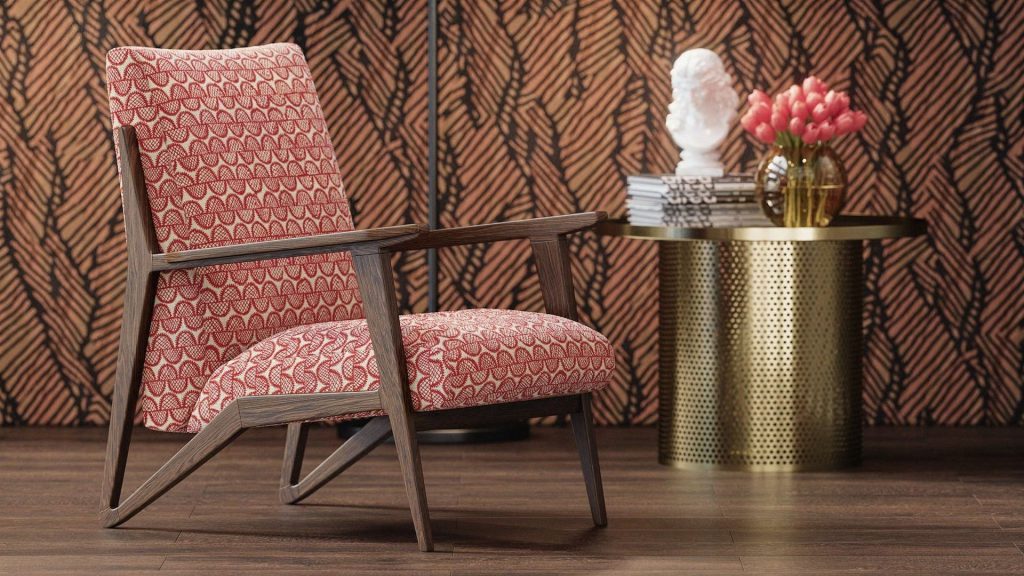
A configurator is useful even when only one aspect varies. The Inside offers its upholstered pieces in a large library of fabrics, many with complex patterns that are hard to picture on a finished piece. A simple real-time configurator replaces the need to show every fabric on every item as a separate image. A studio offering GLB model services can build that one model with the fabrics as swappable materials.
The same logic works outside furniture: car buyers pick paint, wheels and trim before visiting a dealer, and O bag customers combine bodies, handles and trims. The shopper settles the options before talking to a salesperson.
2. Demonstrate Products from All Angles
 ↔ drag to rotate
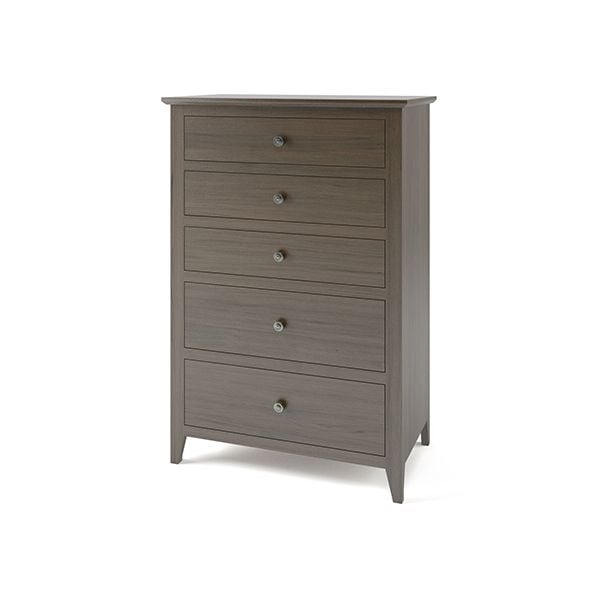
A 3D model configurator shows a product in 360° view, and users can easily rotate a 3D object using the mouse, touchpad or by touching the screen, depending on the device. Also, in the 3D configurator, you can zoom in on the object to see its smallest details. To create 3D imagery for the configurator, 3D artists use a highly detailed 3D model so that each element can be showcased and carefully examined. Web configurators like this often load GLB files for ecommerce, which pack geometry, materials and textures into one compact file.
As a result, buyers have an impression of holding the item in their hands as they would in a brick-and-mortar store. With a 3D model visualizer, they are able to evaluate the object properly without even additional photos. Thus, a well-made 3D model configurator is enough for listing to successfully sell the item. To use the same models on Amazon listings, brands can work with an Amazon 3D content service provider.
3. Show a Furniture Piece in Various Contexts
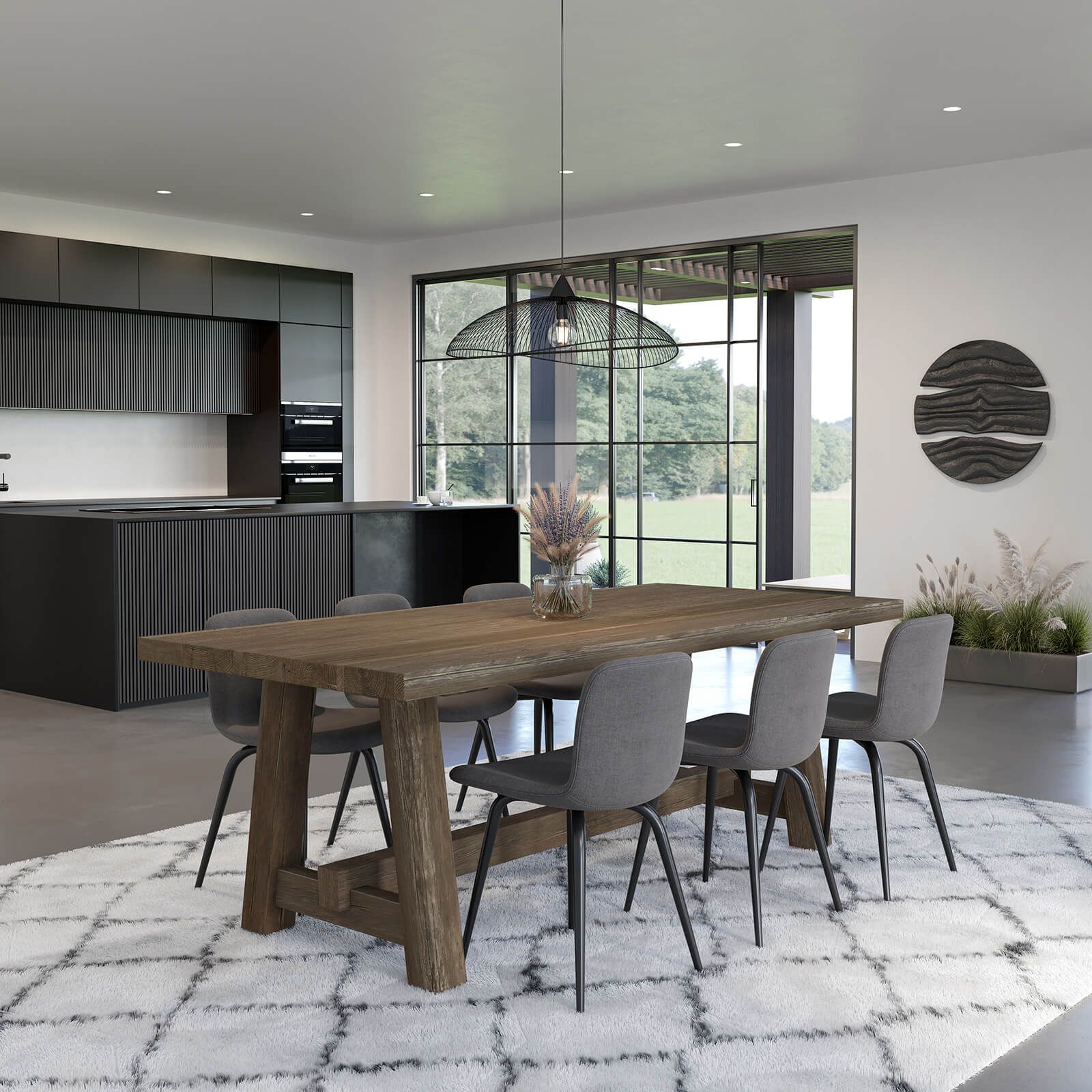
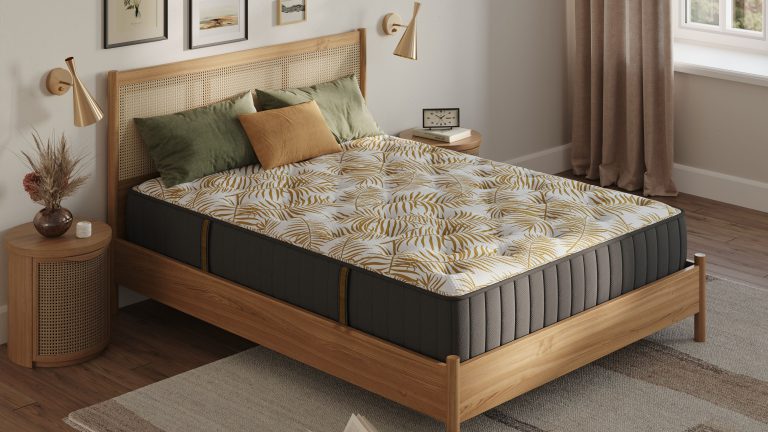
In addition to customizing individual parts and textures of the item in a 3D model configurator, buyers can also select any roomset for the product to understand which interior style it fits. After all, one of the common problems with buying furniture online is that the purchased piece looked good in the listing, but in real life, it simply doesn’t match the home environment by style or color. Moreover, often, photos don’t represent the actual proportions of the item. And, as a result, it appears to be too large or small for the interior in real life.
Using a 3D model configurator, consumers can put the object into photoreal lifestyle pictures to understand its true parameters and style and make a conscious purchase. They can select different roomsets from the collection of backgrounds to see what style and color scheme complements the product the most.
Such a digital tool perfectly emphasizes the versatility of the model and proves that the same item works with different interior styles. Needless to say this type of customer experience could be provided only by a 3D model configurator that takes product examination to a whole new level.
4. Give Full Product Info Before Purchase to Reduce Goods Return
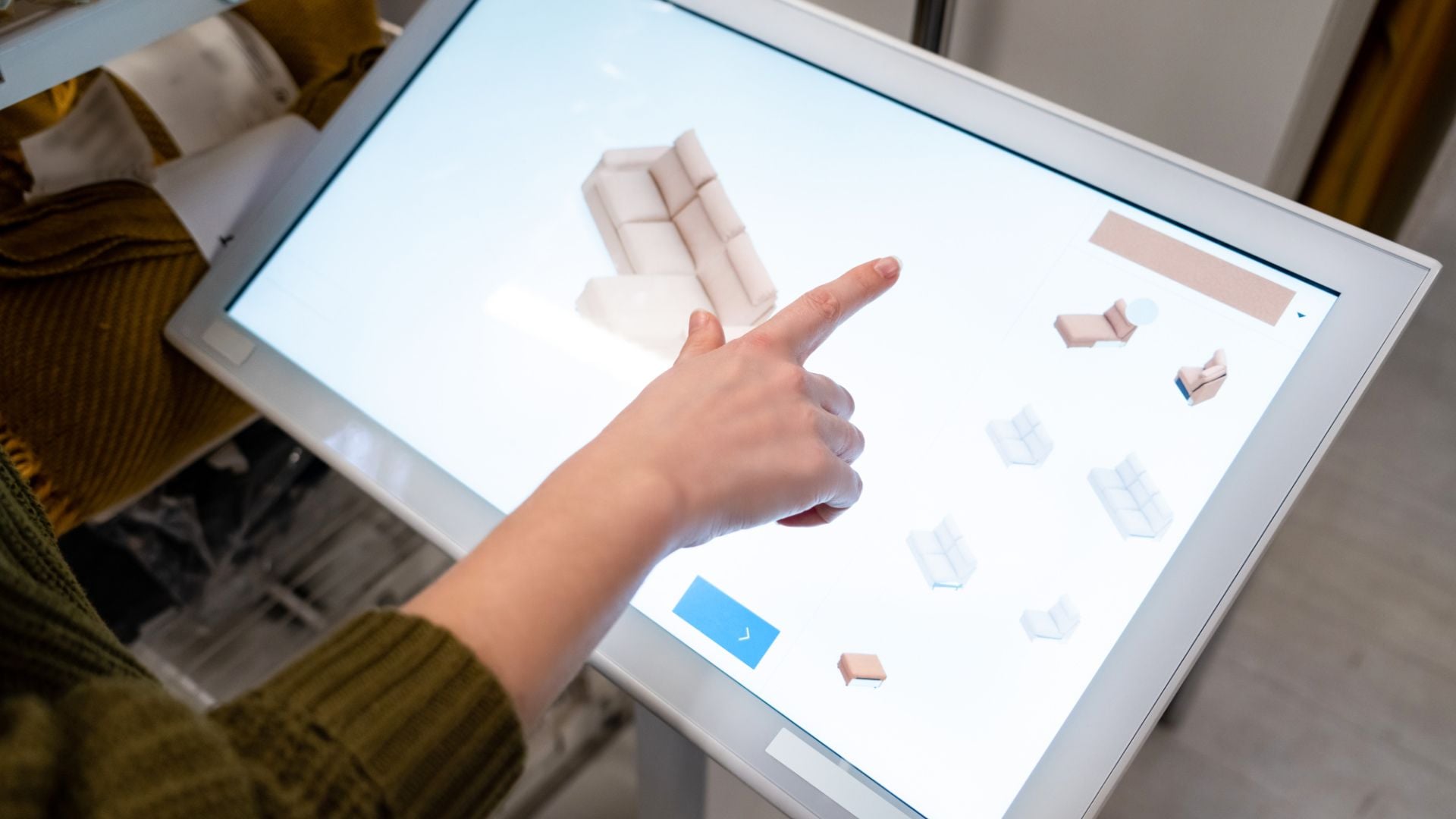
One of the biggest risks of online commerce is product returns. Therefore, sellers do everything to reduce them – provide more photos and videos, and add an extensive text description with the parameters of the item. However, all this doesn’t give buyers a holistic vision of the object.
Only by interacting with an online 3D model configurator, a customer can study the furniture piece with maximum accuracy before buying it. Once they tailored the design for themselves, clearly envisioned the parameters of the object and saw how it looks in different interiors, consumers can be more confident about the purchase. After all, the chances they will send back the product they assembled themselves are very small.
5. Enhance the Shopping Experience with VR and AR Interactive Apps

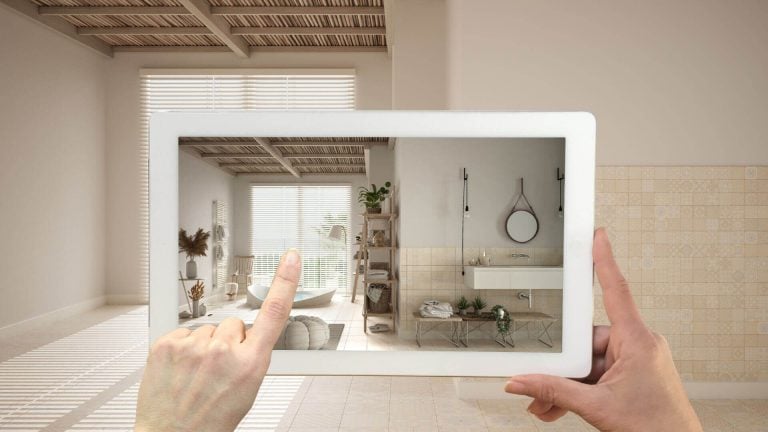
A 3D model configurator works perfectly with VR and AR shopping apps. For example, one of the most advanced eCommerce giants, IKEA, has been using such apps for a long time in their brick-and-mortar stores. Marketplaces offer similar tools: the Amazon 3D product view lets shoppers rotate a model and place it in their room.
Using a VR headset and hand controllers, a buyer can create an entire interior from scratch and fill it with customized objects and decor. In short, it’s like building your ideal home but virtually.
No surprise, consumers get emotionally involved in the process of creating their own world in a 3D configurator. As a result, a buyer is 100% satisfied with the scene and is ready to purchase all the items to recreate the look in reality. All they have to do is to pay one bill to get their dream in a box.
Pre-Rendered vs Real-Time Configurators
A furniture configurator can show options in two ways, and the choice decides what 3D assets you need.
| Pre-rendered | Real-time | |
|---|---|---|
| How it works | Shows a ready render for each combination | Changes a live 3D model in the browser |
| Image quality | Photoreal, like catalog images | Good, limited by what a browser can render |
| Assets needed | A high-poly model and a render per option set | A light GLB model with swappable materials |
| Works best for | A few dozen combinations | Hundreds of combinations or free rotation |
For an example of a table configurator built for a furniture brand, see the Steiger case study. Both types start from an accurate model; our 3D modeling services deliver the high-poly and GLB versions together.
Where to Place a Configurator on Your Website
The product page is the obvious home for a configurator, but the same tool and the same 3D assets work in other places too:
- Home page: a configurator in one of the central blocks gives first-time visitors a reason to explore and shows at once that the brand sells more than standard catalog items.
- Landing page: keep the configurator central and the page focused on one product group or one offer, with options in a side menu, minimal navigation and a clear CTA next to the preview.
- Animated banner: CG artists can turn the configurator assets into a short video that switches finishes. It works as an ad for traffic from social platforms and can lead to the live tool with a button like “Explore Options”.
- Product teaser: for a new finish collection, a seasonal material or a limited edition, an animated configurator with a clear message and brand-aligned audio, placed in a visible spot, makes the launch feel deliberate.
To see how configurators work within a full product detail page strategy, read our guide on product detail page for ecommerce.
Download CGIFURNITURE price guide and learn the costs of top-tier 3D visualization projects of different scales!
See our pricingThe 3D product configurator for ecommerce gives shoppers a unique opportunity to creatively customize the furniture piece as they want. This engaging tool increases their awareness of a product and, hence, reduces goods returns. In addition, an interactive 3D configurator helps marketers study the true needs and tastes of buyers in order to produce only popular models in the future.
Want to provide your customers with an exclusive and interactive shopping experience? Order our 3D modeling services and get a 3D model configurator that will boost audience engagement and your sales!
FAQ
What is a 3D model configurator?
A 3D configurator is a digital interactive tool that allows users to customize products as per liking. With a 3D model visualizer, they can change the design of the item to see how it looks in different colors, shapes, sizes, textures, backgrounds, and so on. A 3D model configurator can be easily integrated into eCommerce websites and added to the listing.
What type of customization can I have with it?
It depends on the type of 3D configurator. Some provide customization of each element of the product, while others also allow changing backgrounds or roomsets. With such 3D configurators, customers can see how this furniture piece works for a certain interior style and choose one that would fit best in their own homes.
How does it help to prevent the return of goods?
Firstly, users can closely scrutinize the item by rotating it in a 360 view and zooming in. Secondly, a 3D configurator offers consumers a unique opportunity to create the exact design of the product they like. And last but not least, it allows placing a furniture item into a photorealistic roomset to see how it works in interiors.
How much does a 3D model configurator cost?
Every 3D company has its own price list for creating 3D configurators. Also, it depends on the complexity and the level of customization that 3D visualizer provides. Thus, always contact client managers for accurate prices.