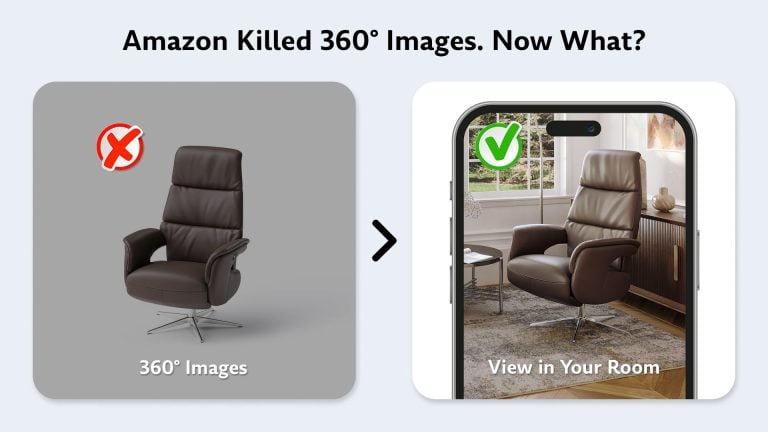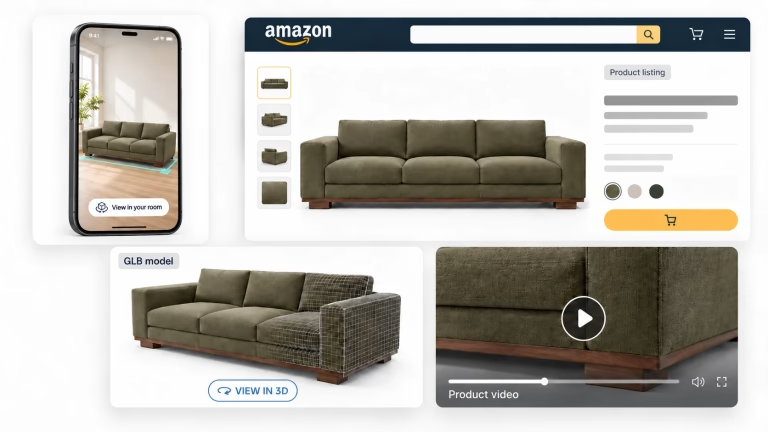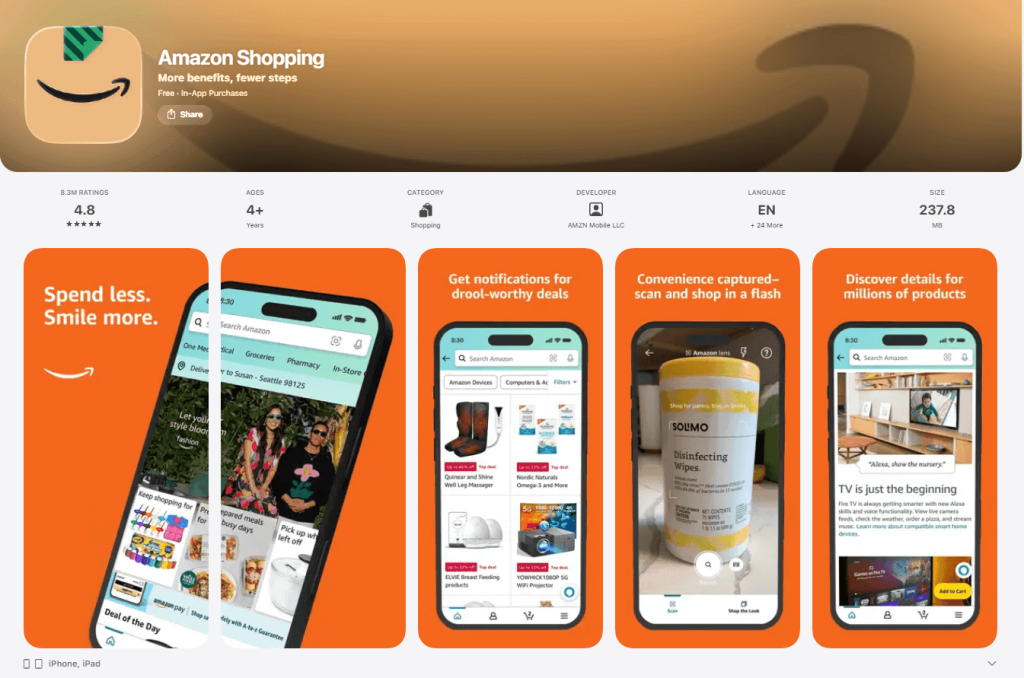
Amazon discontinued its 360° Product View on January 20, 2025. If you’re a furniture seller looking for how to add 360° images to your listings, that option no longer exists. What replaced it is a fundamentally different format: GLB 3D models that power three interactive experiences – View in 3D, View in Your Room (AR), and Virtual Try-On.
What Happened to Amazon 360° Product View
| Year / Date | Change |
|---|---|
| 2018 | Amazon launches 360° Product View |
| December 2023 | Amazon stops accepting new 360° uploads |
| January 20, 2025 | 360° experience removed from all product pages |
| Today | GLB models only – powers View in 3D, View in Your Room, Virtual Try-On |
The reason behind the switch is straightforward. A 360° spin was a sequence of flat photographs stitched into a horizontal rotation – a simulation of 3D, not actual 3D. A GLB model is real geometry with materials and textures. It allows true interactive viewing from any angle and enables AR placement, which a stack of photos never could.
What Replaced Amazon 360° – GLB 3D Models
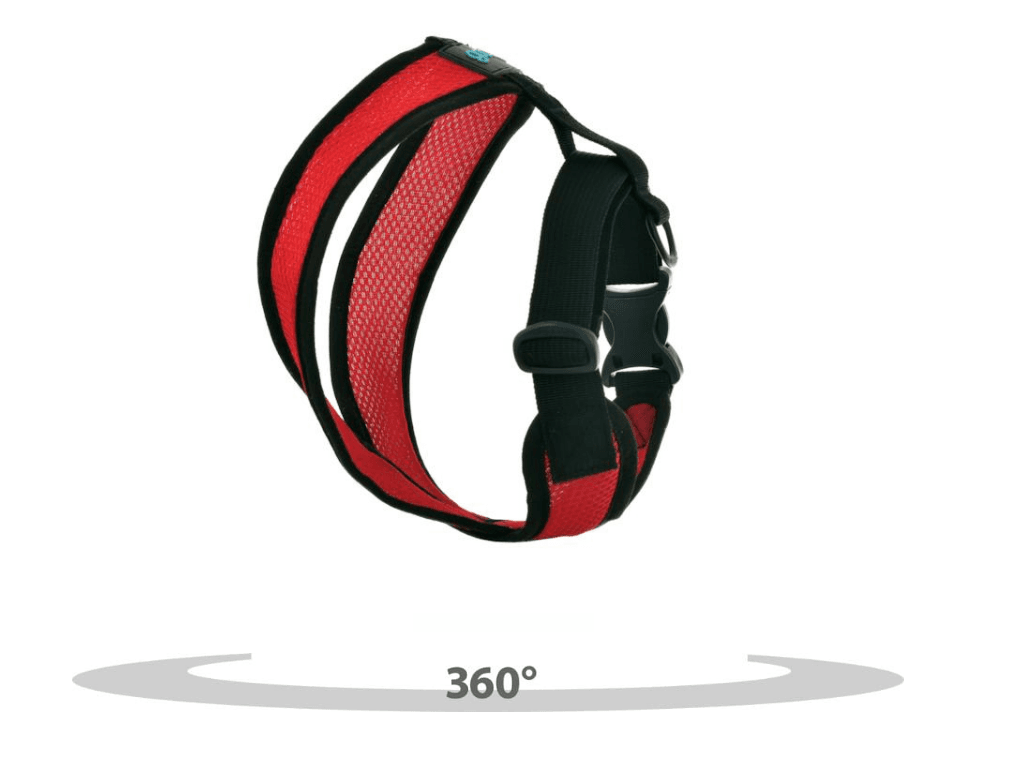
GLB is the only format Amazon now accepts for interactive product views. It stands for Graphics Language Transmission Format Binary – the binary version of the glTF standard – and it packages 3D geometry, textures, and materials into a single compact file optimized for web and mobile.
What makes GLB especially efficient for sellers is that one file activates three separate shopper-facing features: View in 3D (full rotation and zoom on screen), View in Your Room (AR placement in the shopper’s actual space via mobile camera), and Virtual Try-On (for applicable categories). You upload one asset and Amazon handles the rest. The same format also works beyond Amazon; see how brands use GLB models for ecommerce on their own stores.
For upload requirements and technical specs, see our complete GLB guide.
Can Every Amazon Seller Use 3D Models?
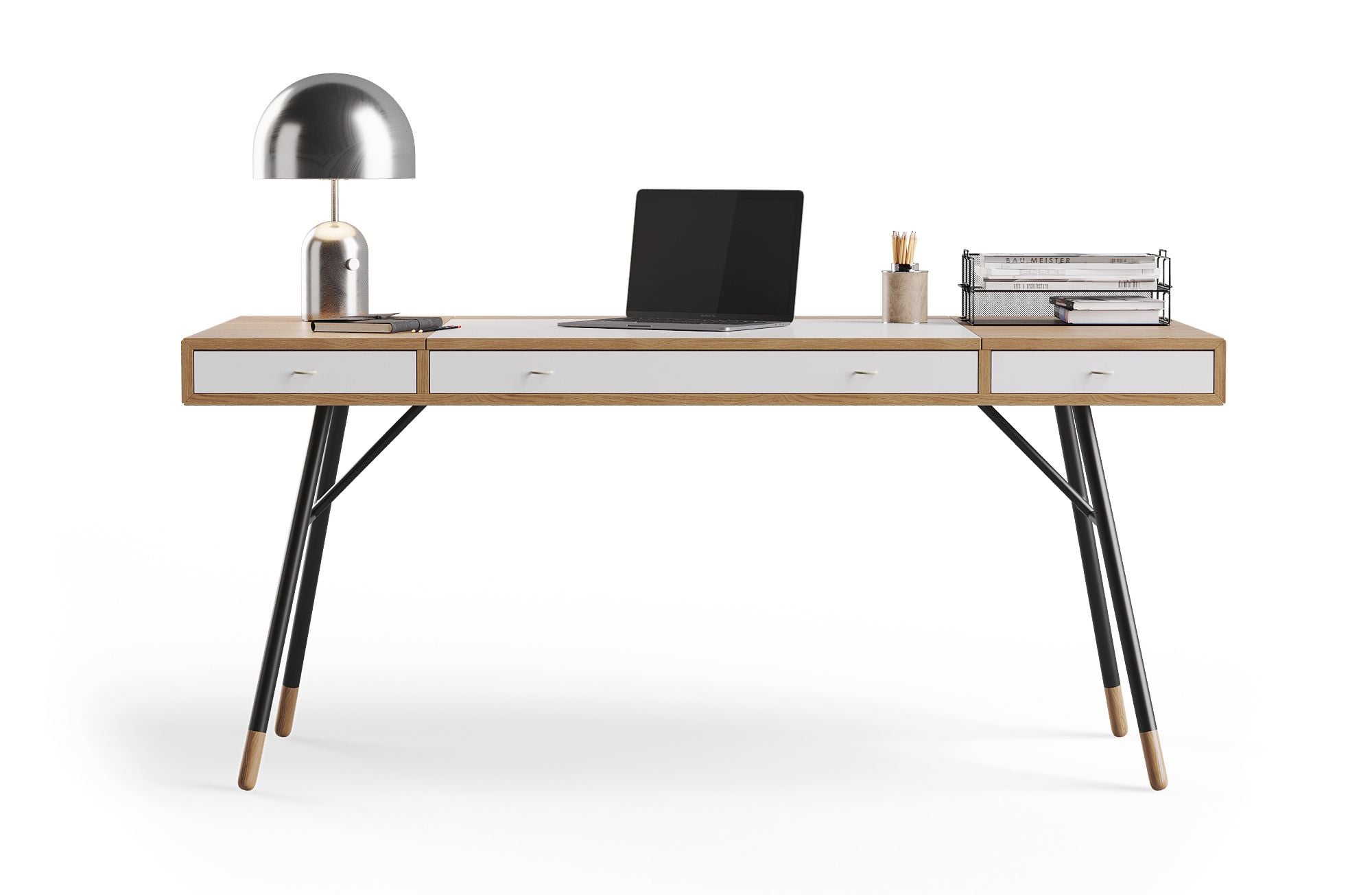 ↔ drag to rotate
Not all product categories support 3D models – but furniture is one of the best-supported. Other eligible categories include Home, Lighting, Kitchen, Shoes, Eyewear, Beauty, Baby Products, Sports, Toys, Pets, Automotive, and Electronics.
To upload a GLB model, you need to be a registered brand owner on Amazon. The upload path is Seller Central → Catalog → Upload Images → Image Manager → 3D models → Upload 3D assets. You submit the GLB file along with reference photos and product dimensions.
Amazon validates every model against strict technical requirements. If the file doesn’t meet their spec, you’ll receive a generic error message – “This asset does not meet Amazon’s file requirements” – without a specific explanation of what failed. Getting the model built to Amazon’s exact standards from the start avoids the trial-and-error cycle. Our guide to GLB files for Amazon lists the upload requirements and technical specs.
How Amazon 3D Compares to the Old 360° View
| Old 360° View | Amazon GLB / 3D Model |
|---|---|
| One horizontal rotation only | Full 3D rotation on all axes |
| No AR capability | View in Your Room – shopper places item in their space |
| Sequence of flat photos | Real 3D geometry with materials and textures |
| Fixed camera perspective | Free camera – zoom, rotate, inspect details |
| Cannot be used for Virtual Try-On | Powers View in 3D + AR + Virtual Try-On from one file |
The performance difference is measurable. According to Shopify data, customers are 27% more likely to place an order after viewing a product in 3D and 65% more likely after interacting with it in AR. Across studies by Shopify and Harvard Business Review, conversion uplift from 3D and AR ranges from roughly 20% to 94%. Furniture stands to gain the most: the category carries a return rate of around 22%, with size being the leading reason items come back. AR has been shown to reduce furniture returns by 40–64%, because shoppers can check whether a 220 cm sofa actually fits their wall before clicking “Add to Cart.”
Which Furniture Products Benefit Most
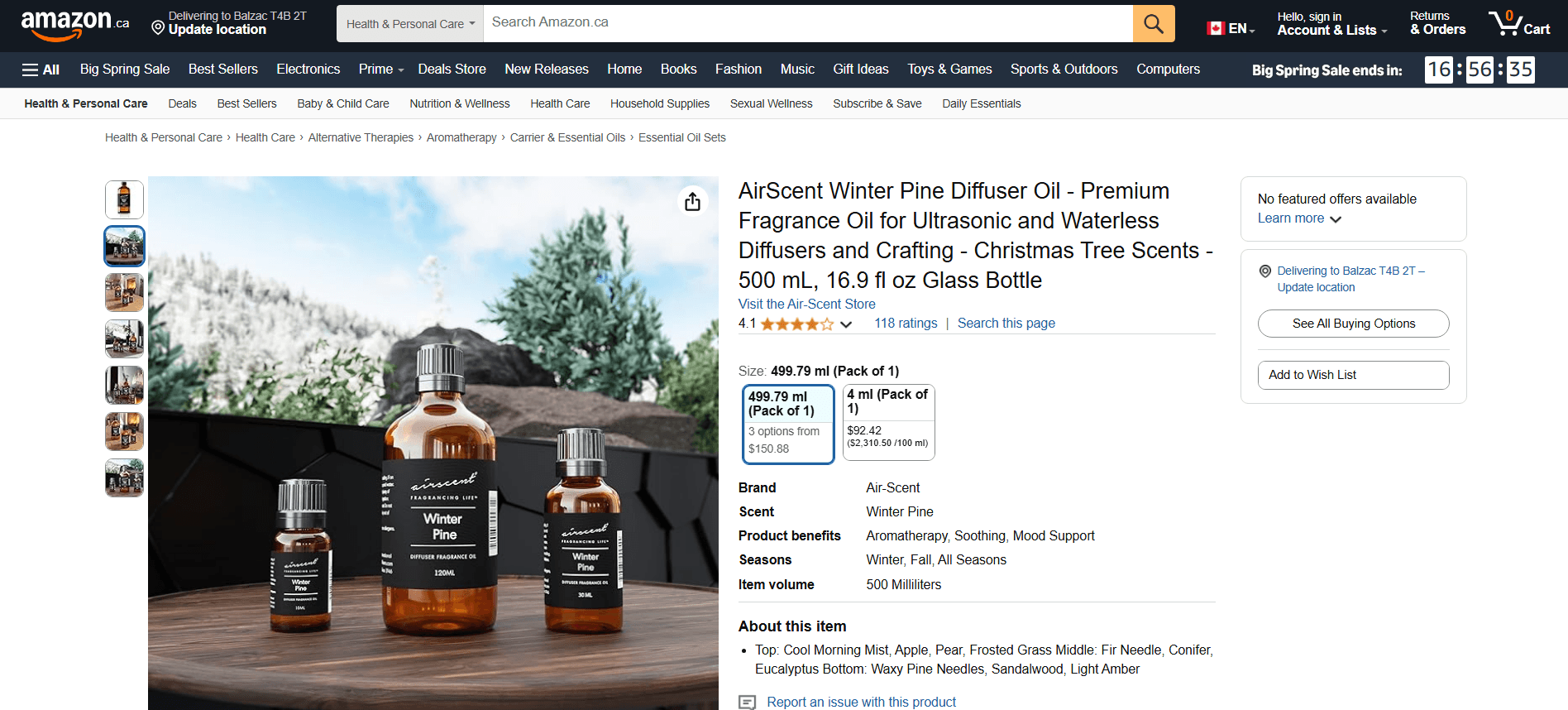
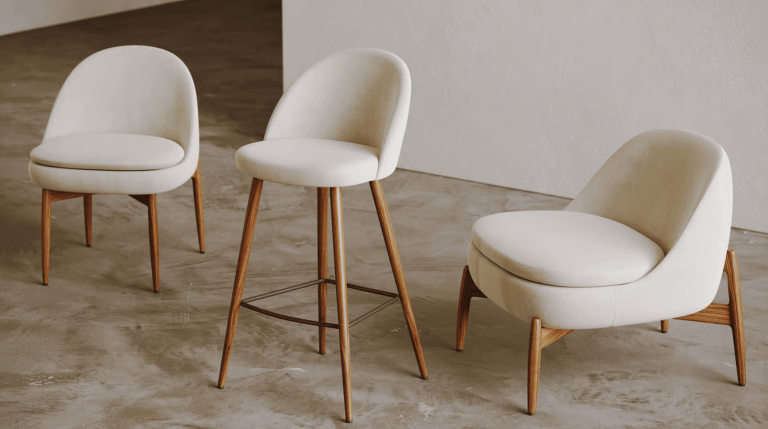
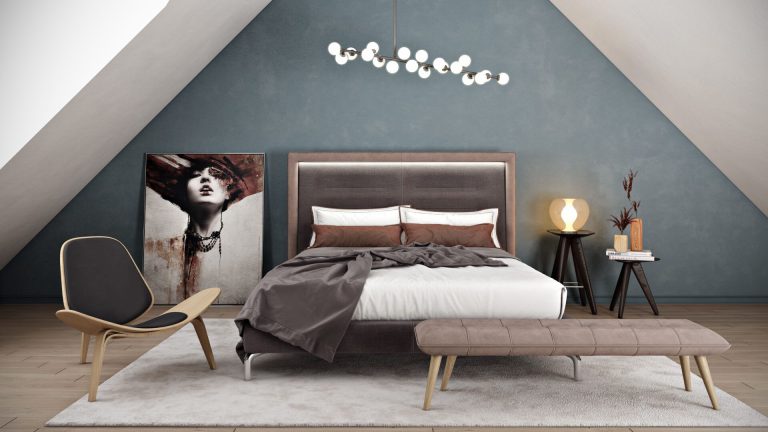
Large items – sofas, beds, dining tables, and sectionals – see the biggest impact from 3D and AR. The core problem with these products online is scale: a flat photo can’t tell a shopper whether a piece physically fits their room. AR solves that directly by placing the item in their actual space at true dimensions.
High-value SKUs – anything where the price tag makes the buyer hesitate. When a customer is about to spend $1,500 on a dining set, being able to see it in their room from multiple angles gives the kind of confidence that product photos alone can’t. The higher the price, the more a 3D experience reduces purchase anxiety and the cost of a potential return.
Customizable products – items that come in multiple materials, finishes, or configurations. 3D models can show material and color variants in a way that flat swatches never capture accurately, especially for upholstery and wood grains where texture matters. The same models can also power other Amazon 3D content, such as product video.
How to Prepare Your Furniture Products for Amazon 3D
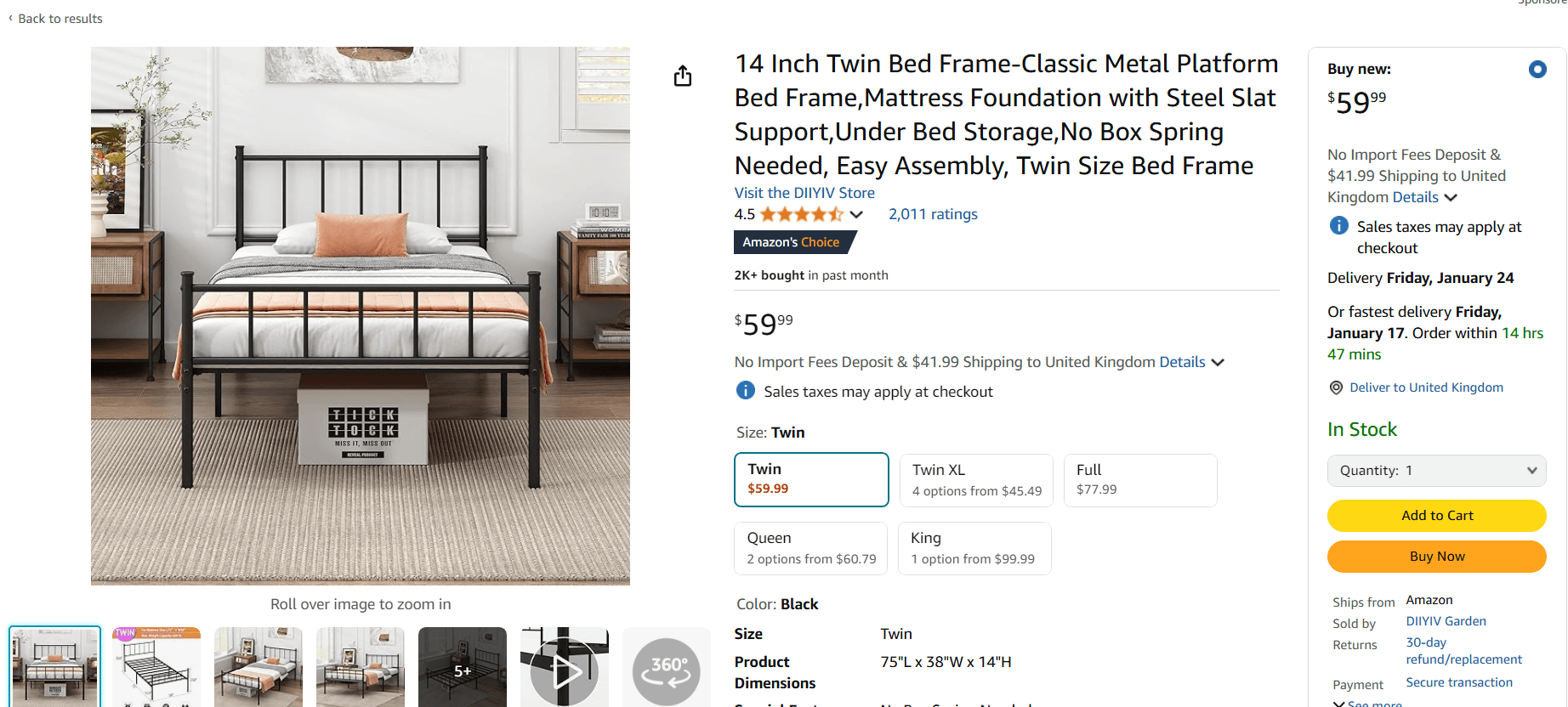
To get a GLB model built for your product, you’ll need to provide:
- CAD files or accurate technical drawings with dimensions
- Reference photographs of the product (2–10 images)
- Material and texture specifications (fabric type, wood species, finish, color codes)
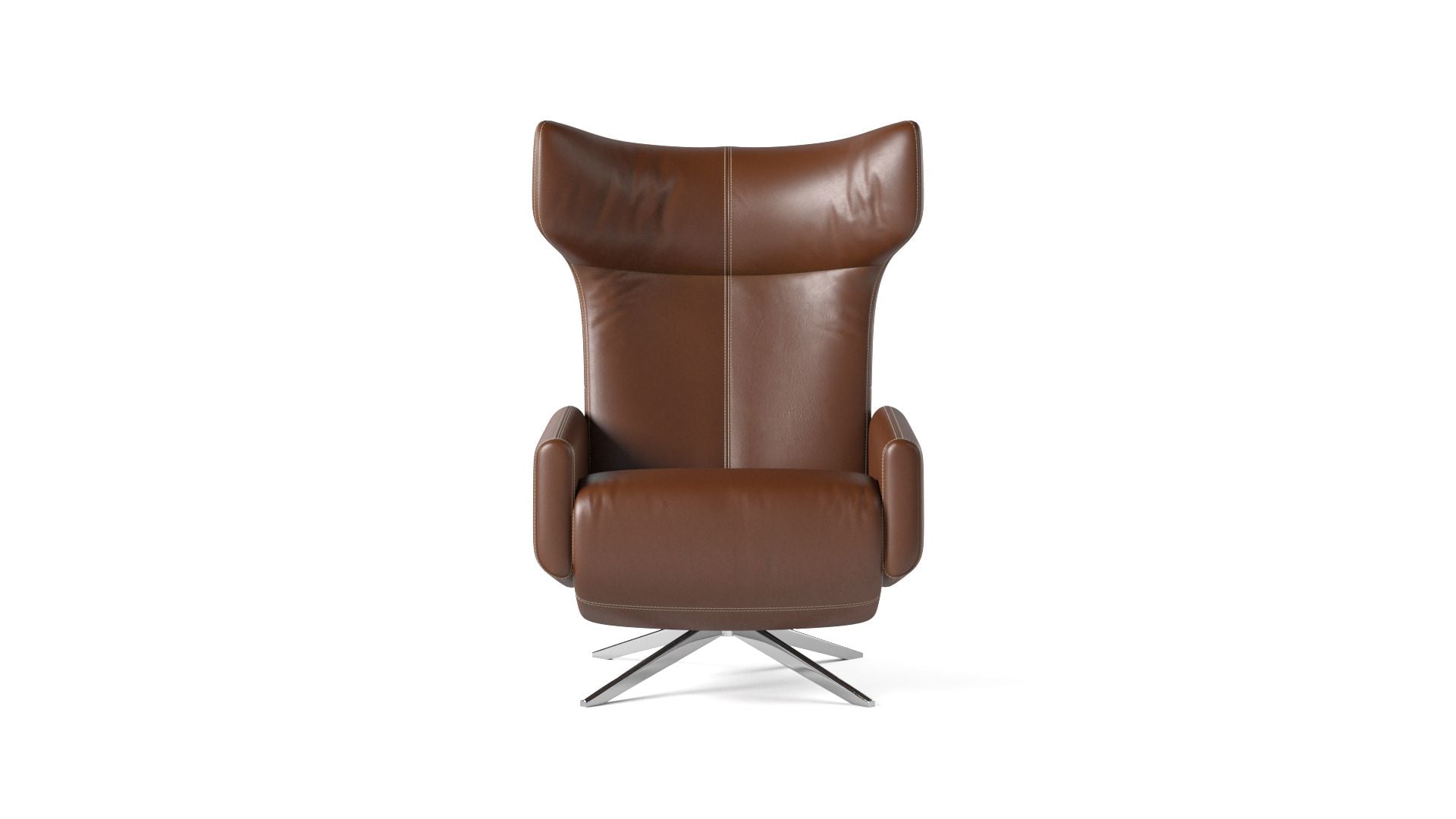
One important point: you cannot create a GLB by converting your old 360° photos. A GLB is a true 3D model – real geometry built from CAD data or reference materials. It’s constructed from scratch, not derived from flat images. Our GLB 3D model services build these models from CAD files or reference photos.
 ↔ drag to rotate
We build Amazon-ready GLB models
We create GLB / glTF models optimized to pass Amazon’s validation and power View in 3D and View in Your Room – built from your CAD files or from reference photos and dimensions. Start with your bulky, high-return SKUs (sofas, beds, dining sets, seating) for the fastest payback.
See our AR 3D modeling servicesDoes Amazon still support 360° images?
No. Amazon removed the 360° image experience from all product detail pages on January 20, 2025. New 360° uploads had already been blocked since December 2023.
What replaced Amazon 360° Product View?
GLB 3D models. A single GLB file powers three interactive features: View in 3D, View in Your Room (AR), and Virtual Try-On.
Are GLB files required, or can I use OBJ or FBX?
Amazon accepts GLB and glTF for its 3D viewer. OBJ and FBX are not supported for the interactive viewing experience.
Can I convert my 360° photos into a GLB model?
No. A GLB is a true 3D object built from CAD data or reference photos and accurate dimensions – it is not a file conversion from flat images.
How much does an Amazon GLB model cost?
It depends on product complexity – geometry detail, number of materials, and whether you have CAD files or need the model built from reference photos. Contact us for a quote based on your SKUs.
Does Amazon’s View in Your Room work on desktop?
View in Your Room (AR) requires a mobile device with AR capability – it uses the phone’s camera to place the product in the shopper’s space. View in 3D (rotate and zoom) works on both desktop and mobile.
Which product categories support Amazon 3D models?
Furniture is one of the best-supported categories. Other eligible categories include Home, Lighting, Kitchen, Shoes, Eyewear, Beauty, Baby Products, Sports, Toys, Pets, Automotive, and Electronics.