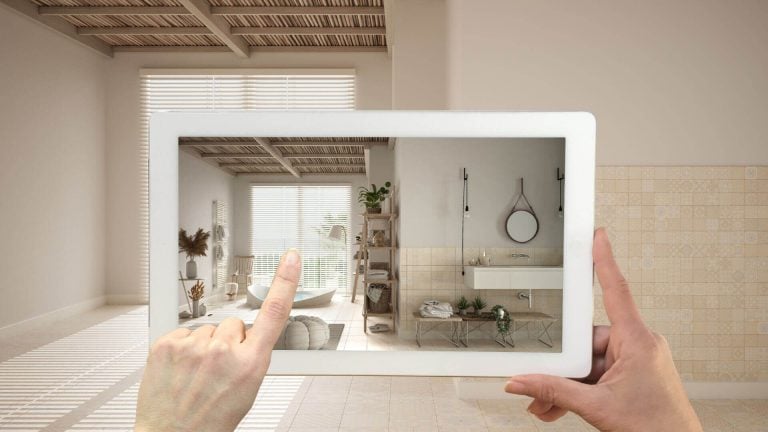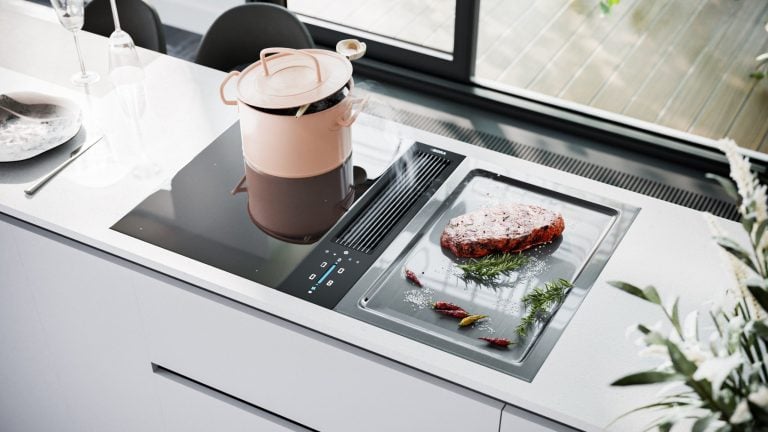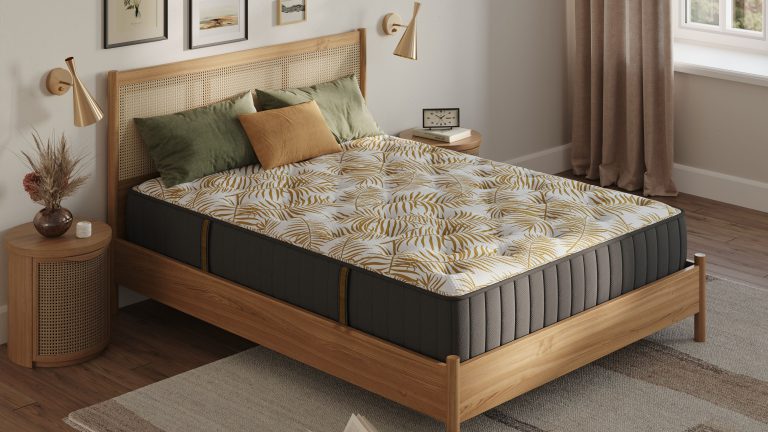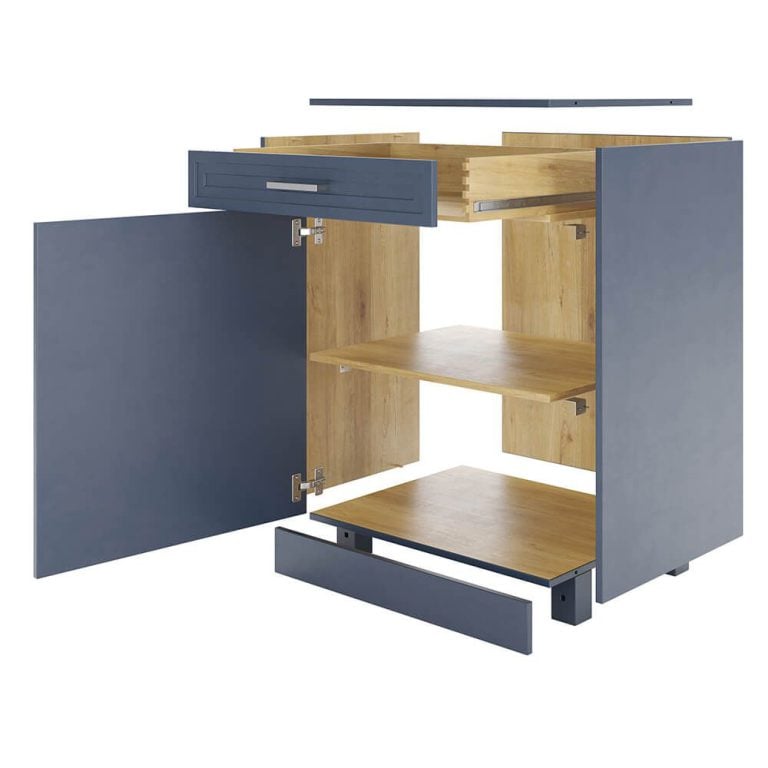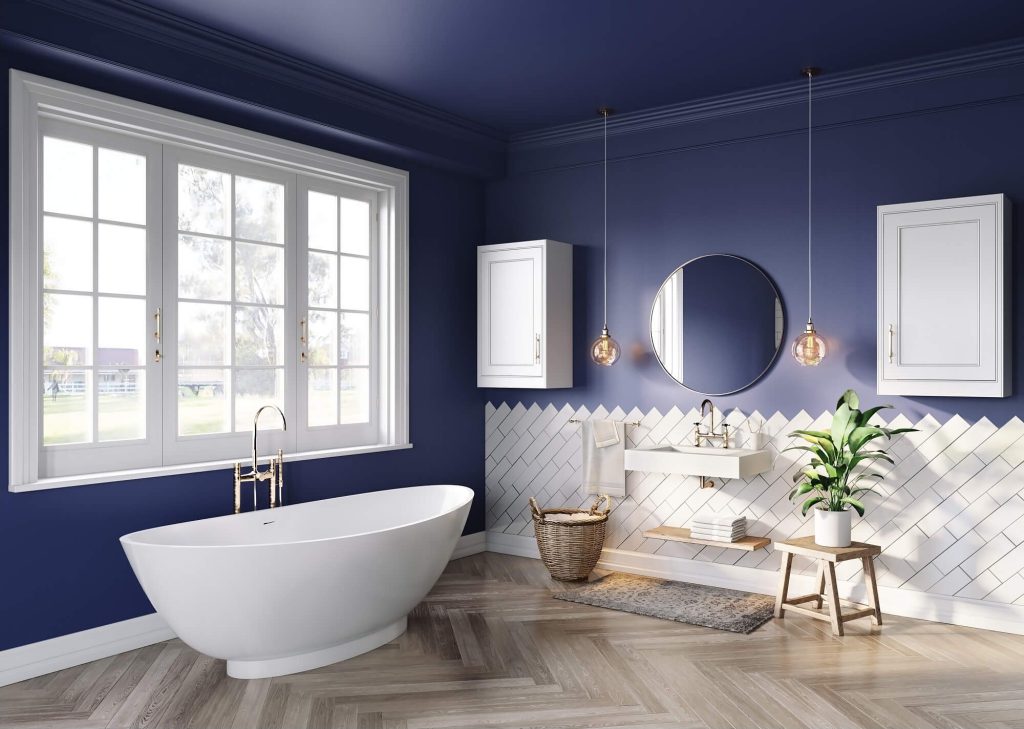
Online stores are moving away from traditional product photography. The economics are straightforward: 3D product models cost less to produce than a full photoshoot, generate images faster, and – unlike a set of photos – the same asset works across product pages, AR previews, social media animations, and interactive configurators. One investment, multiple outputs.
For furniture manufacturers, the shift solves several problems at once. No prototype shipping, no studio scheduling, no reshooting when a product gets a new finish or a seasonal campaign needs different styling. The 3D model handles all of it. The trick? Knowing where to find high-quality 3D product modeling. That’s why we’ve compiled our top 10 list of 3D modeling websites to download 3D models, so you can move ahead with confidence. We cover the business side in more detail in our article on 3D modeling for furniture business.
1. 3D Warehouse
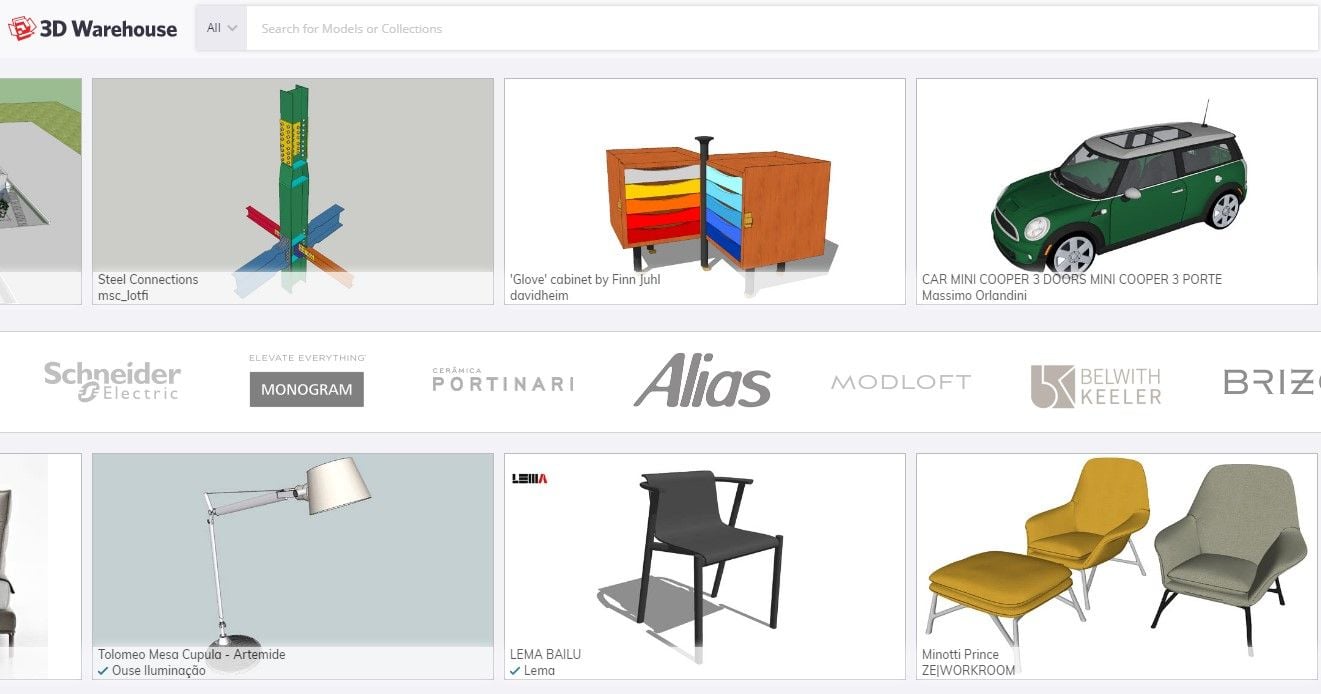
Website: <https://3dwarehouse.sketchup.com/>
A massive library of 3D product models, mostly focused on architecture, interiors, and furniture. The platform’s integration with SketchUp makes it a favorite for designers who need assets quickly.
- Free/Paid: Free
- Formats: OBJ, FBX, STL
- Benefits: Ideal for PBR-ready furniture models and interior visualizations.
2. Cults 3D
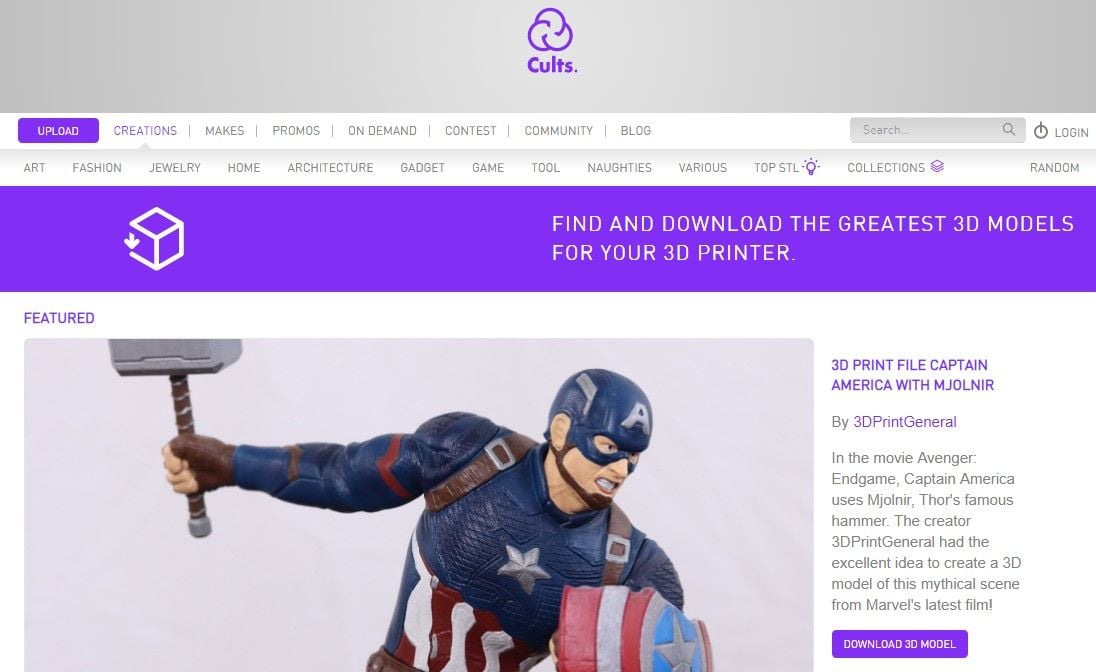
Website: <https://cults3d.com/>
A popular marketplace offering millions of 3D models from creators worldwide. You can find everything from simple chairs to detailed furniture sets ready for e-commerce use.
- Free/Paid: Both
- Formats: OBJ, FBX, STL, glTF
- Benefits: High-poly models suitable for realistic rendering and commercial projects.
3. TurboSquid
Website: <https://www.turbosquid.com/Index.cfm>
One of the oldest and most trusted 3D marketplaces, known for its strict quality standards. It’s the go-to platform for studios that need polished, ready-to-render assets.
- Free/Paid: Both
- Formats: OBJ, FBX, STL, glTF
- Benefits: Excellent for PBR workflows and detailed product visualization; every model comes with a quality rating and preview renders.
4. 3DExport
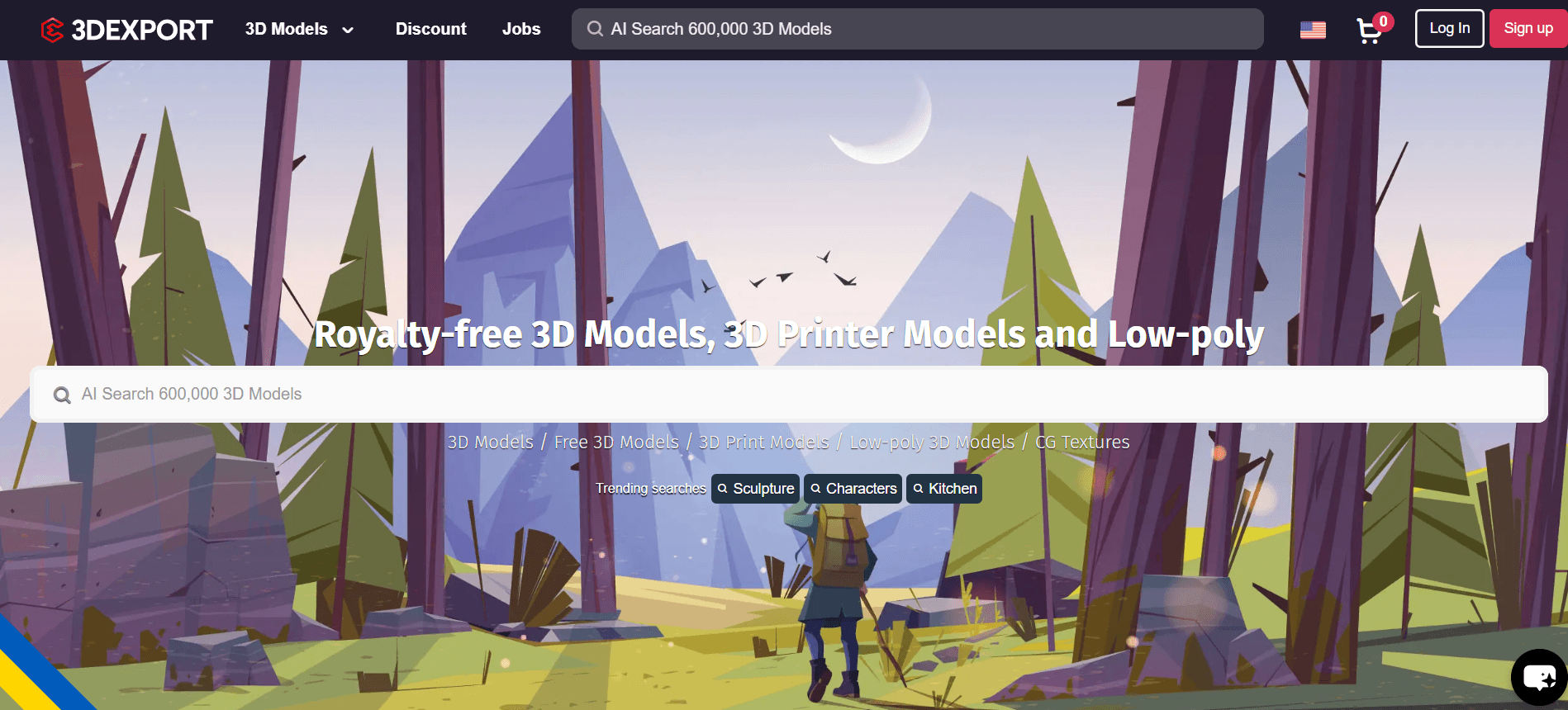
Website: <https://3dexport.com/>
Offers various assets – from minimalistic furniture to elaborate interior decor. Its intuitive filtering system helps users quickly find 3D product models that match their needs.
- Free/Paid: Both
- Formats: OBJ, FBX, STL
- Benefits: Great for furniture visualization and catalog-ready renders, with frequent discounts on premium models.
5. GrabCAD
Website: <https://grabcad.com/>
A community-driven platform originally designed for engineers, now featuring many detailed product and furniture models. Its technical accuracy makes it useful for both design and manufacturing visualization.
- Free/Paid: Mostly free
- Formats: STL, OBJ, FBX
- Benefits: Ideal for CAD-based modeling and photorealistic texturing. Many product visualization assets come with exploded views or assembly parts for complex renders.
6. Thingiverse
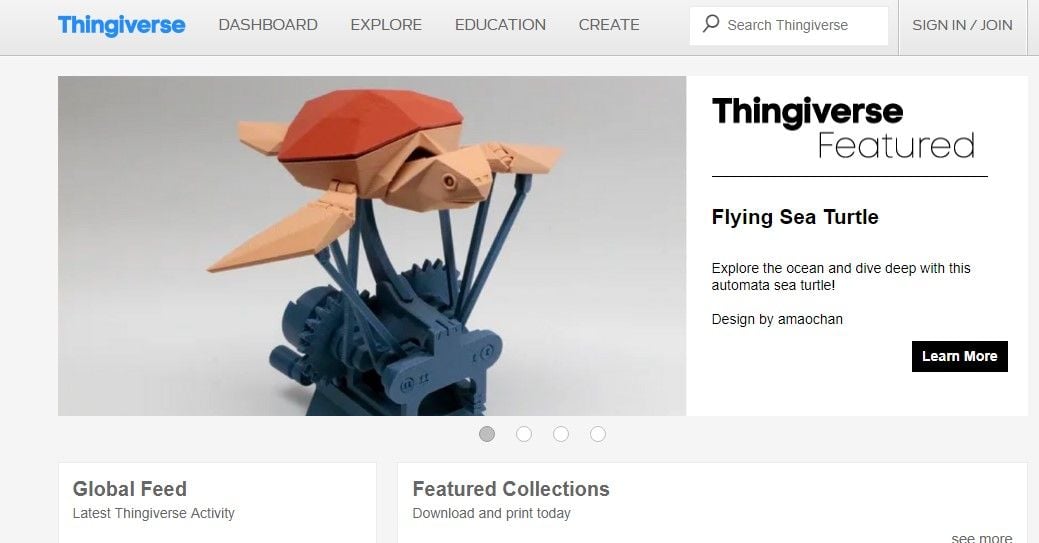
Website: <https://www.thingiverse.com/>
Known for its 3D printing files, Thingiverse also provides models for product visualization. Its open-source approach encourages customization and experimentation.
- Free/Paid: Free
- Formats: STL, OBJ
- Benefits: Great for concept models, simple furniture designs, or visualization tests in early production stages.
7. CGTrader
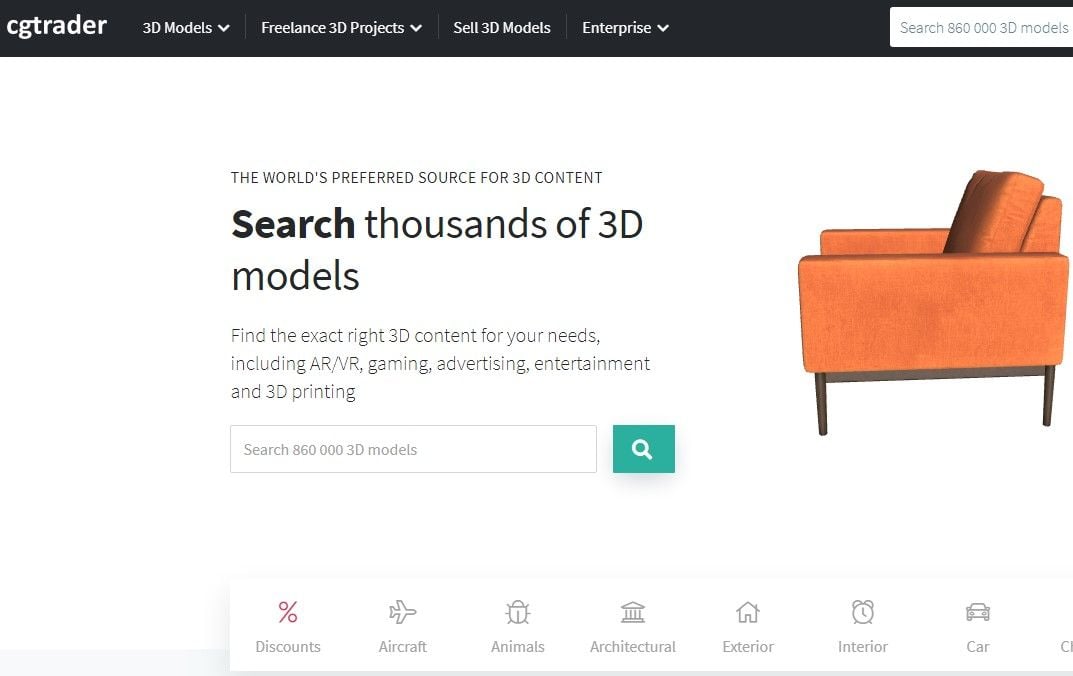
Website: <https://www.cgtrader.com/>
CGTrader is a large-scale marketplace where designers, brands, and 3D artists buy and sell models. The library covers visualization, AR/VR, and e-commerce use cases, and a good portion of the models ship with PBR textures ready for rendering without additional prep work. Beyond downloading existing assets, CGTrader also operates a modeling service side – you can hire a freelance 3D artist directly through the platform if you need something custom built.
- Free/Paid: Both free and paid options
- Formats: OBJ, FBX, 3DS, STL, BLEND, MAX.
- Benefits: Product visualization and furniture rendering where photorealism, material accuracy, and model detail are non-negotiable.
8. Sketchfab
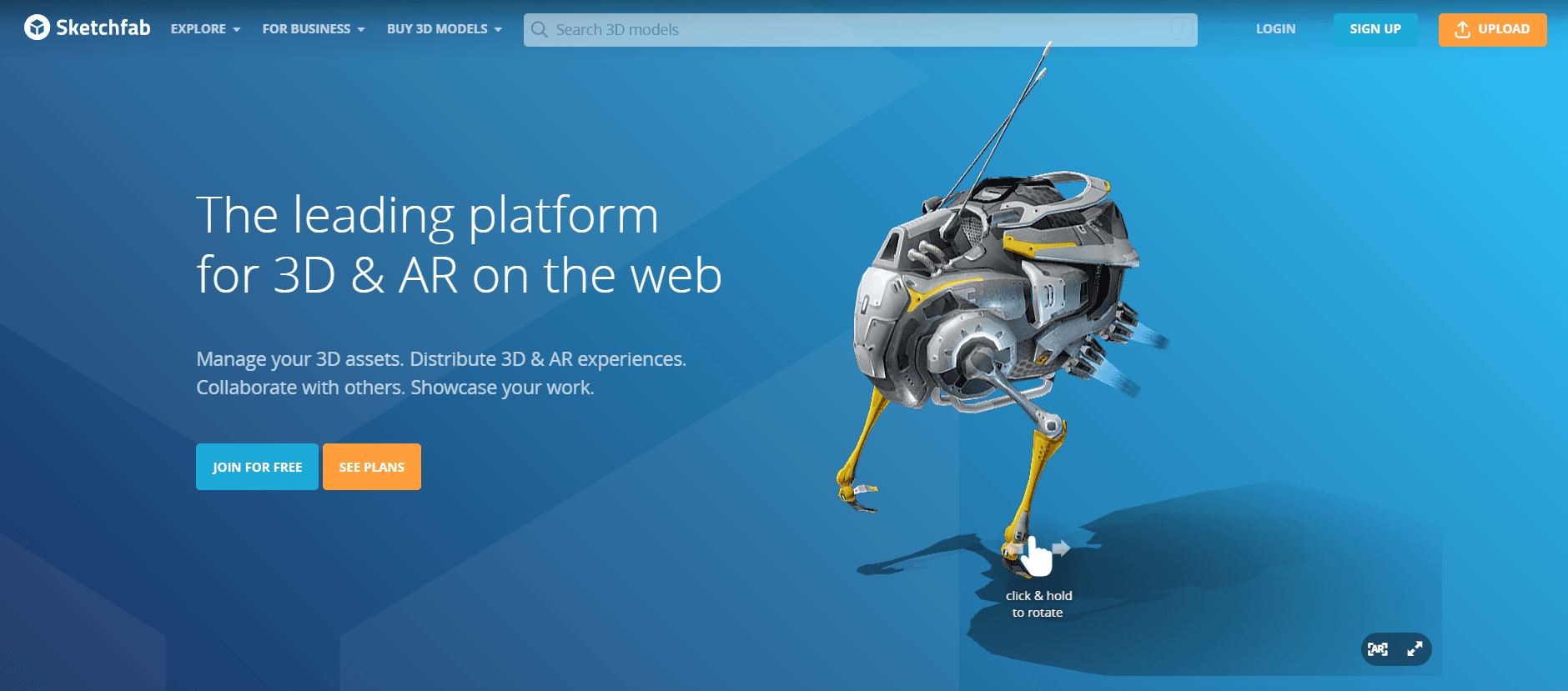
Website: <https://sketchfab.com/>
An interactive platform where users can preview 3D product models in real-time before downloading. Its vast catalog includes furniture, décor, and accessories ready for commercial use.
- Free/Paid: Both
- Formats: OBJ, FBX, glTF
- Benefits: Perfect for texturing and real-time rendering workflows. Many models include PBR materials, making it ideal for product visualization.
9. Thangs
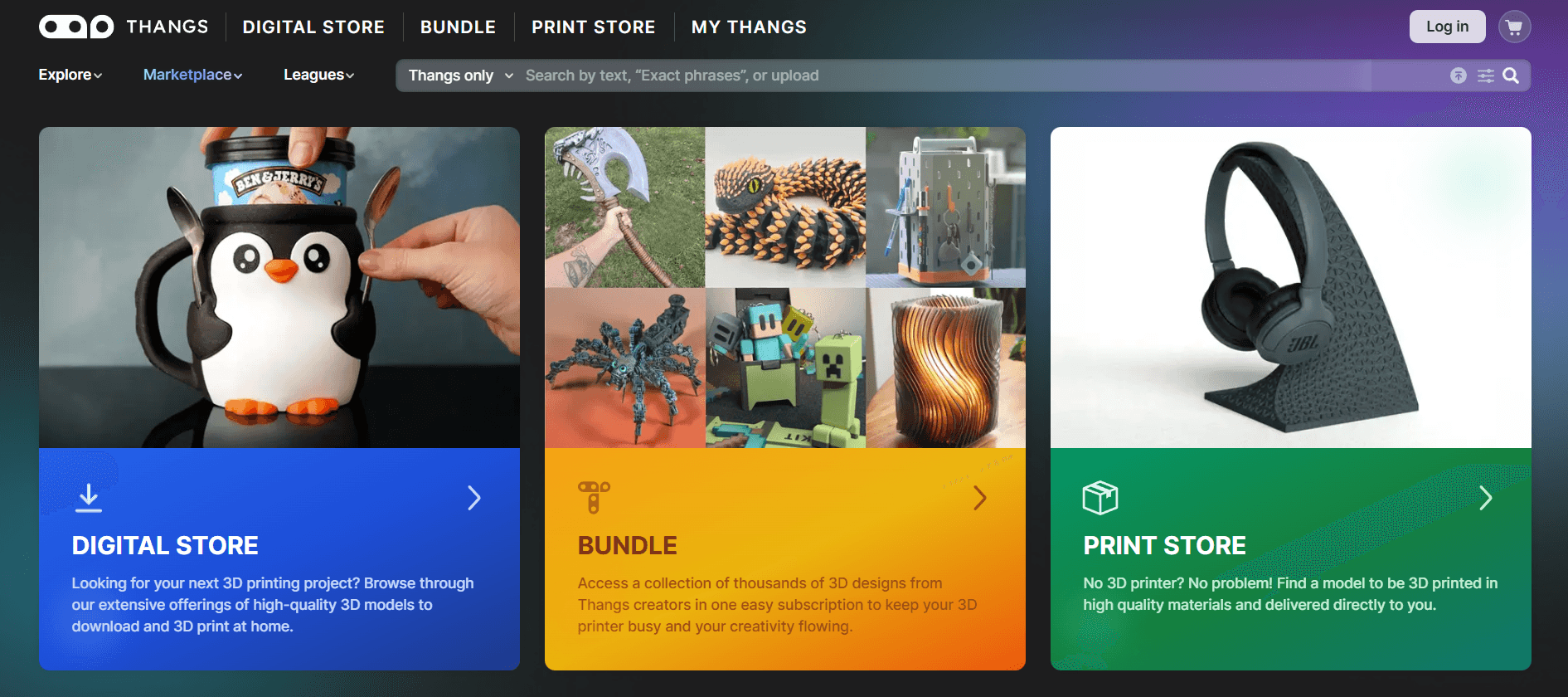
Website: <https://www.thangs.com/>
A next-generation 3D model search engine that indexes files from multiple platforms. It’s known for its AI-powered recommendations and sleek interface.
- Free/Paid: Both
- Formats: OBJ, FBX, STL
- Benefits: Great for quickly sourcing assets for product visualization, AR/VR, or design presentations. Reliable for discovering new 3D creators.
10. Free3D
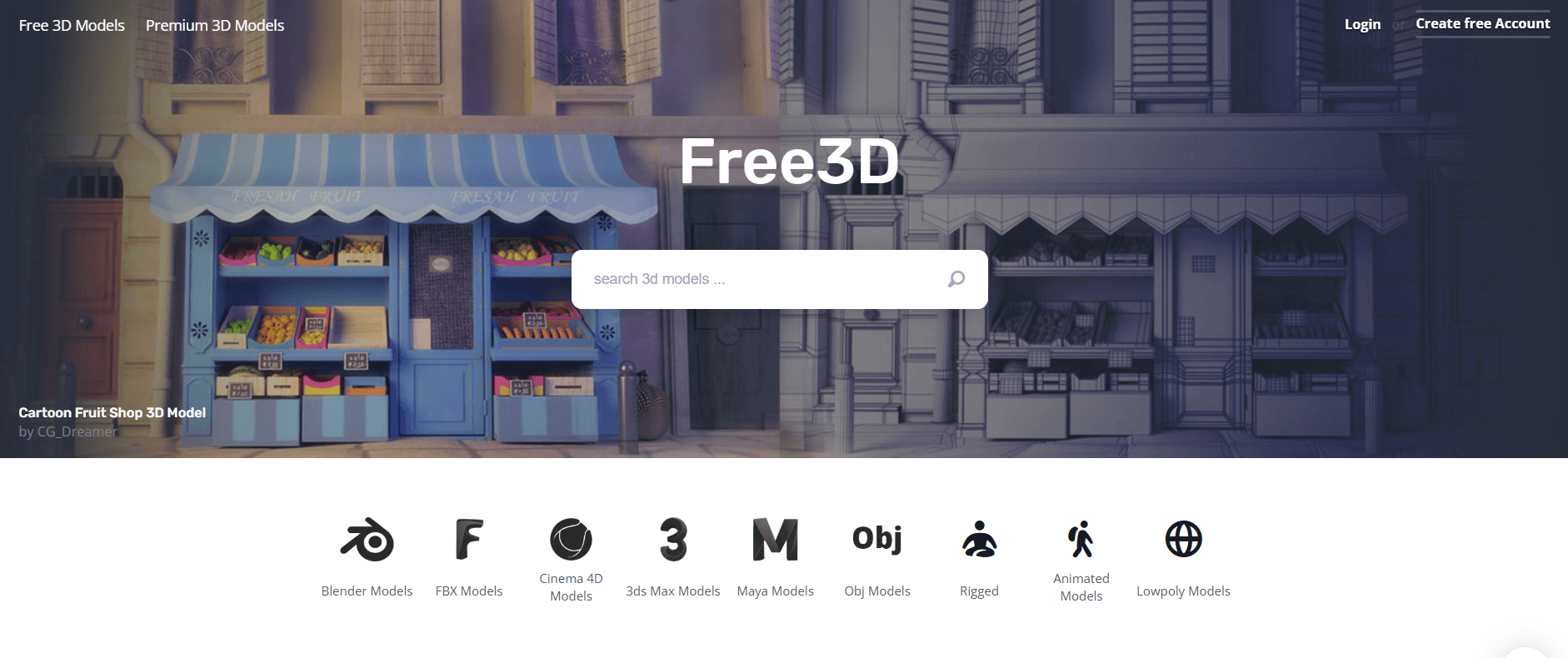
Website: <https://www.free3d.com/>
A long-standing favorite for free models, offering thousands of assets across categories like furniture, electronics, and decor. The site’s simple structure makes finding models fast and easy.
- Free/Paid: Both
- Formats: OBJ, FBX, STL, glTF
- Benefits: Excellent for students or startups creating quick prototypes and renders without heavy costs.
11. Printables
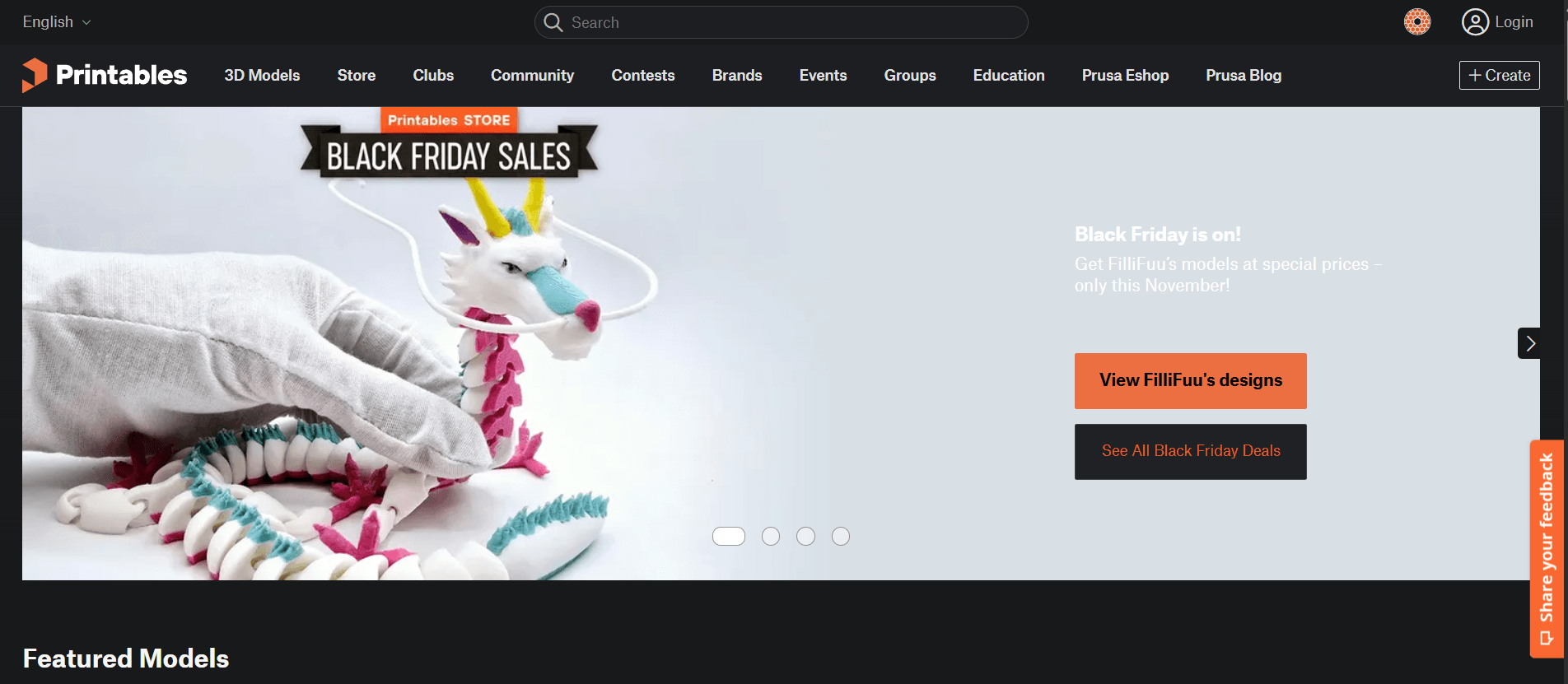
Website: <https://www.printables.com/>
Originally a hub for 3D printing, now expanding into visualization resources. Its 3D product models are community-verified, which helps maintain quality even for free 3D objects.
- Free/Paid: Free
- Formats: STL, OBJ
- Benefits: Great for low-poly 3D furniture models or visual experiments, especially when combined with texturing and lighting.
12. BlendSwap
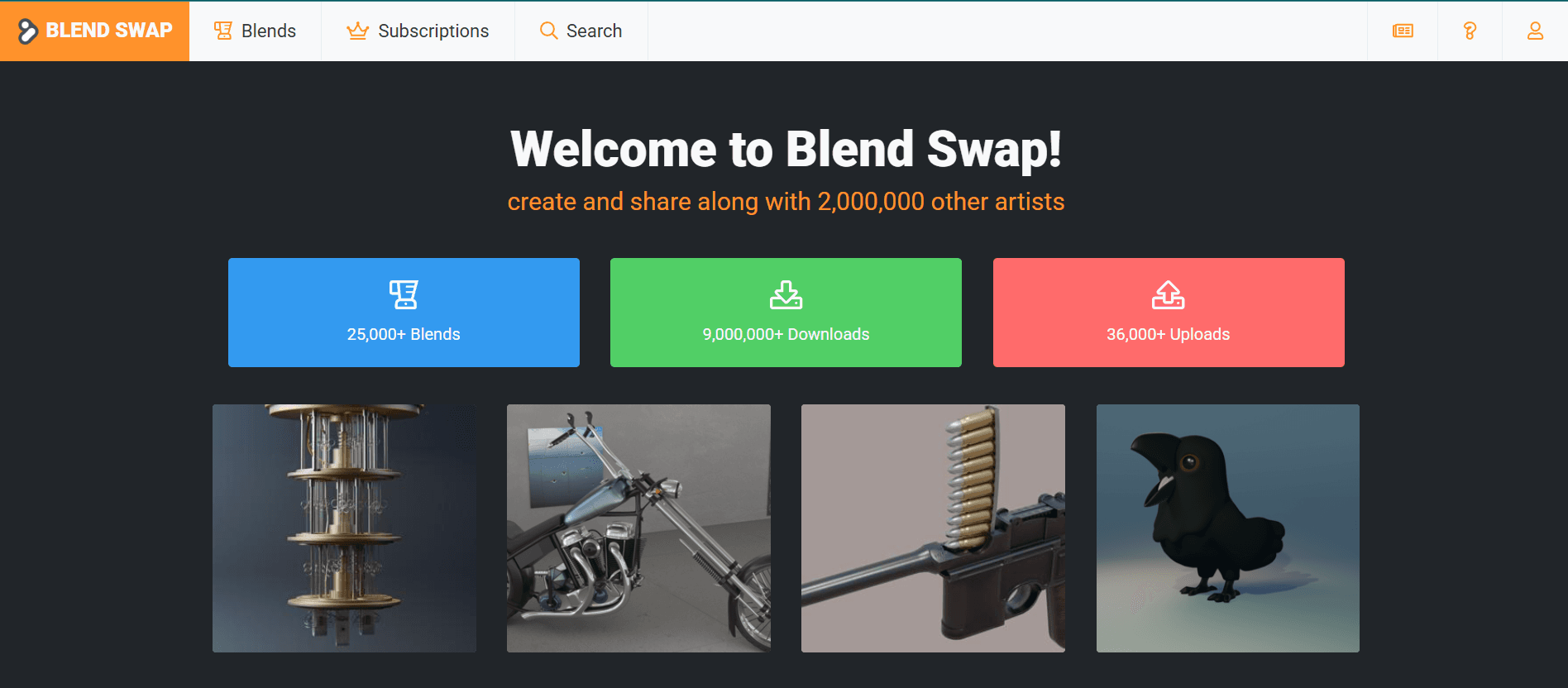
Website: <https://blendswap.com/>
A favorite among Blender users, offering free 3D objects, textures, and materials shared by the community. Product visualization assets are easy to import and modify for any rendering project.
- Free/Paid: Free
- Formats: BLEND, OBJ, FBX
- Benefits: Optimized for PBR workflows and ideal for realistic furniture visualization in Blender or similar software.
13. 3DCollective
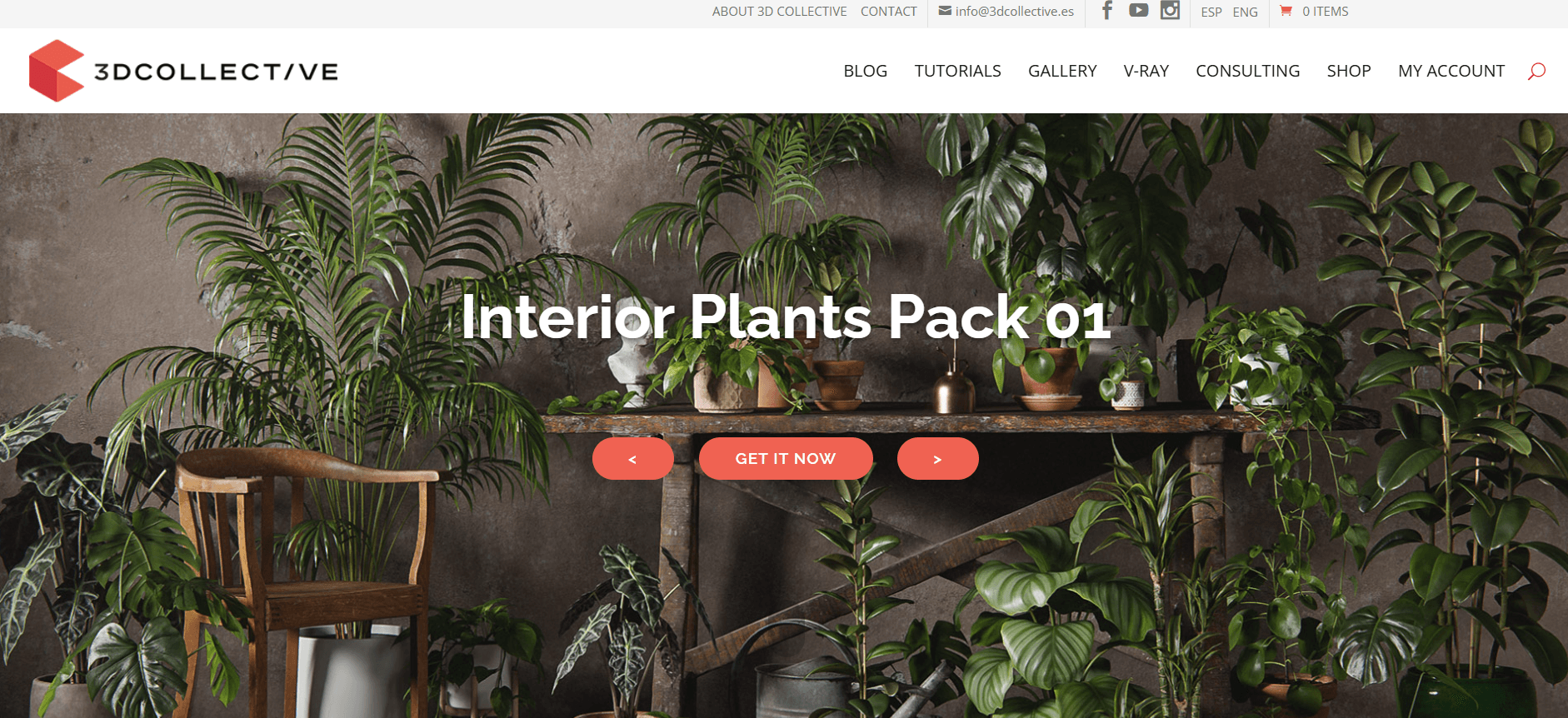
Website: <https://3dcollective.es/en/>
Specializes in highly realistic, premium furniture and interior decor assets. Many 3D product models are designed for commercial rendering and product catalogs.
- Free/Paid: Paid
- Formats: OBJ, FBX, glTF
- Benefits: Each asset is meticulously crafted with attention to materials and lighting – perfect for achieving photoreal quality.
14. 3DModels
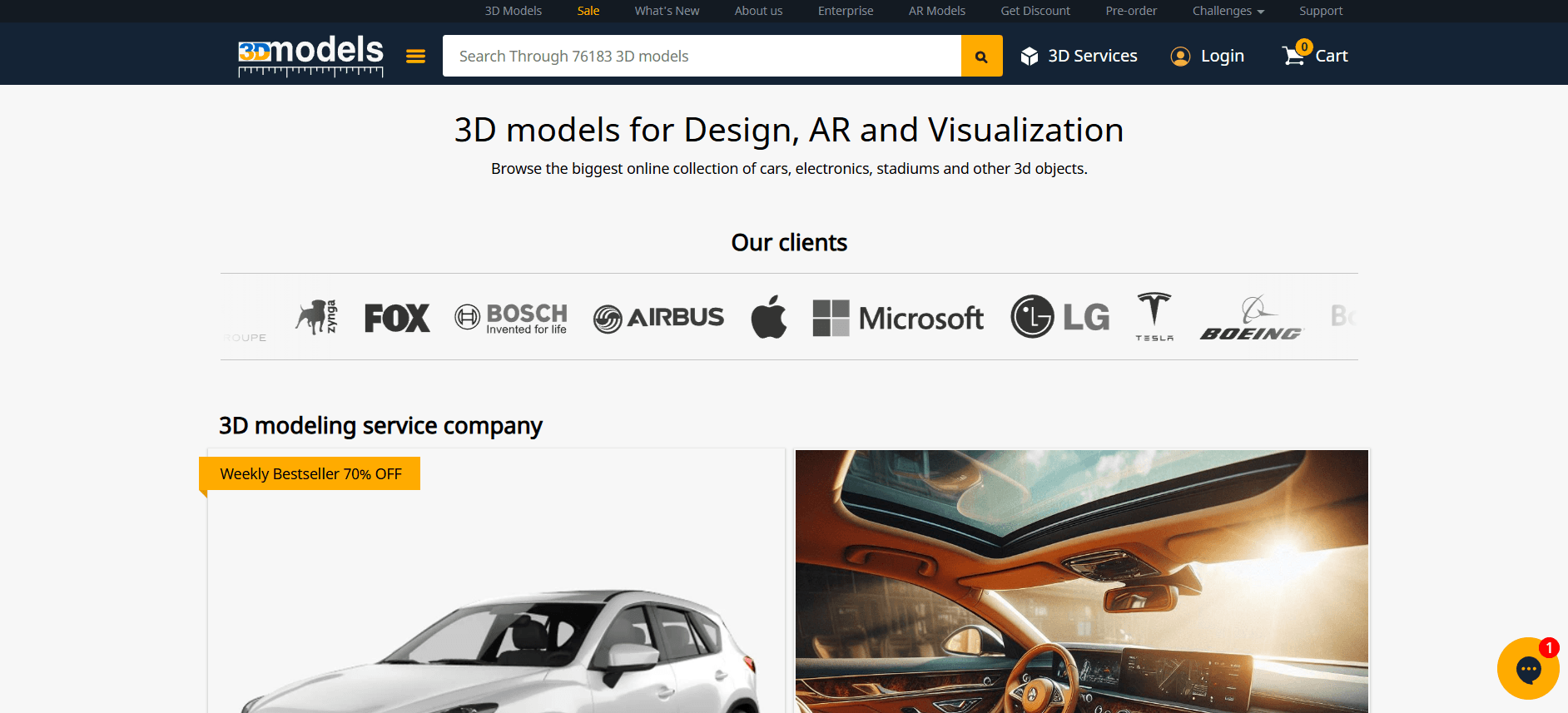
Website: <https://3dmodels.org/>
Known for premium, high-detail 3D models, including furniture, tech, and vehicles. Studios working on advertising and CGI visualization widely utilize its assets.
- Free/Paid: Paid
- Formats: OBJ, FBX, STL, glTF
- Benefits: Great for photorealistic PBR rendering with accurate proportions and textures – ideal for luxury furniture projects.
15. Free3DModels
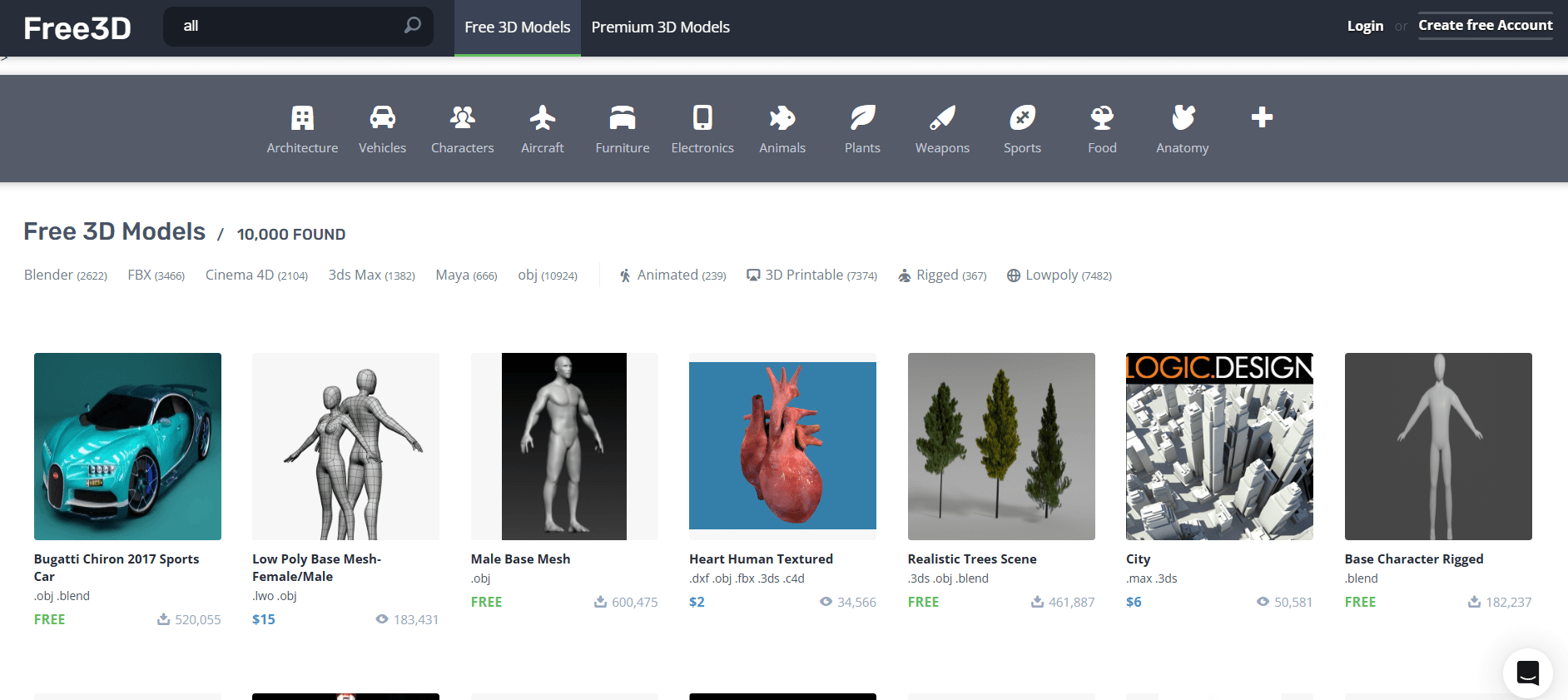
Website: <https://free3d.com/>
An extensive library of paid and free 3D objects suitable for a range of industries. The site regularly updates its collection with trendy furniture and decor pieces.
- Free/Paid: Both
- Formats: OBJ, FBX, STL
- Benefits: Useful for building realistic interior scenes quickly; a reliable resource for product visualization assets.
How to Choose a Website for Downloading 3D Models
Picking the right place to get 3D product models can save you many headaches down the line. Our guide to product 3D modeling explains what separates a production-ready model from a quick download.
- Check the file formats. Go for models in formats like OBJ, FBX, or glTF. They work with pretty much every major 3D app out there.
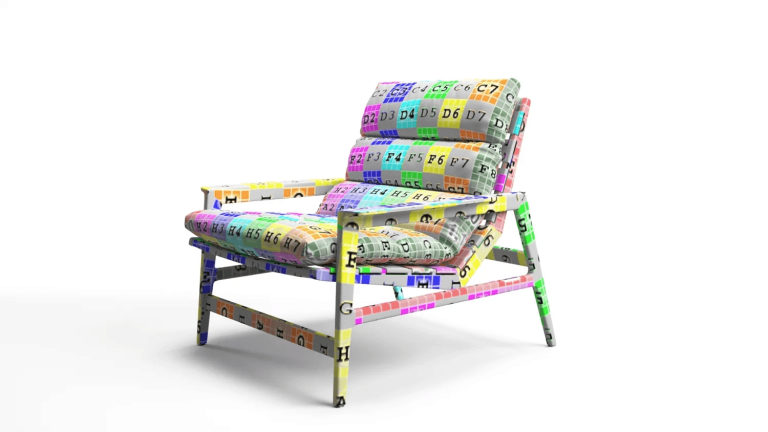
- Don’t ignore UV mapping and PBR materials. If you want your renders to actually look good, you need models with solid UV layouts and physically based materials. That’s how you get believable lighting, shadows, and all those surface details that make things pop.
- Don’t forget about licensing. If you’re planning to use these assets for marketing or e-commerce, double-check the license. You don’t want legal trouble sneaking up on you.
- Think about polygon count. Low-poly 3D product models keep things speedy and are ideal for real-time use. High-poly product visualization assets, on the other hand, give you that detailed, photorealistic look when you really want to impress.
Choose carefully, and you’ll end up with smoother renders, less time fiddling with files, and a sharp, consistent look across your whole product lineup. If you plan to edit downloads yourself, our review of 3D modeling software for furniture helps you pick a tool.
Library Model or a Model of Your Own Product
Download sites work well for props, decor, and quick concept scenes. They rarely work for the product you actually sell. A library chair is someone else’s design: its proportions, legs, seams, and fabric will not match your SKU, and a shopper who sees one thing on the page and receives another sends it back. That is the gap our custom 3D modeling services fill, with a model built from your own drawings and dimensions.
Three practical costs hide behind a free download:
- Search time. Finding a close match can take longer than briefing a studio, and a close match is still not your product.
- Rework. A near match still needs a 3D artist to change dimensions, swap materials, and add or remove details. You pay for modeling anyway, on a file you did not build and cannot fully check.
- No one to ask. A marketplace author is not obliged to answer questions about an old file, fix its geometry, or send source files.
A custom model is built from your drawings, dimensions, and material references. Once it exists, it is stored in your project, so the same file can later become a white-background image, a lifestyle scene, a 360 spin, or an AR model without starting over. The practical split: download the decor around your product, and order a custom 3D model of the product itself.
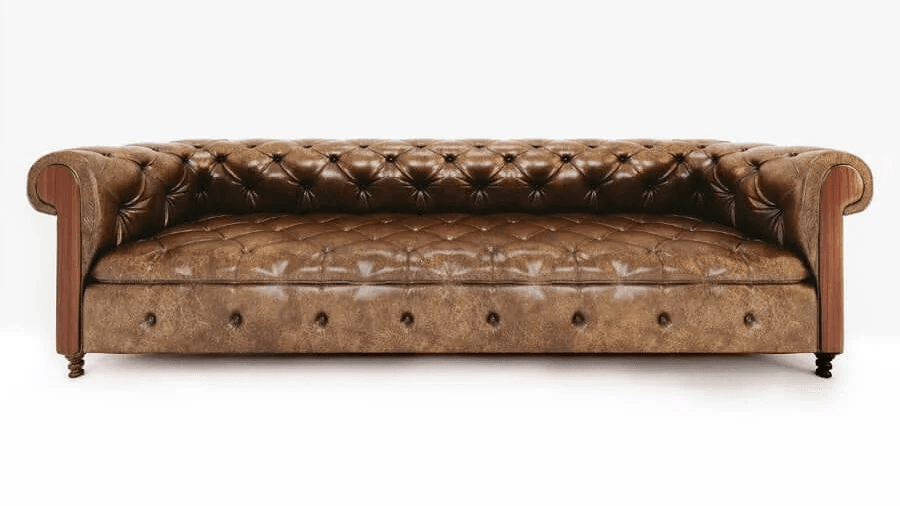
If you need unique models tailored to your brand, consider using professional 3D modeling services
Book demo now2026 is here, and 3D modeling just keeps getting bigger. It feels like there’s a new platform popping up all the time, each one loaded with assets for designers and manufacturers. It’s a lot to sort through.
What really separates a usable 3D model from a great one is how it holds up under production conditions. Clean topology, properly mapped UV coordinates, high-resolution PBR textures that respond correctly to different lighting setups – these are the details that determine whether your final render looks professional or slightly off. A model built for commercial rendering needs to survive close-up shots, multiple lighting scenarios, and material swaps without falling apart.
Ready to see your product in lifelike 3D? Check out our 3D modeling services. We’ll help you create eye-catching, photoreal visuals that make your marketing pop.