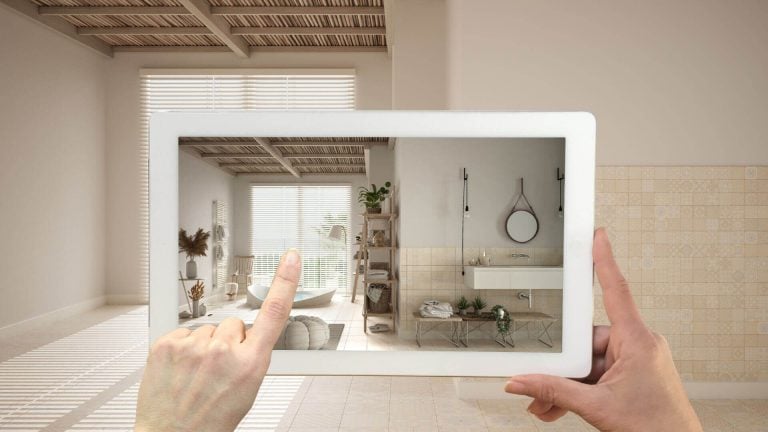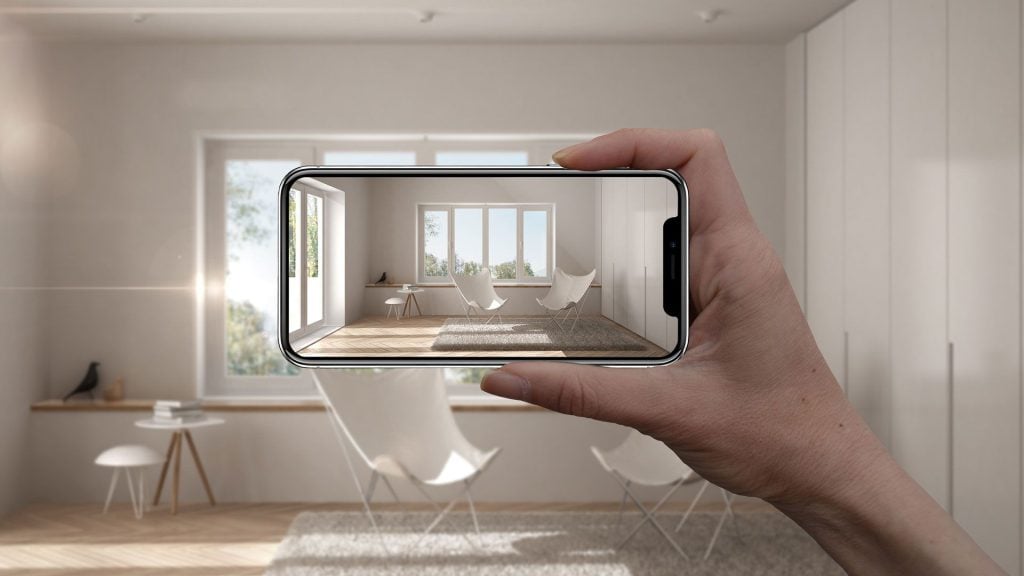
According to the latest ecommerce statistics, 79% of consumers want to interact with products via AR before buying. It comes as no surprise since AR technology brings consumers closer to the experience of real shopping and beyond. With augmented reality, they can actually try on a product before making a purchase. And as the popularity of AR is growing, sellers are trying to keep up with new technologies. Today, far-sighted manufacturers invest in quality AR models and develop their own shopping apps, and partner with studios that offer professional 3D visualization services to ensure the highest quality results.
AR boosts product awareness, significantly reducing the number of returns. As 3D augmented reality furniture models help customers try products in their real space, they clearly understand the parameters and see if items work before buying them.
80% of retail brands are projected to use AR for customer engagement by 2025, according to Gartner. Perhaps, the creation of 3D models for AR still looks complicated and troublesome to some. But it’s not how it is. Professional CG artists from a studio offering AR 3D modeling services can easily adapt ready-made 3D objects for AR and make 3D models from scratch.
From our article, you will learn how the AR modeling workflow goes. Being well-informed, you can effectively control the process and get the best results from 3D artists.
Approving a Project Brief

The collaboration begins with 3D experts getting a brief that contains all info on the project – client’s purposes, suggestions, deadlines, and all the reference materials. A brief should include different product angles, sketches, detailed drawings, and references. The more information a manufacturer provides to a 3D studio, the more accurate the augmented reality models will be.
It’s also important to attach quality texture samples if you have those. This way 3D artists can understand if they need to create a texture from scratch or use ready-made texture maps from their library. In the end, by providing CG experts with a detailed brief, you can save both time and money on creating 3D models for AR. A studio offering AR 3D modeling services can tell you early which references it still needs.
For a full overview of AR model types and production steps, see our AR modeling overview.
Matching the Model to Product Complexity
Not every AR model needs the same amount of work. The level of detail follows the product, so it helps to agree on the category at the brief stage. Furniture usually falls into one of four groups:
- Simple: clean, basic geometry, like a plain chair or table.
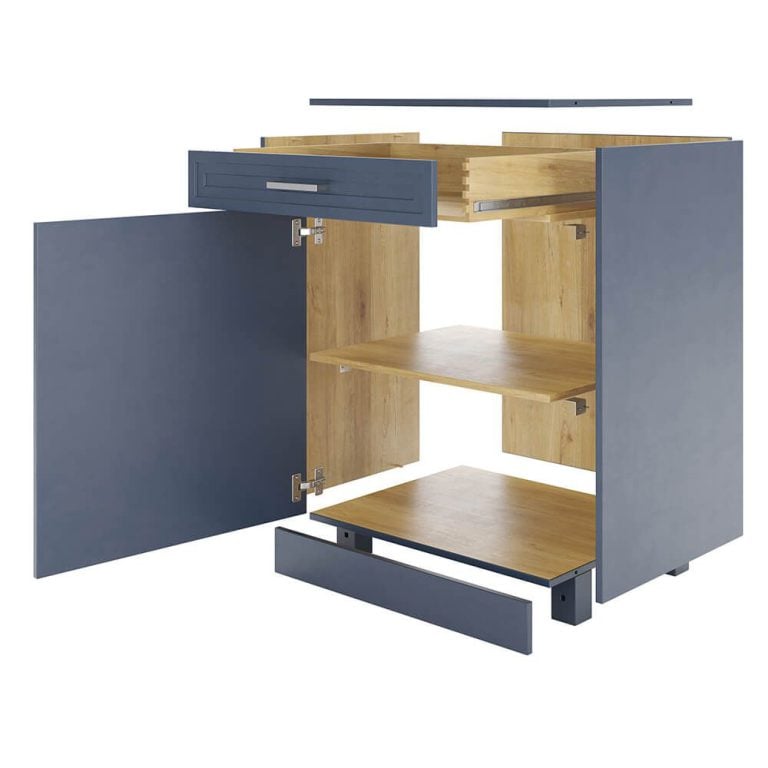
- Medium complexity: cushions, curves, handles, a drawer or two.
- Complex: layered upholstery, carved wood, several visible components.
- Highly complex: woven details, intricate folds and mechanical parts, like a wicker chair.
Some products also call for animated AR. A recliner can unfold when the shopper taps it, so the mechanism and the reclined size show at real scale in the room. If a piece transforms, mention it in the brief.
With a large catalog, there is no need to model everything at once. Start with the products that get the most traffic, see how buyers use AR, and expand from there. Our guide to AR in ecommerce shows where these models meet shoppers on a store.
Building the Geometry of AR 3D Models
Based on the brief, 3D artists create a model in 3D software. Most often, they use classic 3D modeling, i.e. making 3D objects from polygons, curves, or basic shapes. Sometimes, though, they can do photogrammetry, that is creating a 3D mesh from product photos. The choice of a 3D modeling tool depends on the type of product and requires different types of modeling.
Once CG specialists create the basic shape of an augmented reality 3D model, they proceed to clarify the details until a 3D model looks exactly like the original product. At the same time, 3D artists aim to make geometry as simple as possible, because AR 3D models for eCommerce should be easy to render in real time by the app engine.
Doing Retopology of 3D Models
Even with all efforts to keep the geometry simple when building 3D models, the result could be unsatisfying. Especially when it comes to complex AR 3D models with lots of details. Such high-polygon 3D objects are simply too heavy for AR visual tools.
In such cases, 3D artists can use 3D max retopology to optimize the geometry and reduce the number of polygons in the mesh. When done by professionals, 3D retopology doesn’t visually change the object, only the configuration of the mesh. After this optimization, 3D models will become easier to process by the AR engine and provide seamless realistic texturing.
Applying Materials and Textures
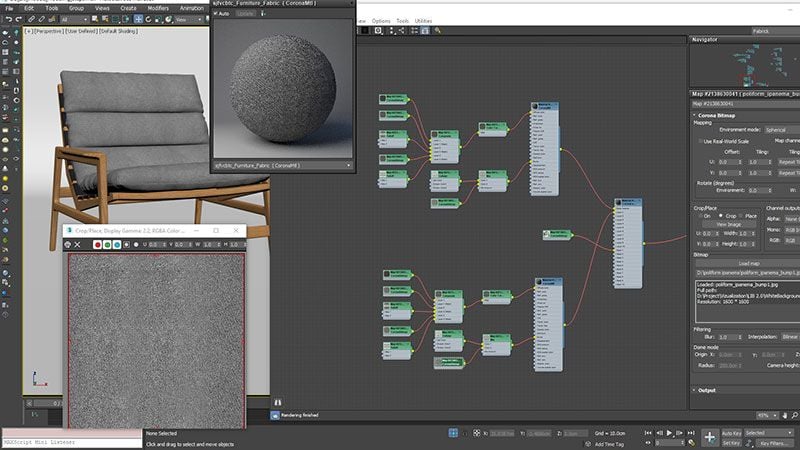
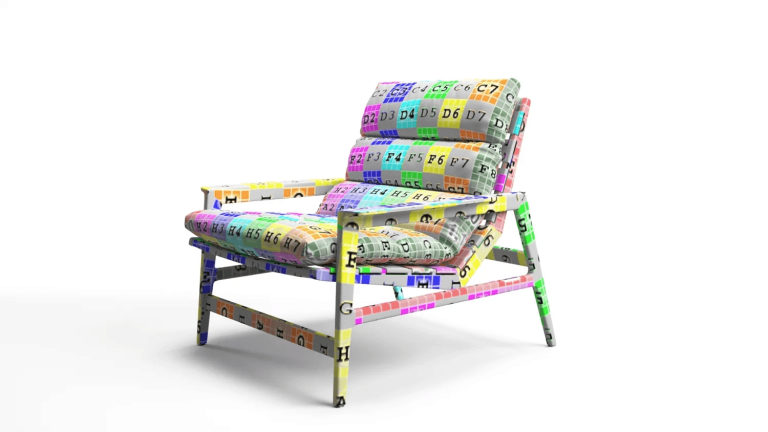
At this stage, 3D artists create custom-made textures by drawing them on top of a 3D model and using various texture maps. With 3D texturing services, these materials can be developed to achieve photorealistic 3D models for AR that accurately replicate the look and feel of real-world surfaces. Then, they “bake” all textures, that is, combine them into one. “Baking” helps to keep the visual properties of all materials, but makes the texture light and easy for AR rendering at the same time.
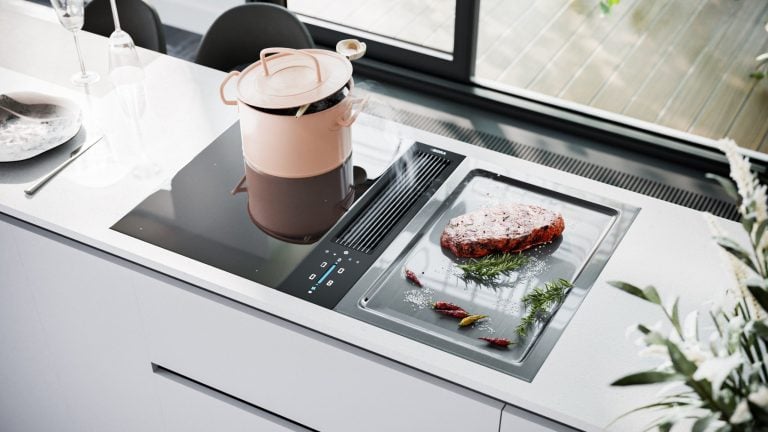
To make the whole texturing look more realistic, 3D experts also apply textures to the backdrop for AR 3D models. This is especially important for polished surfaces like metal, glass, and chrome. Without reflections and shadows, such objects look fake and lead to misrepresentation of the product. To prevent it, 3D artists put an interior or exterior background behind a 3D model and render the whole scene.
While texturing, 3D experts have to take into account the lighting and carefully choose the settings. With proper lighting, materials and textures look even more realistic. To get the lights right, 3D artists often use a simple daylight scheme with default settings for all AR 3D models.
Choosing a File Format for Export
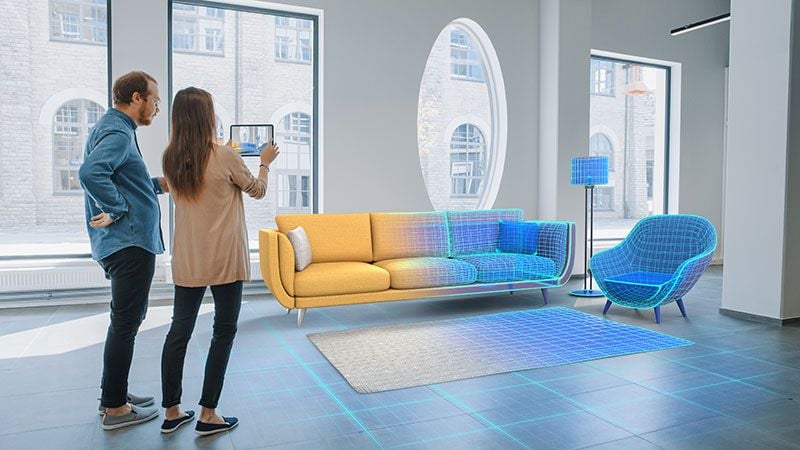
When AR 3D models are ready, all that’s left to do is to save them in a correct 3D file format. This way 3D objects can effectively work in various software. To prepare 3D models for export, CG artists save textures as images in a standard.jpeg format. As for the 3D model itself, its format depends on the AR engine you will use. Most often, 3D experts save AR models in GLB or GLTF format for web-based AR, and USDZ for Apple devices and iOS apps. The choice depends on the target platform and AR engine.
Testing the Model Where It Will Be Used
An AR model is not a rendered image. It is the 3D model itself, optimized to display in real time on a phone or tablet. That is why export is not the final step: the file has to be checked where shoppers will actually open it.
Tell the 3D team early where the model will live: a product page with an AR button, a QR code in a printed or digital catalog, a mobile app, an in-store display, or a specific AR engine or product configurator. This defines the export format and the test setup. GLB and USDZ files work with common store platforms such as Shopify, WooCommerce, WordPress and Wix.
Test on more than the newest phones. A model that runs well on a recent iPhone but fails on an older Android device misses part of your audience. For devices that cannot run AR, a 360 spin viewer of the same product is a sensible fallback.

Download CGIFURNITURE price guide and learn the costs of top-tier 3D visualization projects of different scales!
See our pricingBasically, the creation of AR 3D models is very similar to the standard 3D modeling process. The main difference is that, for AR, 3D artists have to maintain a low number of polygons and do a retopology of the geometry. They also carefully texture both the 3D model and the backdrop and bake all the textures. This way, an AR object becomes photorealistic and lightweight at the same time. The last step is to save 3D models in a final format according to the client’s purposes and type of AR engine.
Need life-like AR 3D models for furniture shopping apps and digital promo? Order AR 3D modeling services for AR marketing from CGIFurniture and get top-notch 3D models that work for any AR tool!