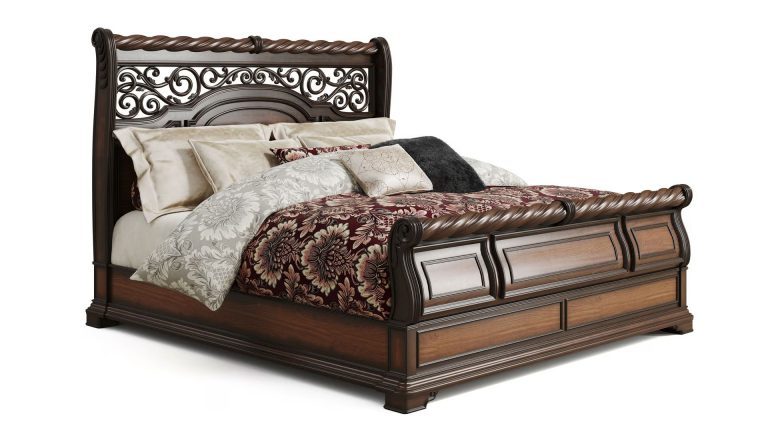
Most brands commission 3D work the way they commission photography: one project, one deliverable, one invoice. A set of renders here, a configurator built there, an AR model later, each starting close to scratch. The brands pulling ahead treat it differently. They build the product once as a digital twin, then generate everything from it: silo images, lifestyle scenes, 360° spins, AR, and the interactive configurator on the product page. One source, many outputs. This article explains how that works and why the order matters: twin first, assets after.
The Twin Is the Source; Everything Else Is an Output
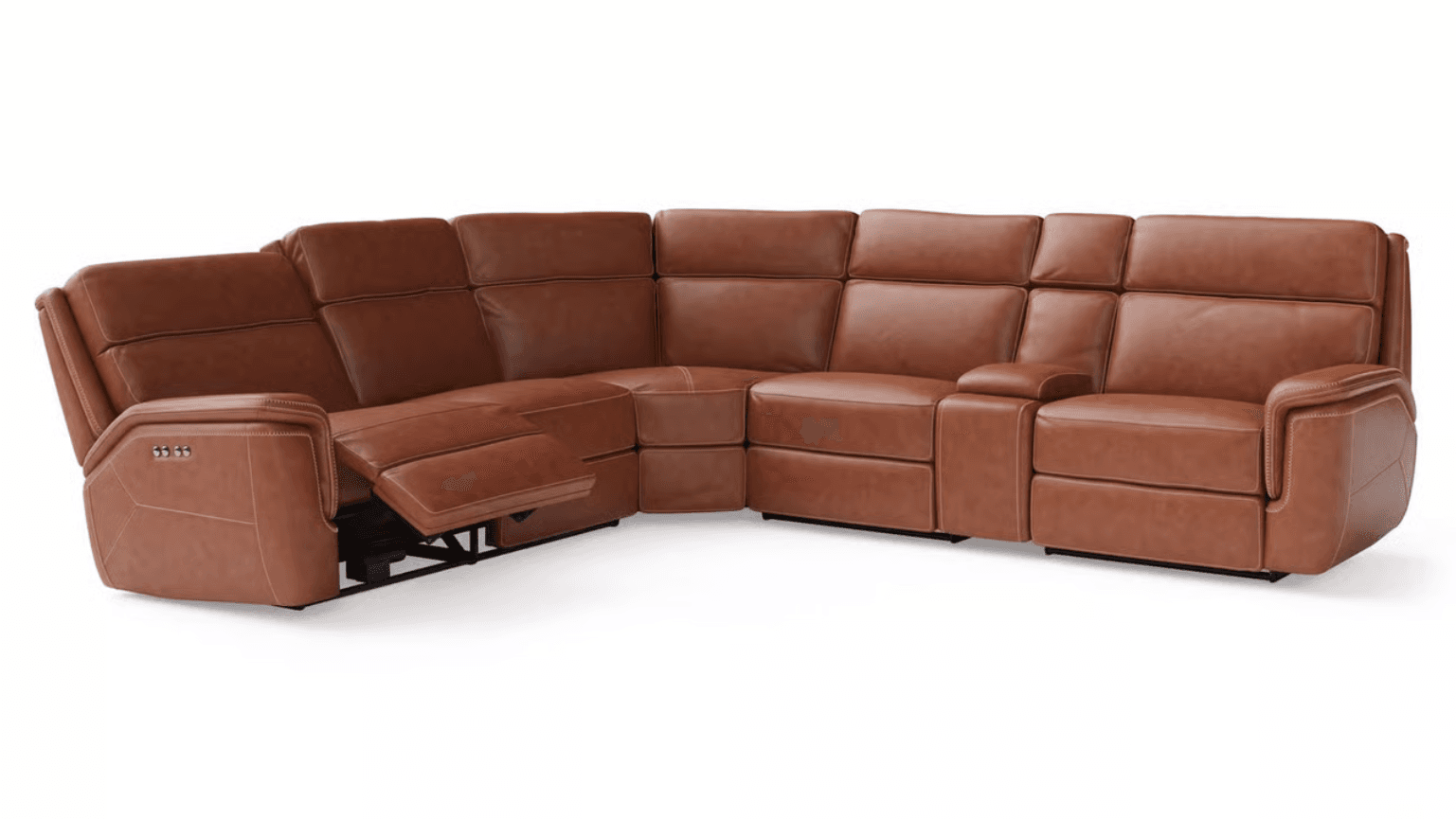
A product digital twin is a reusable 3D master of your product, enriched with the data that describes it: materials, options, dimensions, and the rules for how it can vary. That last part is what makes it more than a model. Once the twin exists, two things become possible from the same asset:
- Content. The twin is rendered into finished marketing assets: white-background silos, lifestyle scenes, close-ups, 360° spins, animation, AR-ready files.
- Configuration. The same twin, made interactive, lets a shopper change materials and options live on the page and see a true representation of what they’re buying.
These aren’t two separate builds. They’re two ways of consuming one source. The configurator is the twin in real time; the content set is the twin captured as final imagery. Understanding that is what saves the duplicated cost most brands pay.
What’s Inside the Twin: Three Layers
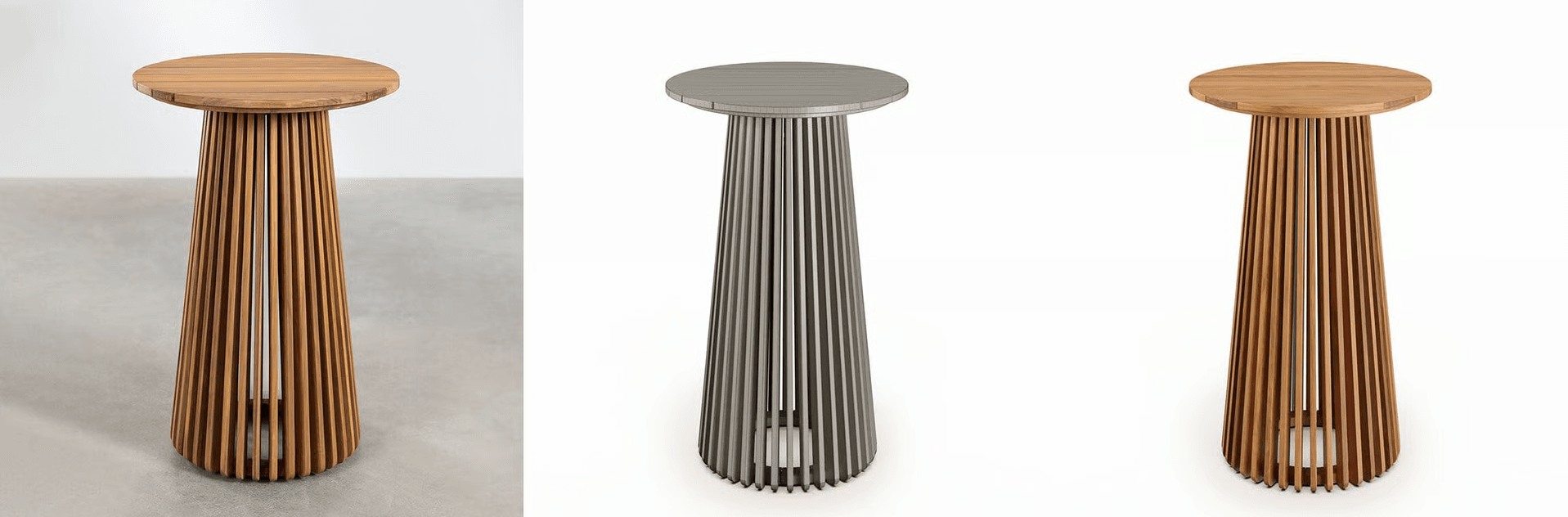
A configurator can’t run on geometry alone, and neither can a scalable content pipeline. Both depend on the same three layers:
- Geometry. An accurate, web-optimizable model built from CAD, drawings, or references. How that model is made is covered in our product 3D modeling guide.
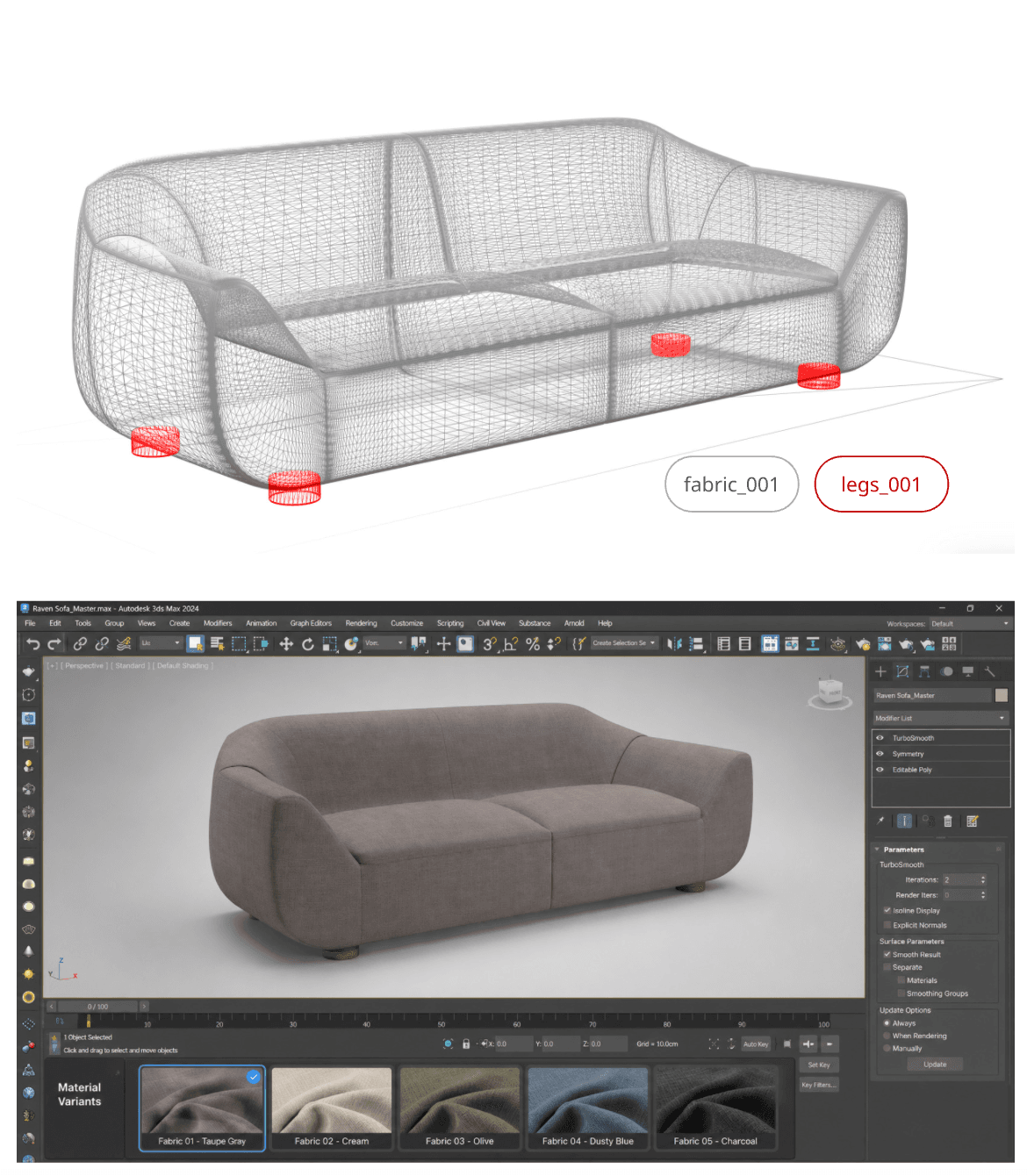
- Materials and options. Each part tagged with the finishes and variants it supports: this fabric, that leg, these sizes.
- Rules and metadata. The logic defining which combinations are valid, how variants map to SKUs, and how they map to price.
That third layer is the quiet hero. In a configurator, a rules engine reads it to make sure every combination a shopper builds is valid, buildable, and priced correctly, with no impossible products. In the content pipeline, the same option data drives batch rendering, so every colorway and variant can be produced automatically from one source. The data does double duty.
How the Configurator Draws on the Twin
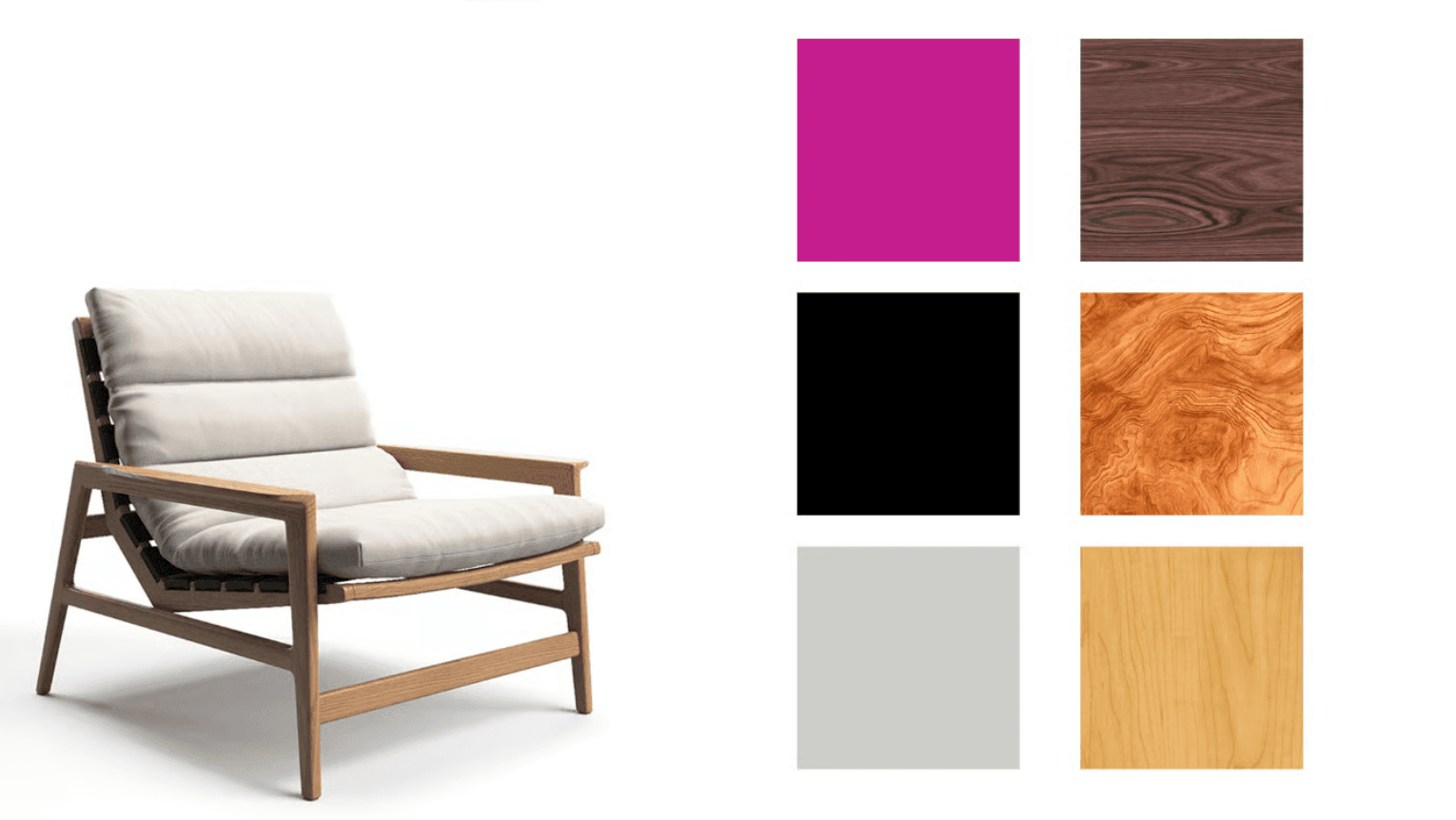
When a shopper changes a material or option, the configurator doesn’t load a new picture; it updates the twin in real time. The 3D model behaves as a live digital twin that updates instantly, while a configuration rules engine ensures every combination is valid. The visual layer (typically WebGL with glTF/GLB assets) shows the result, the rules layer keeps it honest, and structured product data, often pulled from a PIM, ERP, or CRM, supplies pricing and availability.
The payoff shows up in behavior. People buy with more confidence when they can see exactly the variant they’re choosing, from every angle, before they commit, and brands deploying real-time configuration commonly cite higher conversion and faster sales cycles.
How the Content Pipeline Draws on the Same Twin
The configurator serves the shopper on the page. The same twin also feeds everything around the page, which is where most of the content volume lives:
- Silo / packshot images for PDPs and marketplaces, generated per variant without a photoshoot.
- Lifestyle renders that place the product in context, swapping the scene rather than booking a location.
- 360° spins and close-ups for detail and confidence.
- Animation for ads, launches, and social.
- AR-ready files so shoppers can place the product in their own space.
Because all of these come from one source, they stay consistent with each other and with the configurator by default. A colorway looks the same on the PDP, in the ad, and in the configurator, because they’re all the same twin. That consistency is hard to maintain when each asset is produced as a separate job.
Why the Order Matters: Twin First
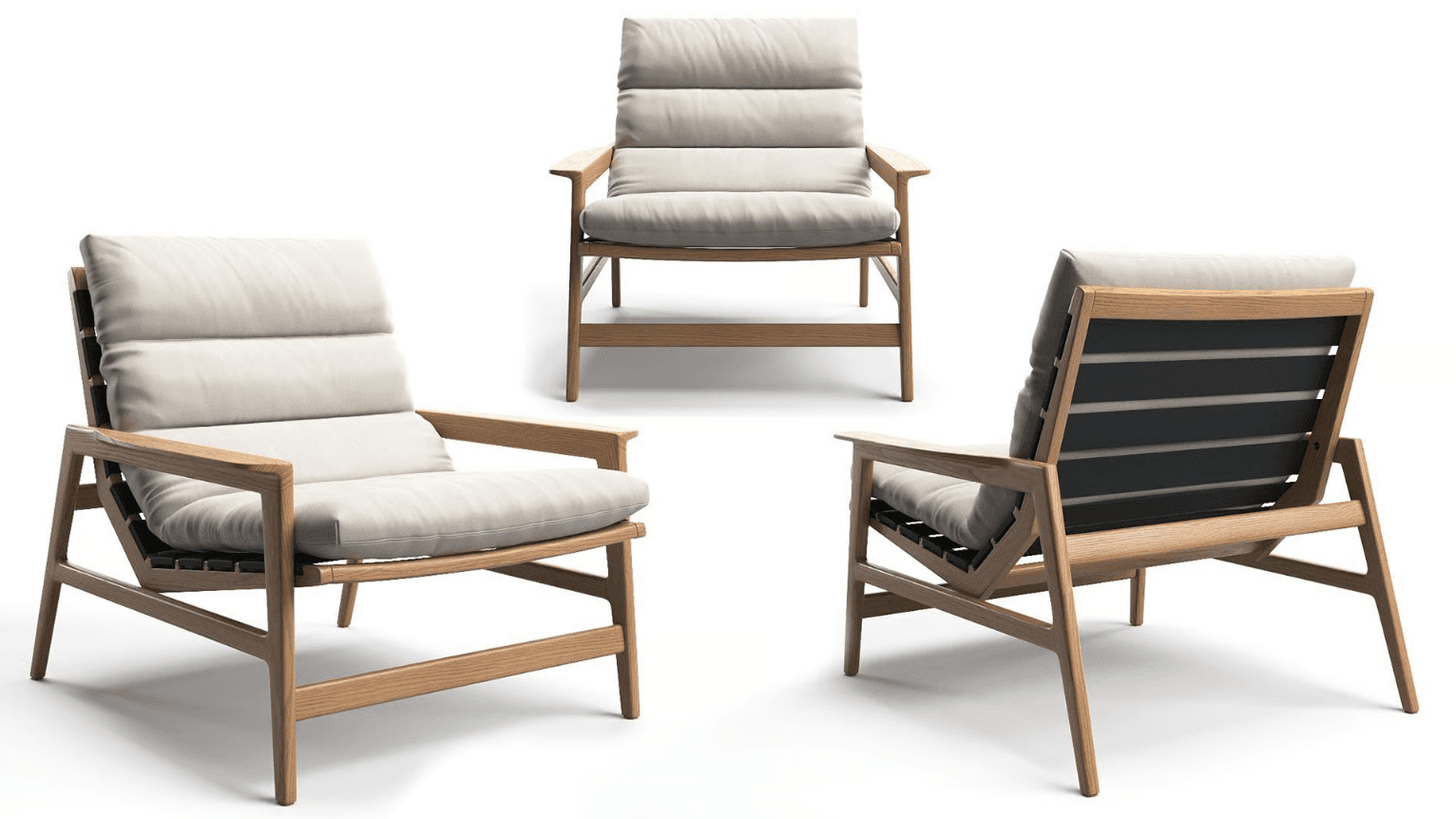
Here’s the practical takeaway. A configurator is not the starting point; it’s one of the things a twin makes possible. If the underlying twin is incomplete (no option data, no rules, geometry that wasn’t built for reuse), a configurator built on top of it will be fragile, and the content produced alongside it won’t match. Get the twin right first, with accurate geometry, tagged materials and options, and clean metadata, and both the content set and a future configurator have a solid foundation to stand on.
This is why the most efficient path is usually to build the twin, generate your content from it now, and add interactive configuration later on the same asset when you’re ready. The investment compounds. Nothing gets thrown away, because every later output draws on the work you already did. Our 3D product modeling services start at that step: building the twin with its geometry, materials, and option data.
Which Brands Get the Most From This
The model pays off fastest for catalogs with real variation: products offered in multiple colors, materials, or configurations; catalogs with 20+ SKUs; frequent design updates; and pre-launch needs. Furniture, lighting, flooring, electronics, and hardware fit naturally, because the geometry is stable while options multiply. For a handful of simple, fixed products, the upfront modeling may not be worth it yet.
Start With the Twin
If you’re weighing a configurator, an AR experience, or just trying to produce variant content faster, the first question isn’t “which tool?” It’s “do we have a proper twin yet?” That asset is what every later capability stands on. The fastest way to see what a well-built twin makes possible, across content today and configuration down the road, is to walk through it on your own product.
See a digital twin built from your product
Bring one product. We will walk you through how one master model becomes silo images, room scenes, 3D and AR today, and a configurator later.
Book a DemoFAQ
How does a product digital twin power a configurator?
The configurator runs on the twin: when a shopper changes a material or option, it updates the same 3D model in real time rather than loading a new image. A rules engine reads the twin’s metadata to ensure every combination is valid and priced correctly.
Can one 3D model be used for both content and a configurator?
Yes, that’s the point of a twin. The same master asset is rendered into silo, lifestyle, 360°, and AR content, and also drives the interactive configurator. They’re two ways of using one source, not two separate builds.
What is a configurator rules engine?
It’s the logic layer that enforces which option combinations are valid, buildable, and correctly priced. It reads the structured data attached to the twin, so shoppers can’t build an impossible product, and pricing updates as they choose.
Do I need a configurator to benefit from a digital twin?
No. A twin first delivers content: every image, render, and AR asset from one source. A configurator is an additional capability you can add later on the same twin, without redoing the foundational work.
What 3D assets do I need before building a configurator?
Accurate, web-optimized geometry (glTF/GLB), materials and options tagged per part, and structured rules and metadata for valid combinations and pricing. Without that foundation, a configurator is fragile, which is why the twin comes first.
Does a configurator actually increase sales?
Industry data suggests shoppers who use a 3D configurator are around 20% more likely to buy, with brands also reporting faster sales cycles and higher conversion, largely because buyers can see the exact variant they’re choosing before committing.