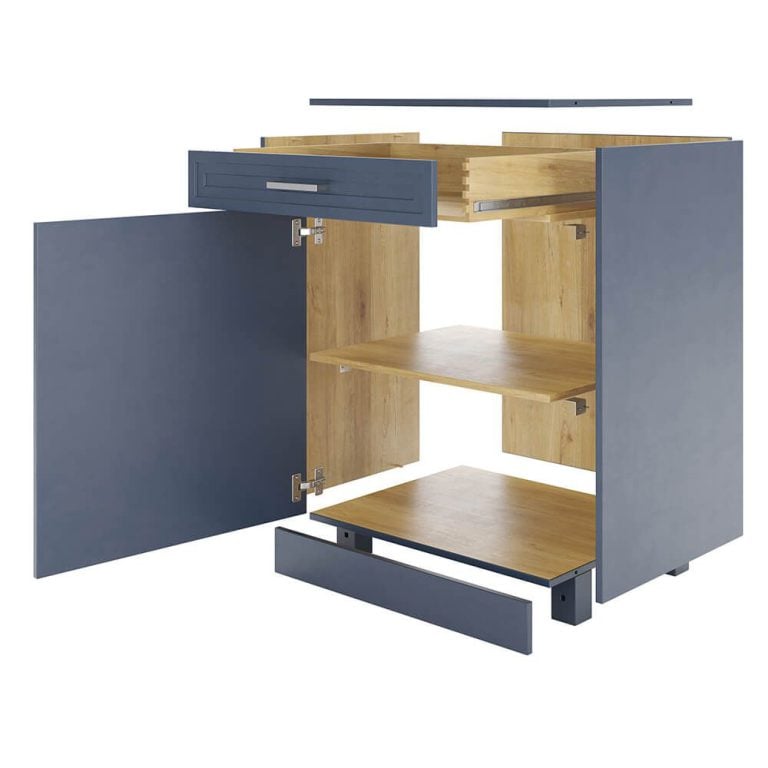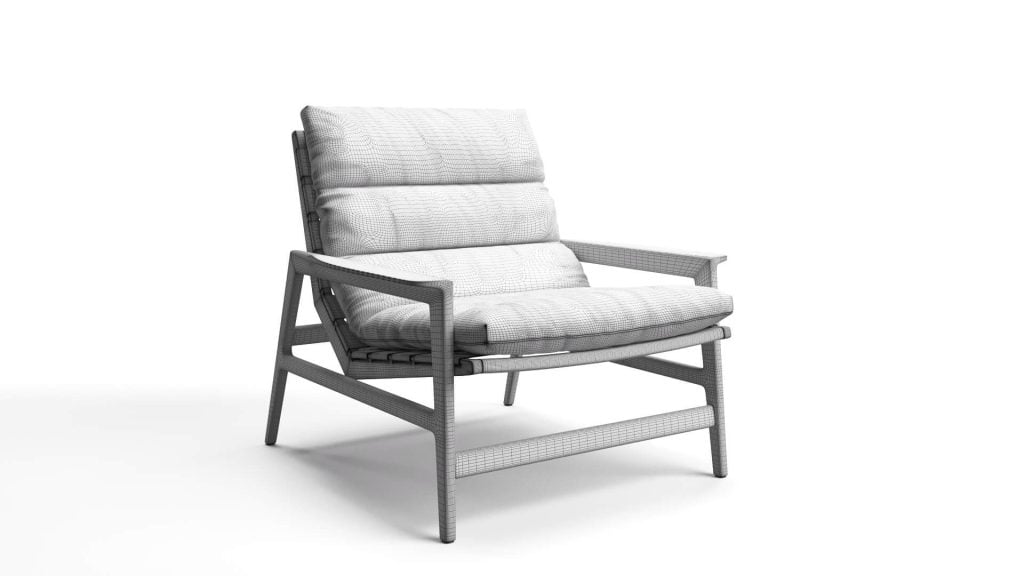
You can create a 3D model from photos in two ways: run the pictures through an AI image-to-3D tool, or give them to a 3D artist who builds the model by hand. The first takes minutes and gives you an approximate shape. The second takes longer and gives you a model of your actual product, accurate enough for product pages, 360 spins, AR and configurators. This guide is for brands that need the second kind: what to send, how the work goes, and where AI fits in.
When ordering 3D objects from a 3D modeling company , oftentimes, manufacturers don’t understand the process nor what kind of information they have to provide. But in fact, the proper preparation and detailed scope of work (SoW) would help reduce the time for creating 3D models and save furniture makers a lot of money.
Can AI Make a 3D Model from a Photo?
Yes, in the sense that tools like Meshy, Krea or Alpha3D will turn a single image into a 3D mesh in minutes. For a mood board, a game prop or a quick concept, that is often enough. For a product you sell, it usually is not, and we tested this on real furniture.
In September 2026 our senior artists ran a hands-on test: they gave an AI modeling assistant the same briefs our clients send. One of them was a yellow metal folding chair, with the listing photos and its three dimensions. The AI returned a yellow metal folding chair of the right height. It was also a different chair: the slats had a different count and spacing, the folding mechanism was its own invention, and the legs bent where the real ones do not.
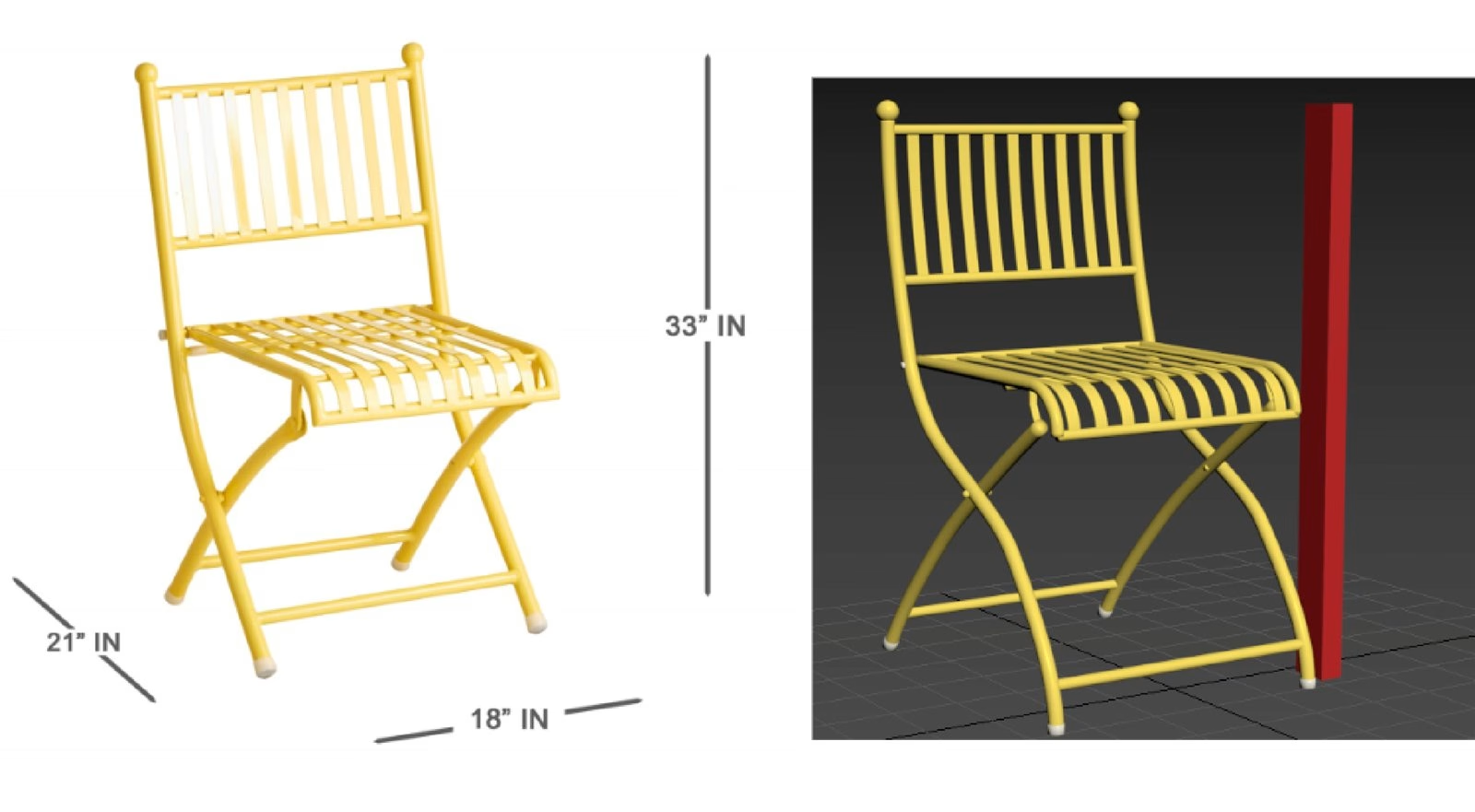
The pattern held across every test. When the geometry already exists, AI is useful: it cleans up meshes, and it made a fabric tile from a swatch photo that a client approved. When it has to read photos and build something that does not exist yet, it produces something that looks like the product but is not the product. A shopper who buys from that picture gets something else in the box. The full write-up is in our test Can AI generated 3D models replace product modeling?.
Photos Only, Photos with Measurements, or Drawings: What Each Gets You
An artist can work from photos alone, but every extra piece of information replaces a guess with a fact. This is what changes as you add more.
| What you send | What the artist can do | What to expect |
|---|---|---|
| Photos only | Works out the proportions from the pictures, using one known size as the scale | A faithful look, but some dimensions are estimates, so plan for more revision rounds |
| Photos and key measurements | Locks the overall size, seat height and other dimensions a customer checks | The usual starting point for e-commerce models, with fewer questions and revisions |
| Photos and 2D drawings or CAD | Builds to the exact dimensions and construction | The most accurate starting point. CAD files still need cleanup before rendering |
In this article, we break the whole 3D modeling process into 5 easy steps to put manufacturers and retailers in the way of things and help them prepare the correct SoW. Let’s get into it right now!
1. Collect All the Input Data About the Product
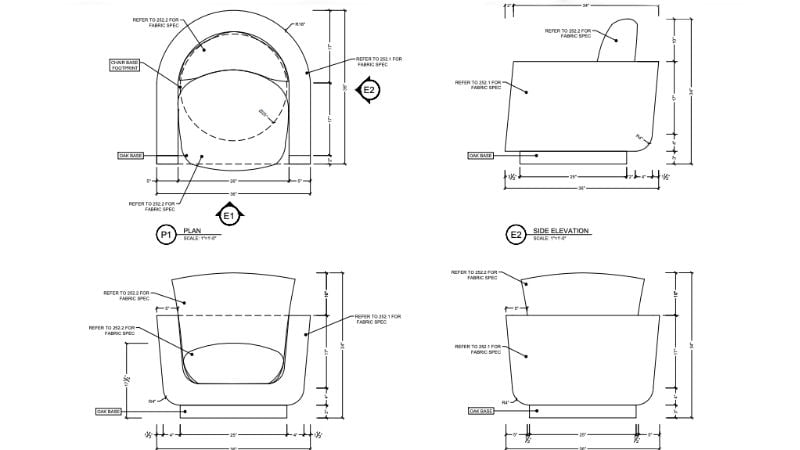
Professional CG artists know how to create a 3D model from a photo but they need a SoW with additional information about the product. These are the most common materials to include:
- product photos/videos shot from different angles;
- 2D drawings of a piece;
- precise measurements;
- texture references or photos of the samples.
The more additional materials SoW contains, the better CG specialists can understand the task and deliver accurate 3D models. In the end, detailed SoW is a win-win for both parties because it helps reduce the number of edits and ensures assets are ready for advanced uses such as 360 spin product photography.
What if photos are all you have? A model can still be built without drawings. The artist first confirms the key facts with you (overall dimensions, materials, finishes), then works out the proportions from the photos with hand sketches, using a known size such as the total width or seat height as the scale. Artists with an engineering or product design background can see from photos how the parts connect and work together, which helps fill the gaps. Still, even one or two real measurements remove a lot of guesswork. Our tips on reference photos for 3D modeling show how to shoot a piece so the artist can read it.
The Photo Set to Send
- front, back, both sides and a three-quarter view, shot from product height;
- a top view, and a view from below if the base or the mechanism matters;
- close-ups of joints, legs, hardware, stitching and any logo or label;
- a close-up of each material in daylight, plus the finish name or a swatch;
- overall width, depth and height, and any size a customer cares about, such as seat height;
- a photo of each position if the product opens, folds or extends.
Phone cameras bend straight lines at close range, so step back and zoom in a little instead of shooting from up close.
2. Create the Geometry
–
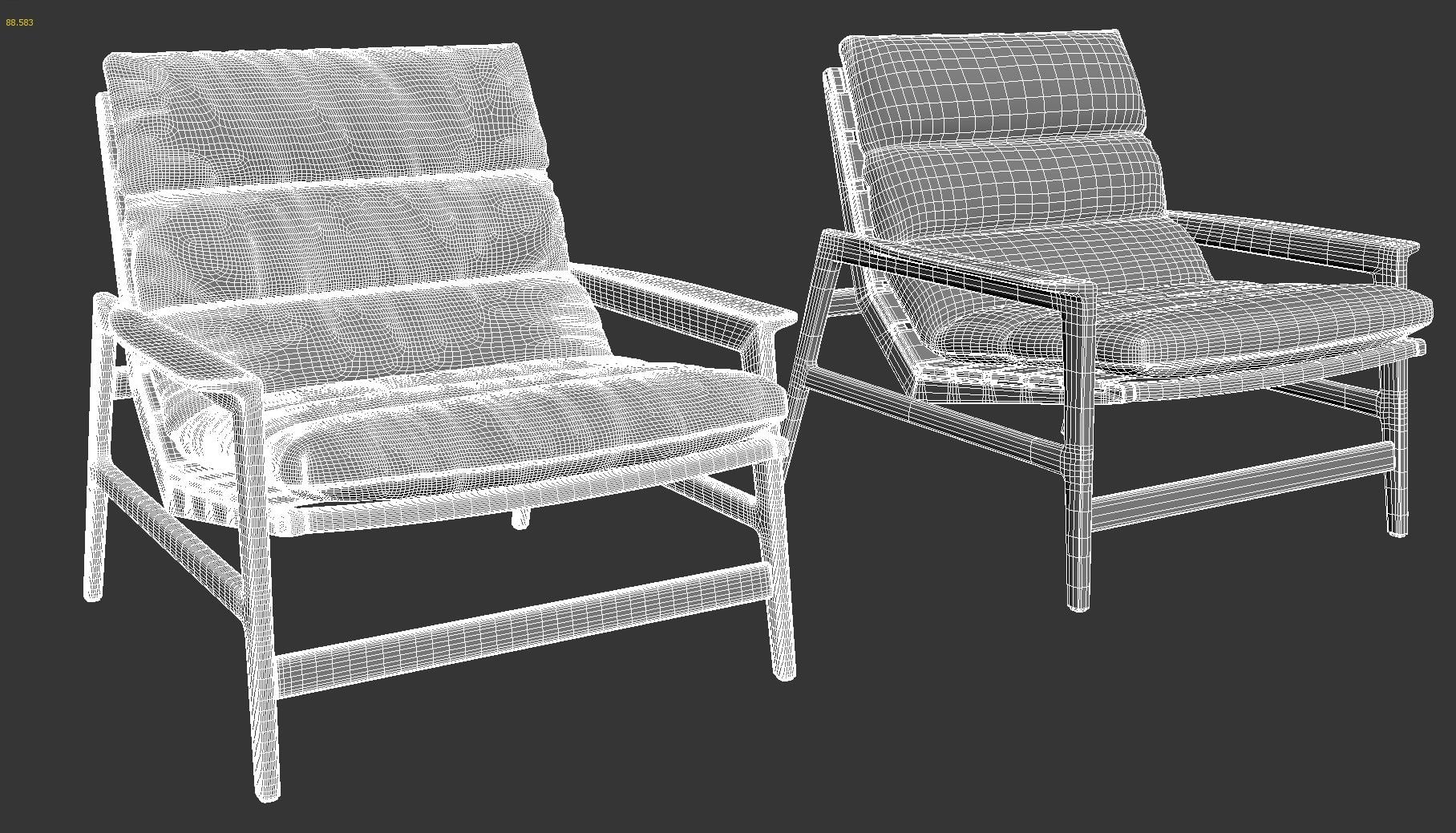
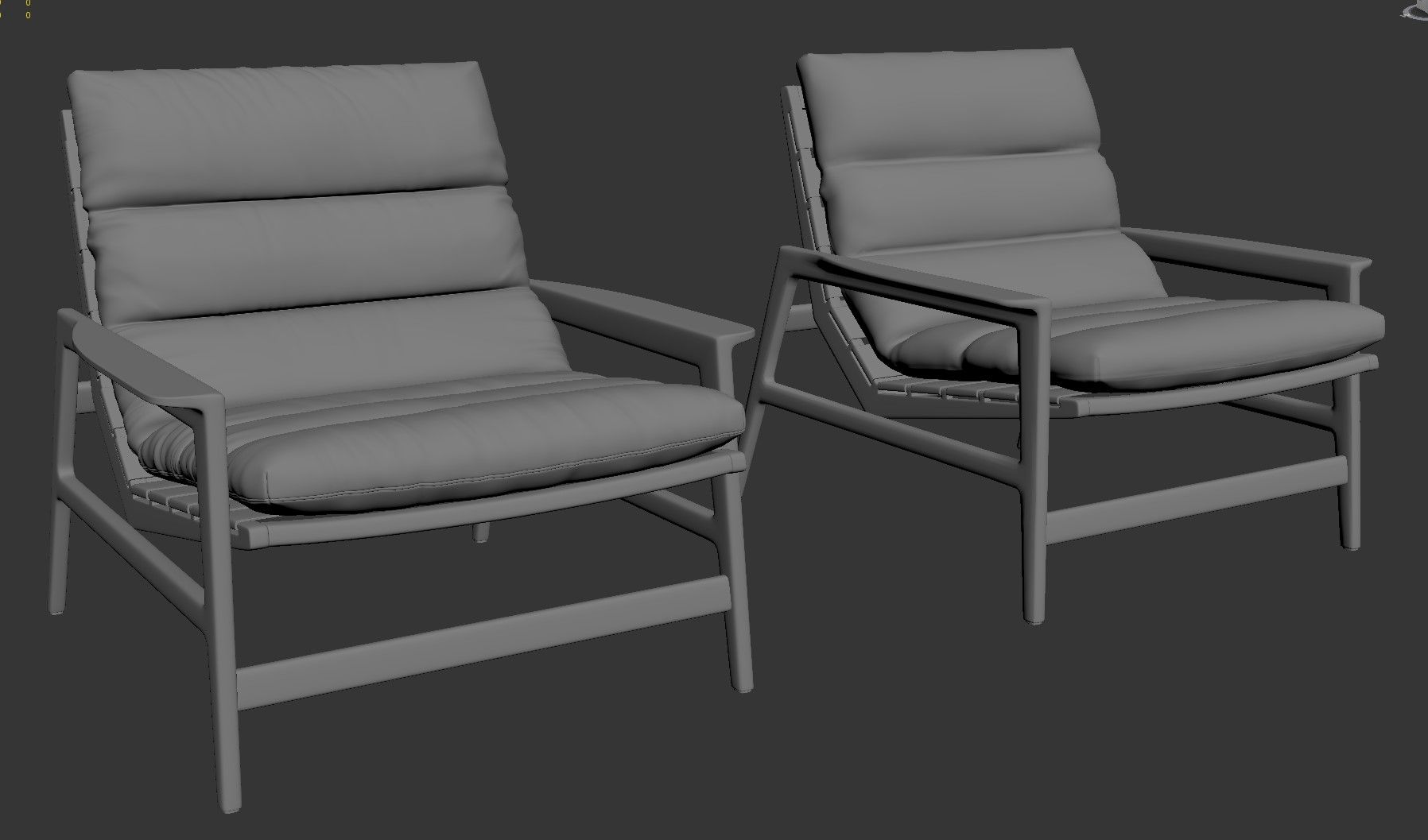
High poly 3d model Product 3d modeling Low poly 3d model
To answer your question “how to create a 3D model from photos” – it all starts with building up the geometry of the object in 3D software. There are different 3D modeling methods that CG artists use depending on the project. Traditionally, they opt for a polygonal 3D modeling for furniture pieces. In our blog, we have an article explaining what polygons are in 3D modeling , so click on the link to learn more about it.
When creating a polygonal 3D model, CG experts usually start with building basic structures and larger parts. Then they gradually add smaller ones, such as fittings, and polish them. For top-notch 3D modeling, it is extremely important to maintain realistic proportions and scrupulously elaborate the details. Each stage after this one is covered in our guide to the 3D modeling process.
At this stage, the artist also builds every design element of the original product: knobs, carvings, wheels, joints, and so on. Then they smooth the surface so it has no notches, seams, or gaps. Our 3D sculpting workflow article explains this part in more detail.
Where the model will be used also matters here. For still renders, the detailed high-poly model is used as it is. For AR, VR, 3D viewers, or configurators, the artist prepares a lighter low-poly version that apps can load quickly. Tell the studio about all planned uses in advance, so both versions can be planned from the start. Our guide to 3D product modeling explains how one model is prepared for renders, AR, and configurators.
3. Apply Materials and Textures
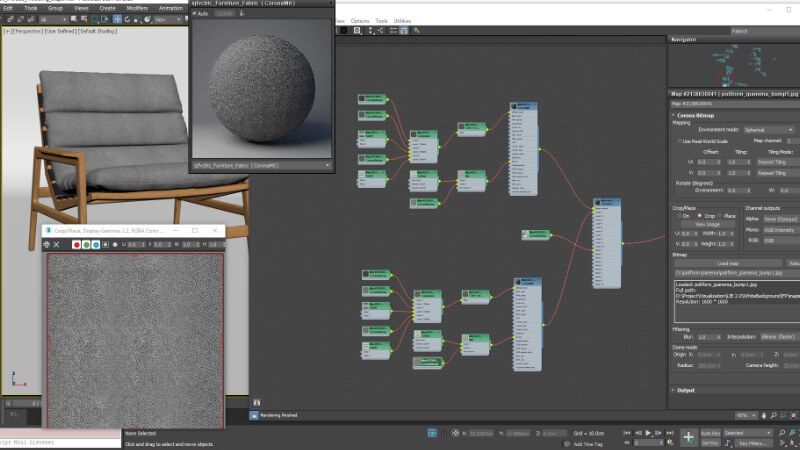
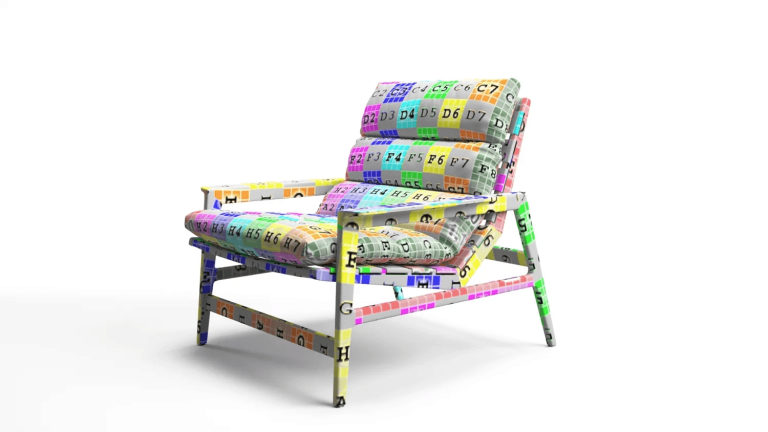
One of the best tips on how to create a 3D model from photos is to pay special attention to texture references you add to the SoW. Based on them, CG artists select materials and textures from their library which contains tons of ready textures. However, when manufacturers go for complex or unique materials, CG specialists have to create them from scratch which takes time and costs extra.
For example, if you name the exact wood species and finish, the artist can match it instead of guessing from a photo, where color and grain often look different from the real piece.
To apply materials and textures to a 3D model, CG artists use texture maps – a 2D picture or photo of samples. But to achieve photorealism, they also set up the main properties of the materials such as relief, density, smoothness, transparency, reflectivity, etc. For that, they tweak the digital values of the material properties in special software.
4. Do Revisions and Adjustments
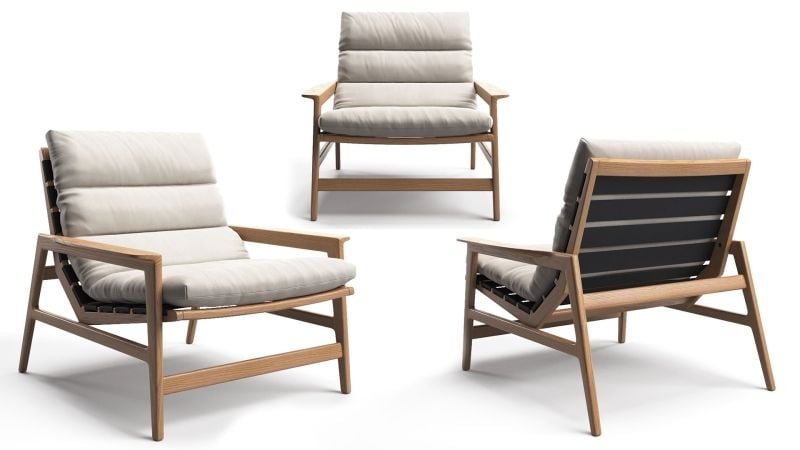
If you’re wondering how to create a 3D model from photos without corrections, the answer is – it’s impossible. Adjustments are an integral part of the working process. At this stage, a client is shown an intermediate rendering of the 3D model created from photos. And until they approve it, an object is not considered ready.
A client makes corrections and leaves comments so CG artists can adjust a 3D model. They keep polishing it until the manufacturer is 100% satisfied with the result. At CGIFURNITURE, we make adjustments for free up until they make up 60% of the project workload. If a client wants edits that exceed this limit and lead to significant changes in a 3D model, we consider it a new project. The same revision terms apply across our 3D product modeling services.
5. Export a Final 3D Model
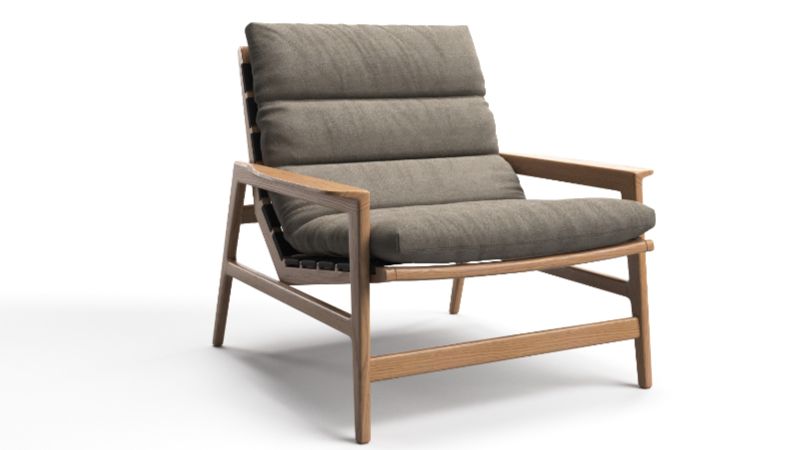
After the 3D model is corrected and approved, CG artists save it in the required format and send the file to the client. There are many 3D file formats that serve different purposes. Depending on the manufacturer’s tasks, we can export the object in stl, obj, 3mf, 3ds, stp, fbx, dae, and so on. Just let us know in advance!
Moreover, we can do 3D rendering of the finished 3D model at the request of the client. For this, our CG artists render an object on a monochrome background or in a room set, then export the image using the most common formats – jpeg, gif, png.These visuals are often part of comprehensive 3D visualization services that help brands present products in the most compelling way.
Example: A Catalog Built from Product Photos
Sklum, a Spanish online furniture and decor brand, came to us with individual product photos and nothing else. Our artists built every model from those pictures, then used the same models for white-background renders, interior and exterior lifestyle scenes, and AR. The images below show the path for two pieces: the original photo, the finished mesh and the final render.
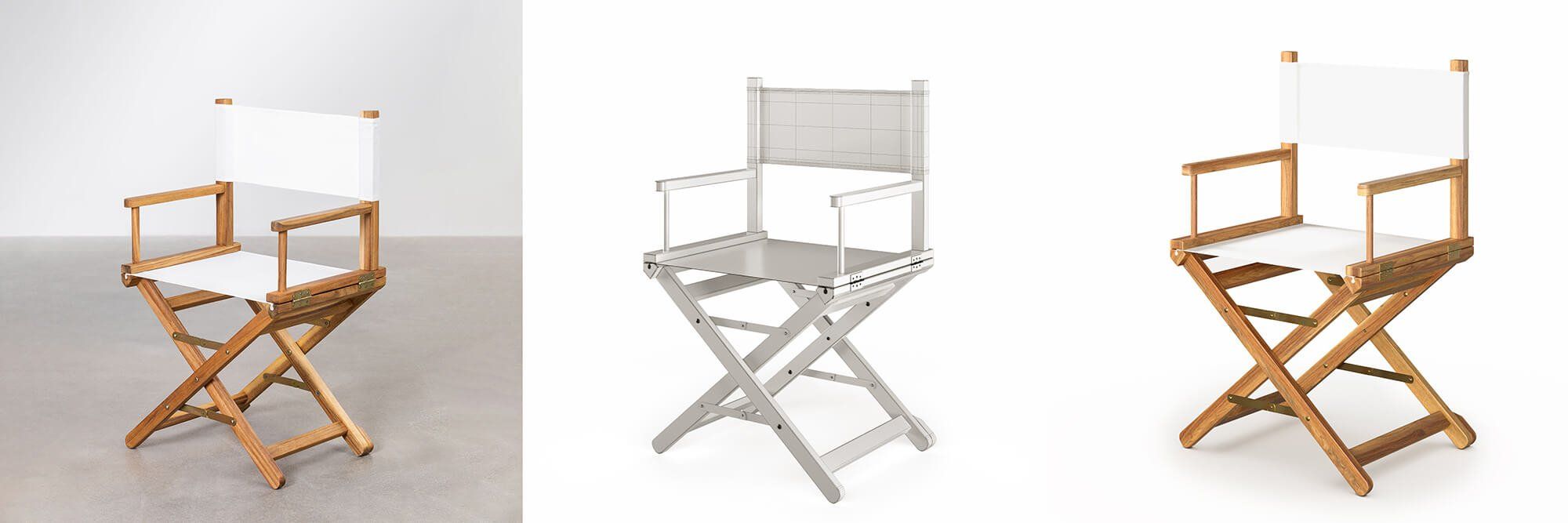
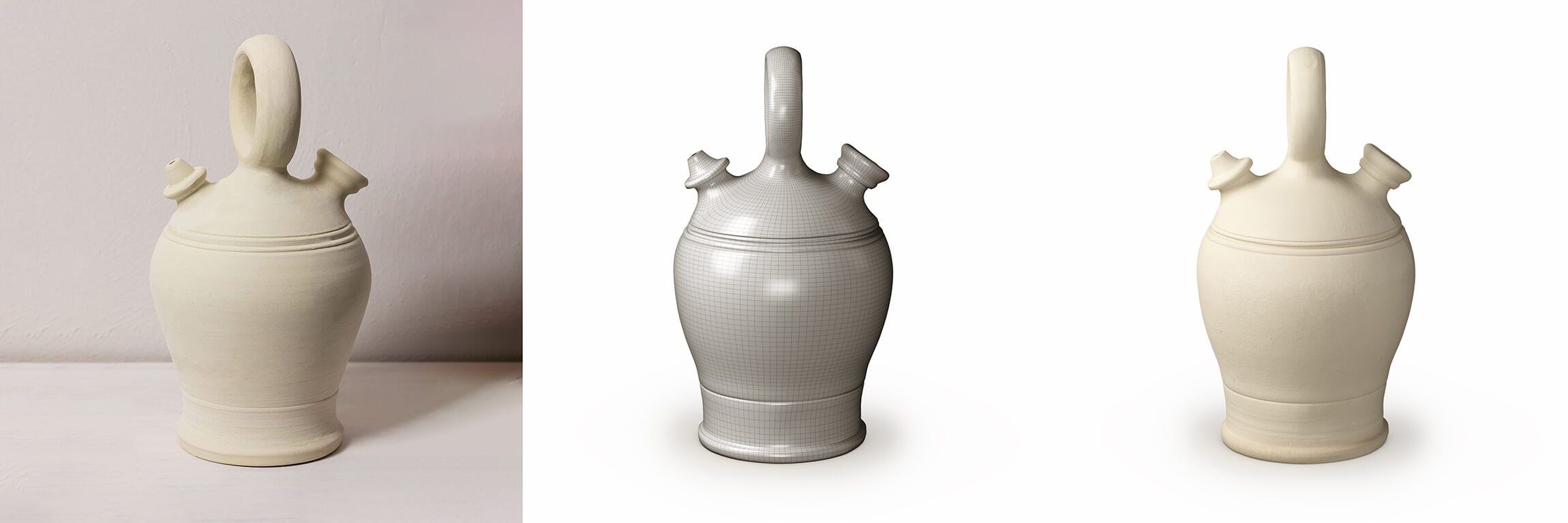
See the full Sklum case study for the catalog renders made from these models.
FAQ
Can I make a 3D model from a single photo?
An AI tool will produce something from one picture, but it has to invent every side it cannot see. An artist can work from one photo plus measurements for simple, symmetrical items. For most furniture we ask for several angles.
How many photos do I need?
Usually the main views, a few detail shots and one close-up per material, as in the checklist above. Complex mechanisms or carved parts need more.
Is photogrammetry the same thing?
No. Photogrammetry stitches dozens or hundreds of overlapping photos into a scanned mesh. It needs the physical product and controlled shooting, and the raw scan is noisy, so an artist usually rebuilds it before it can be used for product renders.
What file formats will I get?
Whatever your platform needs: FBX or OBJ for rendering, GLB and USDZ for web viewers and AR. Our overview of 3D file formats explains the differences.
How much does a 3D model from photos cost?
The price depends on how complex the product is and on its materials, not on the number of photos. Our guide to 3D furniture modeling pricing explains what goes into a quote.

Download CGIFURNITURE price guide and learn the costs of top-tier 3D visualization projects of different scales!
See our pricing